Why Photos Look Hazy or Washed Out — Wiping the Lens Changes Everything
Published Jun 27, 2026
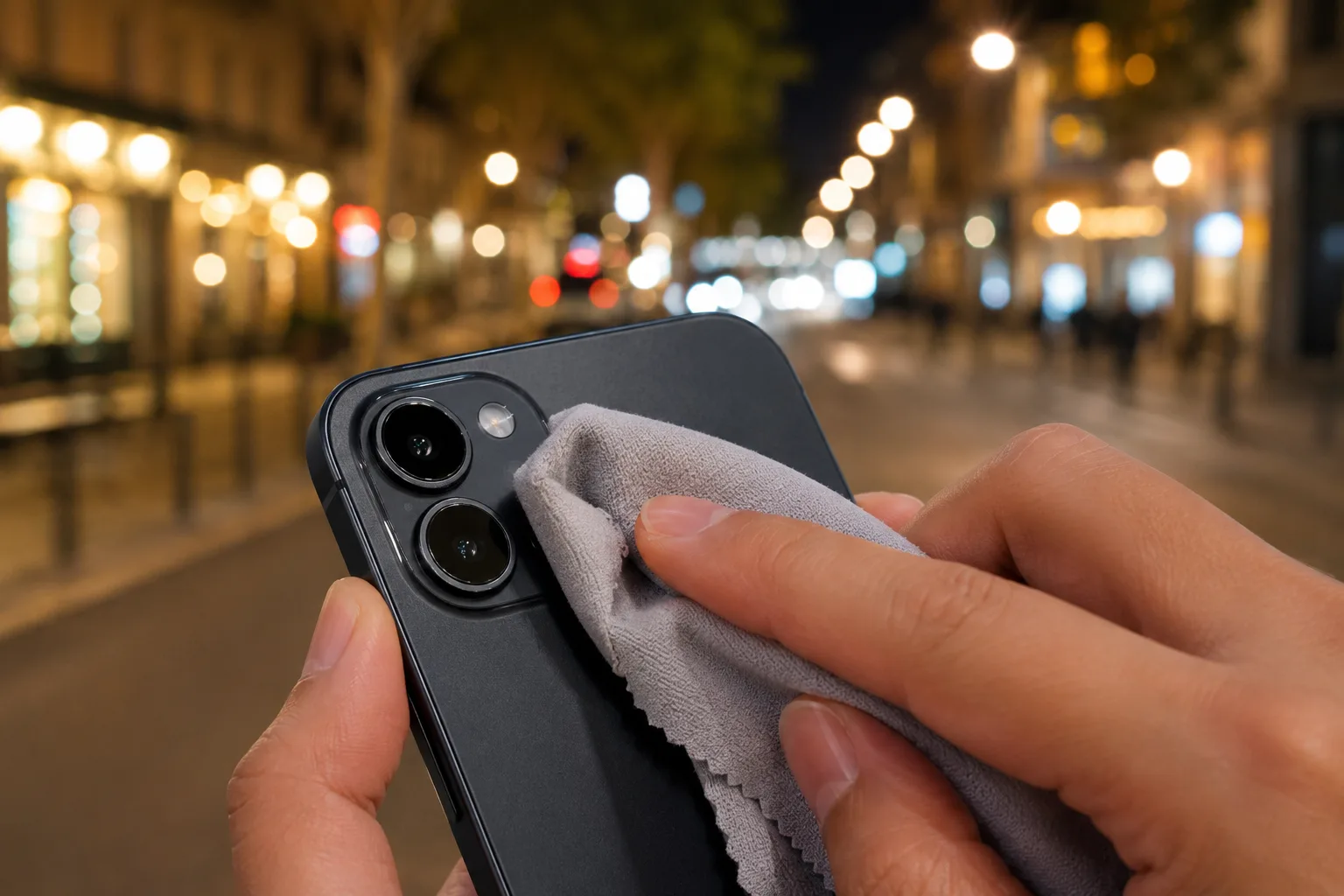
“The whole thing looks vaguely hazy.” “Light smears.” Before trying a new setting, the first thing to check is a dirty lens. As it brushes against your pocket or bag, the lens easily picks up oil and fingerprints.
Why it goes hazy
When a thin film of oil coats the lens, light scatters there and the whole photo goes hazy and washed out. It stands out especially with strong light, like a streetlamp at night or a backlit scene. Because the grime is hard to notice, it’s often overlooked as the cause.
How to wipe it correctly
Gently wipe the lens once with a soft cloth, like a glasses cloth or microfiber. When there’s sand or dust, blow on it or brush it off lightly first to prevent scratches. Avoid rubbing hard with tissue or the hem of your shirt.
When wiping doesn’t fix it
When strong light enters the lens directly, flare can make things smear. Blocking the light with your hand, or shifting the shooting angle a little, improves it. When night views smear, wiping first changes the crispness of the light (→ Photographing night views and illuminations).
Start with just this
Before you shoot, wipe the lens once with a soft cloth. That alone clears up most “hazy and washed out.” It’s most effective in scenes where you want the image crisp, like food and night views.
FAQ
What should I wipe the lens with?
A soft cloth like a glasses cloth or microfiber is safest. Tissue can leave fine fibers, and rubbing hard can cause scratches.
The haze doesn't go away even after wiping.
When a strong light source enters the frame directly, lens flare can make things hazy. Block the light with your hand, or shift the angle a little, to improve it.
Related reading
Related subject guides
Shooting Night Views and Illuminations Crisp — Why They Blur, and Night Mode

How to Make Food Look Delicious — Why It Looks Bland and How to Fix It

Shooting Faces and Food Bright Even in Backlight — Why It Goes Dark and the Fix

Composing Marketplace Listing Photos That Sell — Clearing the Background
Shooting Snow Truly White — Why It Turns Gray, and the Fix
Shooting at Aquariums and Zoos — Fixing Glass Reflections and the Dark Indoors