Shooting Faces and Food Bright Even in Backlight — Why It Goes Dark and the Fix
Published Jun 27, 2026

A person with their back to a window, or food against a bright outdoors, comes out “dark like a silhouette.” This is a common letdown with backlight. Once you know the cause, you can rescue a lot with just the phone’s controls.
Why only the subject goes dark
The camera decides exposure by reading the whole frame’s brightness. With a bright background, it judges “the whole thing is bright” and renders the subject darker by that much. In other words, the camera is pulled toward the background and the subject ends up underlit.
Fix 1: lift it with exposure compensation
The quickest fix is brightness adjustment. Tap the subject (a face or food) to set focus, then swipe up until the subject is easy to see. The background blows out a little, but a clearly visible subject comes through better (→ Exposure compensation basics).
Fix 2: shift your stance and angle a little
Just stepping a step to the side, moving the light source (window or sun) from directly behind to back-diagonal, lets light wrap onto the subject and brighten it. For a person, having them face the window rather than back to it renders skin bright and soft.
Fix 3: make backlight work for you
After compensating the brightness, deliberately keep the backlight, and hair, outlines, glass or leaves glow for dimension. Taking the bright background generously as space gives a shot with a sense of openness (→ Negative space).
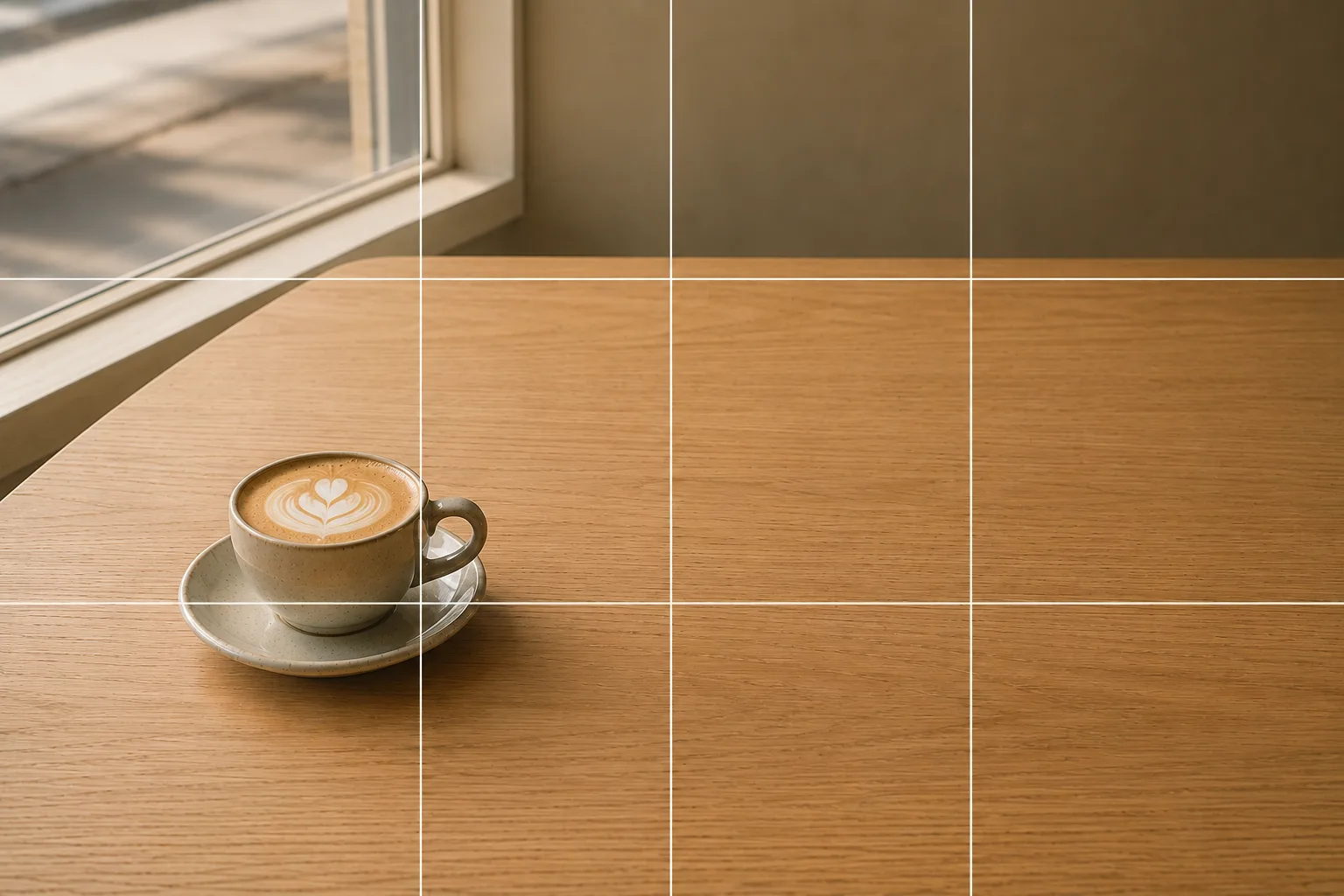 Composition guideNegative spaceSee the full guide for this composition →
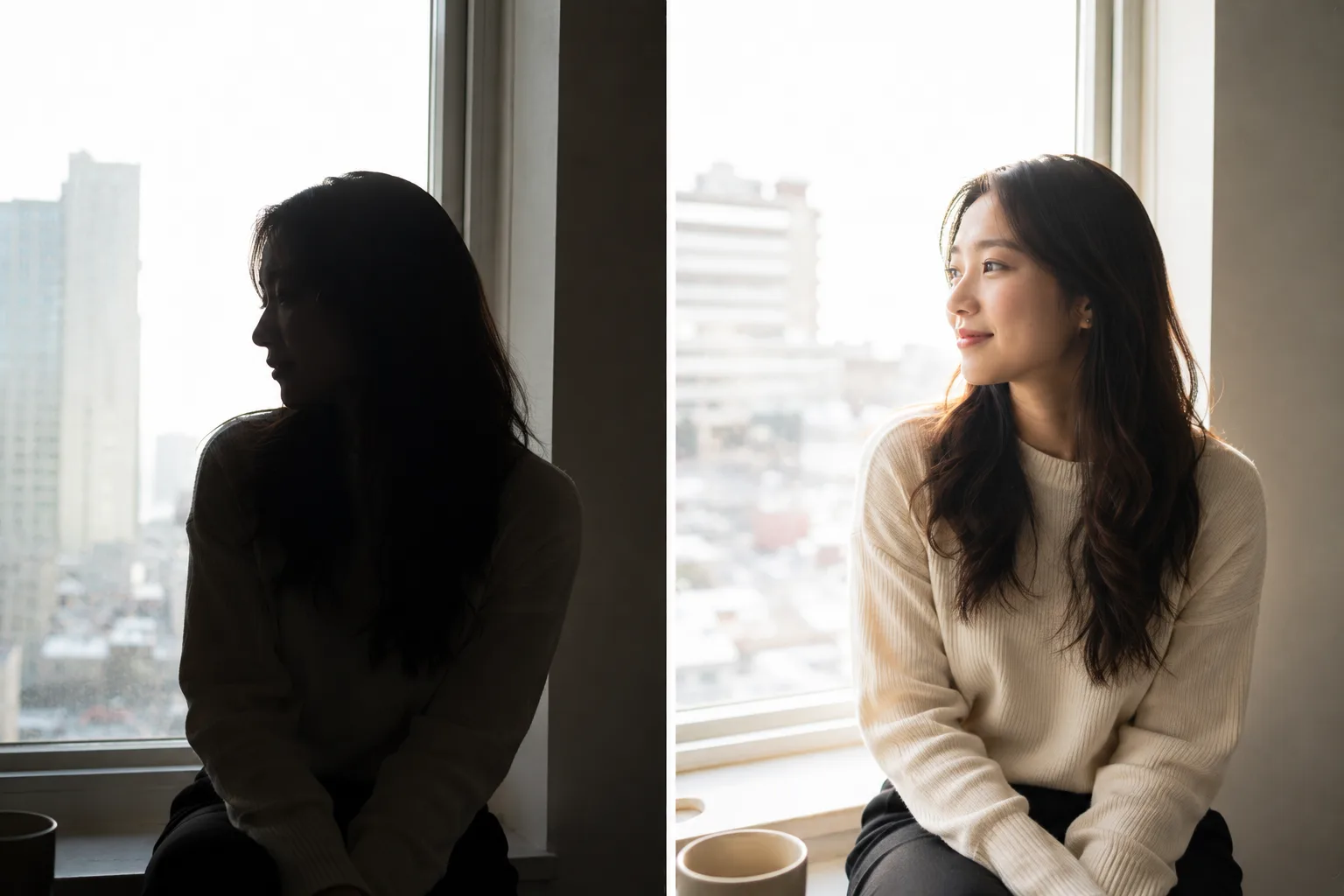
Start with just this
Tap the subject and swipe up to brighten. If it’s still dark, step to the side to make the light diagonal. These two cut down a lot of the “pitch black” of backlight. The same steps work when your face goes dark in a selfie.
FAQ
Should I avoid backlight?
Not necessarily. Compensate the brightness and you get a lovely photo with hair and outlines glowing for dimension. There are ways to make backlight work for you.
Will flash fix it?
At close range it can help, but the light tends to go harsh. Brighten with exposure compensation first, and consider fill light only if it's still dark — that looks more natural.
Related reading
Compositions used
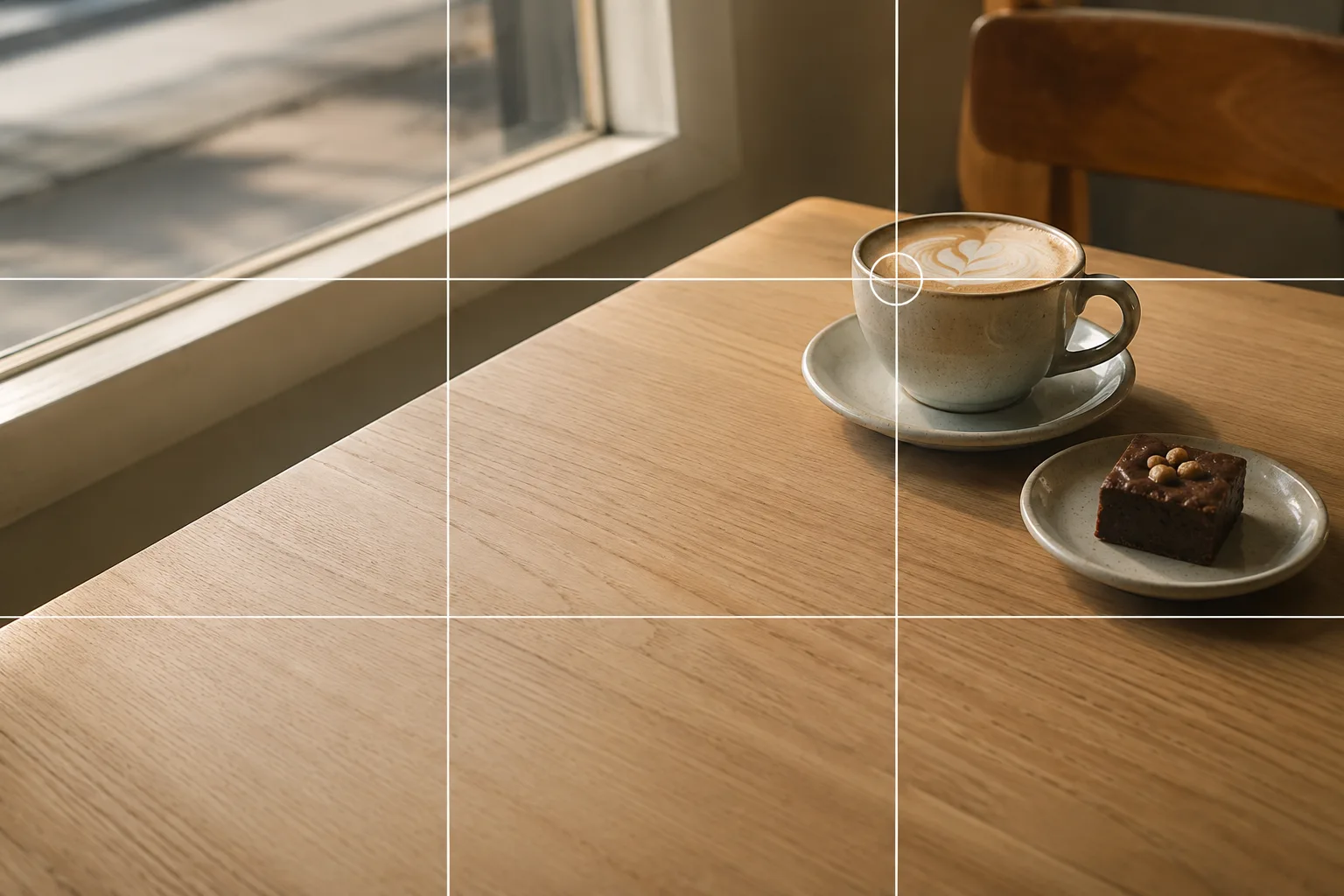
Related subject guides

Flattering Selfies, Naturally — Why They Look Awkward, Plus Angle and Light

How to Make Food Look Delicious — Why It Looks Bland and How to Fix It
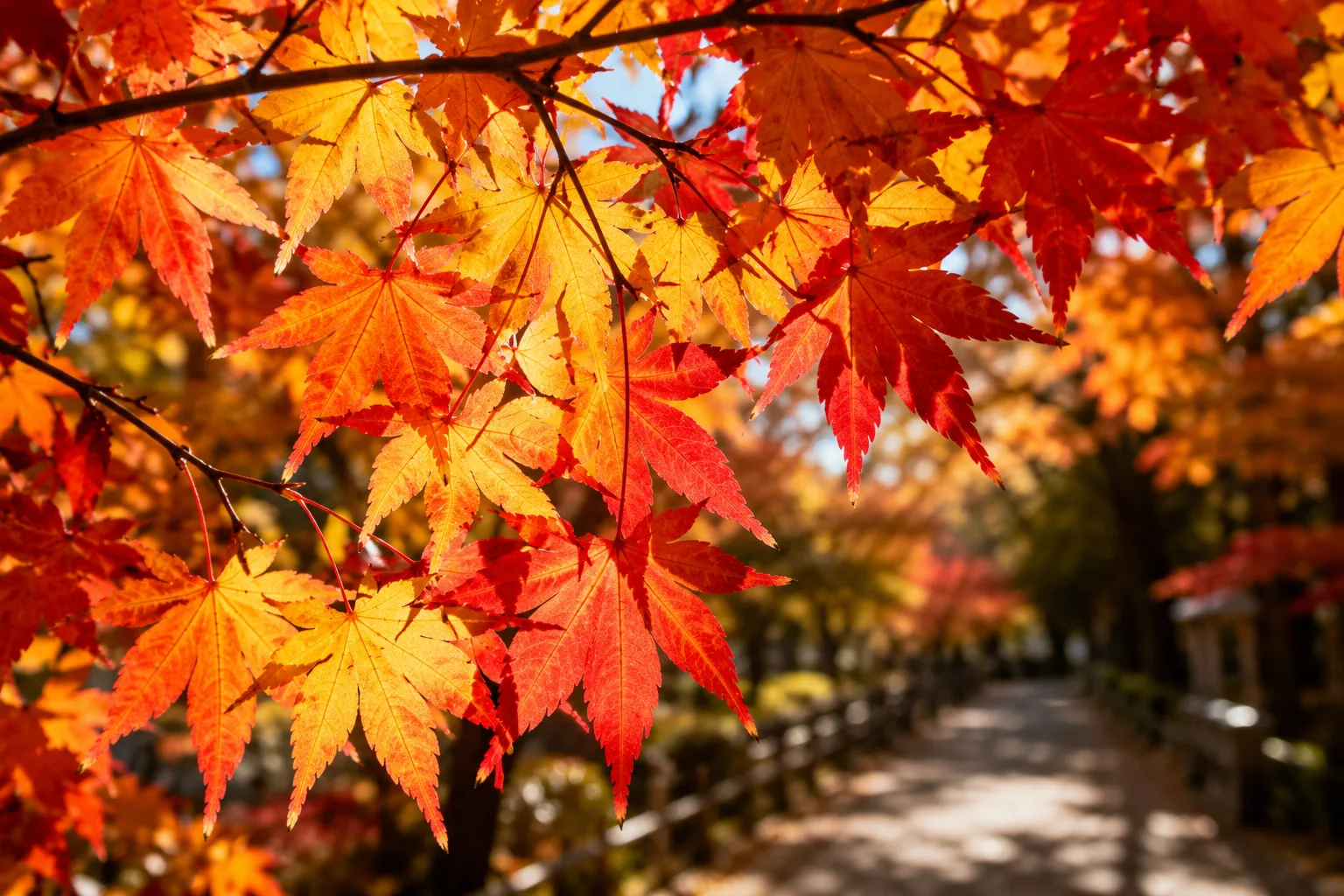
Shooting Vivid Autumn Leaves — Why They Look Flat, and Adding Dimension
Fix the "Almost There" in Phone Photos With Composition — Using SmaPhoto Tips
Shooting Fresh, Dewy Hydrangeas — Why They Look Hazy, and Bringing Out Color
Shooting Kids Sharp at Sports Day — Fixing Blur, Distance and Backlight
Shooting the New Year's First Sunrise — Fixing the Blown-Out Sun and Tiny Sun
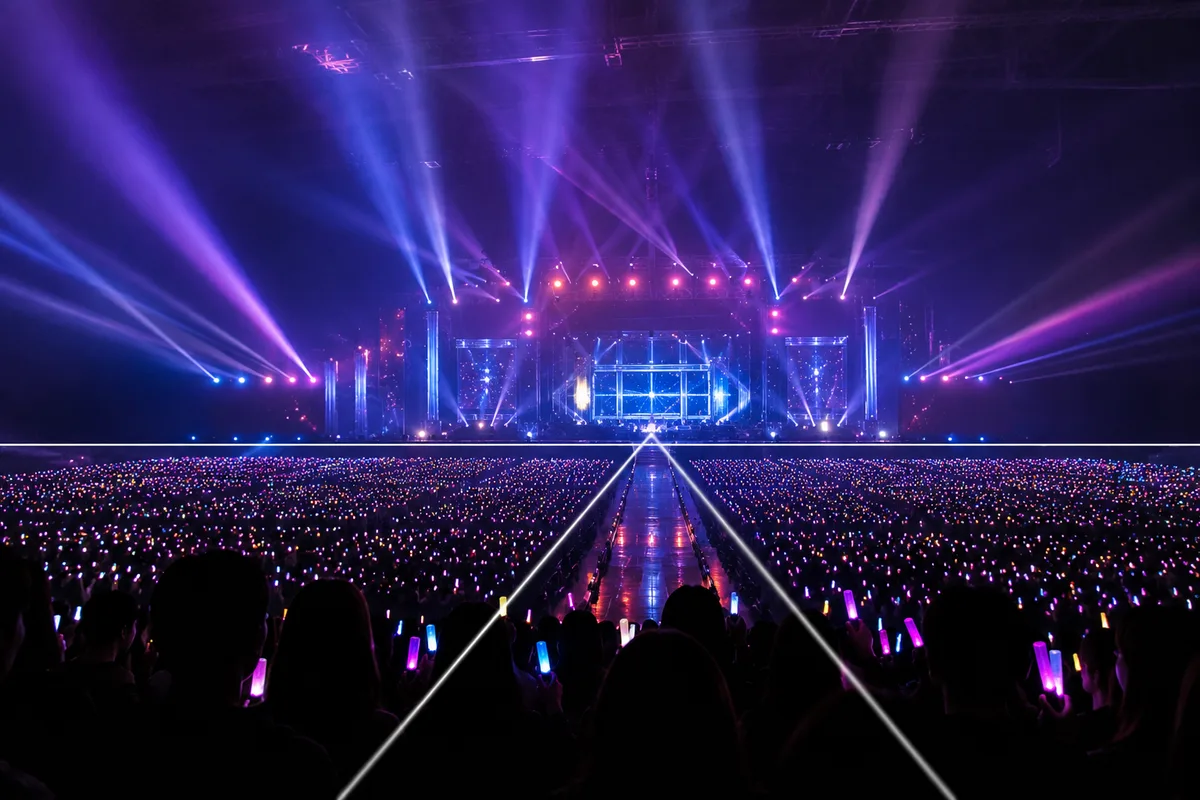
Shooting at Photo-OK Concerts — Fixing Black Frames, Blur, and the Tiny Stage
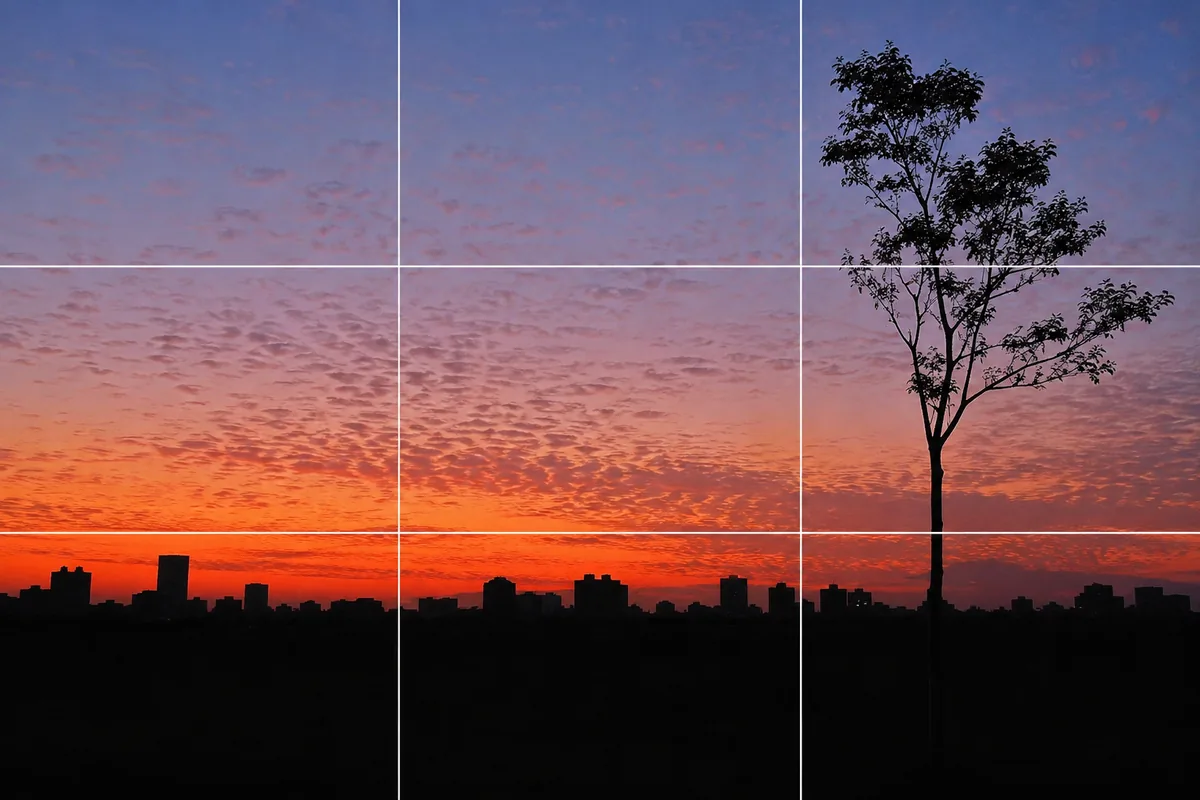
Shooting Sunsets — Why Sky-Only Shots Fall Flat and How to Catch the Magic Hour
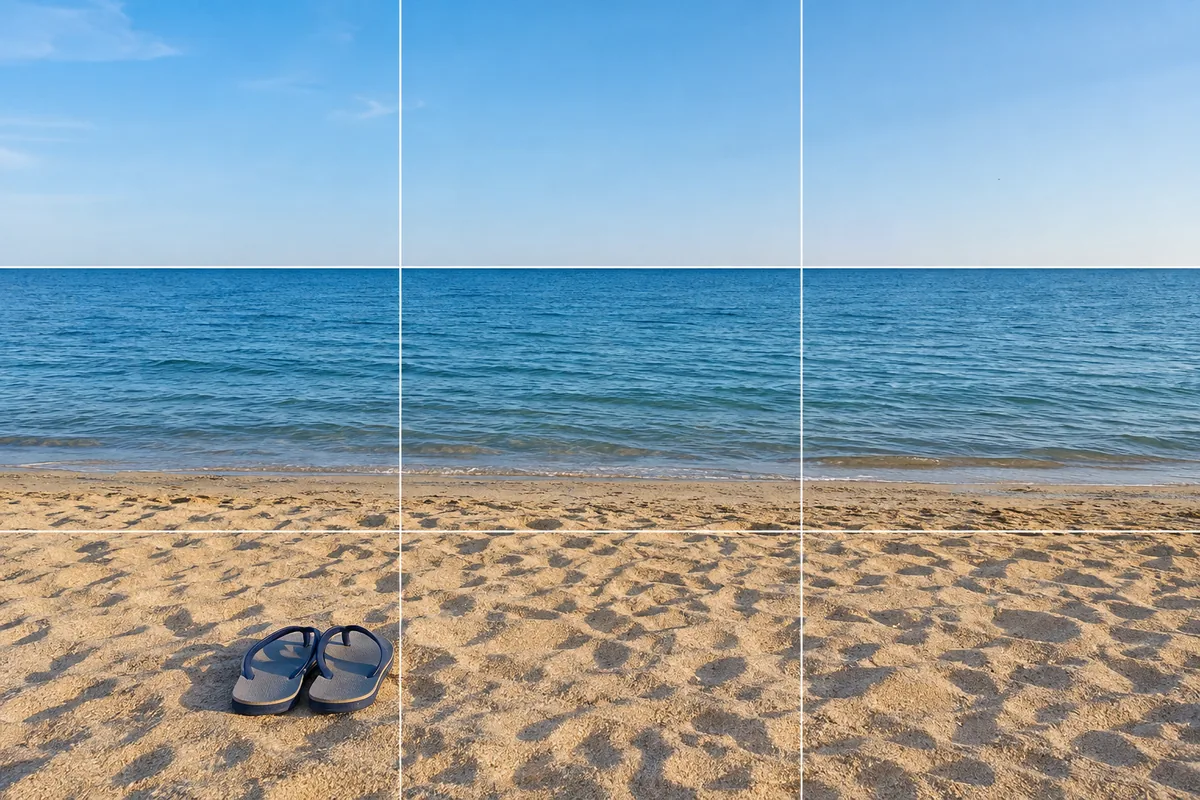
At the Beach — Why It Blows Out, and Fixing Level and Backlight
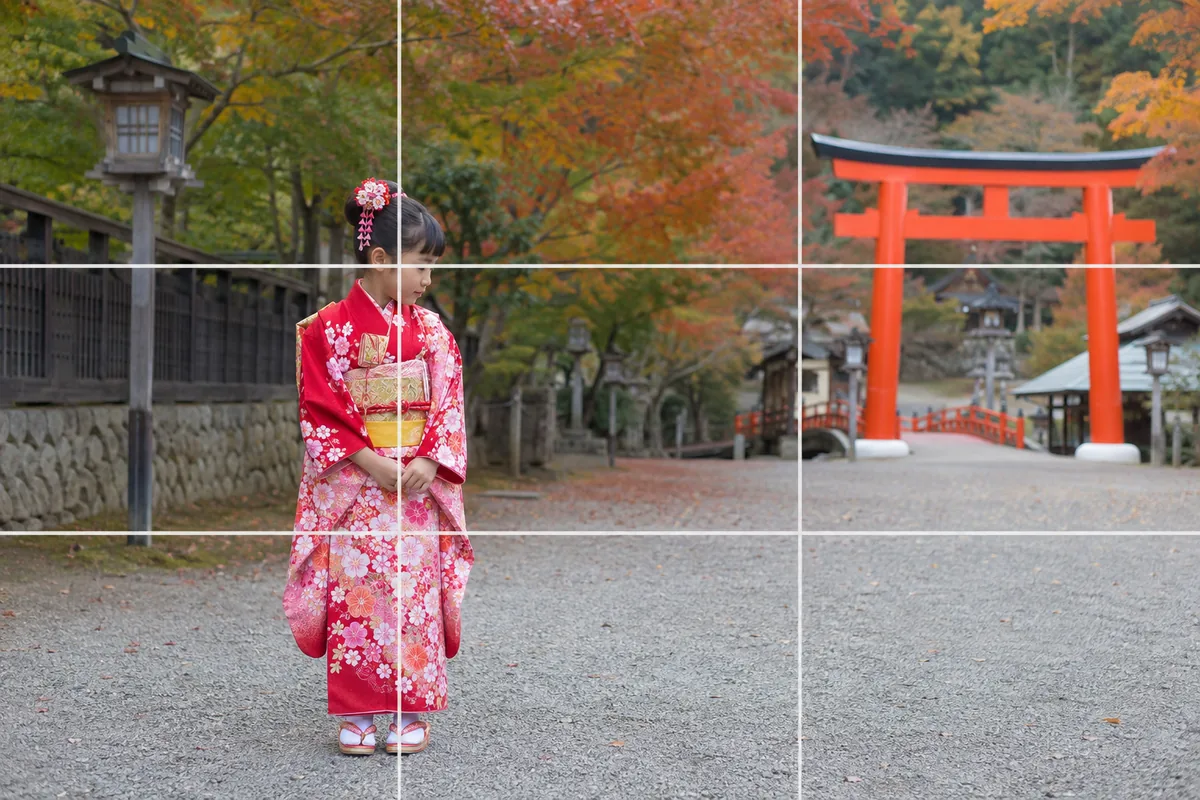
Photographing Shichi-Go-San — Why Faces Go Dark and How to Show the Kimono