At the Beach — Why It Blows Out, and Fixing Level and Backlight
Published Aug 27, 2026
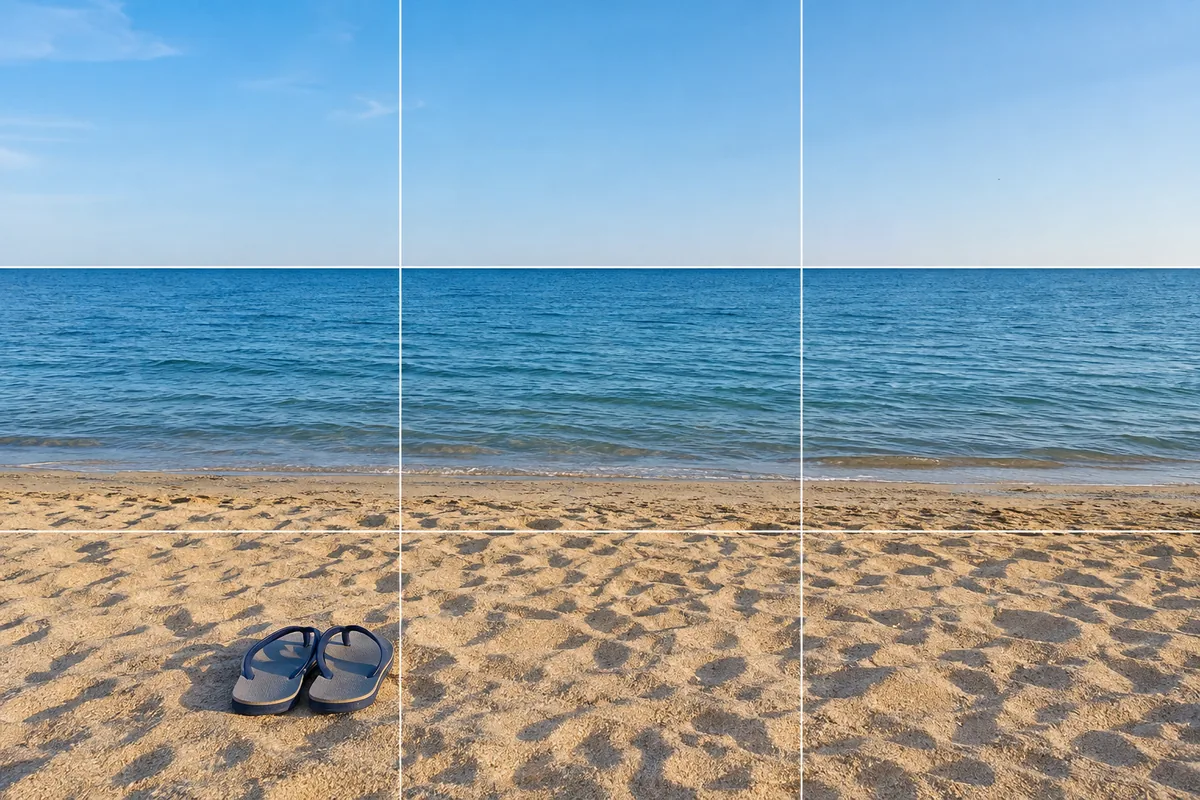
The beach is a hard place to capture the way it feels. Washed out, crooked, faces in shadow. Almost all of it comes down to strong reflections and the horizon, and both are fixable on the spot.
Lower the brightness to bring the color back
Sand and water throw back so much light that the camera decides the scene is too bright and renders everything pale. Tap the screen, then lower the brightness a little and the blue of the sea and the beige of the sand return (→ Adjusting brightness).
Midday sun casts hard shadows and blows color out easily. The angled light of morning or late afternoon brings out the texture of the sand and deepens the sea. As the sun drops it runs into the evening light (→ Shooting sunsets).
Keep the horizon straight
A horizon shows even the slightest tilt. Turn grid lines on and align the horizon with a horizontal line — the most reliable fix there is (→ How to use grid lines).
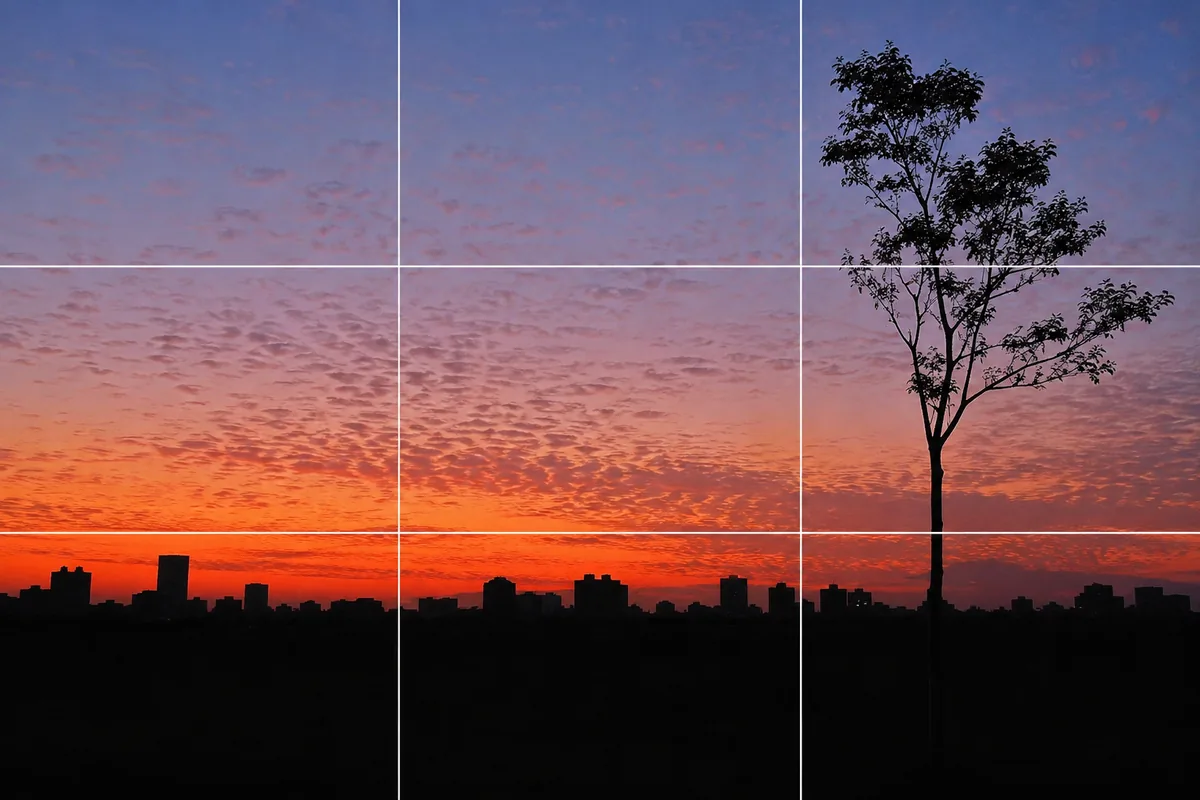
A horizon dead center settles fine too, but giving more room to whichever side you want to show changes the impression. Want the sky? Put the horizon low. Want sea and sand? Put it high. Sitting it on a thirds line settles the question (→ Rule of thirds). You can also fix it later, so shooting a little wide gives you room to work with (→ Fixing composition by cropping).
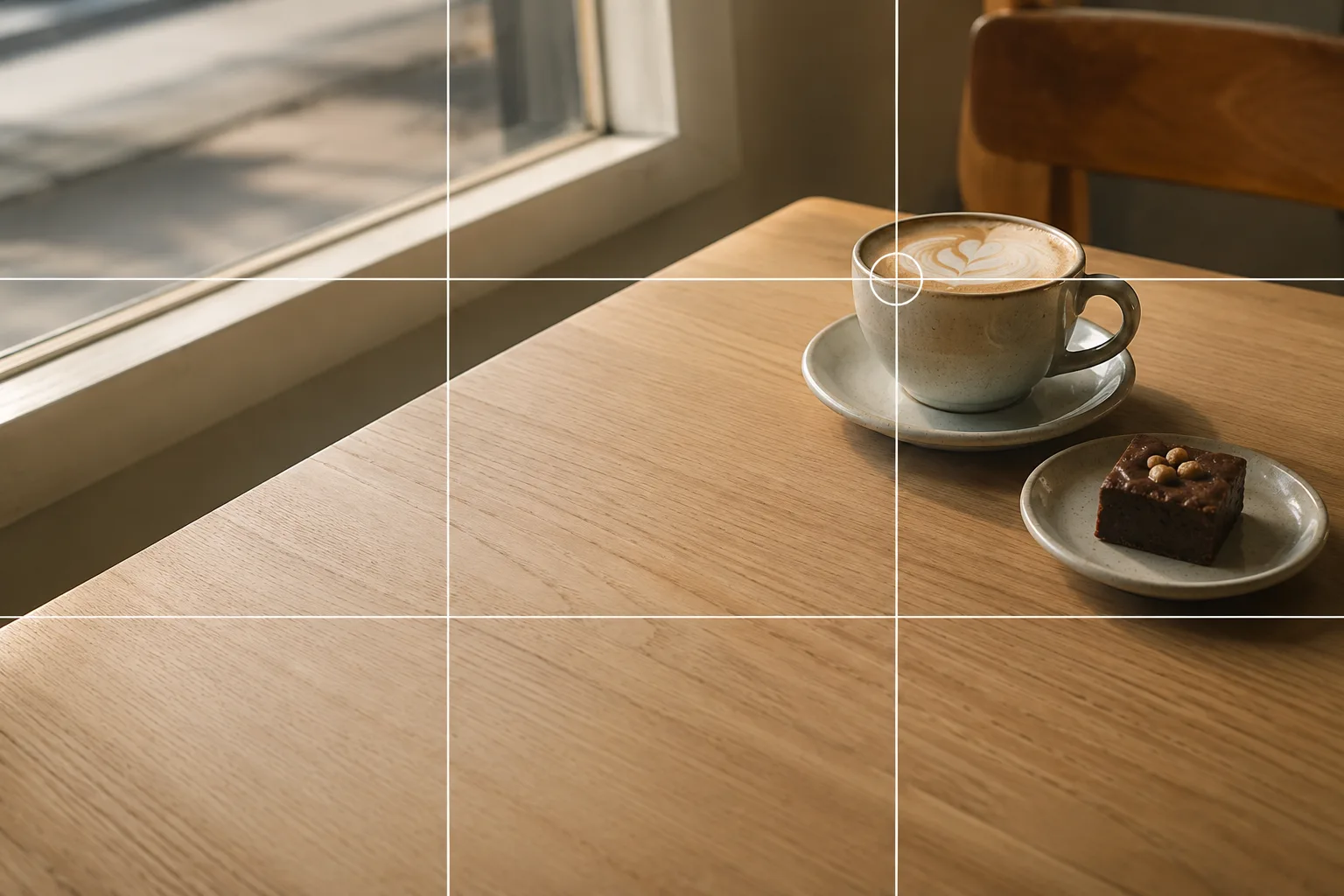 Composition guideRule of thirdsSee the full guide for this composition →
For backlit people, tap the face and lift
Photograph someone with the sea behind them and you’re shooting into the light. Left alone the face goes black, so tap the face and raise the brightness. The sea behind gets a little brighter, which suits a summer photo anyway.
Spreading a white towel or hoodie below the face bounces light back up and lifts it. The full approach is here (→ Shooting into the light). Letting the face fall dark into a silhouette is a valid choice too.
Small things become subjects on sand
Sandals, shells, a straw hat, a cold drink. Sand is a plain background, so simply setting an object down makes a picture.
- Shoot straight down and the ripples in the sand become the backdrop
- Place it at the water’s edge and wait for the wave to reach it for a sense of movement
- Move right in and the texture of a shell, or the grains themselves, becomes the subject (→ Filling the frame)
Leave generous space around it and the quiet of summer comes through (→ Negative space / Small items and accessories).
One thing worth remembering: a beach is full of people in swimwear. Before posting a shot, take a moment to check who else ended up in the frame.
Protect the phone from sand and water
Sand around the lens housing is a nuisance. Wipe the lens with a soft cloth when you’re done (→ Cleaning your lens). Dry your hands before picking the phone up, and don’t leave it lying on the sand or in direct sun — a midsummer beach can heat a phone until it stops shooting, so let it rest in the shade or in a bag.
Just this to start
Drop the brightness one step. Straighten the horizon with grid lines. Those two change beach photos completely. And when there’s a person in the frame, tap the face and raise the brightness.
FAQ
Everything washes out pale at the beach.
Sand and water reflect so strongly that the camera struggles to judge exposure. Tap the screen and lower the brightness a little, and the blue of the sea and the color of the sand come back.
Faces go black when I shoot against the light.
The camera is exposing for the bright sea. Tap the face and raise the brightness, or bounce light back up with a white towel or hoodie held below the face.
My horizon is always crooked.
Even a slight tilt shows on a horizon. Turn grid lines on and align it with a horizontal line. You can also straighten it afterward by cropping, so shooting a little wide gives you room.
Example gallery
Related reading
Compositions used

Related subject guides

Travel Photos Worth Remembering — Why They Look Like Postcards, and Cropping

Shooting Landscapes With Depth — Why They Look Flat and How to Level

Shooting Faces and Food Bright Even in Backlight — Why It Goes Dark and the Fix
Shooting Sunsets — Why Sky-Only Shots Fall Flat and How to Catch the Magic Hour

Flattering Selfies, Naturally — Why They Look Awkward, Plus Angle and Light

Composing Small Items and Accessories — Why They Look Dull and How to Fix It