Fill the Frame: Going in Close to Make Your Subject Big
Published Jun 27, 2026
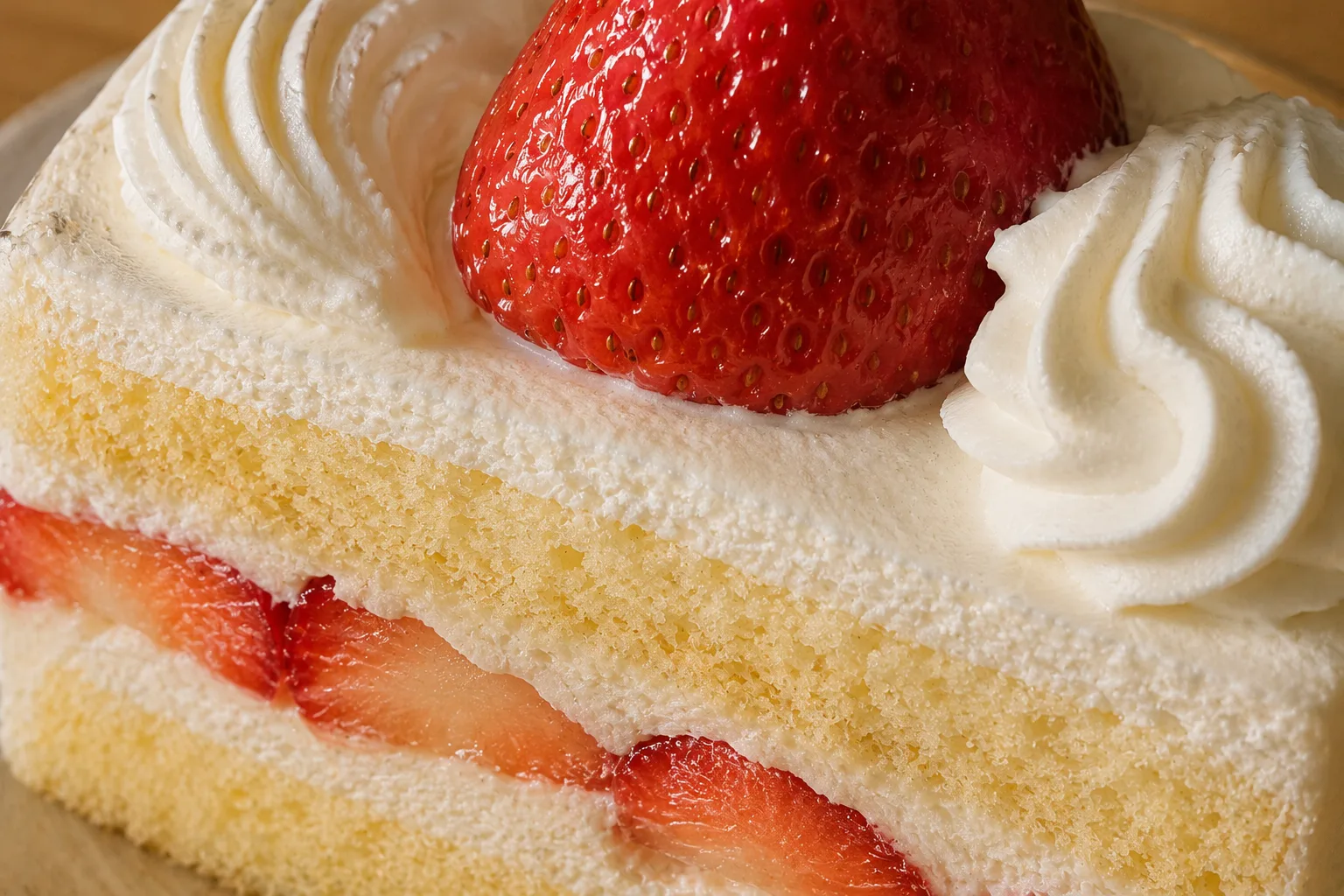
Filling the frame puts your subject large across the whole image. It’s the simplest prescription for the “stood too far back and you can’t tell what the subject is” photo.
Why bigger is better
When the subject is small, it gets buried in background information and fails to come through. Move in boldly and the background clutter is pushed out of the frame automatically, while the subject’s texture, color and expression land directly. Think of it as doing your subtraction by getting closer.
How to use it
Take a step, then another, toward your subject. On a phone, moving yourself in keeps the quality better than zooming. It’s fine to move in until part of the subject is cropped at the edge. For food, go in on the gloss or the steam; for small objects, the material; for pets and kids, the expression — that’s what stays with the viewer.
Balancing with negative space
Closer isn’t always better. When you want the “space” around the subject to set a mood, pulling back to use negative space suits better (→ Negative space). Switching between close-ups and negative space as the scene calls for it widens your range.

Start with just this
When it’s not coming through, take a step in and make the subject big. Move yourself rather than zoom. Cropping at the edge is fine if the texture and expression show. This one move sharply cuts down on “can’t tell what the subject is.”
FAQ
What does "fill the frame" mean?
Filling the frame means putting your subject large across the whole image. It's the simplest prescription for the "stood too far back and you can't tell what the subject is" photo.
How is it different from the rule of thirds?
The rule of thirds decides where to place the subject using an intersection. Filling the frame decides your distance from the subject — how close you move in. You can combine the two by placing a close-up subject on an intersection or in the center.
What kinds of photos suit filling the frame?
Shots where the subject is too small to read clearly. It works especially well for the gloss and steam on sweets or noodles, the texture of small objects, and the expressions of pets and kids.
When moving in close, is it better to zoom or step closer?
Step closer if you can — it looks cleaner, because digital zoom tends to lose quality. Only reach for a modest zoom when you can't physically move in.
How close is too close?
Close enough to crop part of the subject out of the frame is fine. If the texture and expression come through, deliberately not showing the whole thing can be very effective.
This composition across subjects
Related reading
Compositions used
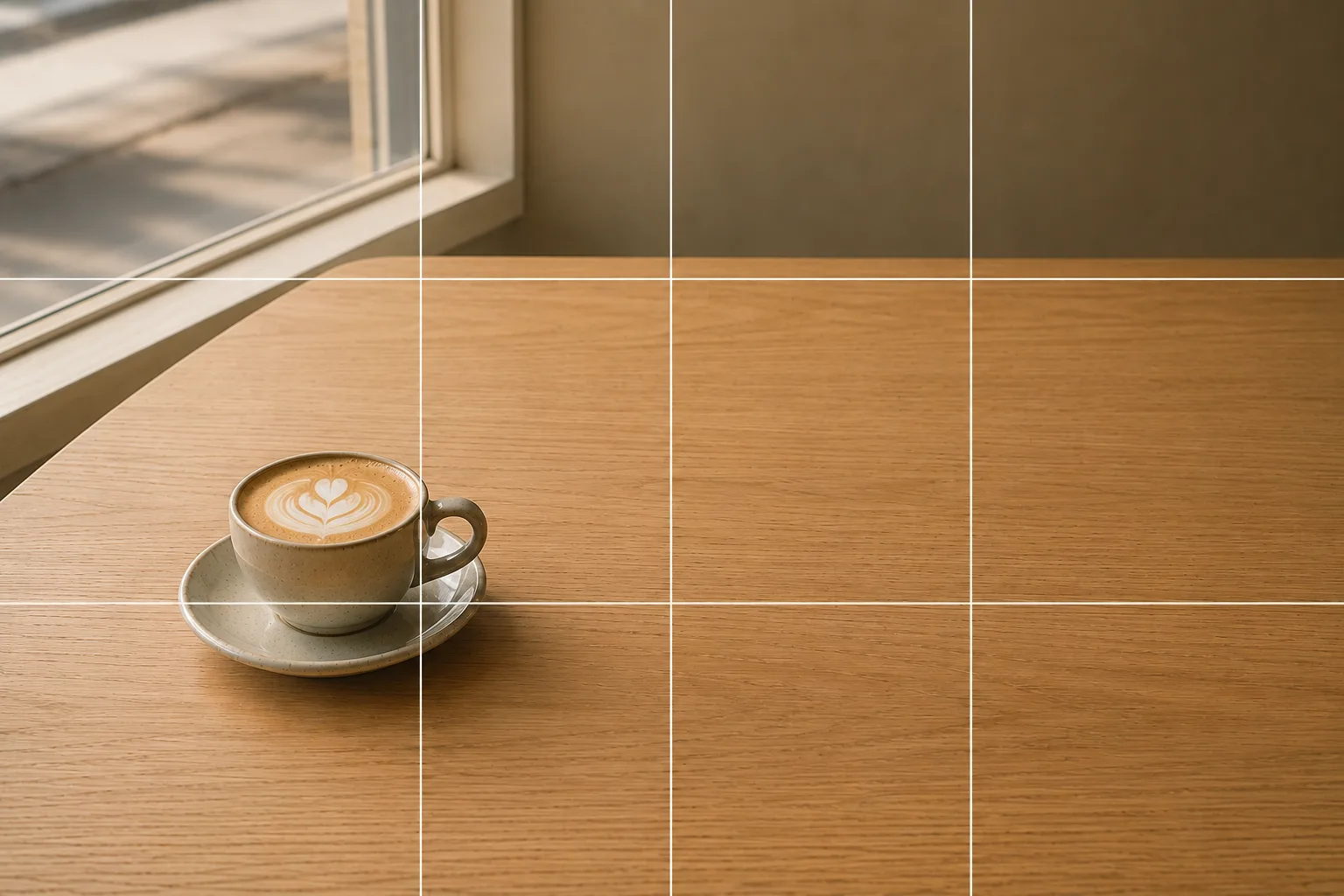
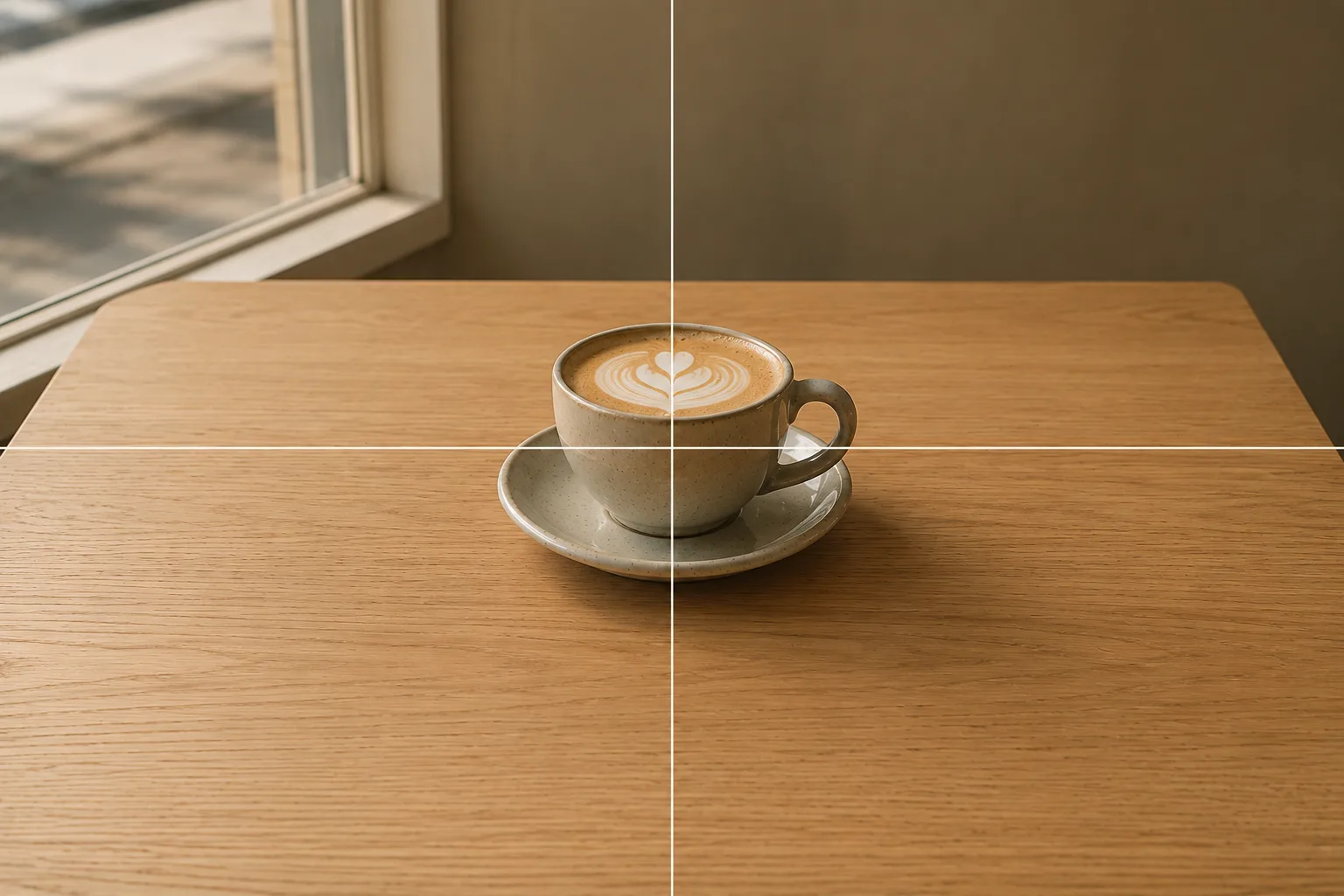
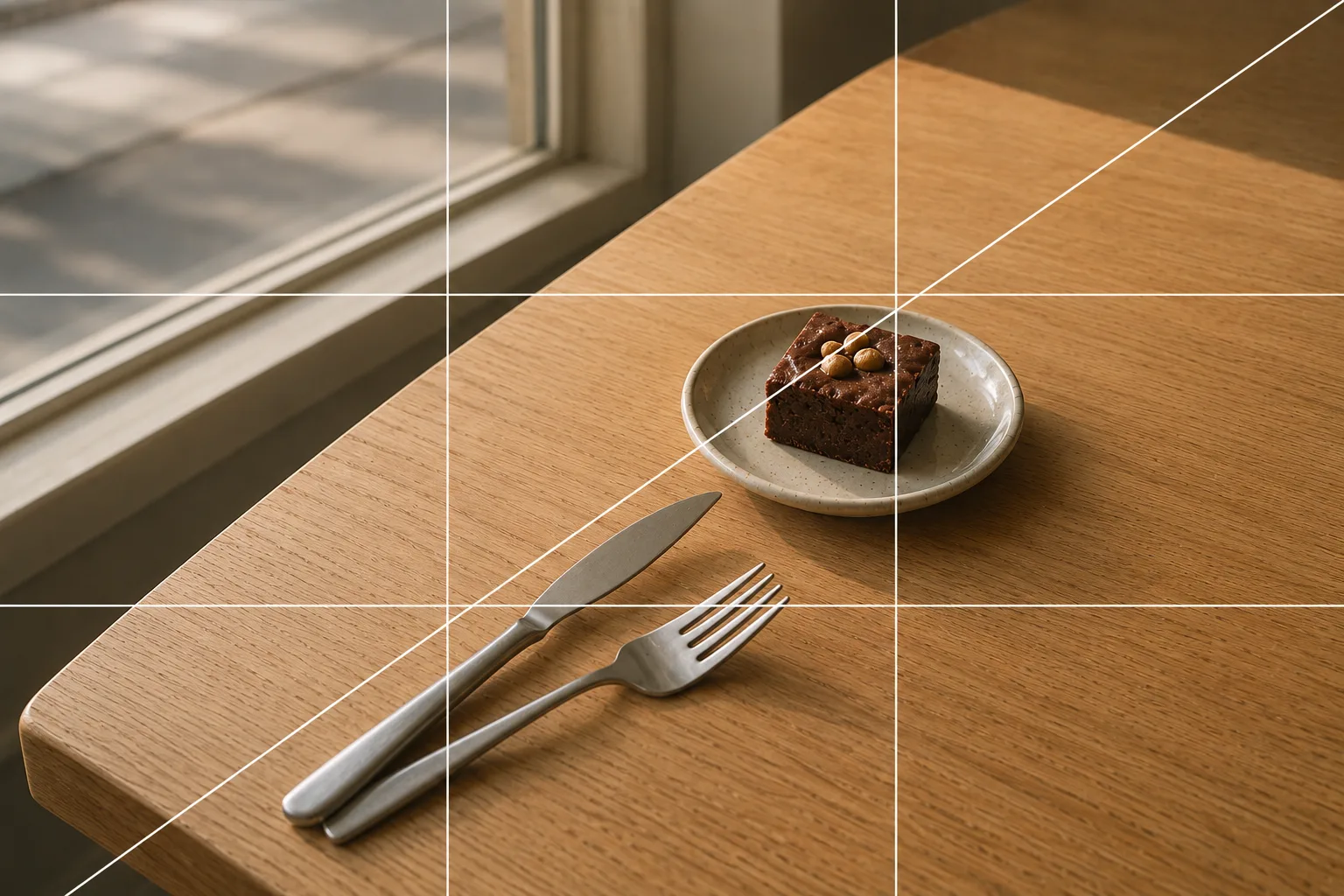
Related subject guides
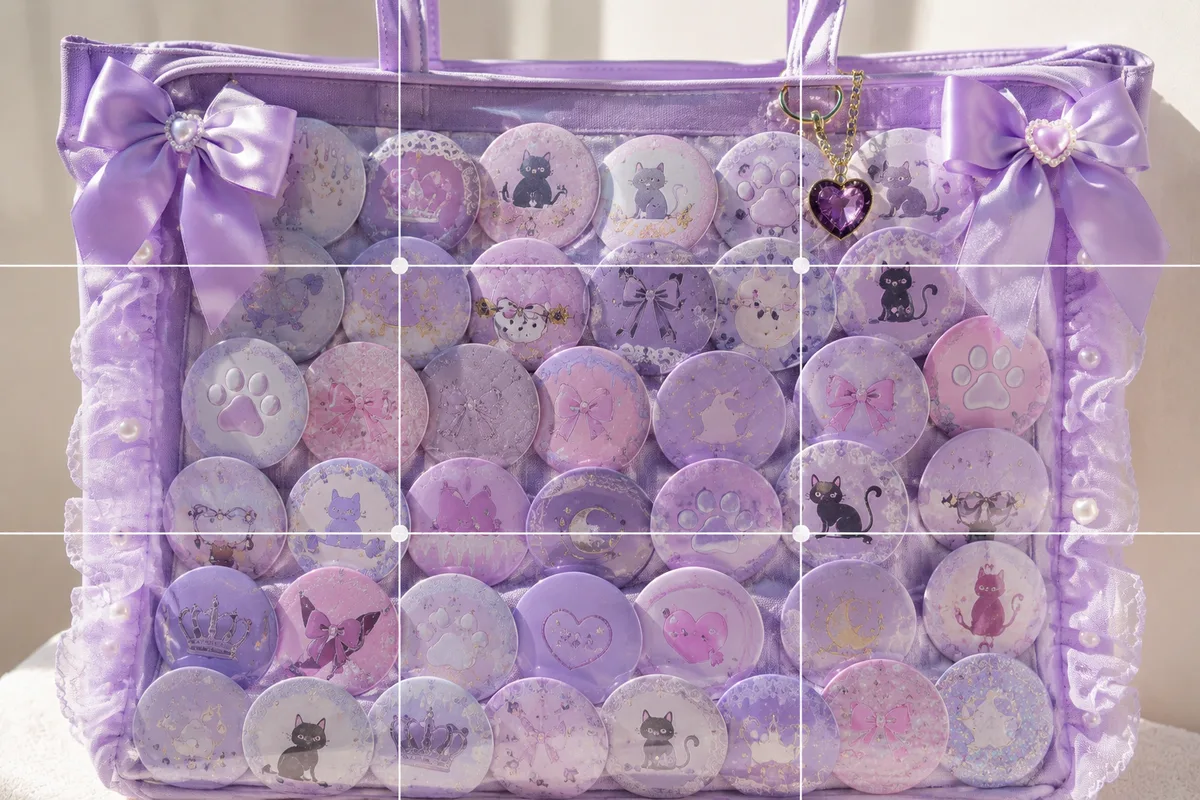
How to Photograph an Ita Bag Cutely — Flat, Glare-y Shots and How to Show It Off
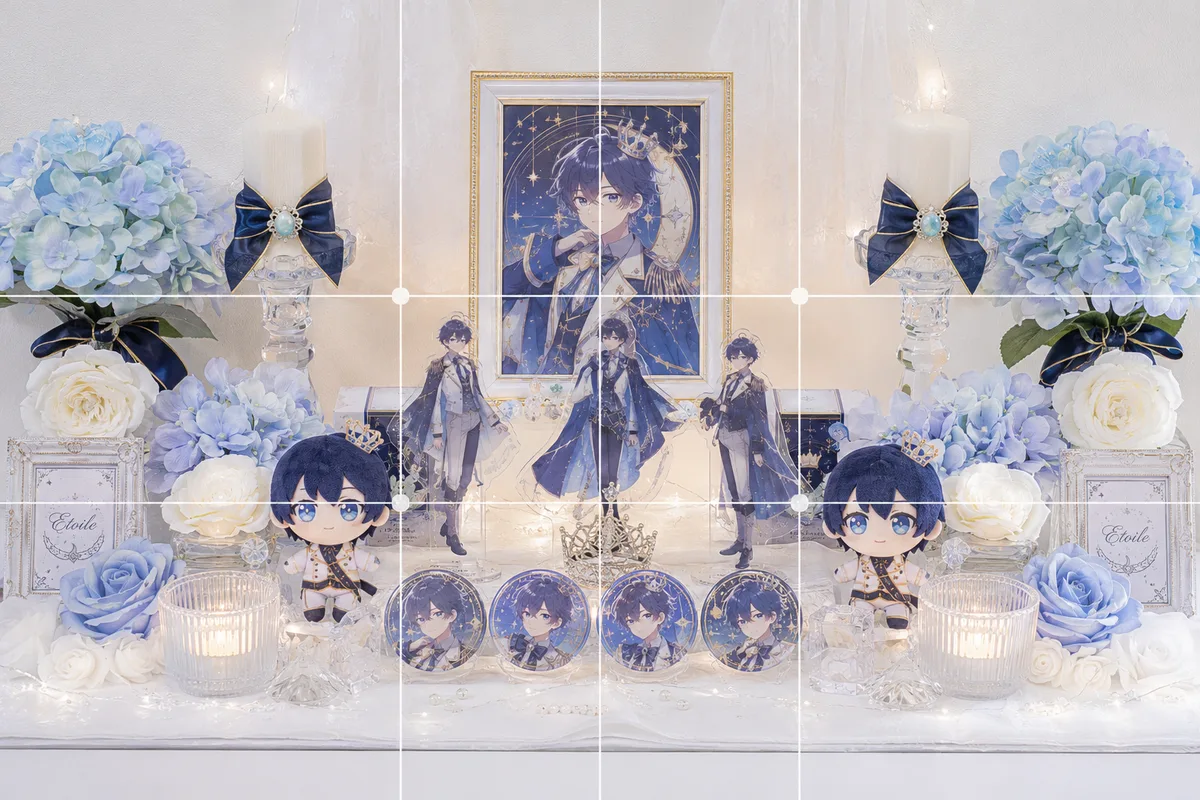
How to Photograph an Oshi Shrine Cleanly — Clutter, Darkness and Tilt
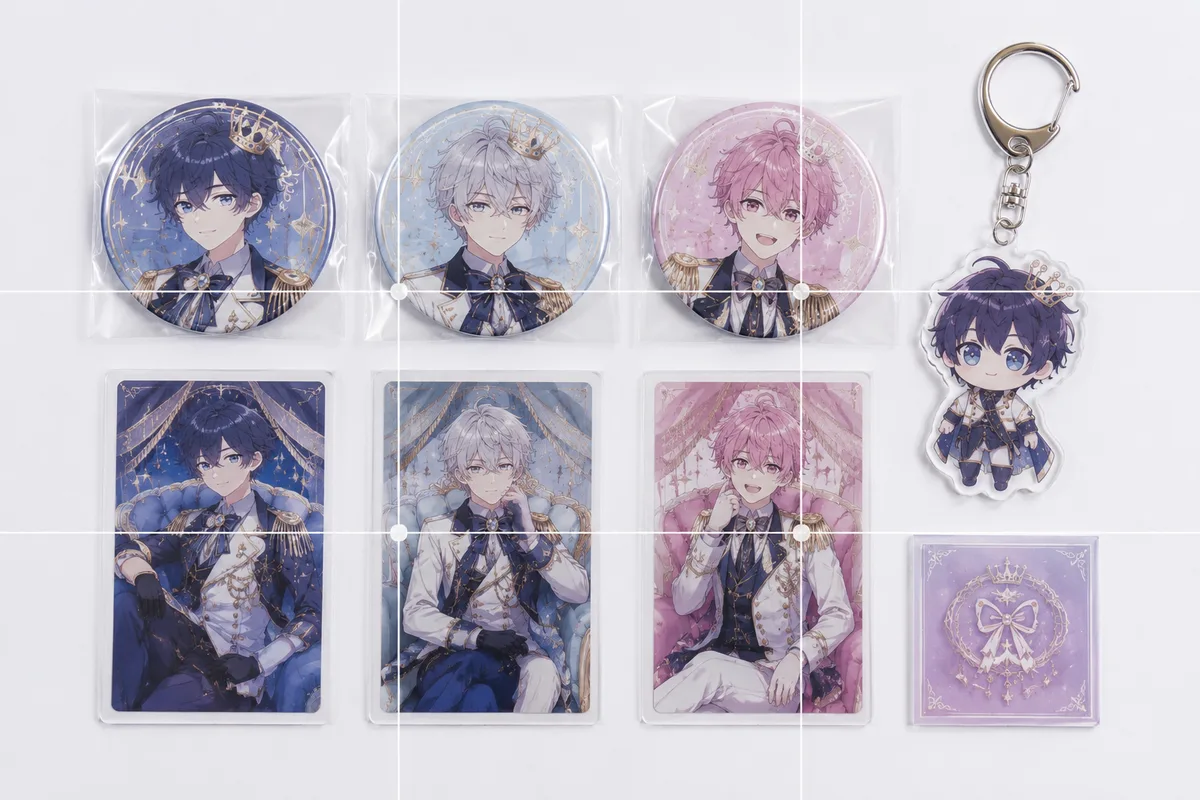
Photographing Fan Goods for Reselling — When Condition Doesn't Come Through
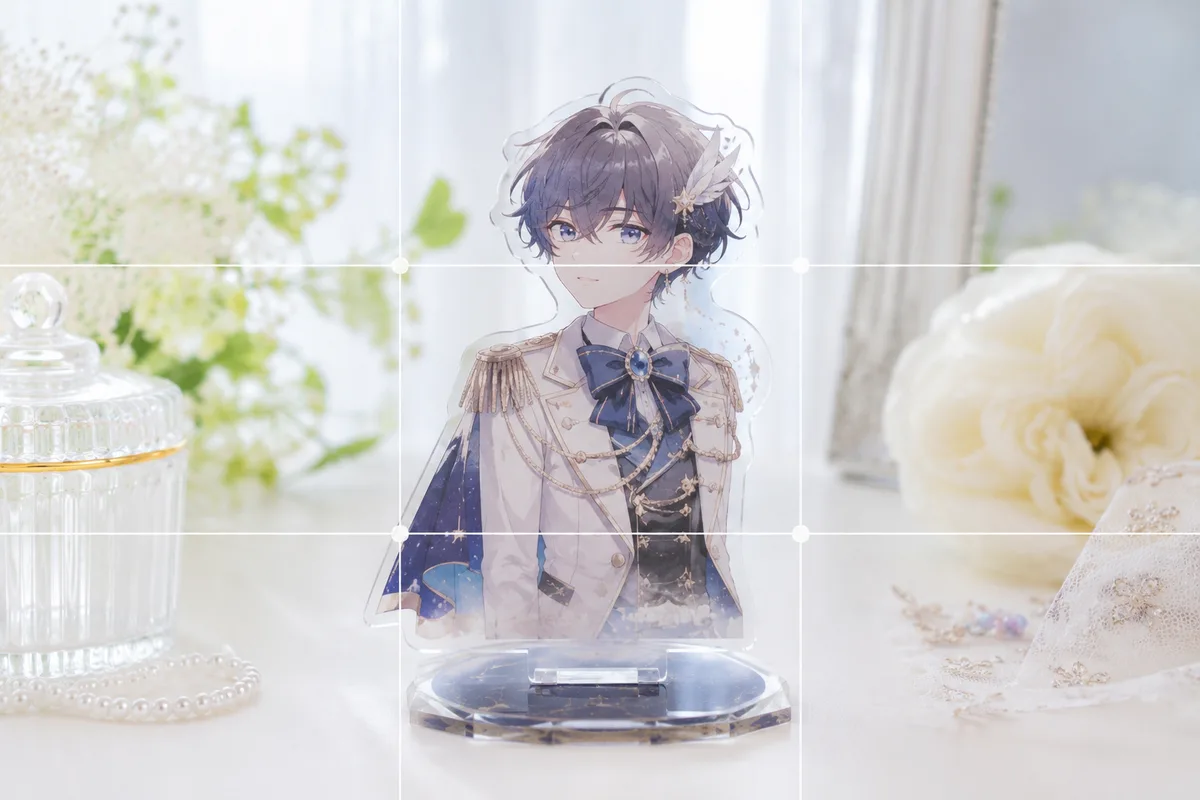
How to Photograph Fan Goods — Glare and Blur on Acrylic Stands & Photocards

Composing Sweets and Parfaits That Pop — Showing Height and Gloss
Composing Small Items and Accessories — Why They Look Dull and How to Fix It

Capturing Dogs' and Cats' Expressions — Fixing Motion, Darkness and Blur
Shooting Handmade Pieces Beautifully for Etsy — Why They Look Cheap, and the Fix

Capturing Kids' Natural Expressions — Fixing Blur and Darkness

Shooting Ramen and Noodles That Look Mouthwatering — Steam, Toppings, Angle

Composing Flowers That Stand Out — Closeness, Light and Background
Shooting Cherry Blossoms Strikingly — Why They Wash Out, and Using Color and Sky
Shooting Fresh, Dewy Summer Vegetables — Why They Look Dull and How to Fix It
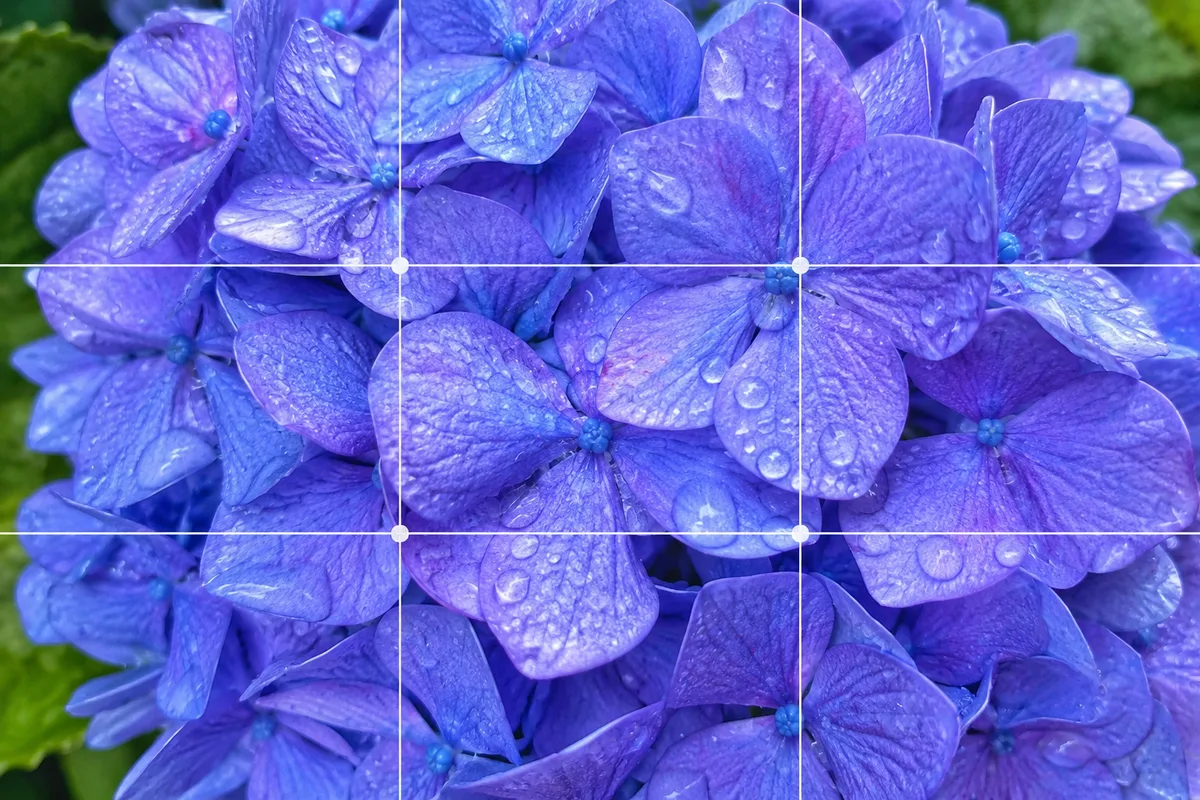
Shooting Fresh, Dewy Hydrangeas — Why They Look Hazy, and Bringing Out Color

The 8-Photo Listing That Tells the Whole Story — What to Shoot, in What Order
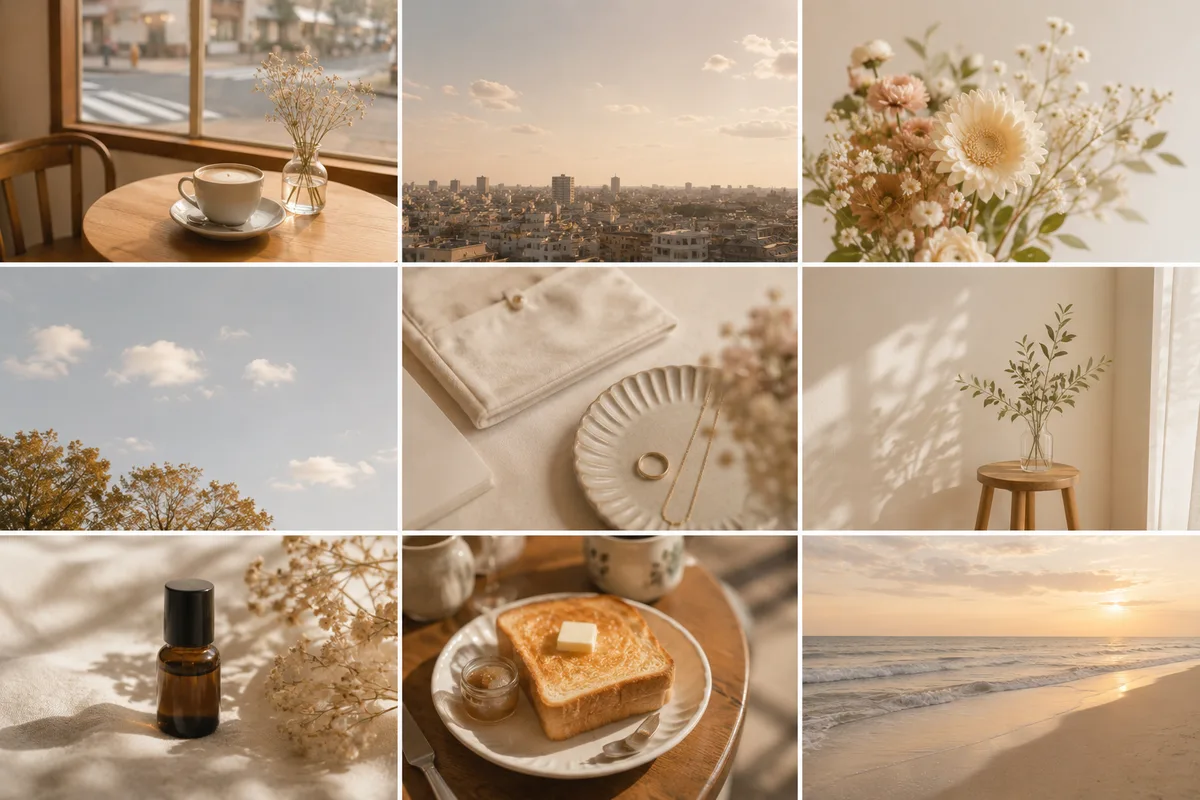
Shooting for a Beautiful Instagram Grid — Think in a "Nine-Photo Surface"
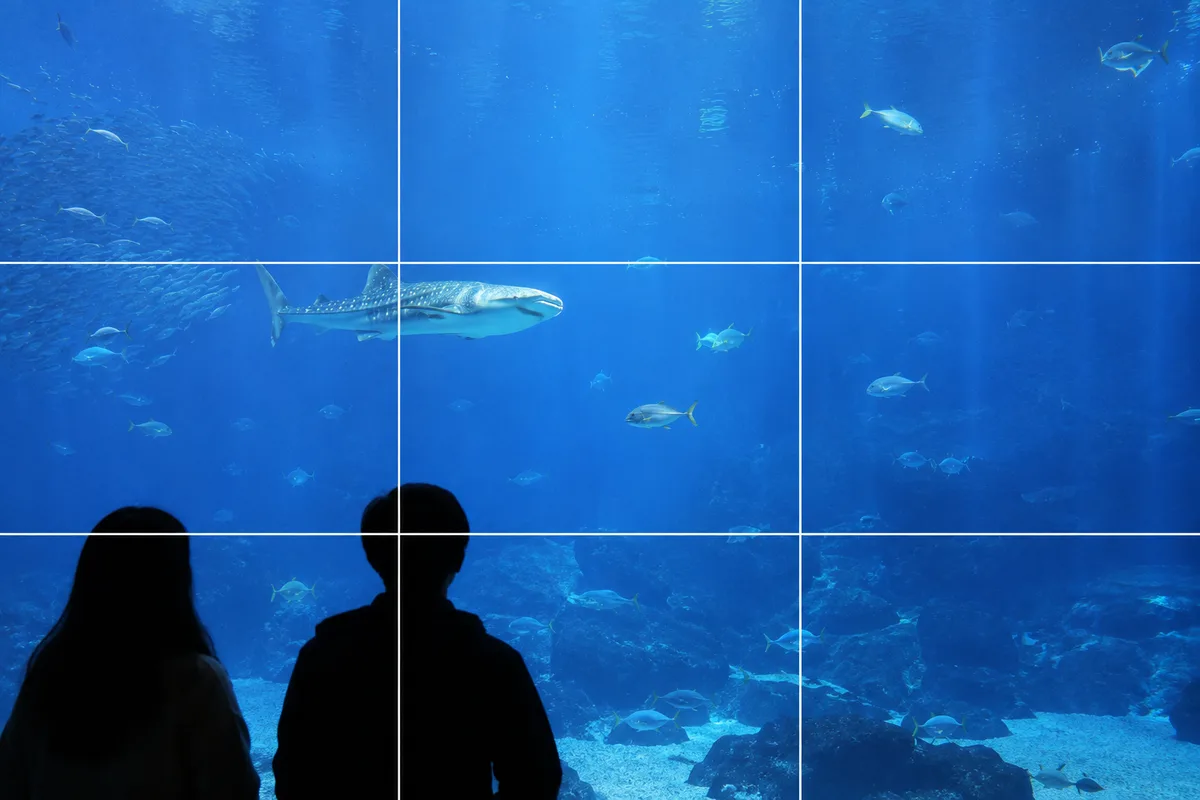
Shooting at Aquariums and Zoos — Fixing Glass Reflections and the Dark Indoors
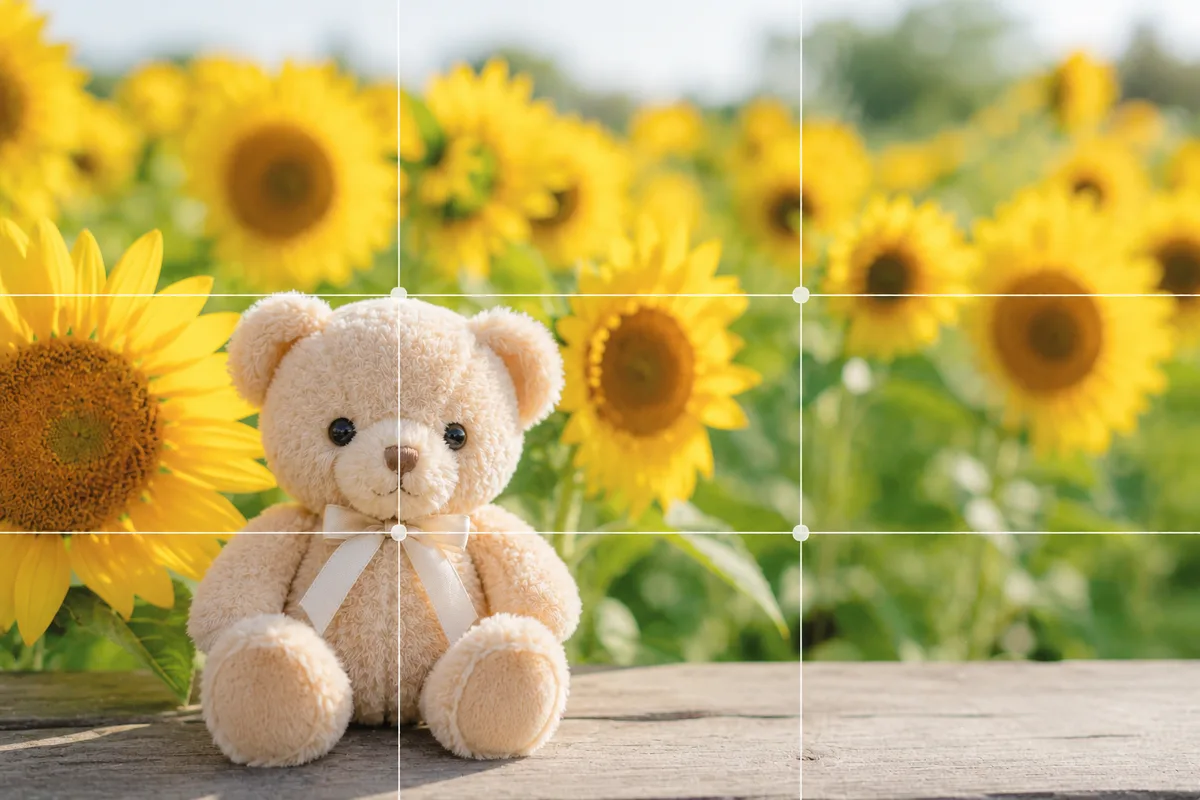
Photographing Plushies With Seasonal Flowers — When the Plush Gets Buried
Photographing Trading Cards — Sleeve Glare and Lost Holo Shine, Fixed
Collab Cafe Photos — Dim Light, No Time, Cluttered Table, Fixed
Photographing Can Badges and Acrylic Charms — Glare and Reflections, Fixed
Photographing Silver Tape and Tickets — Dull Color and Lost Sparkle, Fixed
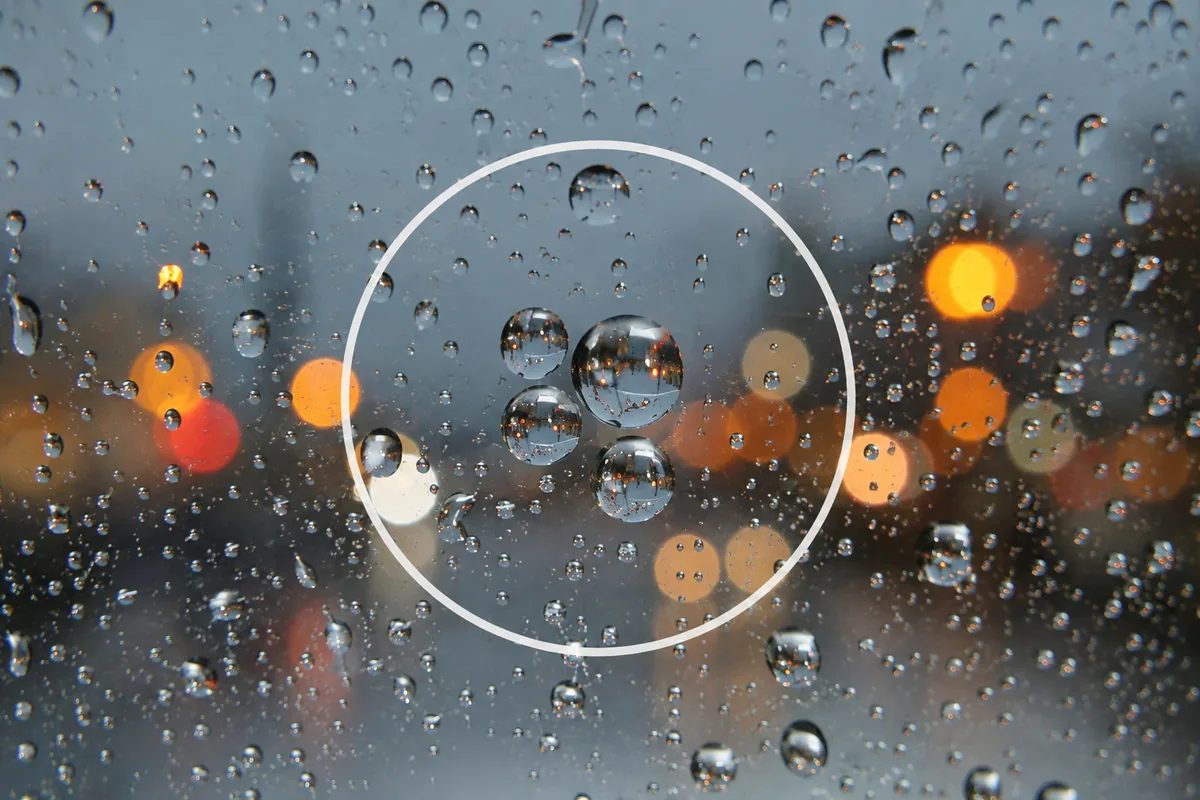
Photographing Rainy Days — Why They Look Gloomy, and Droplets as the Subject
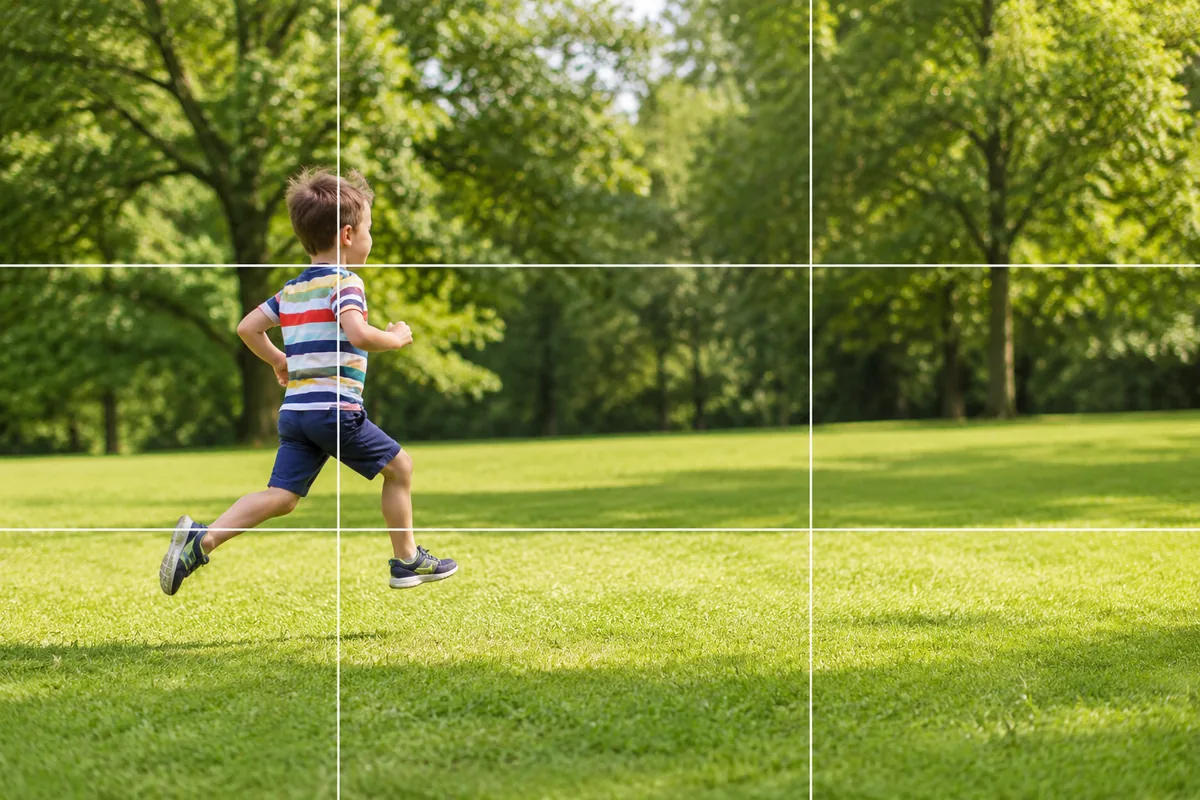
Kids and Pets in Motion — Why They Blur and How Burst Mode Fixes It
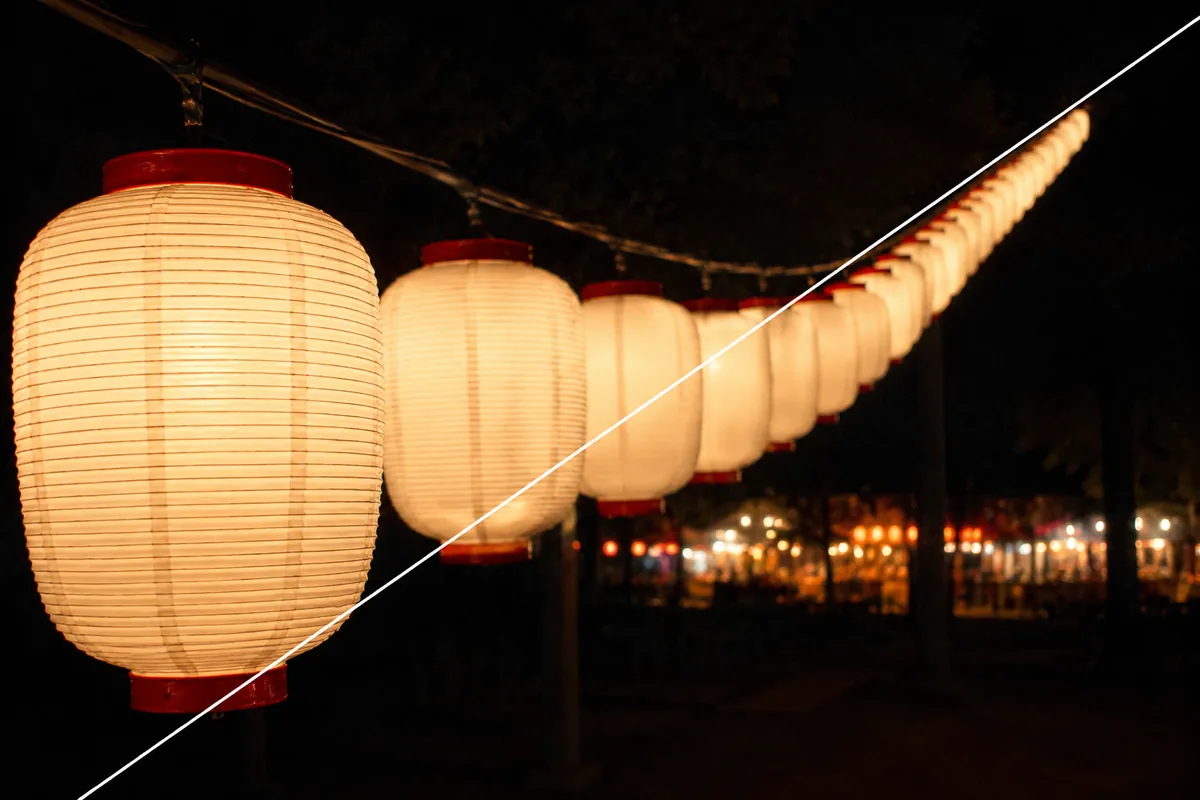
Summer Festivals — Why Night Shots Blur, and Shooting Lanterns and Stalls
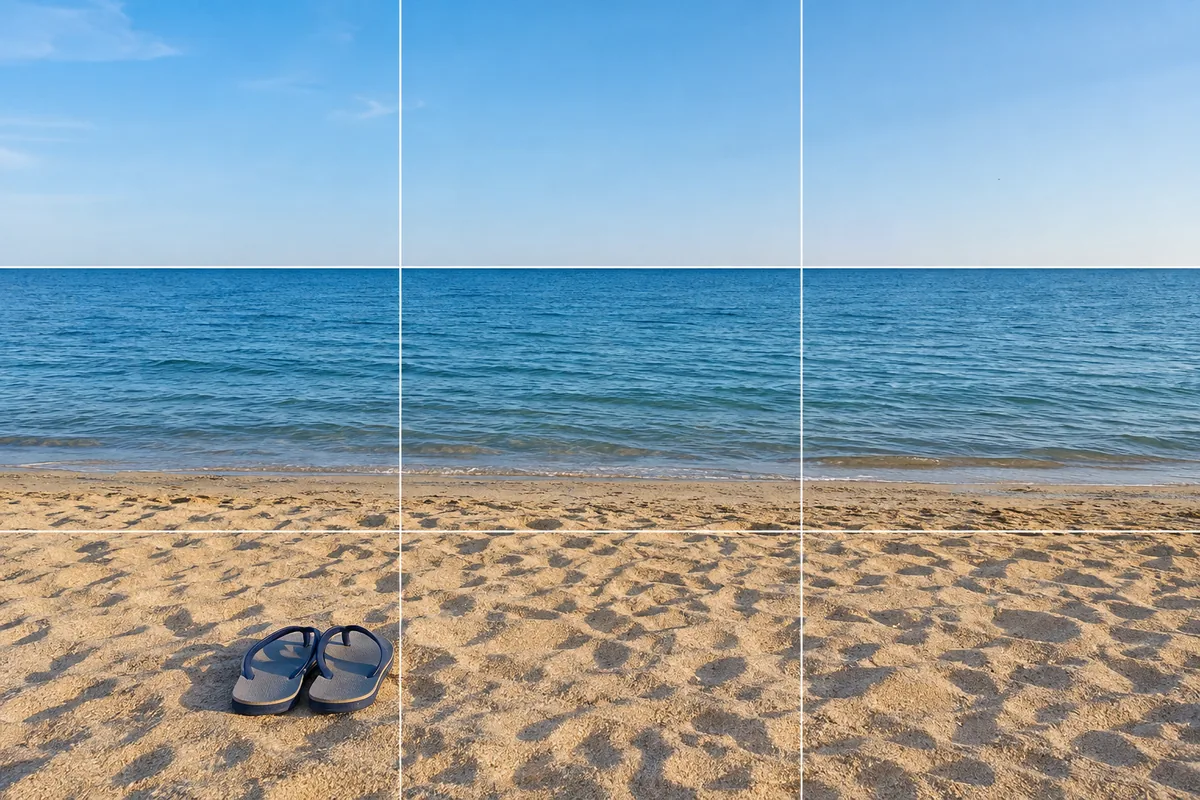
At the Beach — Why It Blows Out, and Fixing Level and Backlight
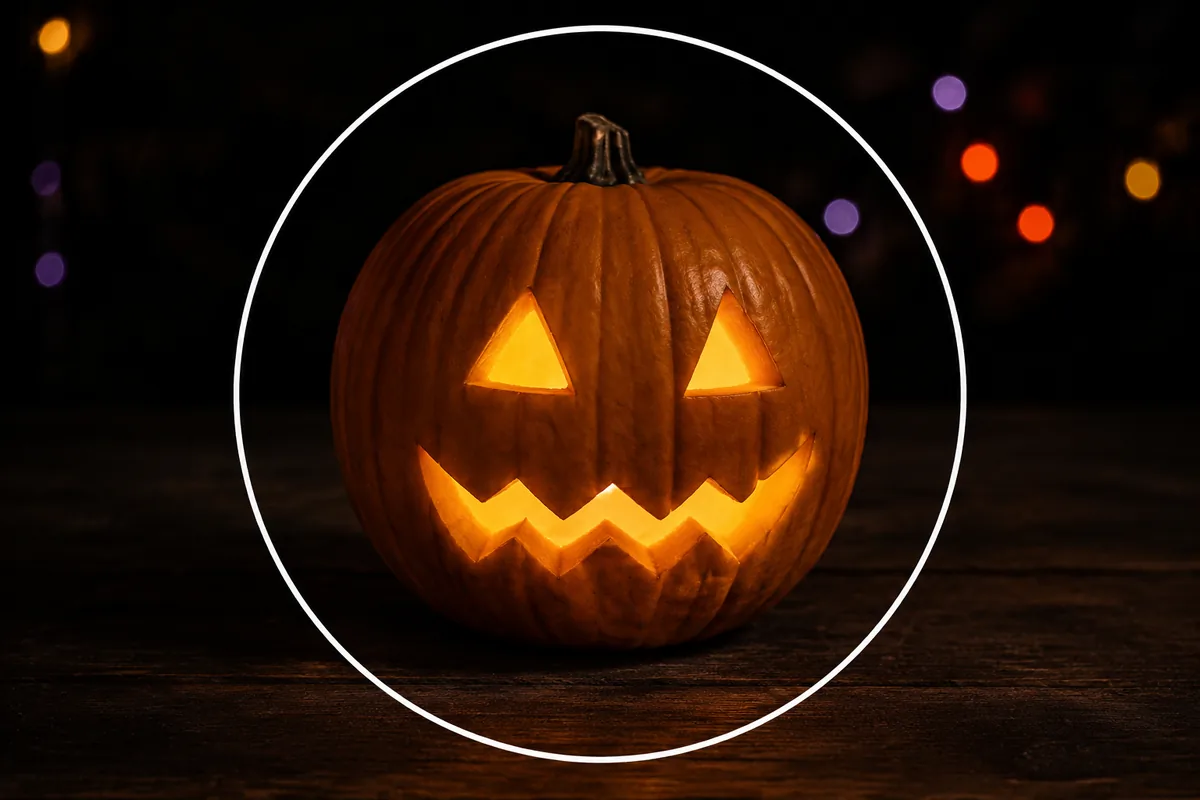
Halloween — Why It Looks Cluttered, and Shooting Decorations and Costumes
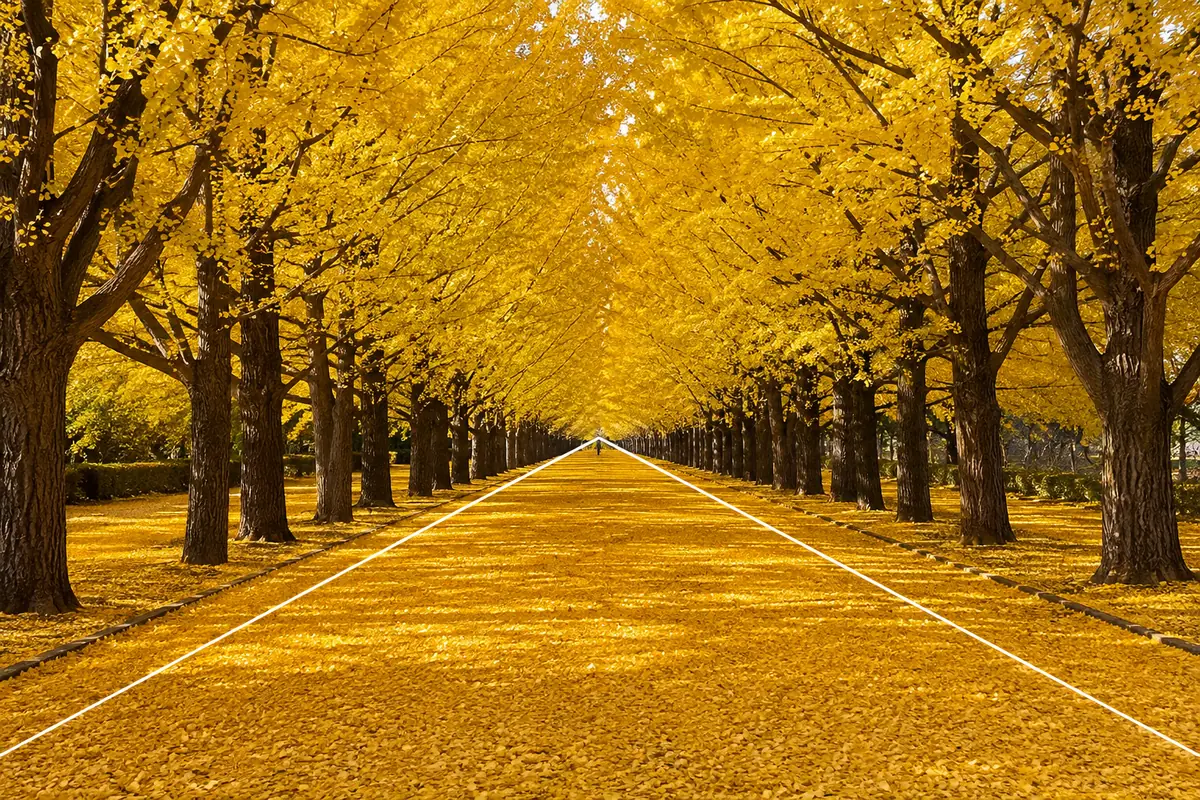
Photographing Ginkgo Avenues — Why They Look Flat and How to Use the Rows
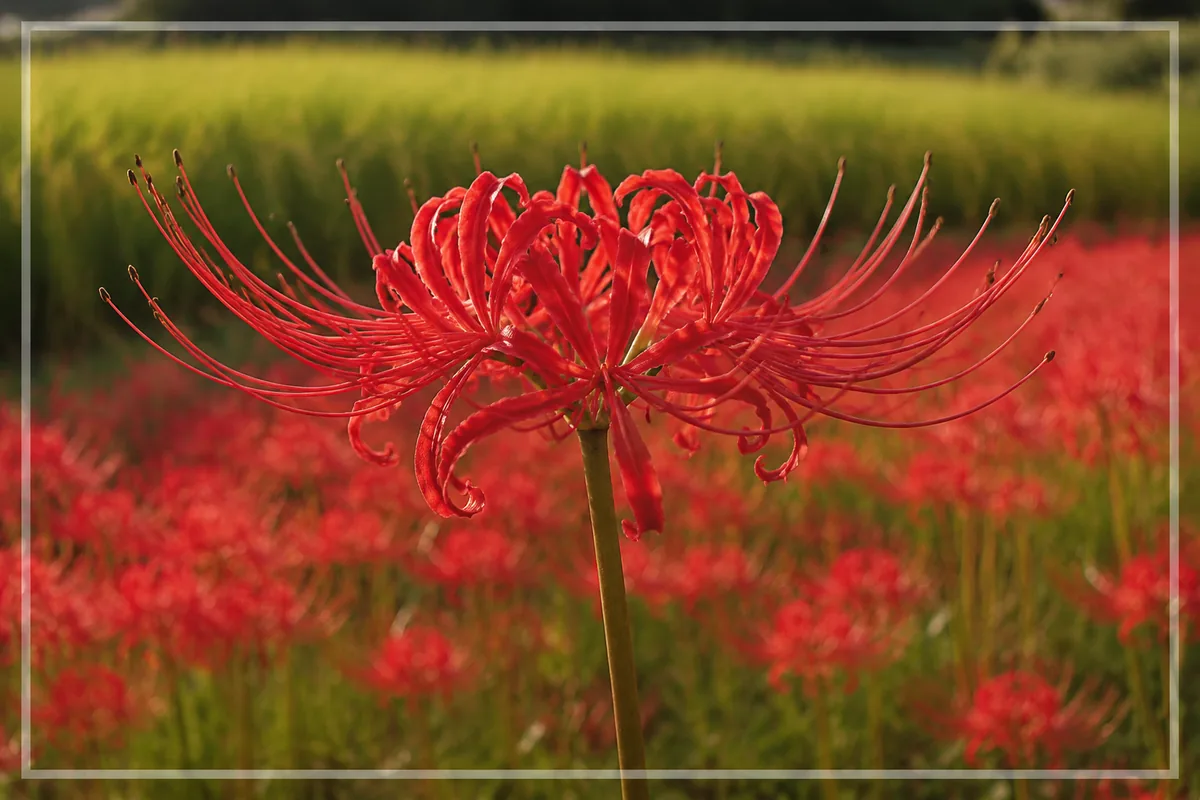
Photographing Red Spider Lilies — Why the Red Blocks Up and How to Shoot Drifts
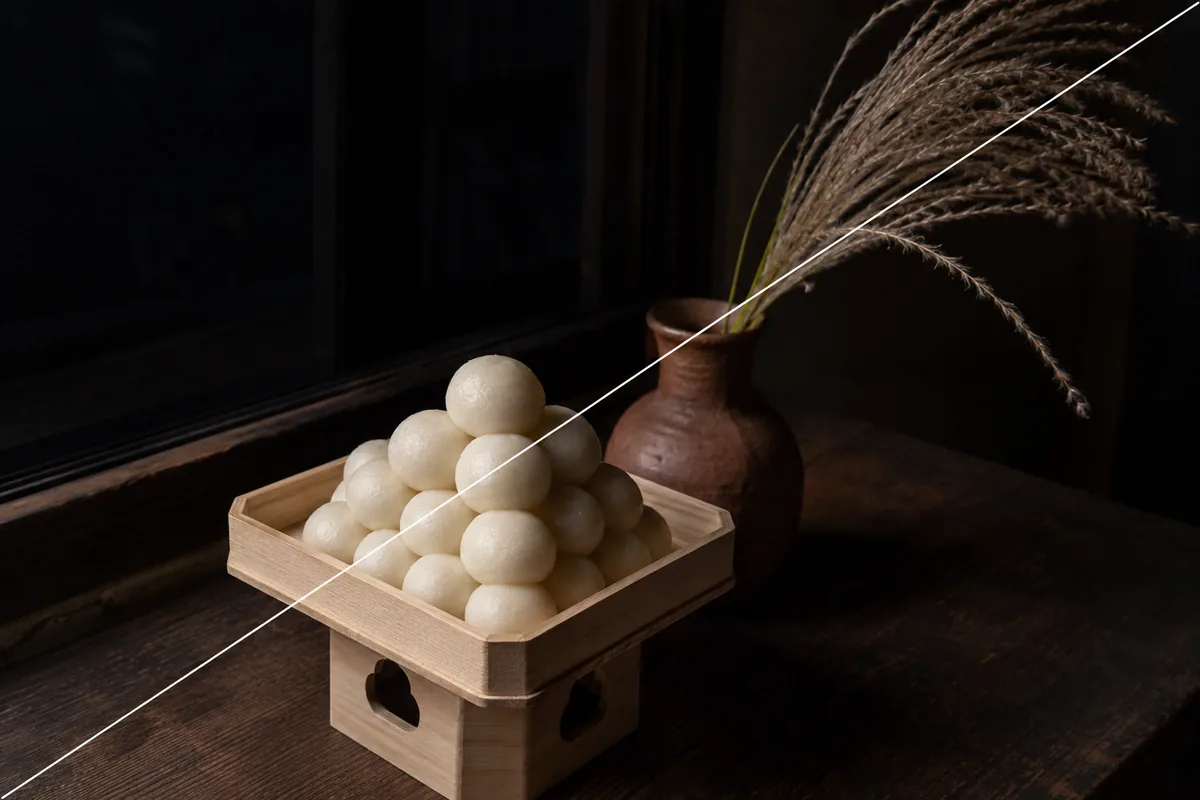
Photographing a Moon-Viewing Display — Why the Dumplings Blow Out