Capturing Dogs' and Cats' Expressions — Fixing Motion, Darkness and Blur
Published Jun 27, 2026
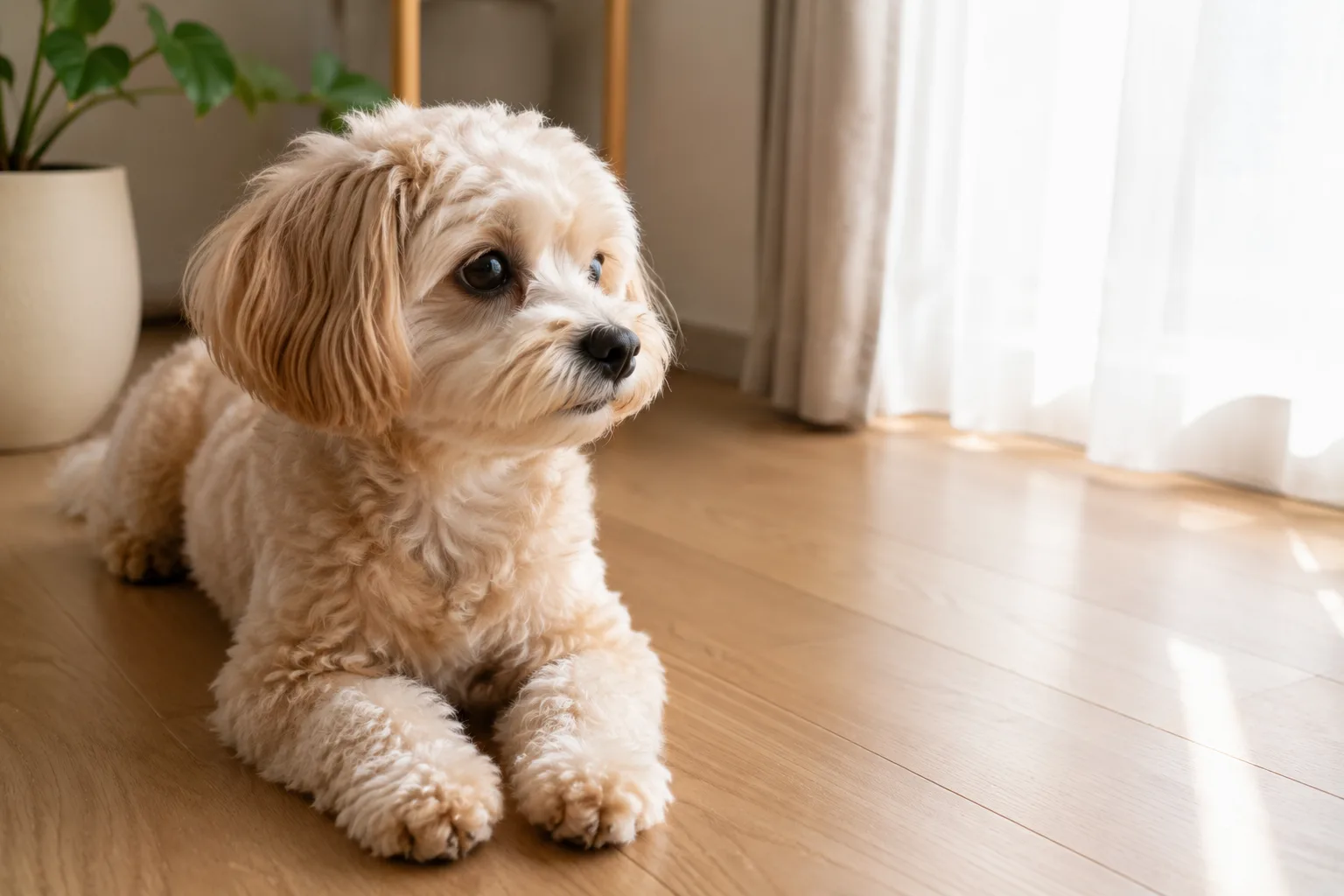
Dogs and cats are adorable in expression and motion, but they tend to fall short as “blurry,” “no eye contact” or “dark and sunken.” The causes are motion, eye-level height, darkness and focus. A little tweak to how you use the phone makes them much easier to capture.
Crouch to their eye level
Shooting down from standing height shows a lot of floor and makes the pet small and flat. Crouch and lower the camera to the pet’s eye level to make the expression the star, for a much more engaging shot.
Prevent blur with light and burst
Indoors is dark, and darkness slows the shutter so motion blurs. Coax them to a bright window or sort out the brightness before shooting. For moving moments, shoot a burst and pick a sharp frame — that’s reliable (→ Fixing dark indoor photos).
Focus on the eyes
Just before shooting, tap around the pet’s eyes on screen to set focus. With the eyes in focus, the whole photo looks sharper. When it’s hard to land because of movement, tap the instant it stops and shoot right away.
Composition tips
Place the pet on an intersection and leave space ahead of its gaze for a natural, comfortable composition (→ Rule of thirds). Making use of a line running into the distance — a walking path, the seams in flooring — leads the eye to the pet (→ Leading lines). A frame with a good expression suits a social icon too.
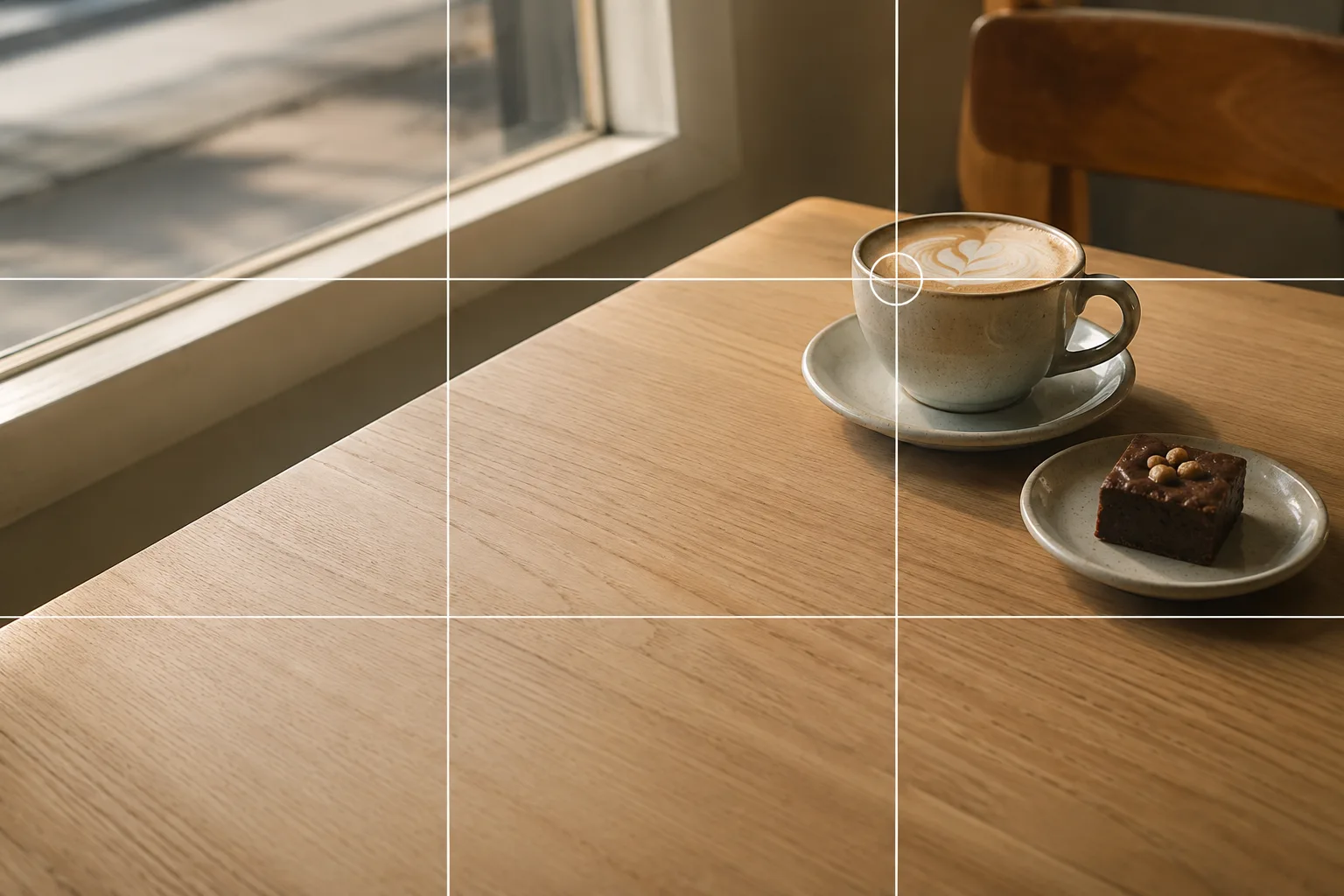 Composition guideRule of thirdsSee the full guide for this composition →
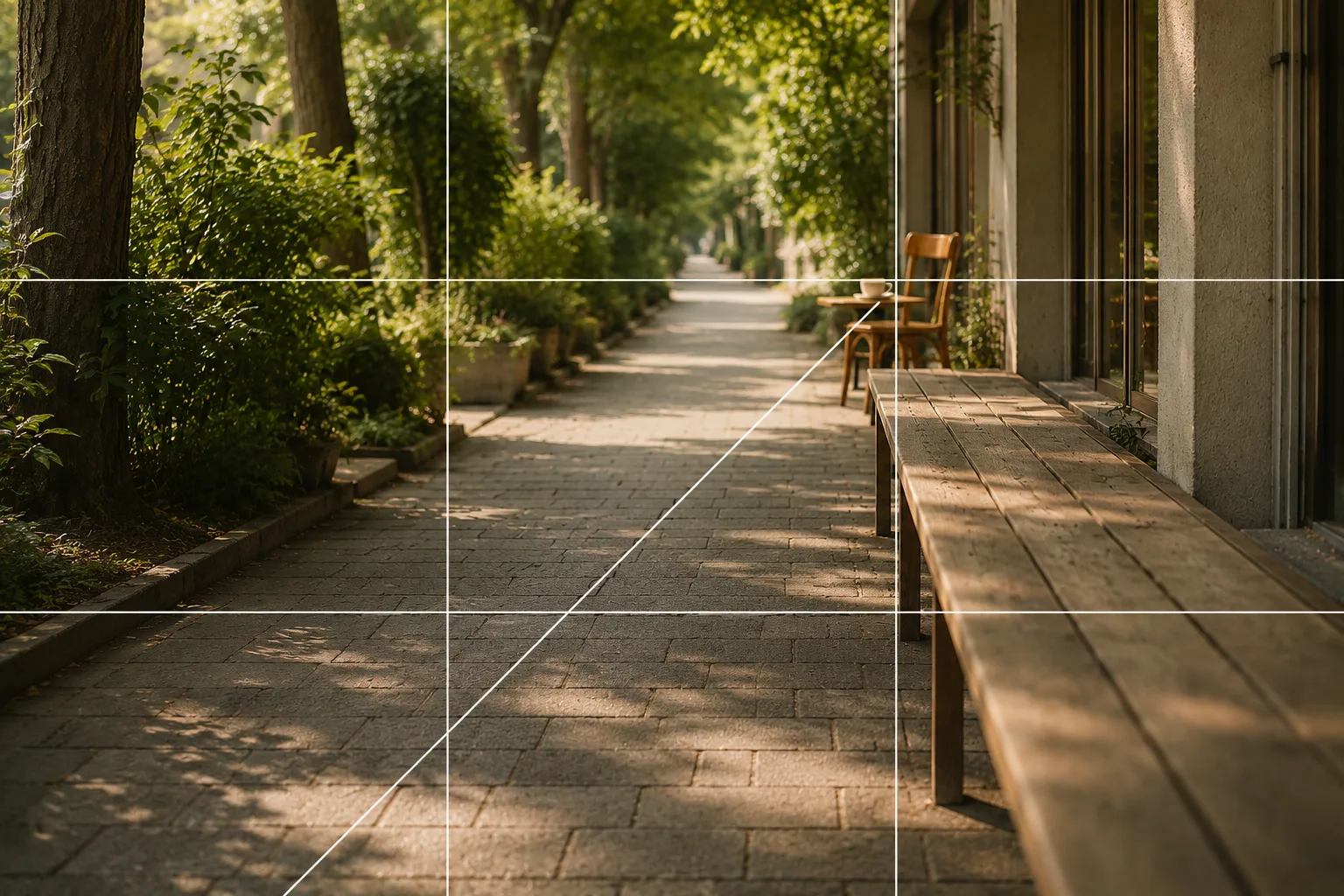 Composition guideLeading linesSee the full guide for this composition →
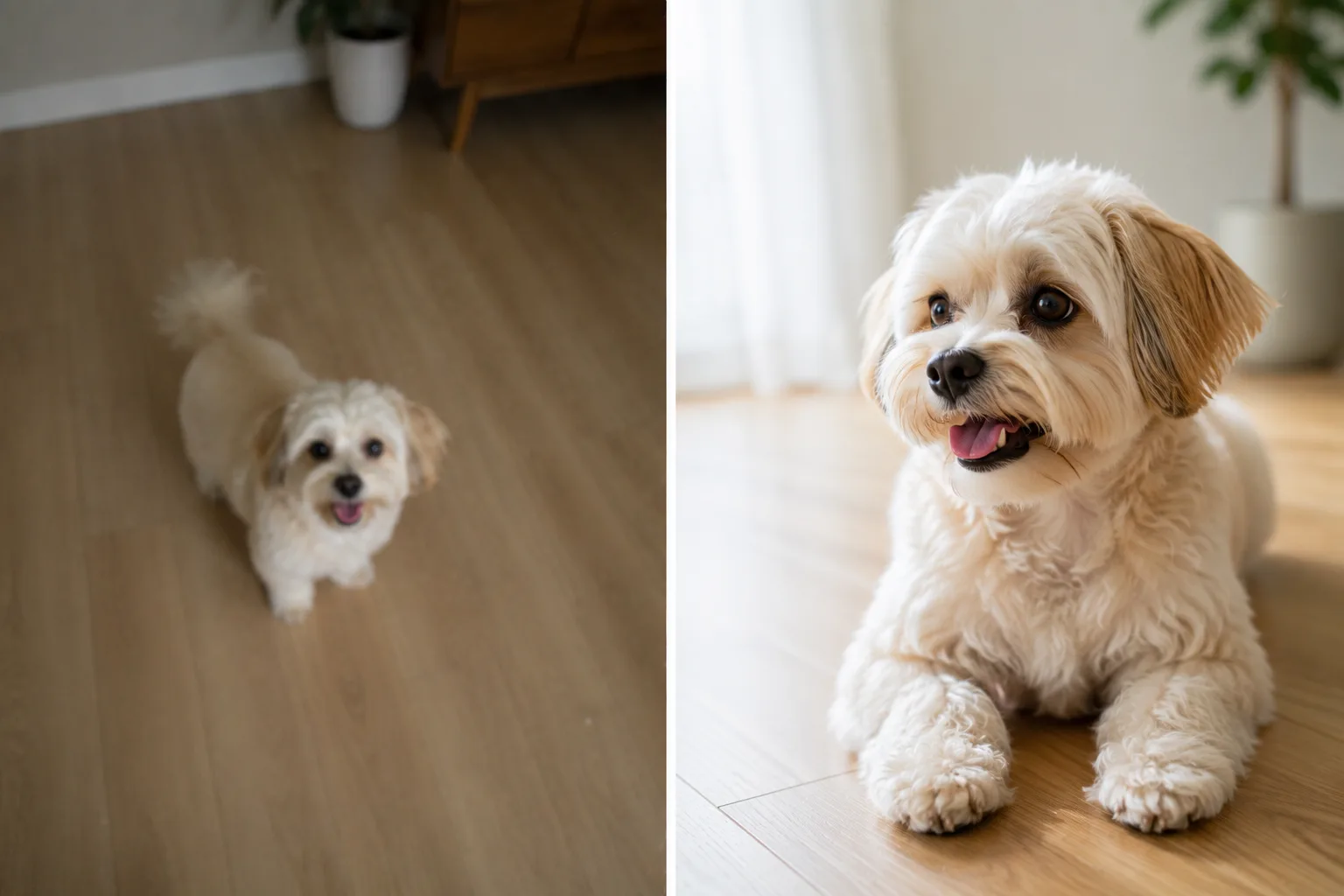
Start with just this
Crouch to lower your eye level, tap the eyes to focus, and shoot a burst in a bright place. When it’s fast, freeze it for a moment with a treat. That flow cuts down a lot of “blurry, no eye contact” with pets.
FAQ
Any tips to avoid blur with a moving pet?
A bright spot gives a faster shutter and less blur. Shooting a burst and picking a sharp frame is reliable too. A treat or toy to freeze them for a moment also works.
How do I focus on the eyes?
Tap around the pet's eyes on screen before shooting to set focus there. If it's moving, tap the instant it stops and shoot right away.
Example gallery
Related reading
Compositions used

Related subject guides

Composing a Polished Social Media Icon — Making a Good Impression

Shooting Cleanly in a Dark Room — Why It Blurs and Goes Dark, and the Fix

Capturing Kids' Natural Expressions — Fixing Blur and Darkness
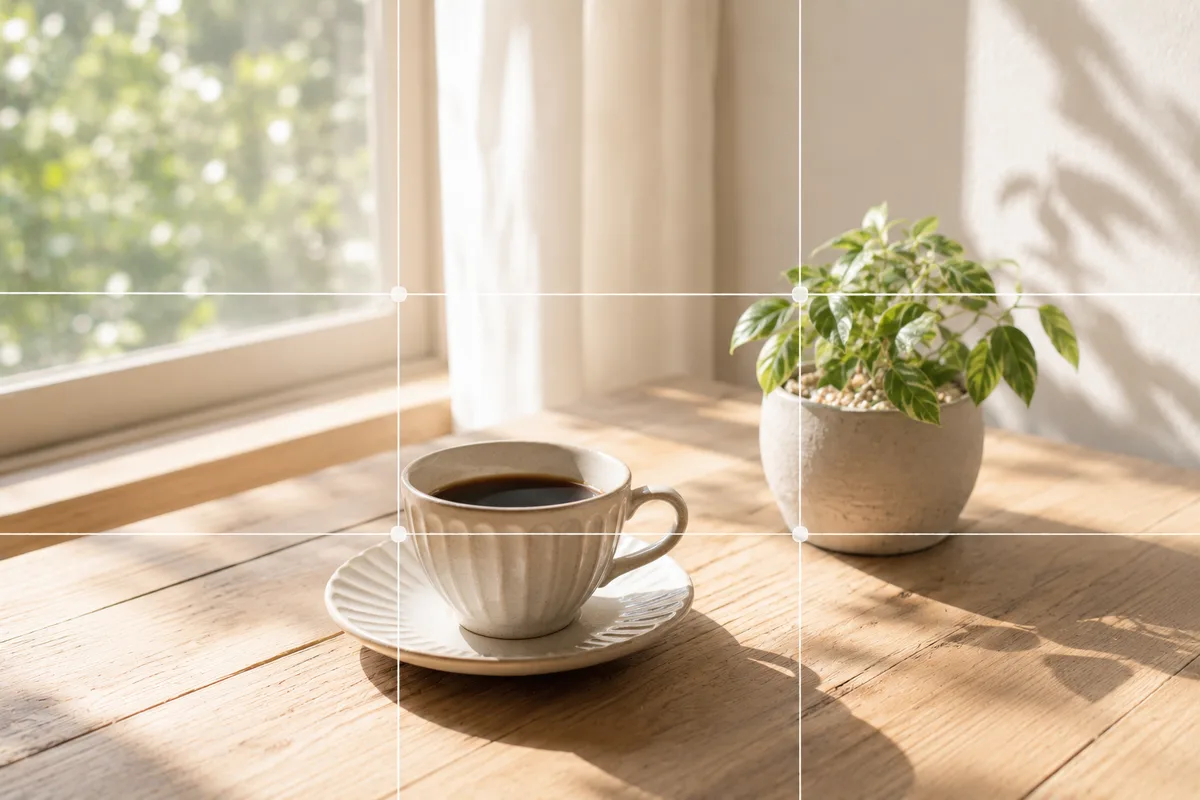
Fix the "Almost There" in Phone Photos With Composition — Using SmaPhoto Tips
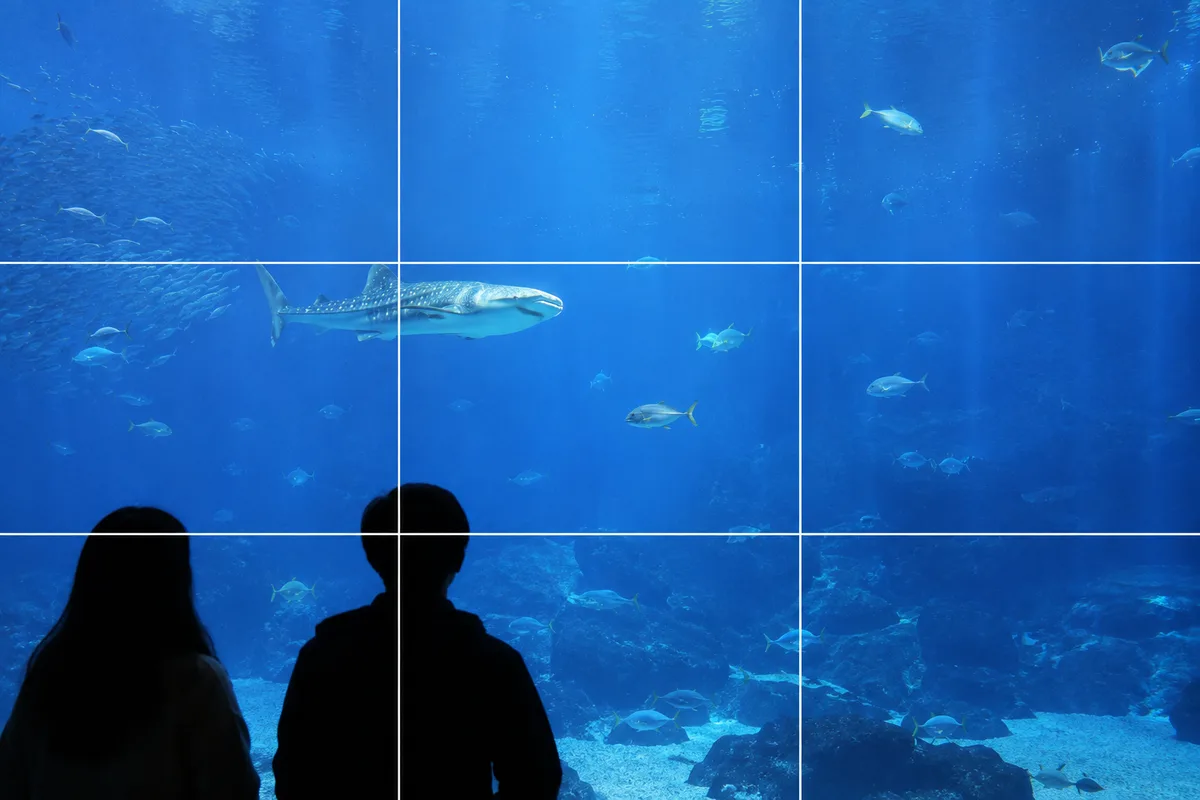
Shooting at Aquariums and Zoos — Fixing Glass Reflections and the Dark Indoors
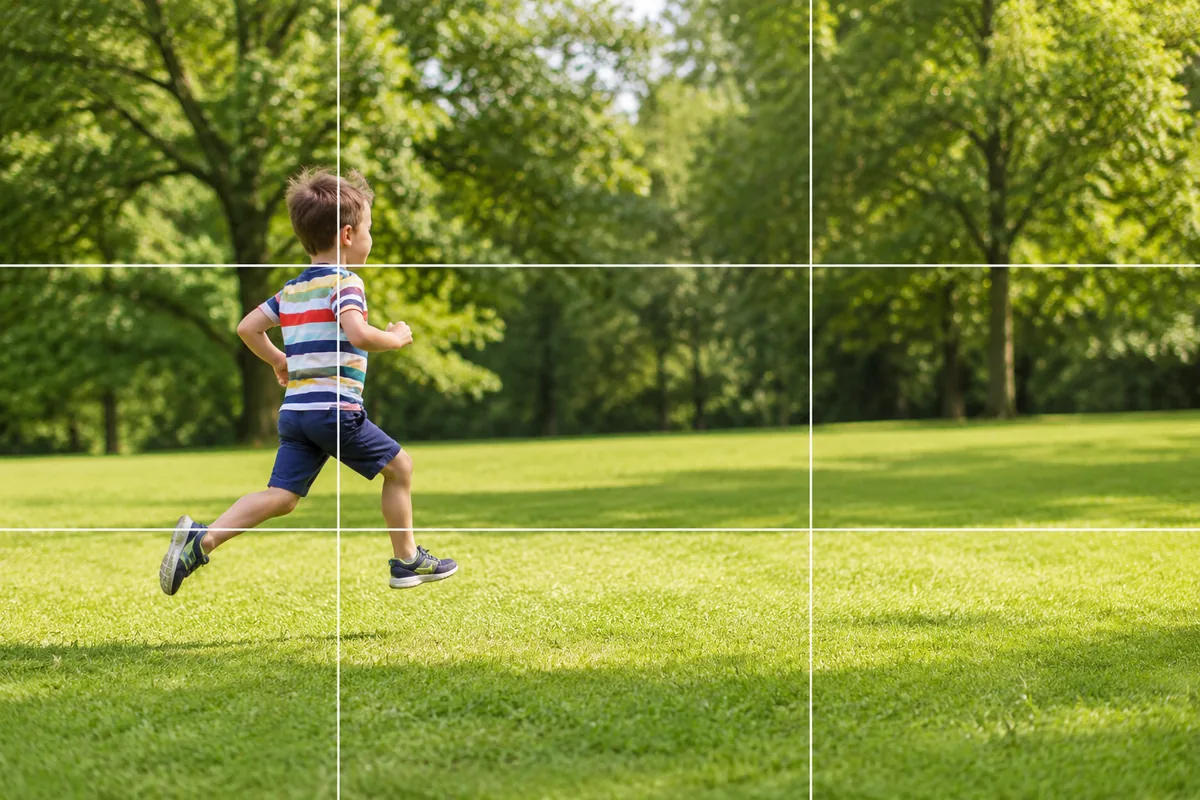
Kids and Pets in Motion — Why They Blur and How Burst Mode Fixes It