Kids and Pets in Motion — Why They Blur and How Burst Mode Fixes It
Published Aug 27, 2026
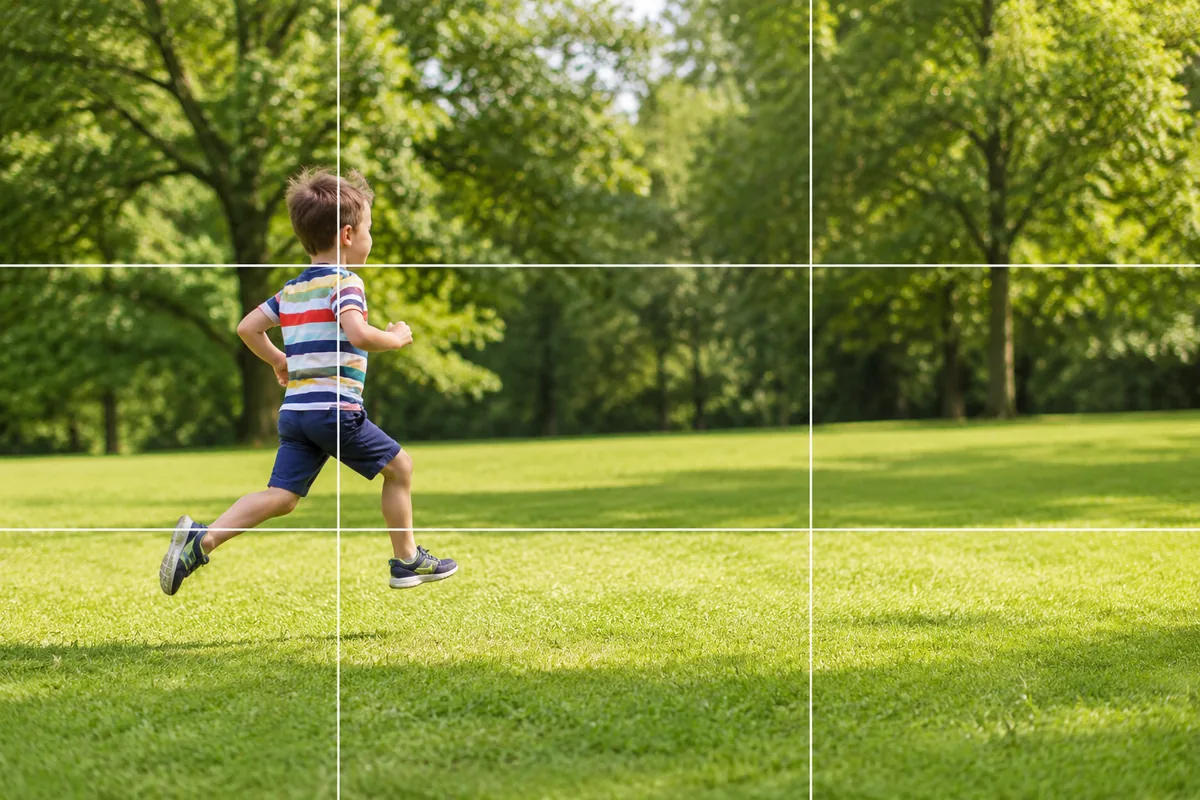
A running child, a pet mid-pounce. The expression was perfect at the time, and in the photo it’s blurred, or the head is cut off. Motion feels hard as long as you think of it as “getting the one shot right.” Change the goal to not aiming for a single frame and the hit rate climbs sharply.
This covers the thinking that applies to anything in motion. For subject-specific tips, see photographing children, pets and sports day.
Blur comes from the light, not your hands
Motion blurs because the shutter stays open too long. In dim surroundings the camera holds it open to gather light, so the same movement smears. Which means choosing a brighter spot is the single most effective fix.
Move near a window, switch the room lights on, walk round to the sunny side of the park. The shutter speeds up and the movement freezes. When there’s genuinely nowhere brighter, this helps (→ Shooting in dim rooms).
Don’t aim for one frame — hold down the shutter
Wait until you see the good moment and you’ll be slightly late every time; by the time you’ve reacted and pressed, the child or the dog has moved on.
So keep the shutter button pressed and shoot a burst. On iPhone, slide the shutter to the left and hold (downward when the phone is sideways); on most Android phones, press and hold. On iPhone and Pixel a plain press and hold can be set to record video, so it’s worth checking yours once (→ Using burst shooting). Ten frames in, one of them will have both the expression and the footing right.
Shift from “land the shot” to “shoot plenty, choose later.” That’s the whole approach to motion. Afterwards, open the stack in your photo app, keep the best one and delete the rest.
Pre-focus where they’re heading
Focusing while chasing is a phone’s weak spot. Instead, get ahead of them and lock focus on the spot they’re coming to.
- Point the phone at the ground they’ll cross
- Press and hold there to lock focus (→ Locking focus)
- Burst from the moment they arrive
The bottom of the slide, just short of the finish line, wherever you set the toy down. Being able to create the arrival point yourself makes it more reliable still (→ How to photograph pets / Sports day photos).
Leave space in the direction of travel
A moving subject dead center can work as a frame, but leaving room where they’re going brings back the sense of continuing motion. If a child is running to the right, place them left of center and open up the right side (→ Rule of thirds / Negative space).
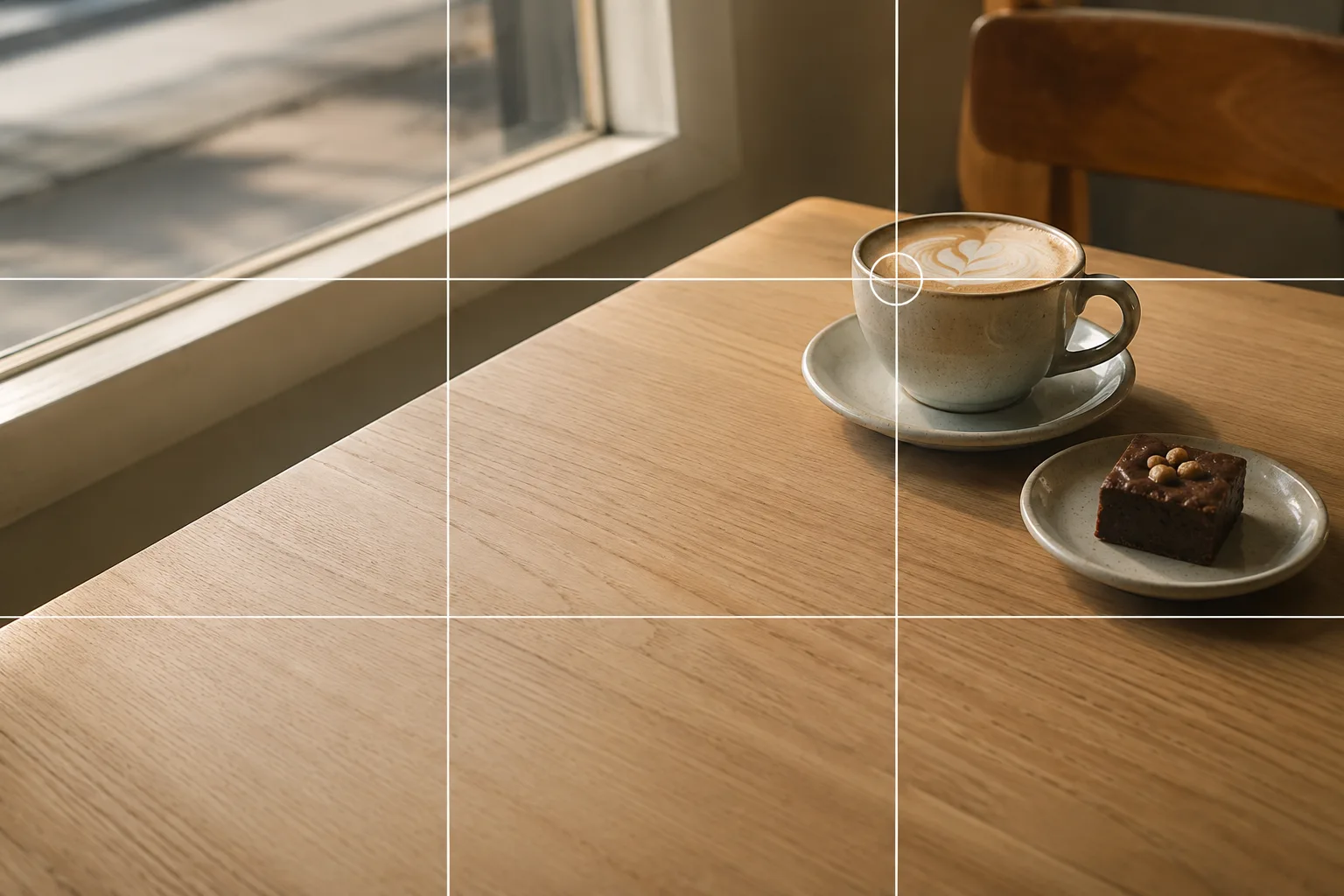 Composition guideRule of thirdsSee the full guide for this composition →
When picking the keeper from a burst, choose the frame that has that space ahead — it will read as the one with movement in it.
Crouch to their eye level
Kids and pets both shrink when seen from adult height. Crouch to their eye level and you get the expression, and the background changes from floor to sky or scenery. With a pet, go almost to ground level and the whole world shifts.
Just this to start
Move somewhere brighter. Pre-focus where they’ll be. Keep the shutter pressed. Those three transform photos of anything in motion. New phones have modes that pick the best instant out of a video clip, but what they’re doing is the same thing — shoot plenty, choose later. That idea already works on the phone in your hand.
FAQ
Running kids always come out blurred.
The darker the spot, the slower the shutter, and the more motion blurs. Move somewhere brighter first, then shoot a burst (see below for how on your phone) — at least one frame in the run will be sharp.
How do I use burst mode?
On iPhone, slide the shutter button to the left and keep holding (downward when held sideways) — a plain press and hold records video instead. On most Android phones, press and hold. Afterwards, open the stack in your photo app, keep the best frame and delete the rest so storage stays under control.
My pet keeps moving out of the frame.
Chasing never keeps up. Point the phone where your pet is likely to arrive, press and hold there to lock focus, and burst from the moment they enter. A toy or a treat placed in that spot makes it more reliable still.
Example gallery
Related reading
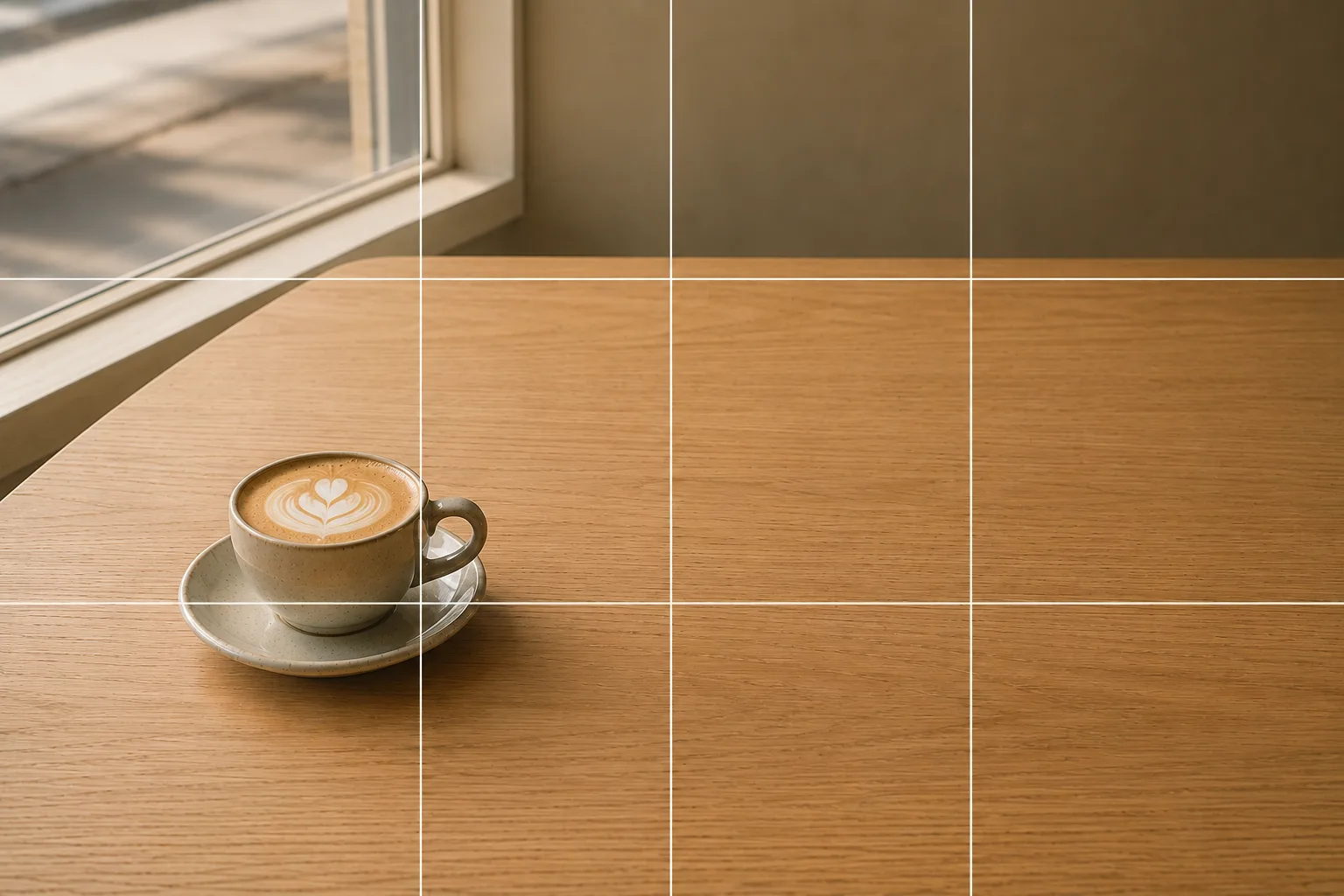
Compositions used
Related subject guides

Capturing Kids' Natural Expressions — Fixing Blur and Darkness

Capturing Dogs' and Cats' Expressions — Fixing Motion, Darkness and Blur
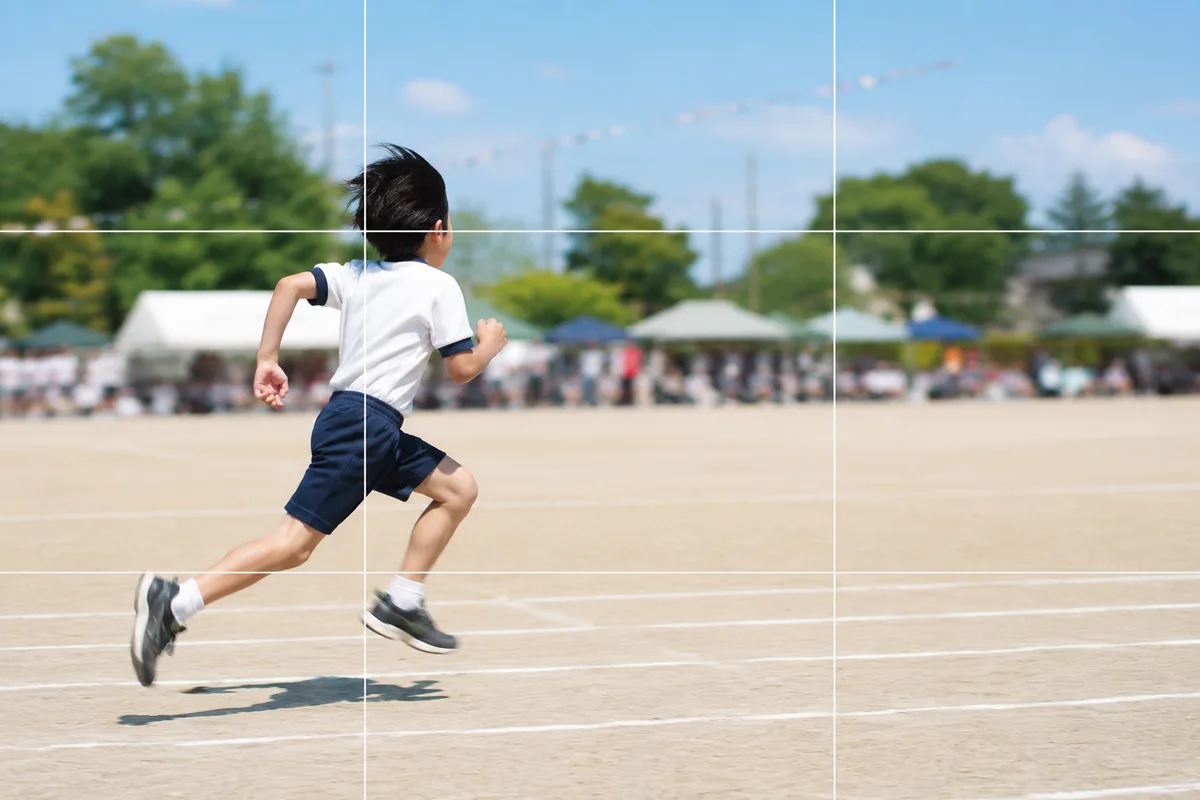
Shooting Kids Sharp at Sports Day — Fixing Blur, Distance and Backlight
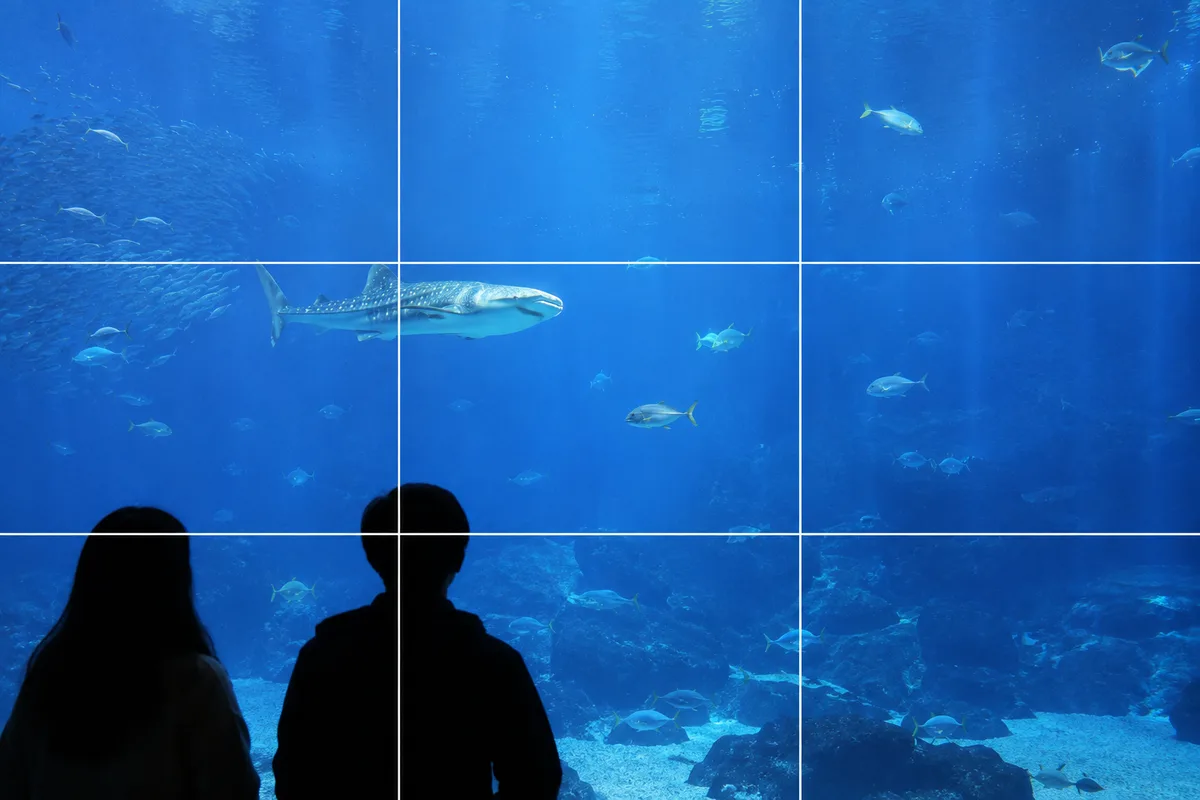
Shooting at Aquariums and Zoos — Fixing Glass Reflections and the Dark Indoors

Fitting Everyone in a Group Photo — Fixing Tilt, Darkness and Framing

Shooting at Photo-OK Concerts — Fixing Black Frames, Blur, and the Tiny Stage
Halloween — Why It Looks Cluttered, and Shooting Decorations and Costumes
Photographing Shichi-Go-San — Why Faces Go Dark and How to Show the Kimono
Three-Generation Family Photos — Why Everyone Stiffens and How to Arrange Them