Shooting at Photo-OK Concerts — Fixing Black Frames, Blur, and the Tiny Stage
Published Jul 10, 2026
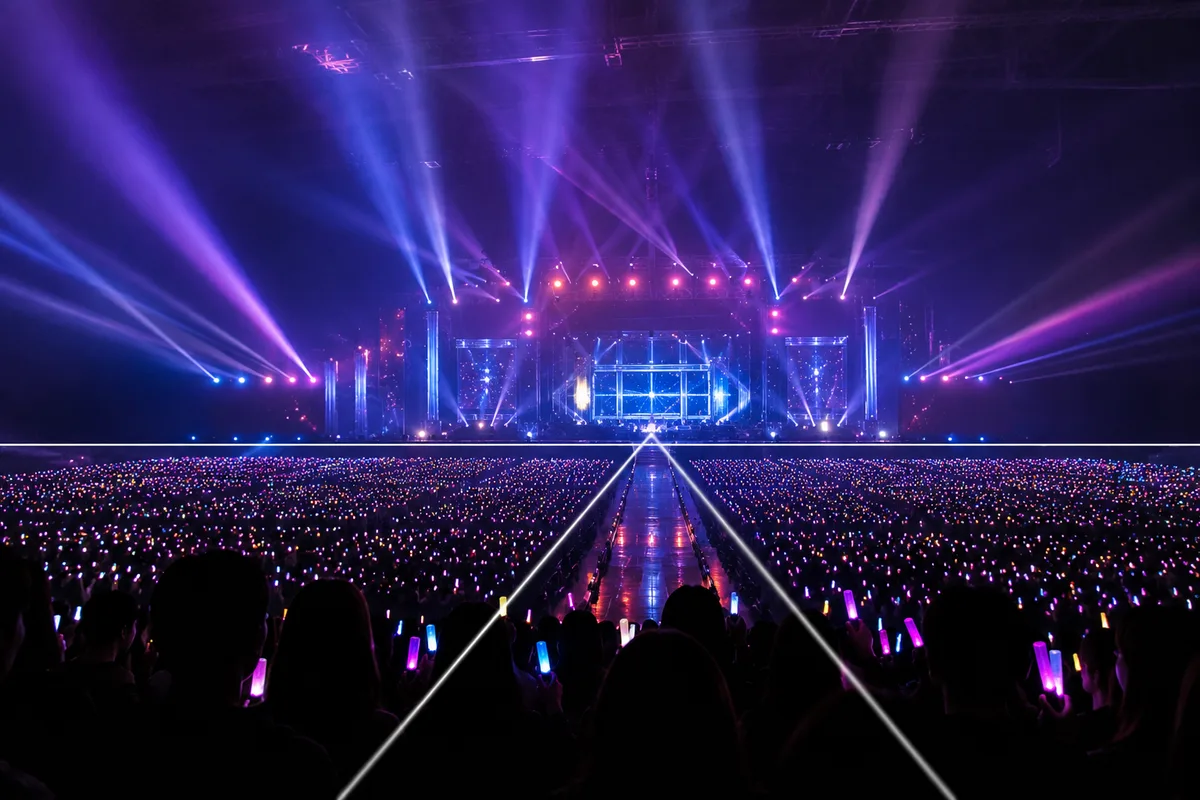
A photo-OK concert — you shoot happily all night, then scroll through black frames, blur, and a stage the size of a grain of rice. Venues combine dark, far, moving, and harsh lighting all at once, so none of this is your fault. Here’s what a phone can do, in order.
First, confirm that today’s show allows photos
The ground rule: photo policies differ show by show. Some allow everything, some allow specific songs only, phones only, or photos but no video. Check the official site, the entrance announcements, and the venue signage, and enjoy within those lines. While shooting, keep the phone below head height and stay mindful of the people behind you — small courtesies that keep the night pleasant for everyone, including you. With that settled, you can focus on shooting with a clear mind.
Beat the stage-light backlight by tapping your subject
To a camera, stage lighting is fierce backlight. Left on auto, the camera exposes for the lights and your subject goes black — or overcorrects and blows everything white. The fix is the same as any backlight (→ Fixing backlit photos): tap your subject to set the reference, then swipe the sun icon to fine-tune (→ Adjusting brightness). Lighting shifts moment to moment within a song, so the most reliable move is to wait for a bright cue and shoot then.
Stop the zoom before it falls apart
Max zoom from the back rows turns the image to mush — past the optical range, phone zoom is digital enlargement (→ Optical vs digital zoom / How phone cameras work, and their limits). Stop just before the graininess starts. The urge to get closer is better spent on the next section: shooting the venue itself — which is, honestly, the more satisfying photo anyway.
Freeze motion with bursts and a steady stance
For performers in motion, burst mode is your friend — shoot plenty, choose the best (→ Using burst mode). Steady the phone with both hands, elbows tucked. And note: Night mode gathers light over several seconds, so it’s the wrong tool for a moving stage (→ Using Night mode). If it switches on automatically, waiting for a brighter moment works better (→ Shooting in dark places).
Keep the atmosphere of the whole venue
On nights when the stage stays tiny, switch the goal. Put the stage on the lower third line (→ Rule of thirds) and let the lighting and lasers fill the top. The rows of penlights in the audience are a natural leading line pulling the eye toward the stage. Keep the beams’ open space as negative space and you bring home the feeling of being there. Leave the close-ups to the professional photographers — the shot only your seat could take is the real prize of a photo-OK show.
There are subjects outside the hall, too
The life-size panels and flower stands in the lobby are bright, unhurried subjects where you can actually compose (→ Shooting with life-size panels / Photographing fan flower stands). And back home, your goods and acrylic stands can carry the memory further (→ Shooting fan goods) — and for the silver tape, ticket, and setlist you brought home, see Photographing silver tape and concert tickets. Concert-day photos don’t have to end inside the hall.
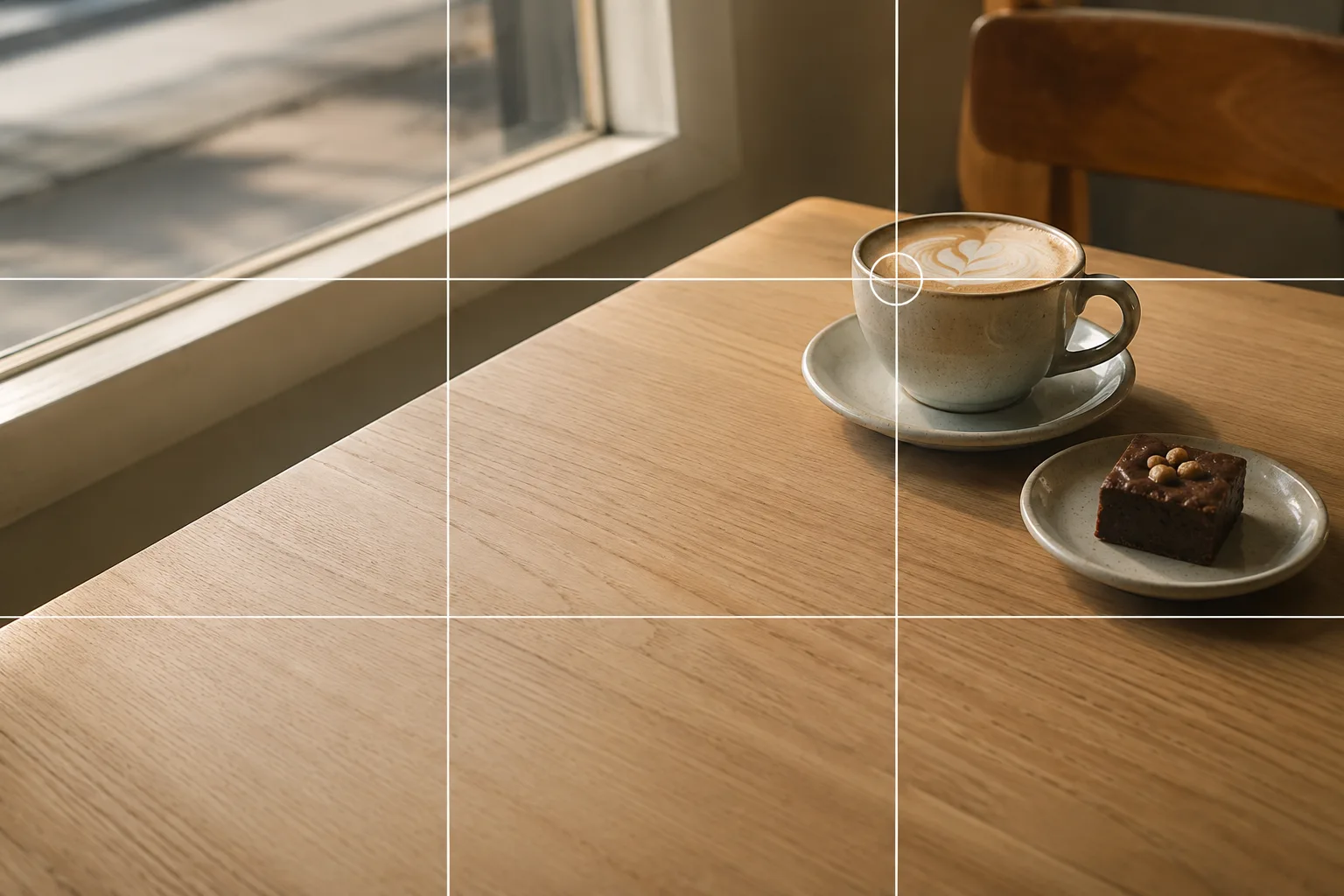 Composition guideRule of thirdsSee the full guide for this composition →
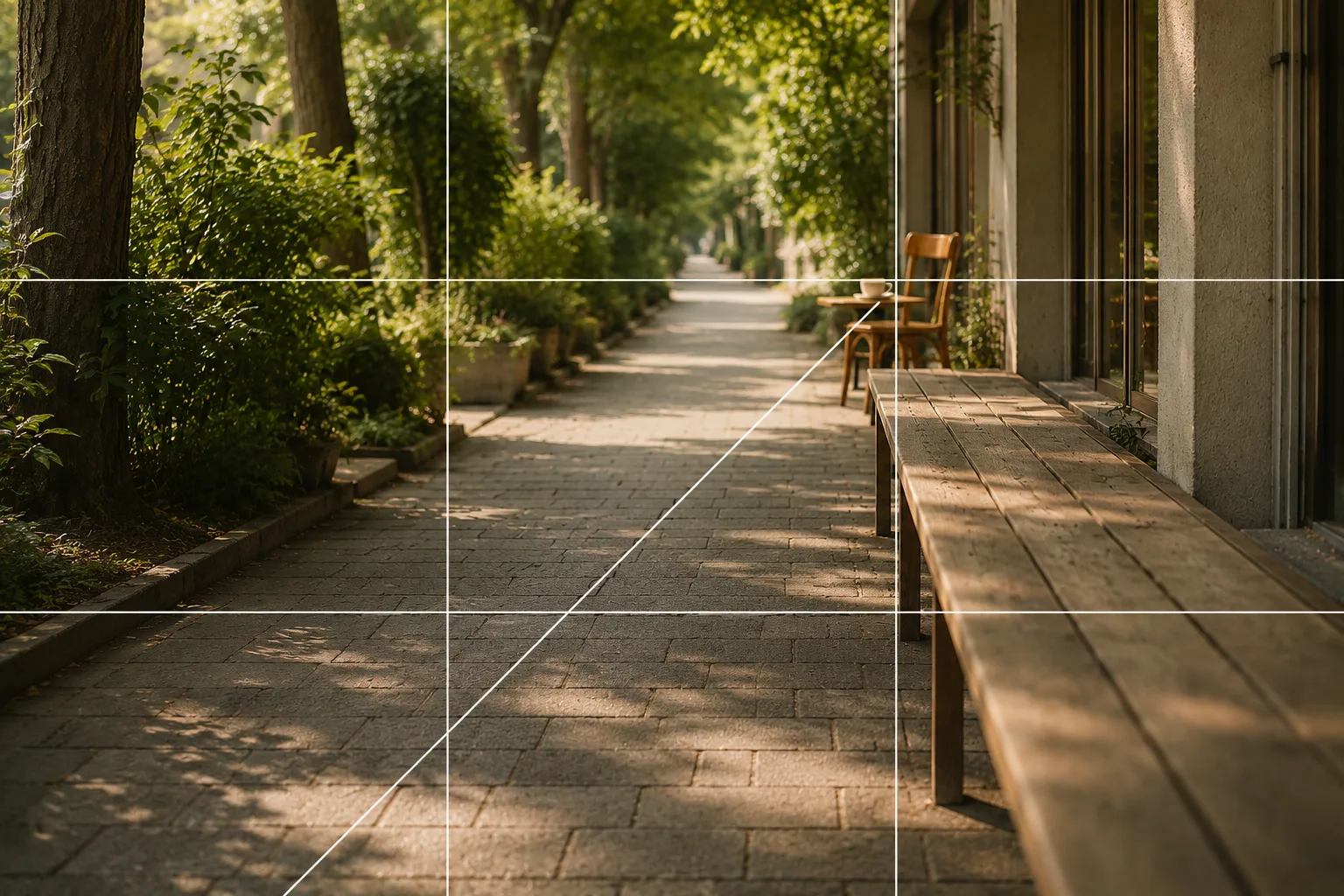 Composition guideLeading linesSee the full guide for this composition →

Start with just this
Confirm the photo rules, flash off. Tap your subject to set the brightness and shoot during bright lighting cues. Zoom only until just before the grain, use bursts for motion. And on tiny-stage nights, put the stage on the lower third and bring home the penlights, the beams — the air of the venue itself.
FAQ
How do I find out whether photos are allowed?
Check the official site, the notes on your ticket, entrance announcements, and venue signage. Conditions vary by show — "this song only," "phones only," "no video," and so on. When in doubt, ask a staff member, or simply don't shoot; that's always the safe choice.
The stage comes out pitch black (or blown white).
The stage lights act as strong backlight and the camera can't decide what to expose for. Tap your subject on screen to set the reference, then swipe the sun icon up or down to adjust. Lighting changes song by song, so shooting during a bright moment is the reliable shortcut.
Can I use flash?
Keep it off. Flash from the audience can't reach the stage, so it doesn't improve the photo — it only disturbs the people around you and the production. In a dark venue, waiting for a bright lighting cue beats flash every time.
Related reading
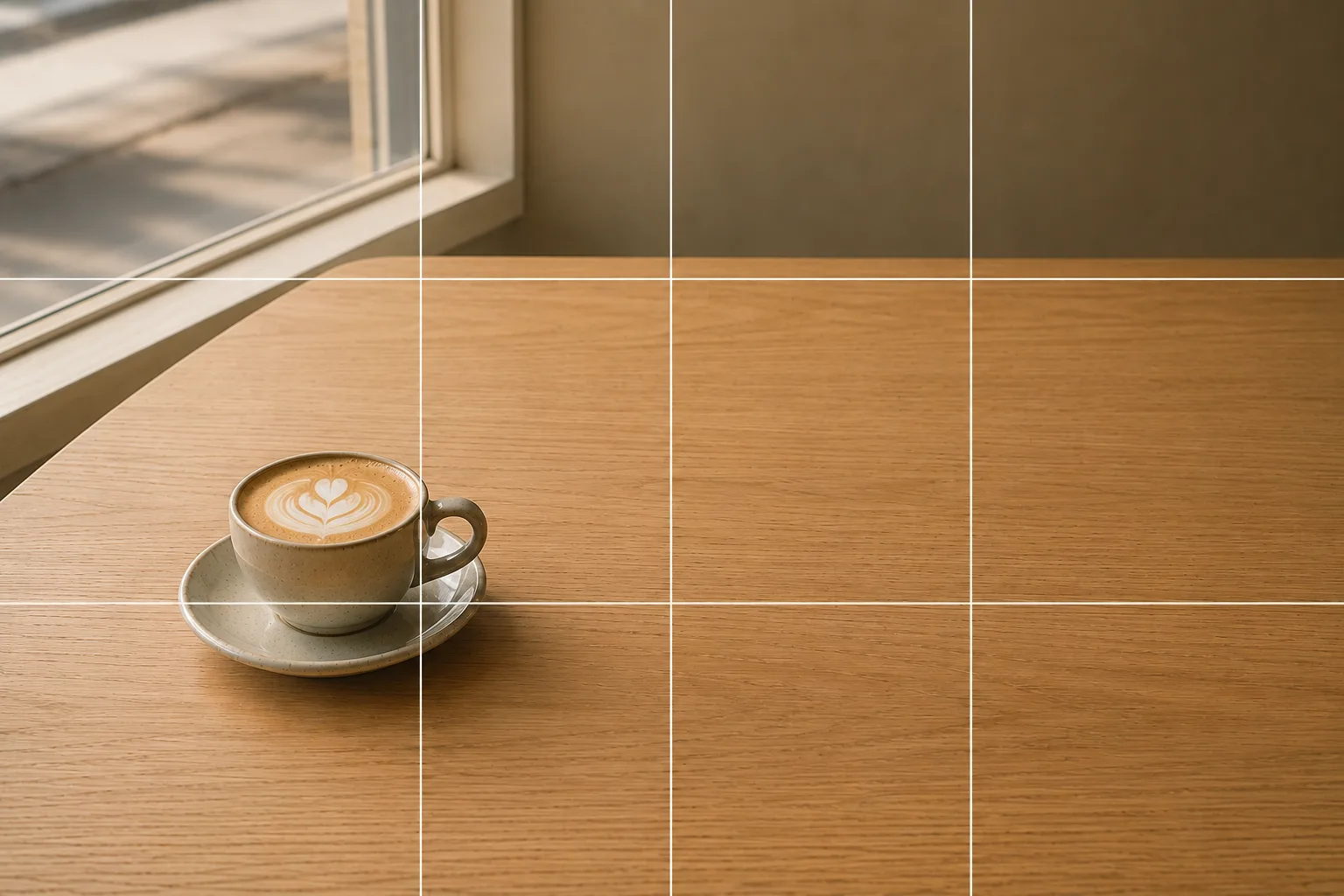
Compositions used
Related subject guides
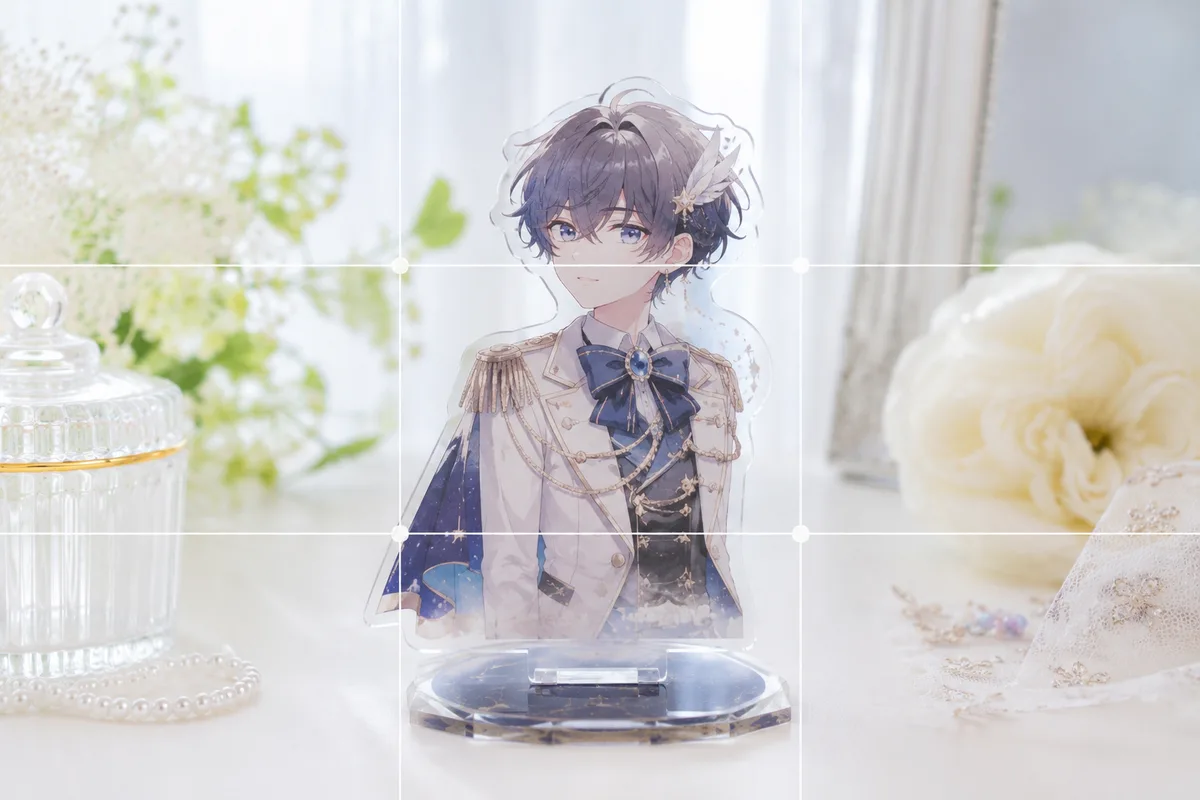
How to Photograph Fan Goods — Glare and Blur on Acrylic Stands & Photocards
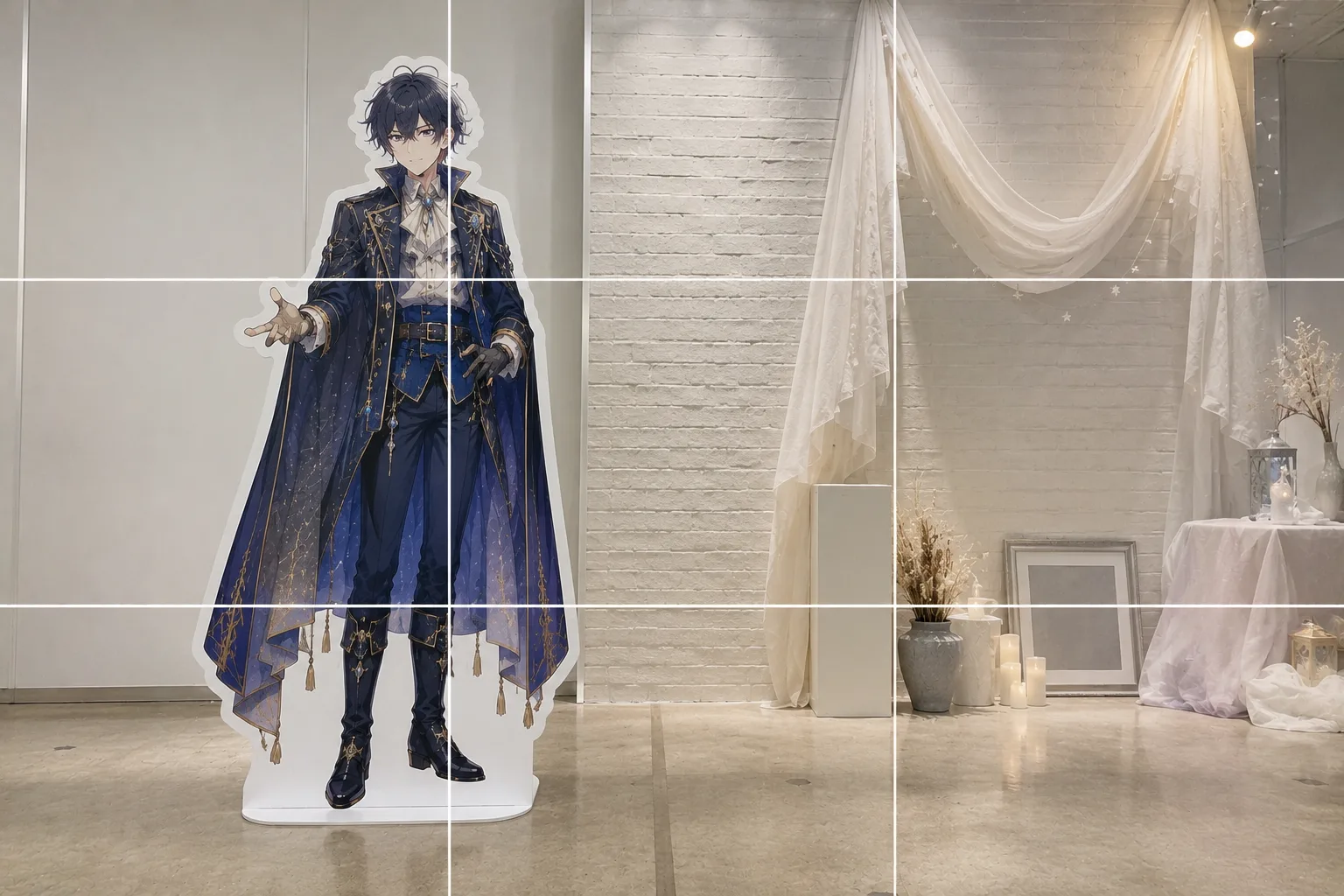
How to Pose With a Life-Size Standee — Tilt and Awkward Scale, Fixed
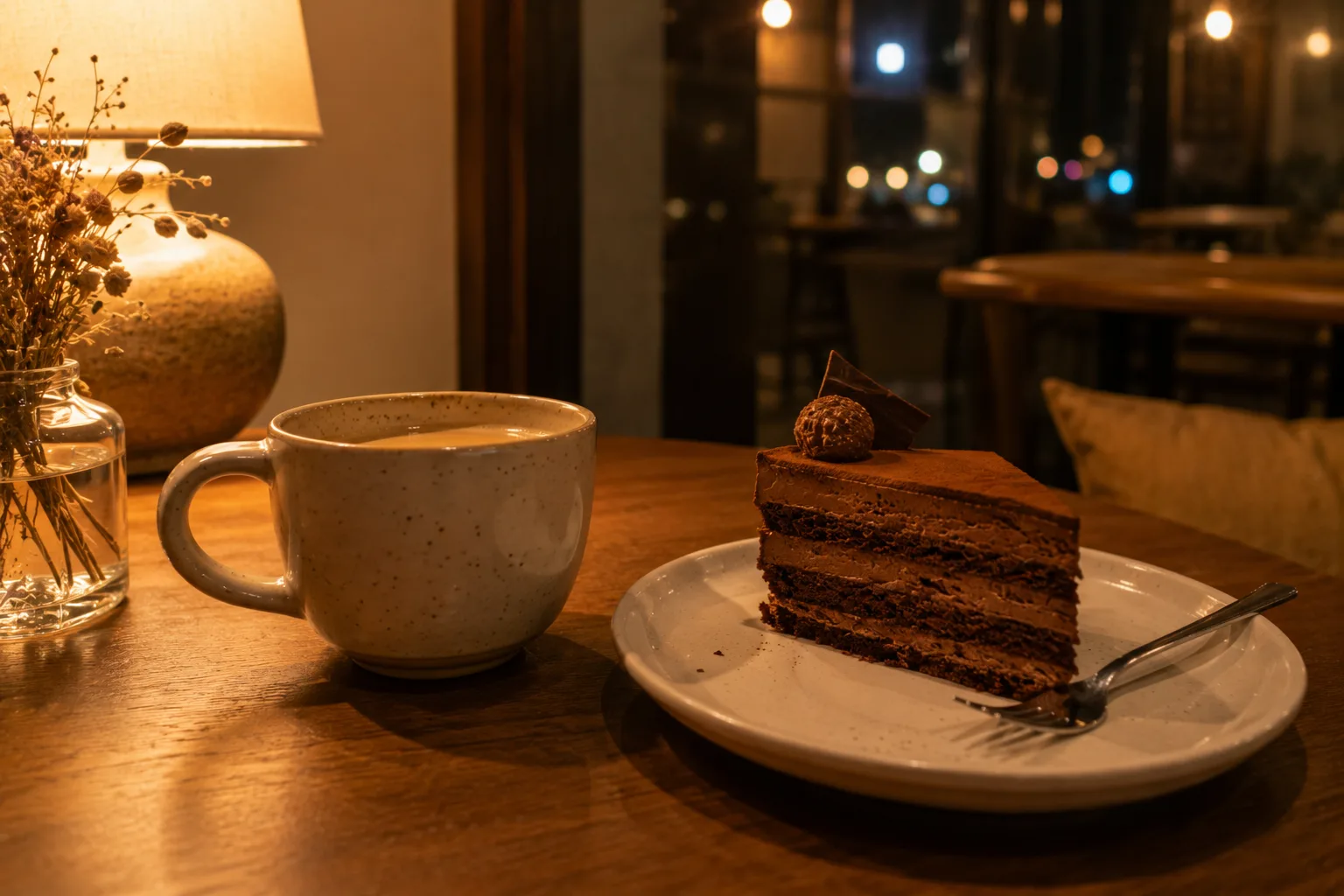
Shooting Cleanly in a Dark Room — Why It Blurs and Goes Dark, and the Fix

Shooting Faces and Food Bright Even in Backlight — Why It Goes Dark and the Fix
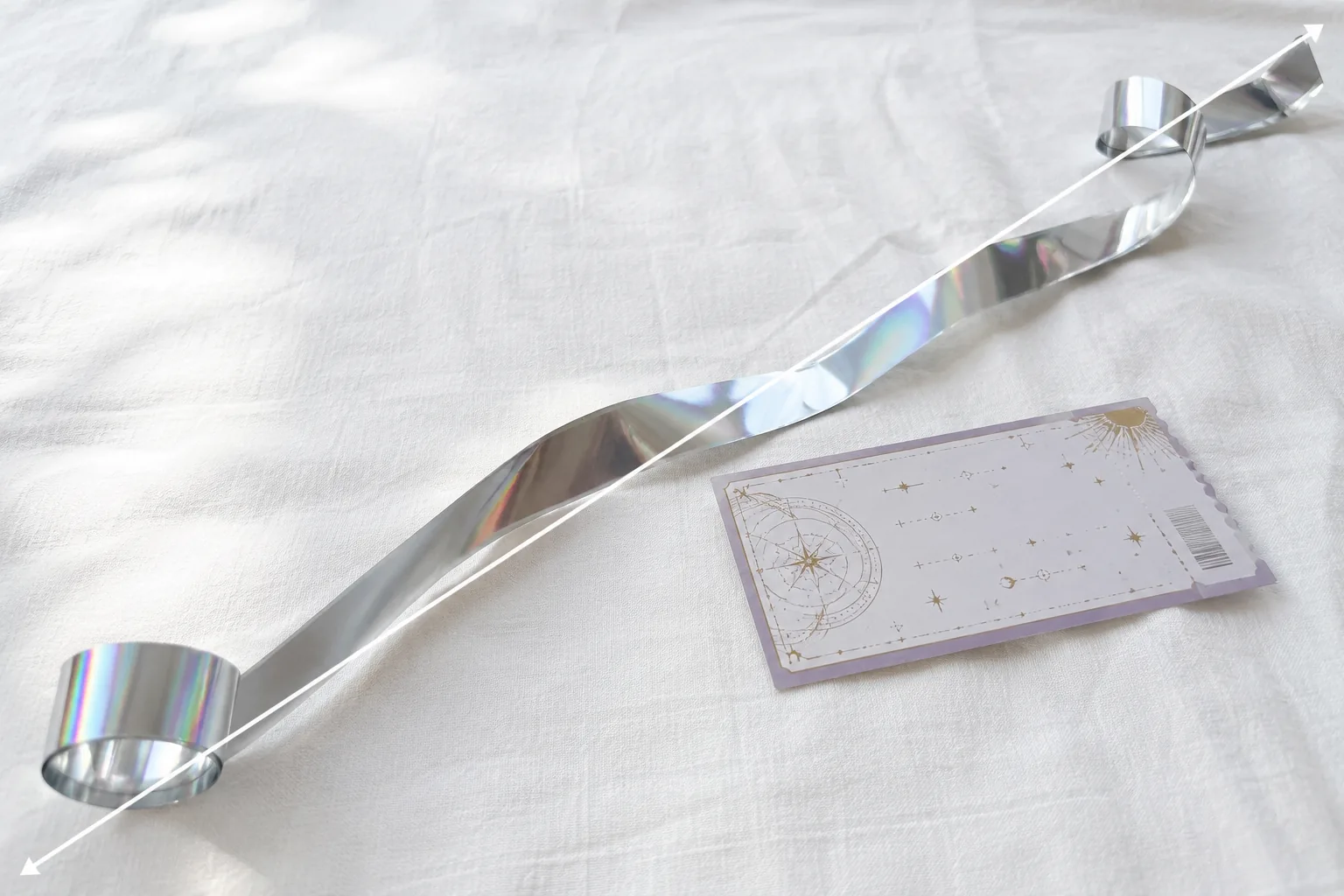
Photographing Silver Tape and Tickets — Dull Color and Lost Sparkle, Fixed
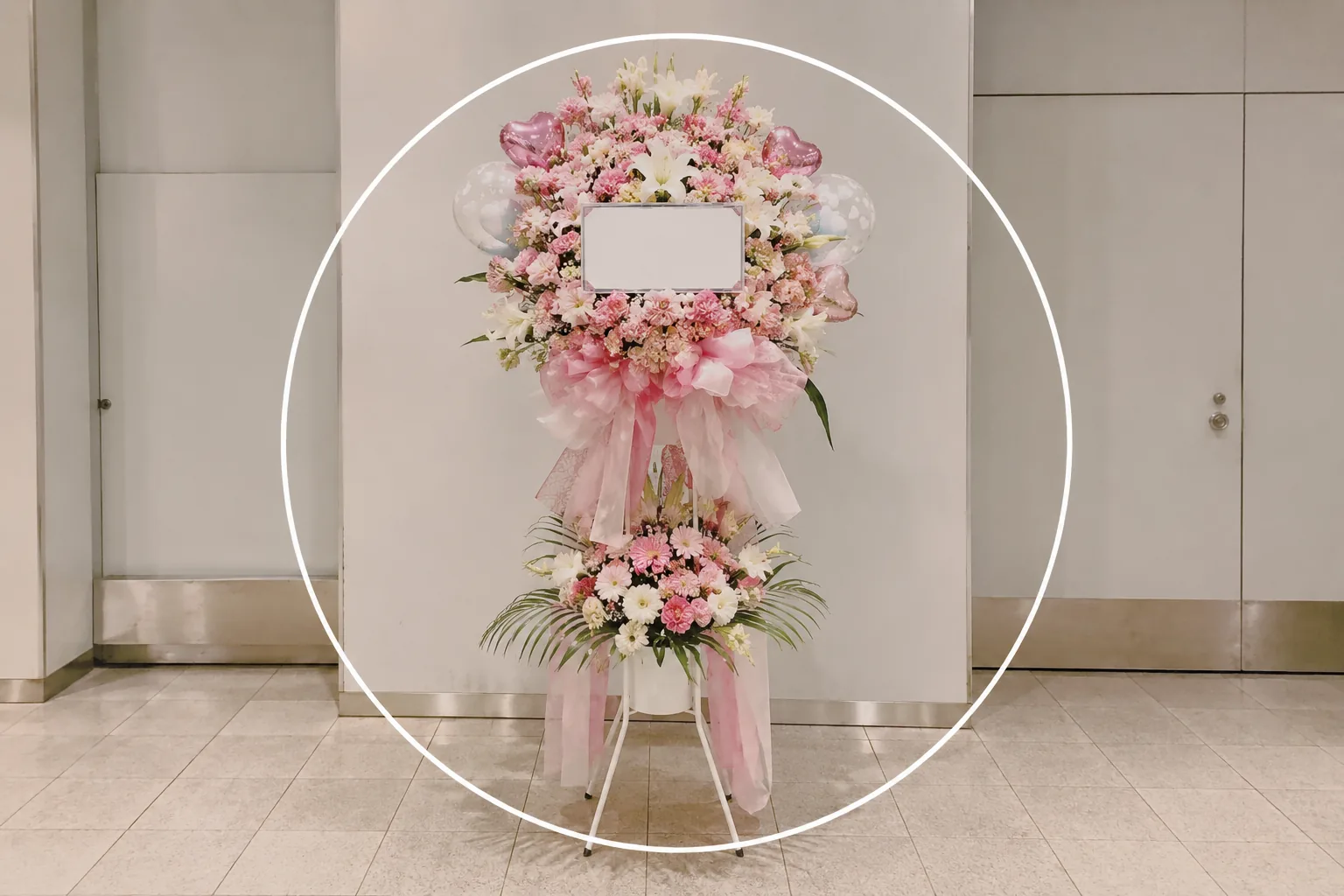
Photographing Fan Flower Stands — Won't Fit the Frame and Dull Colors, Fixed
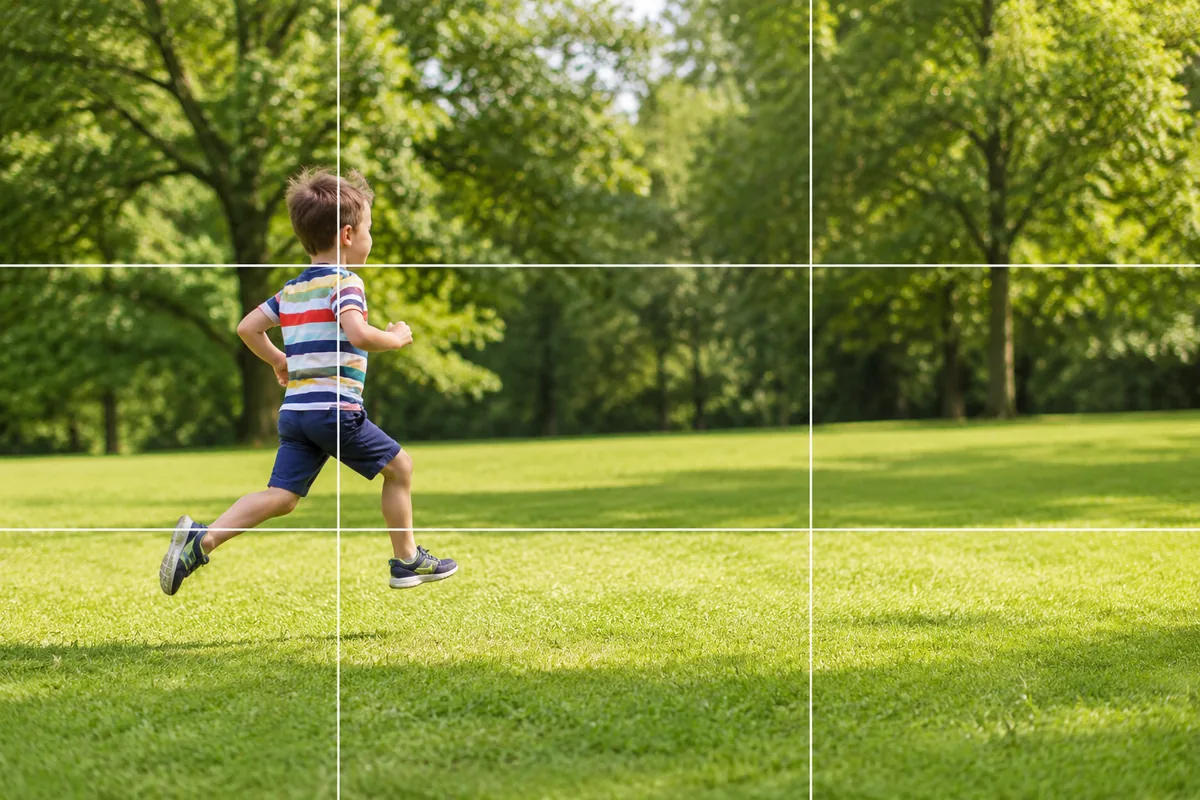
Kids and Pets in Motion — Why They Blur and How Burst Mode Fixes It