How to Use Night Mode — Bright, Shake-Free Shots in the Dark
Published Jun 27, 2026
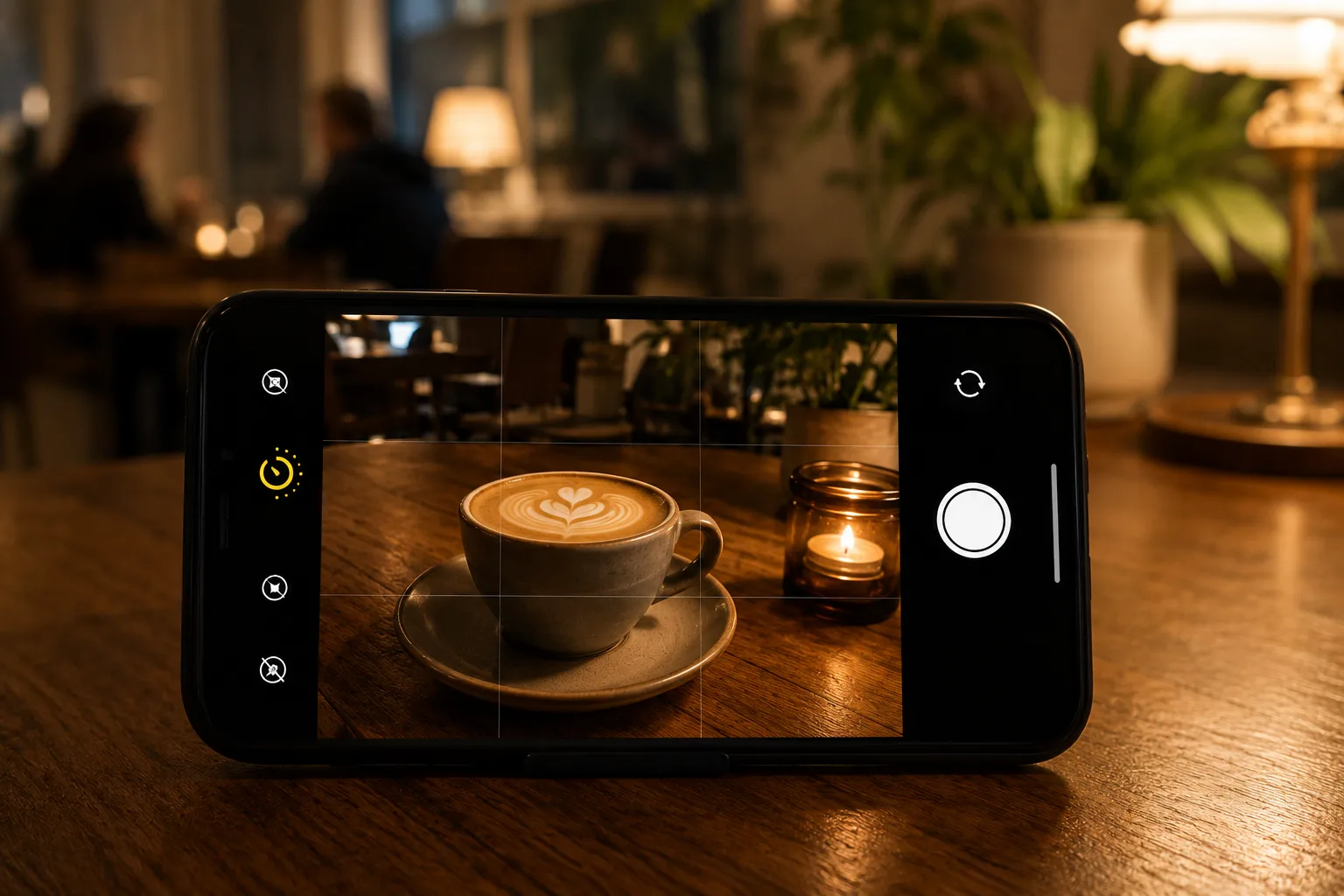
Night mode takes in light over a few seconds in dark places to make a bright, low-noise photo. It’s a lifesaver for night views and dim rooms, but it depends on you holding still.
How it works
Because there’s not enough light in the dark, Night mode keeps the shutter open for a few seconds to gather light. If the phone moves during that time, the image smears and blurs — so it helps to think of it as “brighter, but needs you to hold still.”
How to use it
Point the camera at a dark place and a duration (2 seconds, 3 seconds, etc.) appears automatically. After you press the shutter, keep the phone still until that countdown finishes. Resting it on a railing, a wall or a flat surface, or tucking both elbows against your body, all add stability. Pairing it with the timer also prevents the shake from pressing the shutter.
When it suits (and doesn’t)
It suits still subjects — night views, illuminations, food in a dim room (→ Photographing night views and illuminations / Fixing dark indoor photos). Moving subjects, on the other hand, blur during those few seconds, so they’re a weak point. For moving things, choose a brighter spot or use burst.
Start with just this
When the countdown appears, hold the phone still and don’t move until it finishes. Use the timer to prevent shutter-press shake. That alone clearly improves the “dark and grainy” of night and dim rooms.
FAQ
How do I turn Night mode on?
On most phones it turns on automatically when you point the camera at a dark place, showing a duration on screen (e.g. 2 or 3 seconds). iPhone shows a moon-like icon; Android shows a similar indicator. Some models let you toggle it manually.
My Night mode shots come out blurry.
The shutter stays open during the capture, so moving in that time causes blur. Hold the phone still until the displayed countdown finishes.
Related reading
Related subject guides
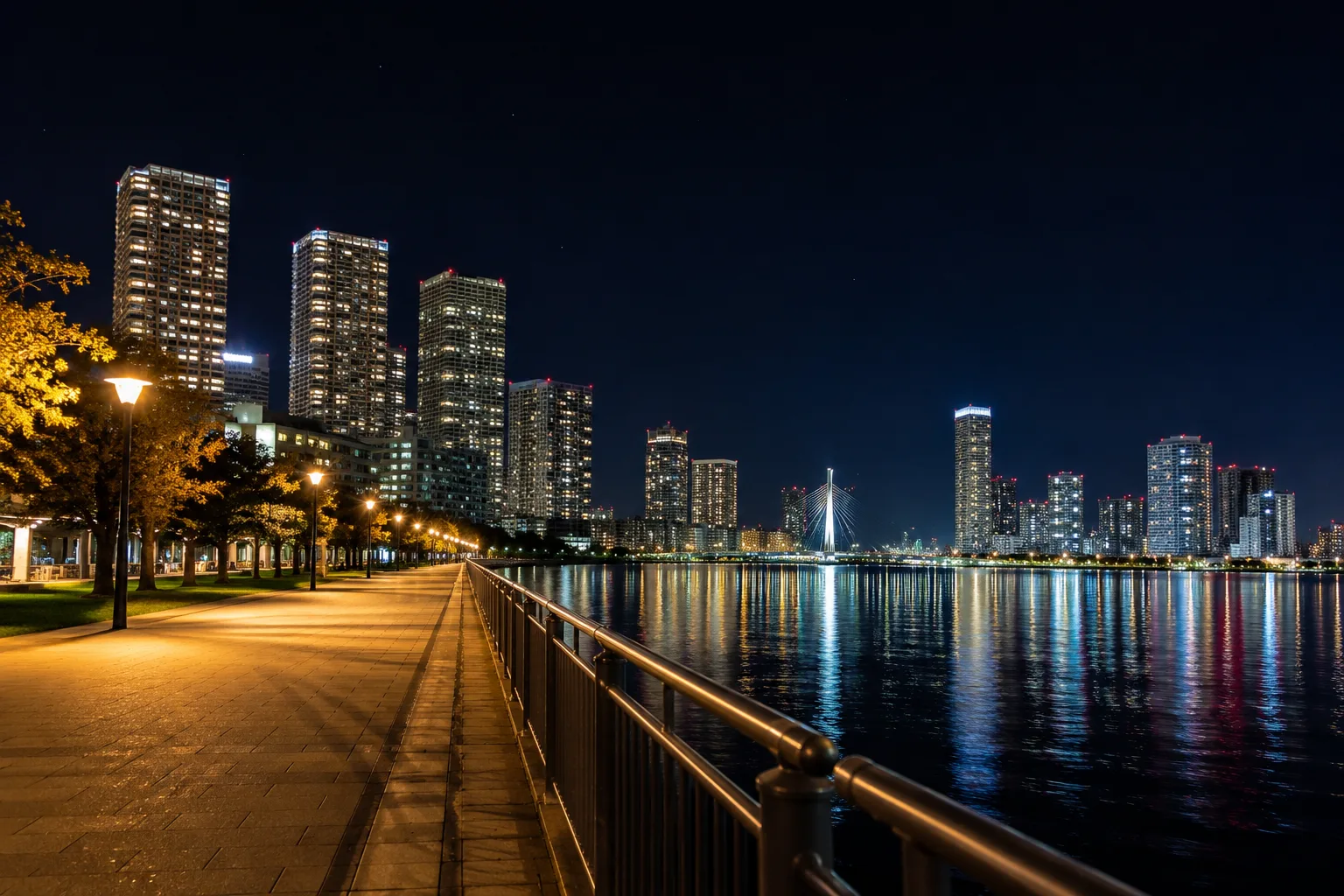
Shooting Night Views and Illuminations Crisp — Why They Blur, and Night Mode
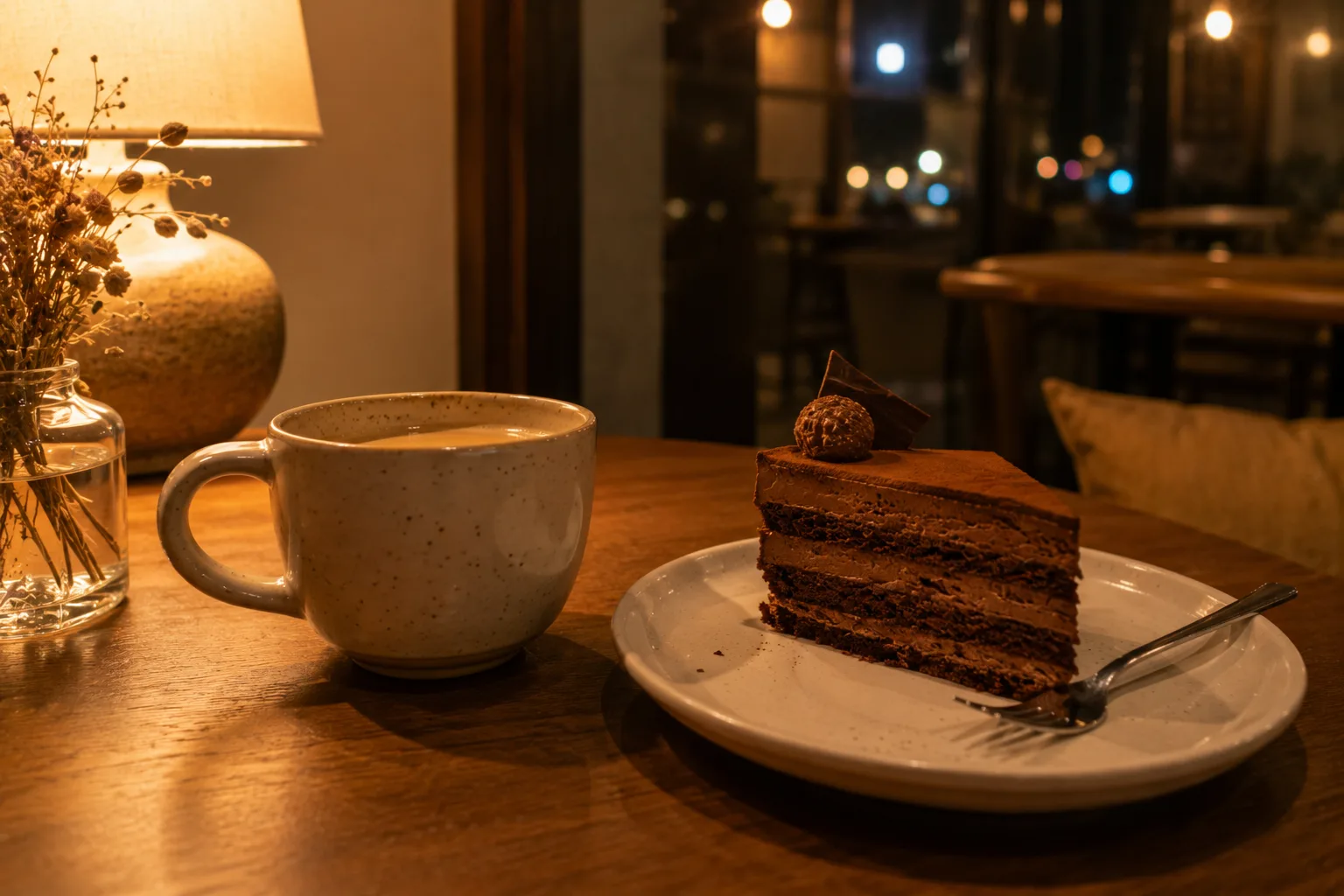
Shooting Cleanly in a Dark Room — Why It Blurs and Goes Dark, and the Fix

Composing Stylish Café Photos — Why They Don't Pop and How to Fix It
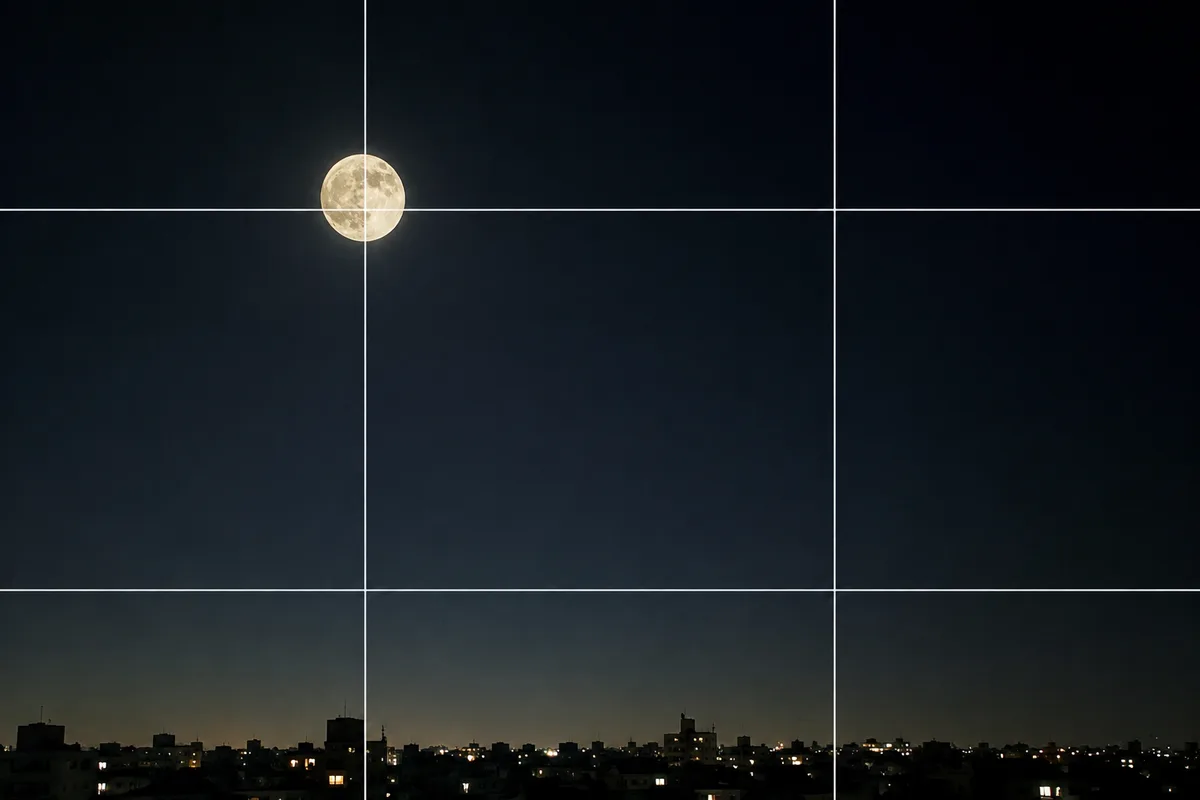
Shooting the Moon Clearly — Why It Becomes a White Dot, and What a Phone Can Do
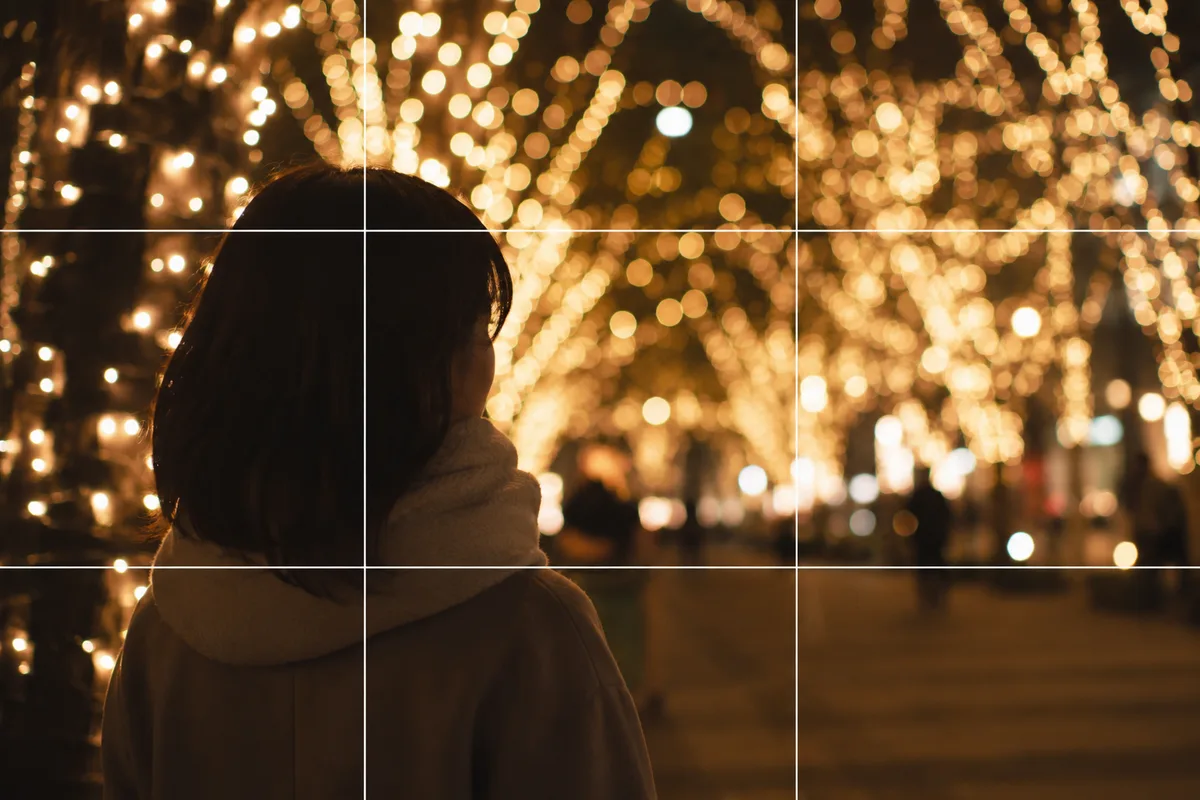
Shooting People with Holiday Lights — Fixing Dark Faces and Vanished Lights
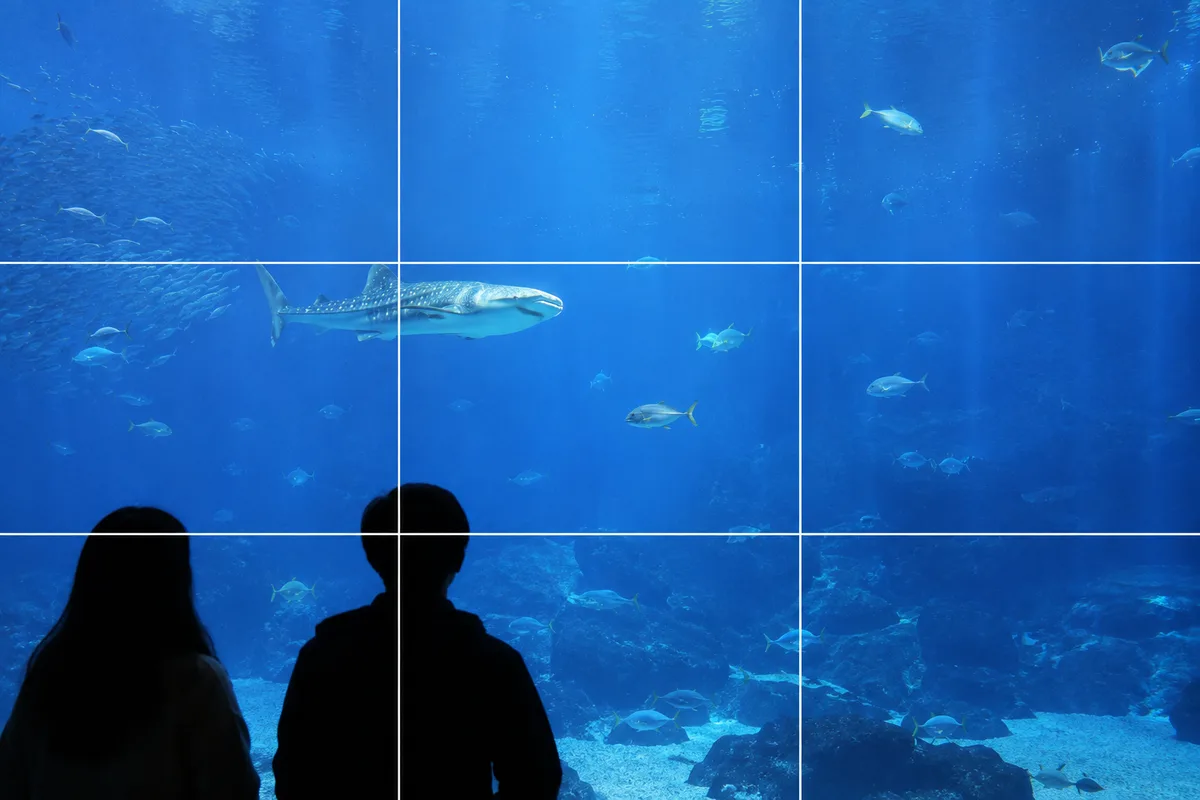
Shooting at Aquariums and Zoos — Fixing Glass Reflections and the Dark Indoors
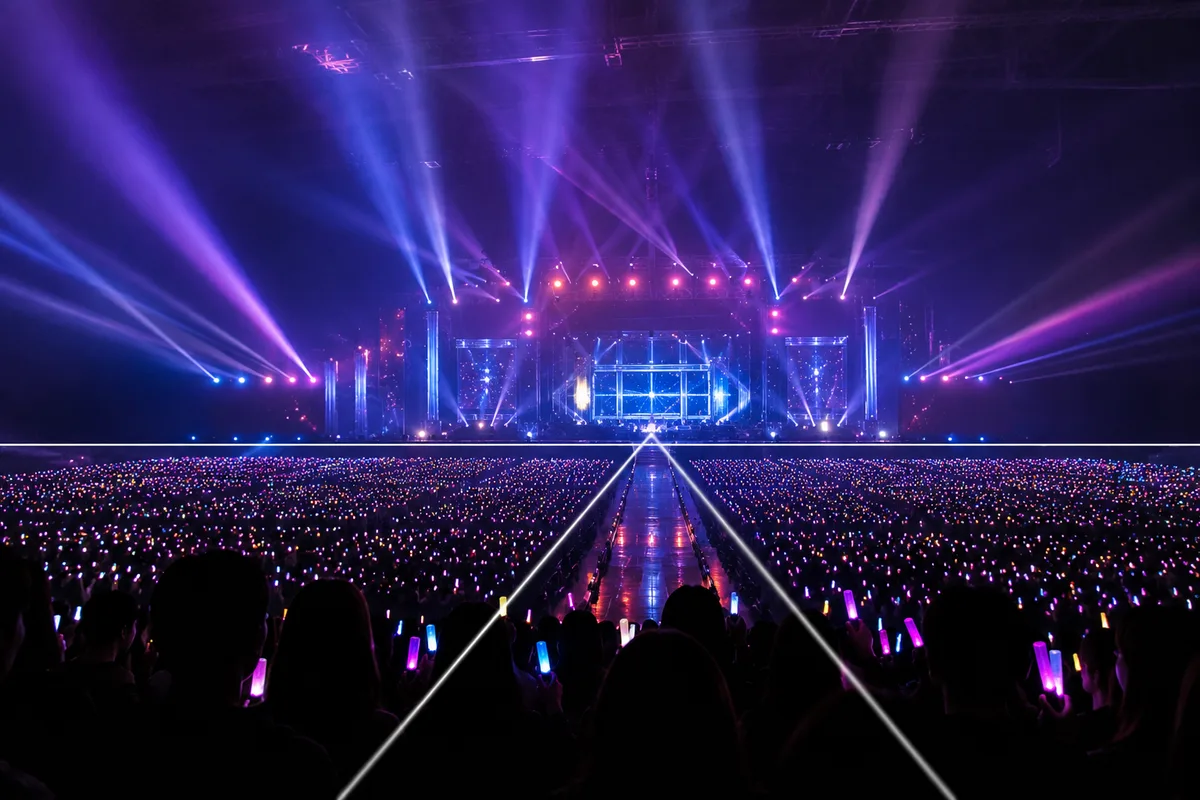
Shooting at Photo-OK Concerts — Fixing Black Frames, Blur, and the Tiny Stage