Shooting Cleanly in a Dark Room — Why It Blurs and Goes Dark, and the Fix
Published Jun 27, 2026
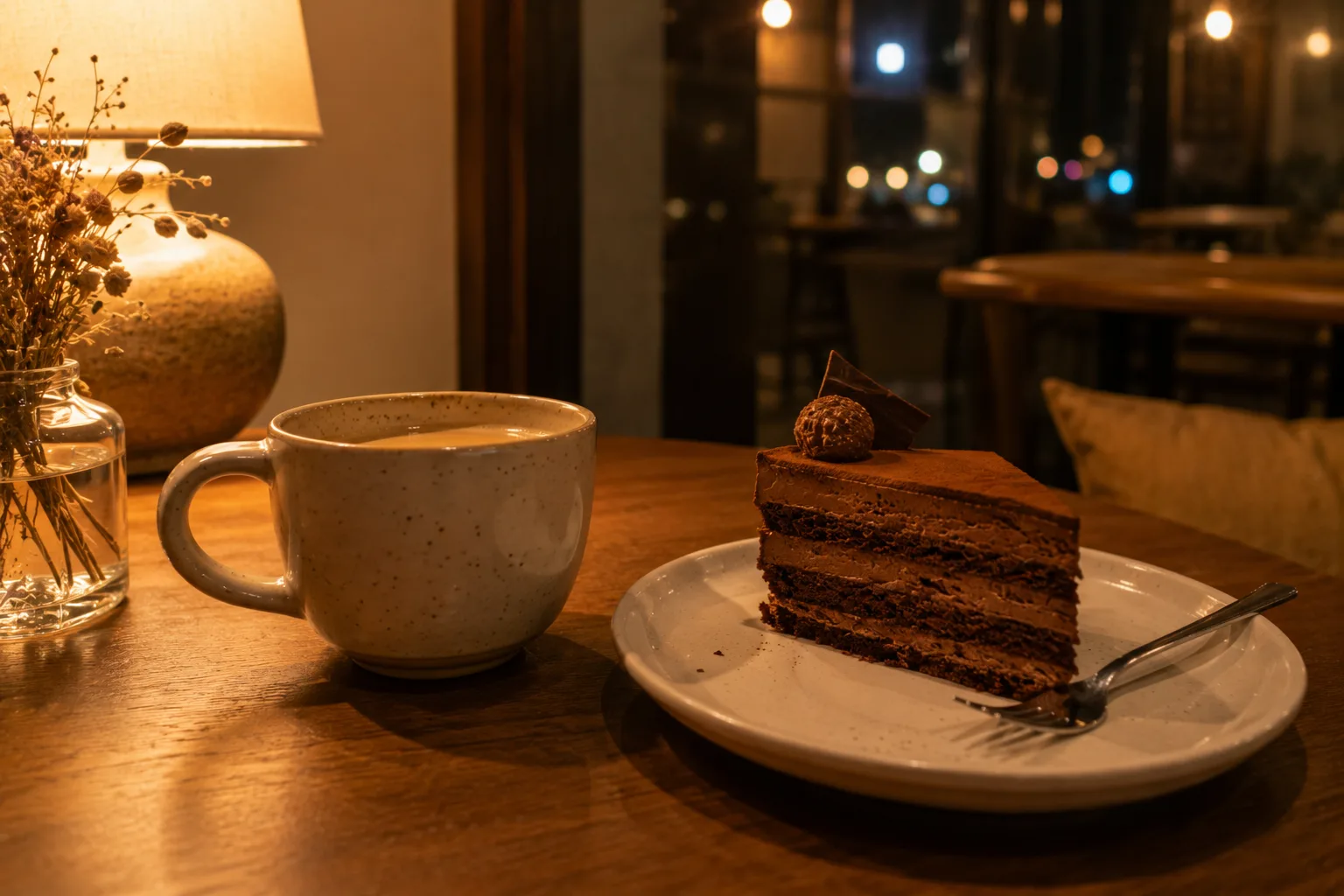
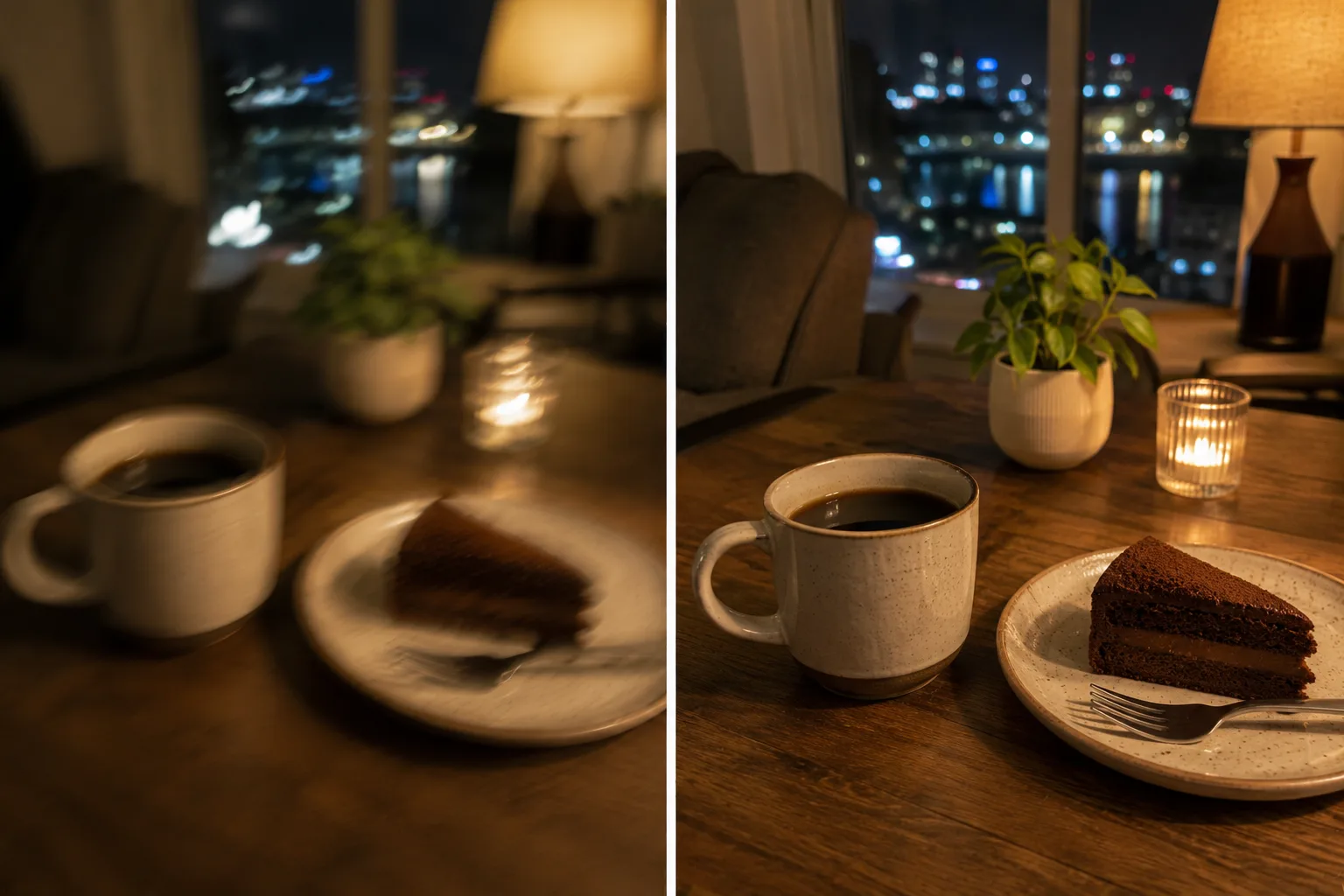
Shooting in a night room or a shop, it comes out “dark” or “blurry from shake.” Most of what makes indoor photos fall short is too little light and the shake that comes with it. You can improve it a lot with the phone’s controls and how you hold it.
Why darkness causes blur
In a dark place, the camera keeps the shutter open longer to gather more light. If the phone moves even slightly during that time, the image smears and blurs. In other words, “dark” and “blurry” tend to happen together.
Fix 1: compensate the brightness
Tap the subject to set focus and swipe up to brighten. That alone rescues a lot of the darkness (→ Exposure compensation basics).
Fix 2: suppress shake with Night mode and bracing
In dark places, Night mode may kick in automatically. When the indicator appears, hold the phone still for a few seconds until the shot finishes. Bracing both elbows against your body or a table, leaning on a wall, or resting it on a flat surface cuts shake sharply.
Fix 3: choose a spot with light
When you can, move the subject to a spot with even a little light — near a window or a lamp. For food or a café, choose a seat where natural window light falls from the side for a brighter, more dimensional shot. Placing the subject on an intersection gathers the eye even within a dark background (→ Rule of thirds).
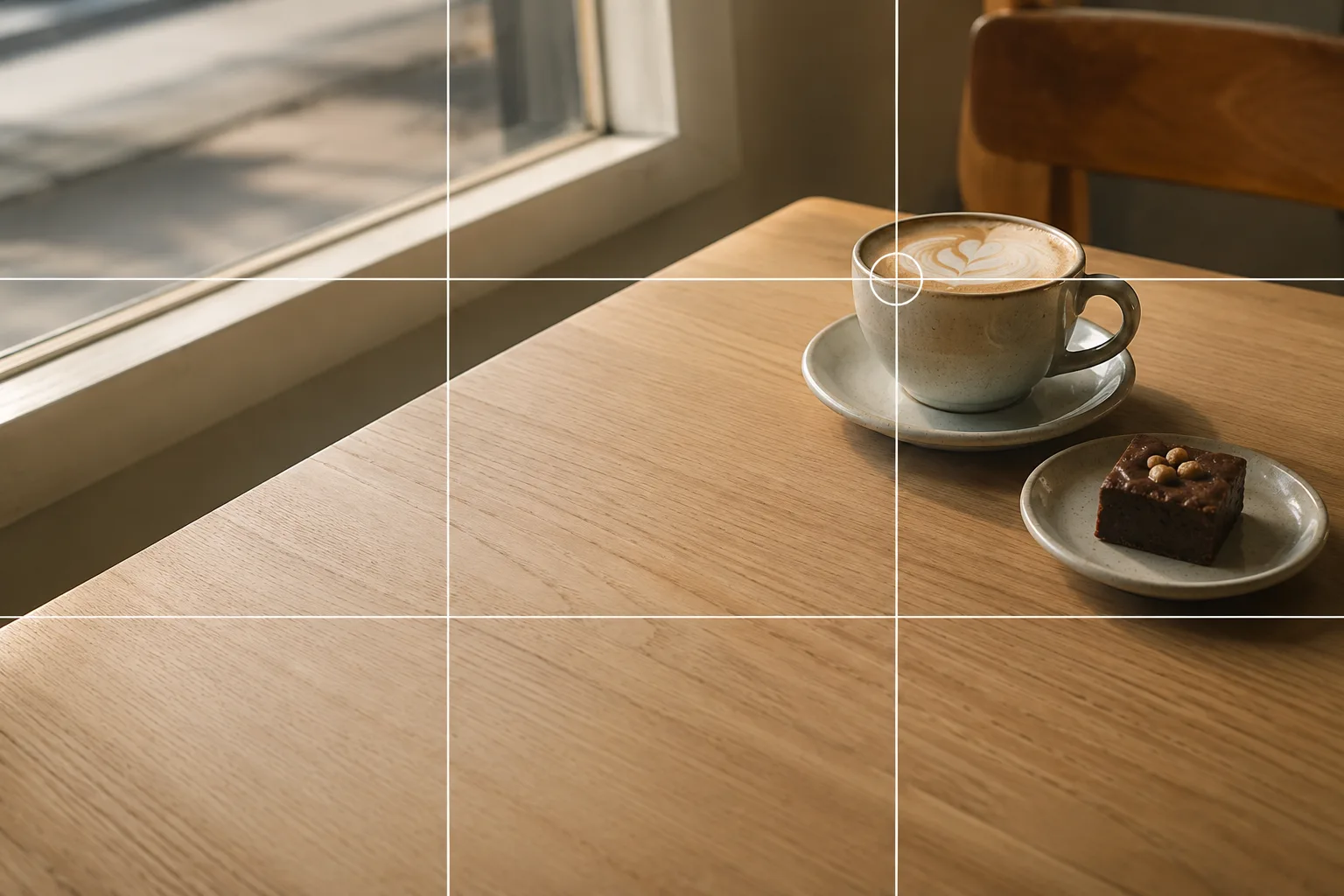 Composition guideRule of thirdsSee the full guide for this composition →
Start with just this
Swipe up to brighten, brace the phone with both hands and a table, and hold still when Night mode appears. These three cut down a lot of “dark and blurry” indoors.
FAQ
Why does it blur in a dark room?
In the dark, the camera keeps the shutter open longer to gather light, so any movement of your hand or the phone during that time causes blur. Bracing with both hands and using Night mode suppresses it.
Will turning on the room light solve it?
It adds brightness, but ceiling light can render colors poorly. If you can use natural window light, that's more natural. If not, make up for it with exposure compensation and Night mode.
Related reading
Compositions used
Related subject guides

Composing Stylish Café Photos — Why They Don't Pop and How to Fix It

How to Make Food Look Delicious — Why It Looks Bland and How to Fix It

Capturing Dogs' and Cats' Expressions — Fixing Motion, Darkness and Blur
Shooting Night Views and Illuminations Crisp — Why They Blur, and Night Mode
Shooting Ramen and Noodles That Look Mouthwatering — Steam, Toppings, Angle
Shooting Fresh, Dewy Summer Vegetables — Why They Look Dull and How to Fix It
Shooting Fireworks Big and Crisp — Fixing Blur and Timing
How to Photograph an Oshi Shrine Cleanly — Clutter, Darkness and Tilt
Shooting People with Holiday Lights — Fixing Dark Faces and Vanished Lights
Shooting at Aquariums and Zoos — Fixing Glass Reflections and the Dark Indoors
Shooting at Photo-OK Concerts — Fixing Black Frames, Blur, and the Tiny Stage
Photographing Rainy Days — Why They Look Gloomy, and Droplets as the Subject