Fix the "almost there" in phone photos with composition.
With your phone’s stock camera, make one shot that connects.
Start here

How to Photograph Plushies as the Star — Fixing Tiny, Blurry, Busy Shots
Make your plushie the star on a phone. Why nuigurumi look small, blurry or lost — then focus on the face, move in close, and tidy the space. Plus café, home and travel guides.

How to Photograph Fan Goods — Glare and Blur on Acrylic Stands & Photocards
Photograph fan goods — acrylic stands, photocards, can badges — cleanly. Why they glare, blur or sink in color — then avoid strong light, lock focus, and use white plus space.
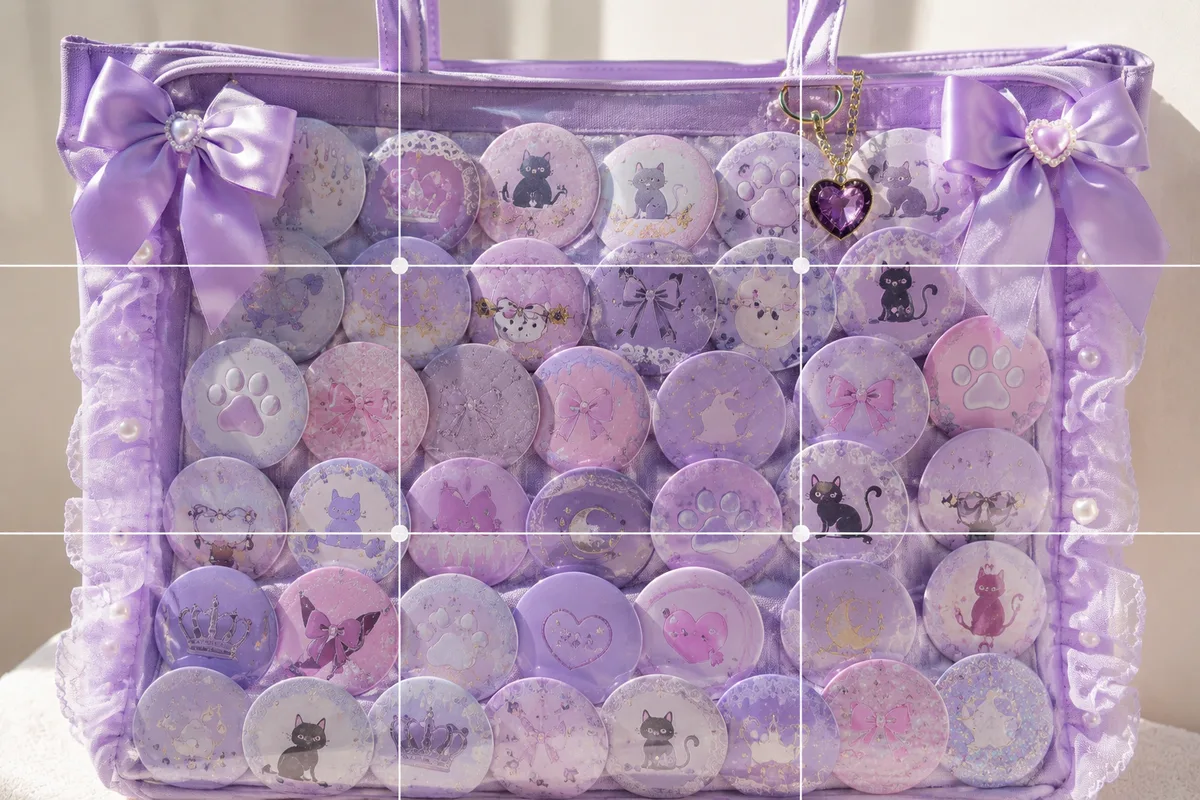
How to Photograph an Ita Bag Cutely — Flat, Glare-y Shots and How to Show It Off
Photograph an ita bag (covered in can badges) cutely. Why it looks flat, glares or won't fit — then light from the side and fill the frame or center it to show the density.
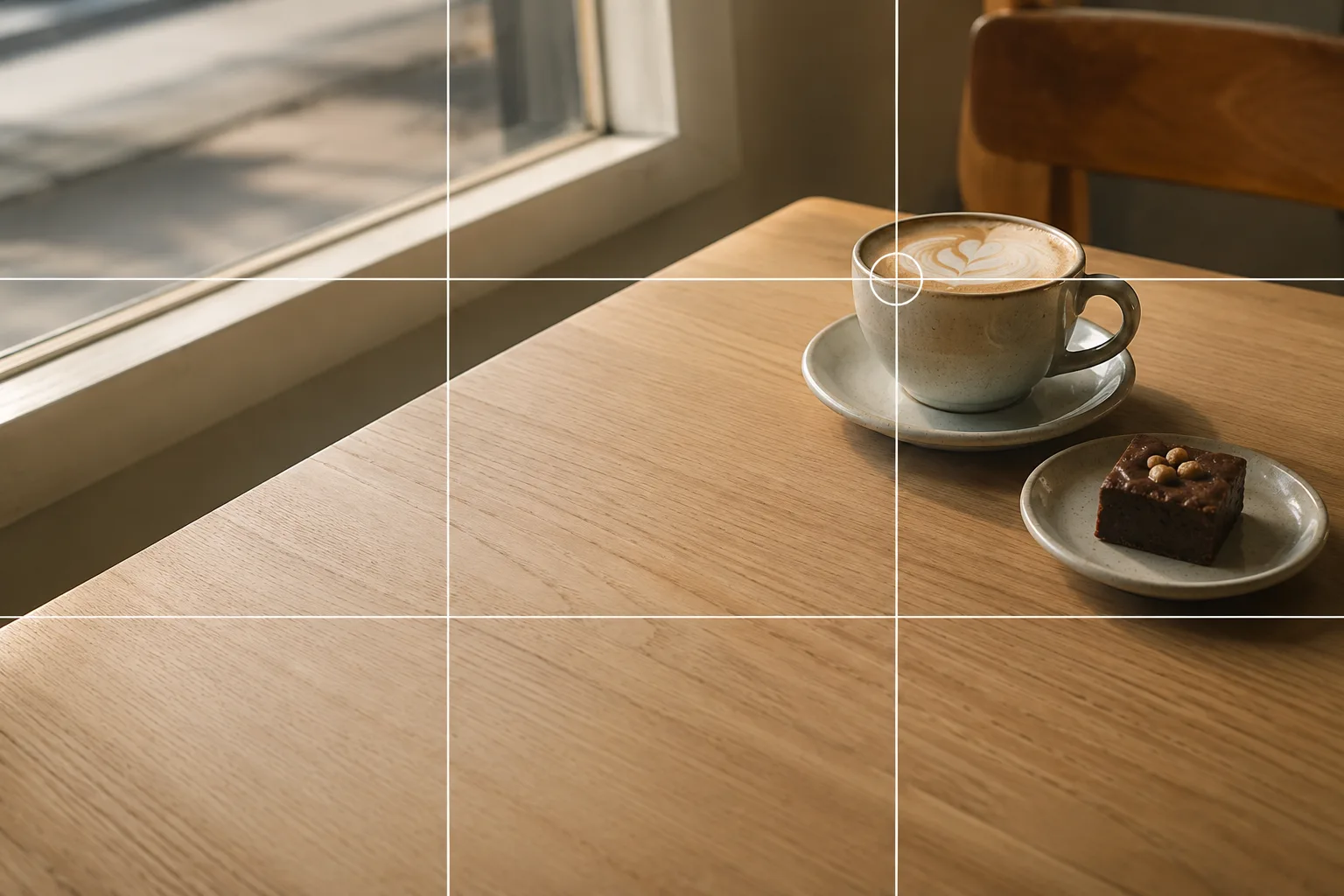
What Is the Rule of Thirds? The Go-To Composition for Phone Photos
The rule of thirds places your subject on a 3×3 grid's intersections — usable straight from your phone's grid lines. A small off-center nudge instantly looks more polished.

Fill the Frame: Going in Close to Make Your Subject Big
Fill the frame puts your subject large across the whole image for impact and texture — the fix when you stood too far back. Here's how to move in close on a phone.
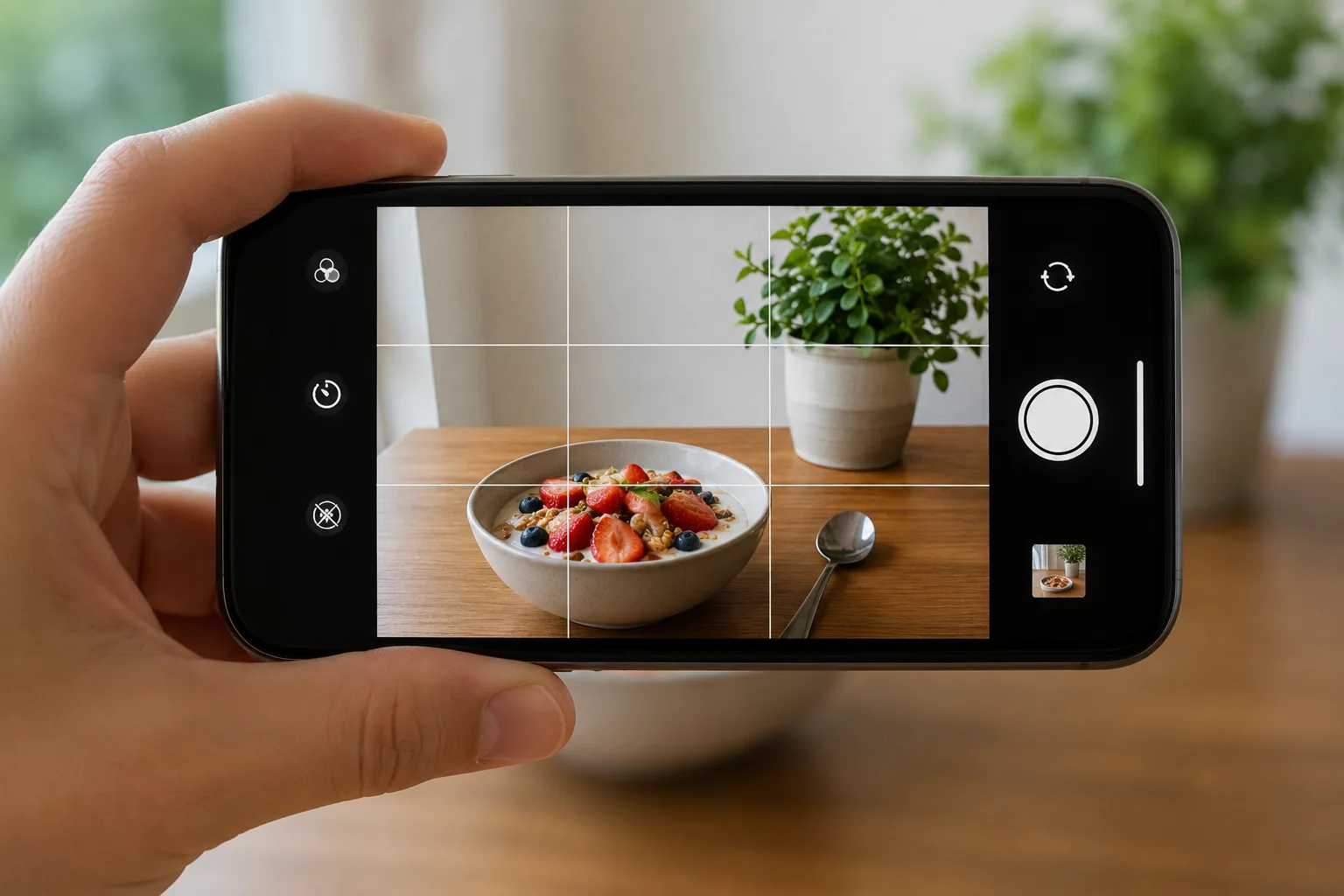
How Grid Lines Change Your Photos — Turning Them On in iPhone/Android
Just turning on grid lines makes leveling and subject placement easier. Here's how to enable them on iPhone and Android, and how to use them with the rule of thirds.
Solutions
Subject-by-subject fixes for the photos you actually take — plushies, fan goods, food, products and more. Spot why a shot looks "almost there," then fix it with composition on your phone.
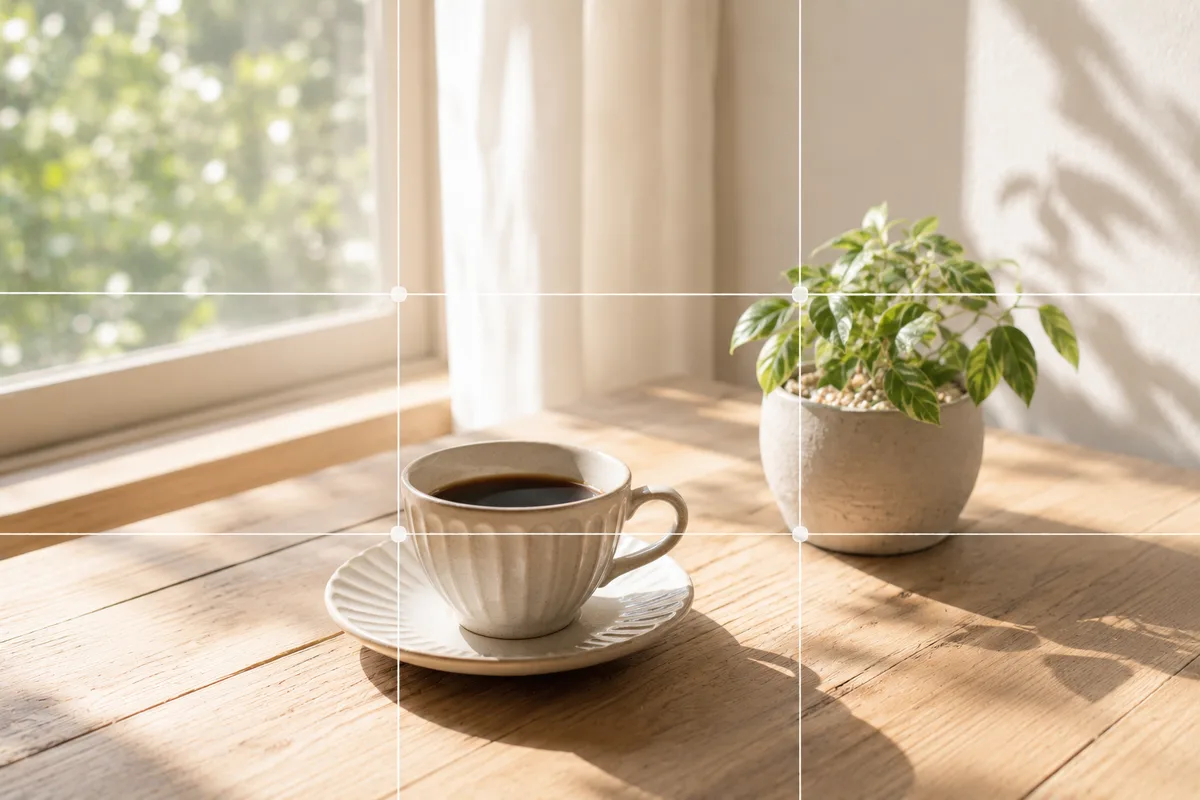
Fix the "Almost There" in Phone Photos With Composition — Using SmaPhoto Tips
Most "almost there" phone photos come down to composition, not gear. Here's how to navigate SmaPhoto Tips' three categories, plus the grid lines and brightness to try first.

How to Make Food Look Delicious — Why It Looks Bland and How to Fix It
Compose food to look delicious with your stock camera. Why it looks bland — angle mismatch, vague centering, too little space, darkness — then fix angle, placement and brightness.
What to Photograph in July: Today's Picks and a Seasonal Subject Calendar
Sunflowers, shaved ice, beaches, festivals — July is full of subjects at their best. A monthly guide with daily photo picks, July observances, and how-to articles for each.

Composing Marketplace Listing Photos That Sell — Clearing the Background
How to compose listing photos that sell on Mercari, eBay or Poshmark. Why they're hard to read — clutter, darkness, a small subject — then use white and shoot big and level.

The 8-Photo Listing That Tells the Whole Story — What to Shoot, in What Order
How to build a marketplace listing as an 8-photo set: give each photo a role — overall, back, close-up, size, flaws, accessories — and answer buyers' questions in advance.

Composing Small Items and Accessories — Why They Look Dull and How to Fix It
Compose small items and accessories so they pop on a phone. Why they look dull — pulling back too far, space, placement — then fix it with closeness, space and a clean background.
Compositions
Rule of thirds, center composition, negative space and more — the everyday compositions for smartphone photos, explained one at a time. A reference the subject pages link into.
What Is Composition? A Beginner's "Order to Learn It" for Phone Photos
Composition isn't a rule to obey but a way to make your point come through. Here's a beginner's learning order — first 4, then 6, then advanced — with links to each page.
What Is the Rule of Thirds? The Go-To Composition for Phone Photos
The rule of thirds places your subject on a 3×3 grid's intersections — usable straight from your phone's grid lines. A small off-center nudge instantly looks more polished.
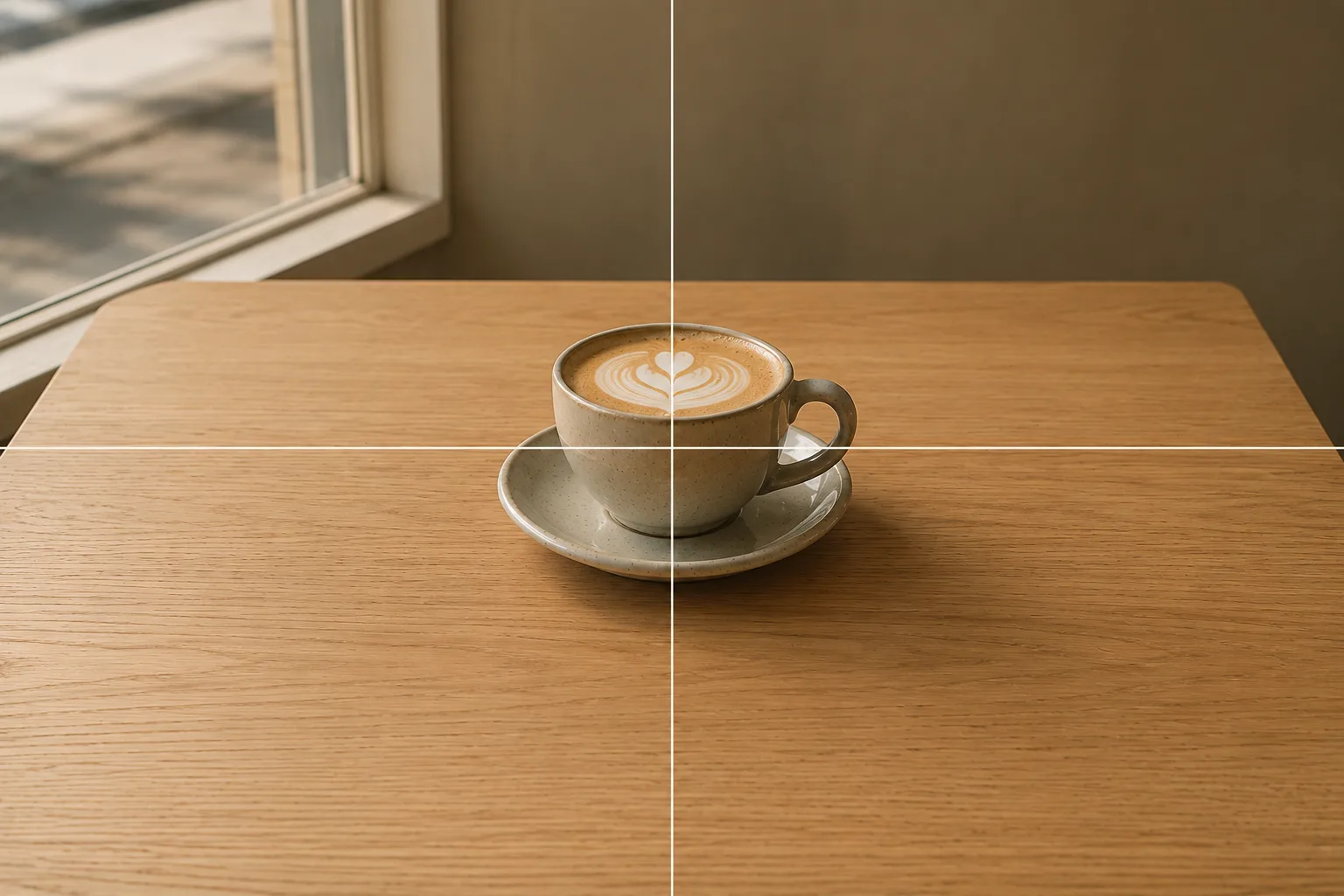
Centered Composition: When Putting Your Subject Dead Center Works
A center composition plants your subject in the middle. Often called amateurish, it reads strong when the subject is clear. See photo examples of where it works on a phone.
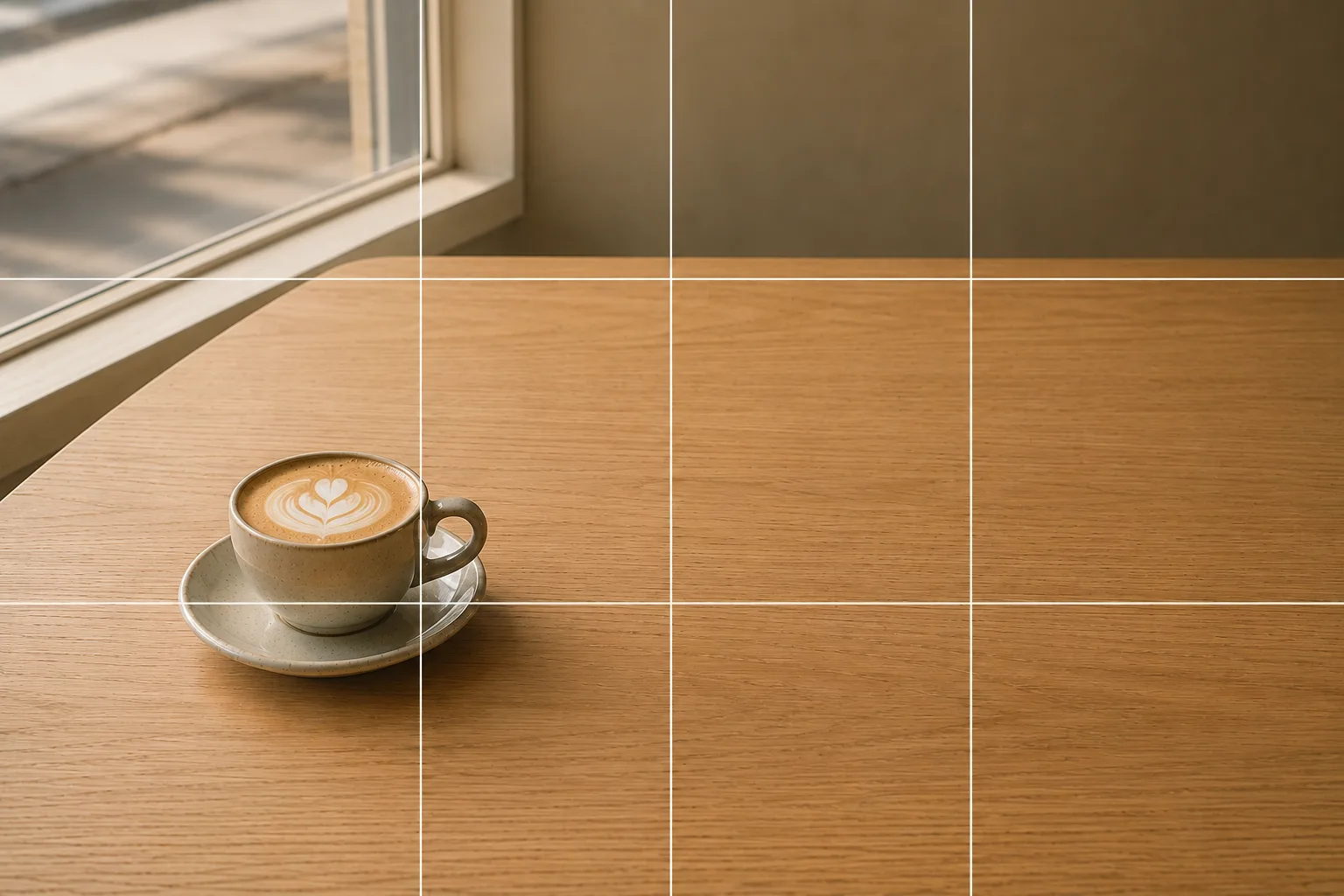
What Is Negative Space? Using "Emptiness" to Lift Your Subject
A negative-space composition leaves deliberate space around your subject to gather the eye, for a clean, refined shot. Here's a rule of thumb for balancing subject and space.
Fill the Frame: Going in Close to Make Your Subject Big
Fill the frame puts your subject large across the whole image for impact and texture — the fix when you stood too far back. Here's how to move in close on a phone.
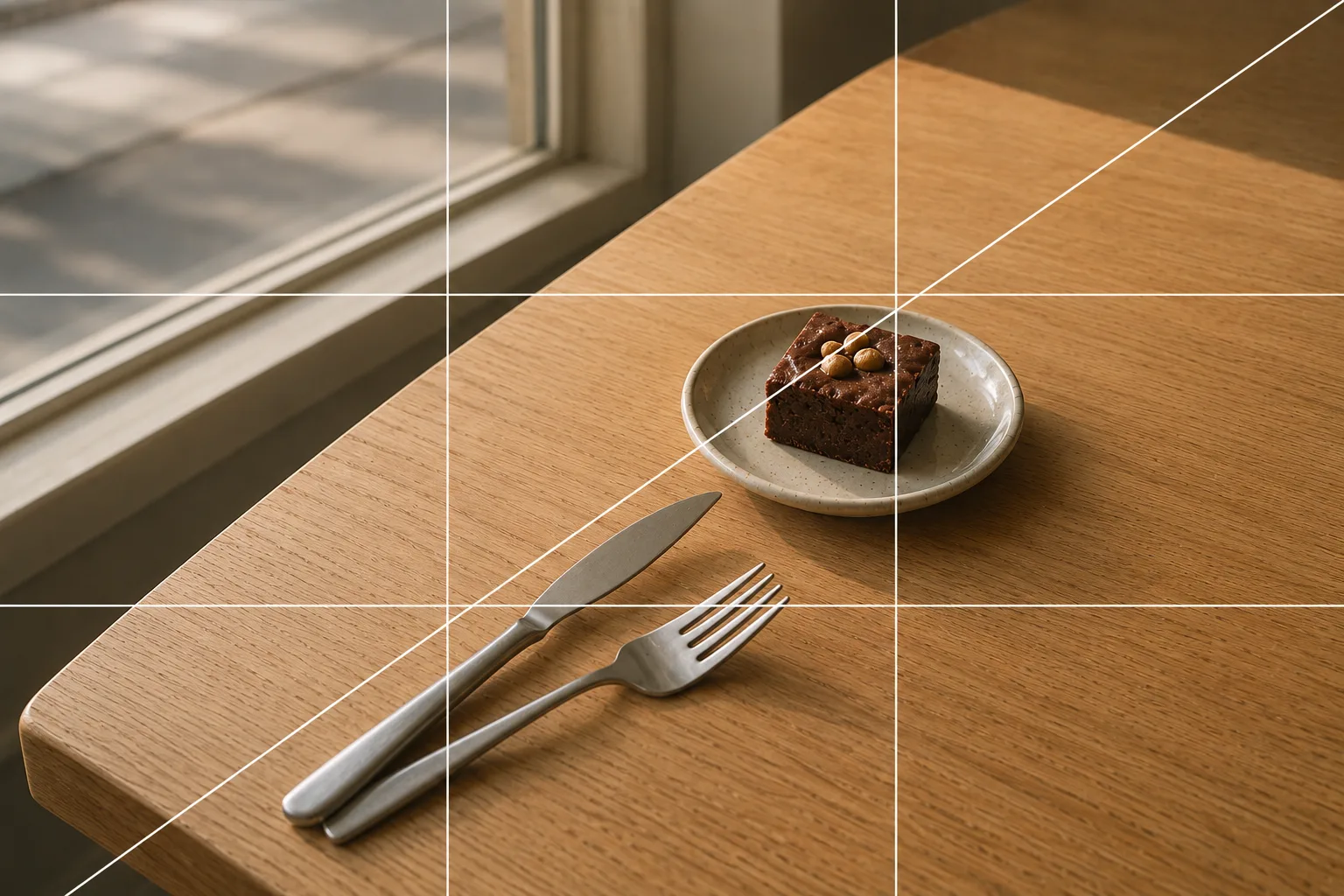
Diagonal Shots: How to Add Movement and Depth to Phone Photos
A diagonal composition runs a subject or line corner to corner to add movement and depth. Food, small objects, roads and stairs come alive once you notice the slant.
Settings
Turning on grid lines, adjusting brightness and the other basics worth knowing in the stock iPhone / Android camera app.
How Grid Lines Change Your Photos — Turning Them On in iPhone/Android
Just turning on grid lines makes leveling and subject placement easier. Here's how to enable them on iPhone and Android, and how to use them with the rule of thirds.
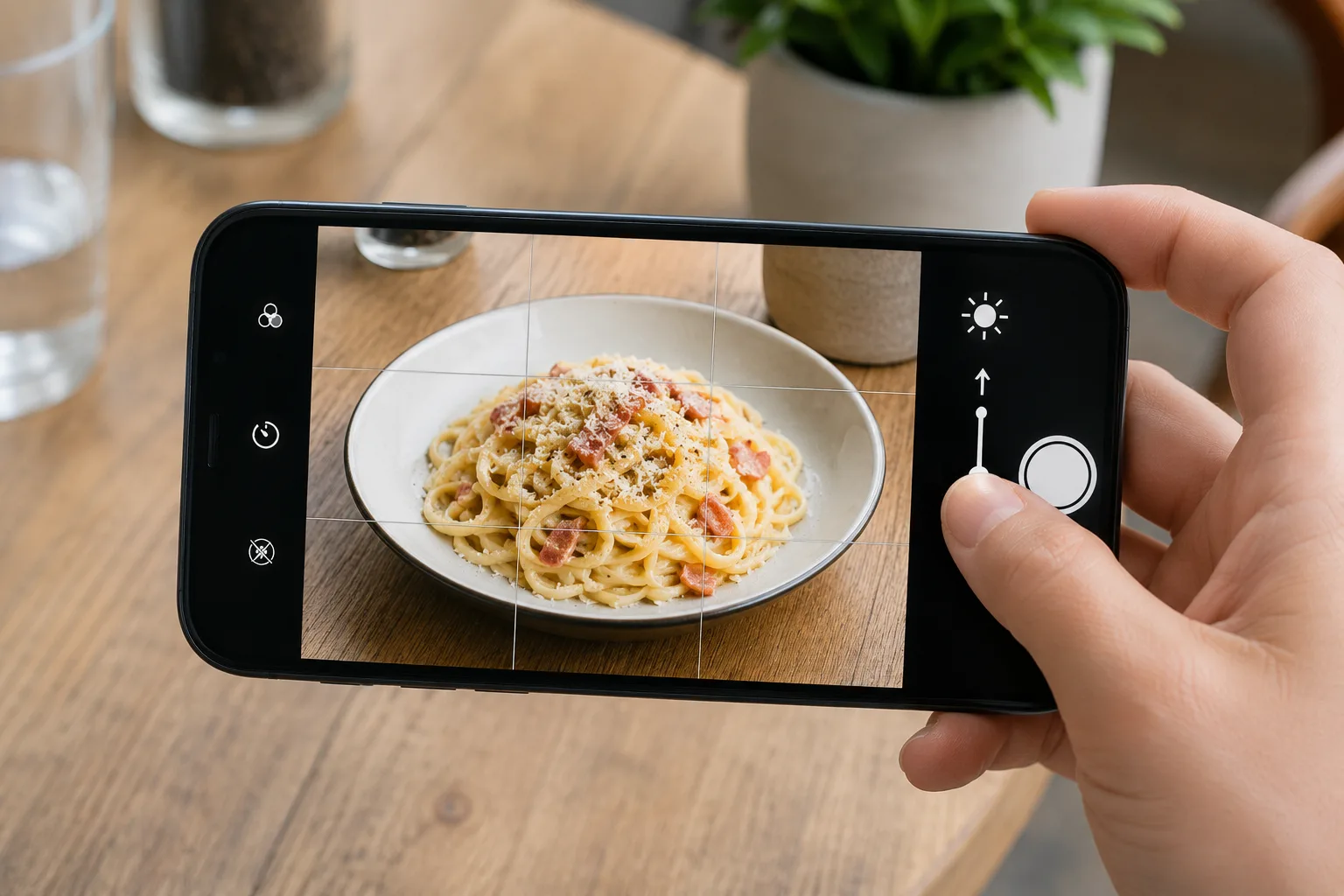
How to Adjust Brightness and Exposure on a Phone — Tap and Swipe Basics
Too dark or blown out? Tap your subject and swipe up or down to adjust exposure. Here are the steps for iPhone and Android, and how it differs from flash.

Focus Won't Hold, Moving Subjects Blur? Lock It With AE/AF Lock
When focus wanders on a moving or close subject, press and hold the screen to lock focus and brightness with AE/AF Lock. Here's how to use it on iPhone and Android.

Blur the Background With Portrait Mode — Using It Naturally
Portrait mode blurs the background to lift your subject. Great for people and small objects, weak on hair and fine gaps. Here's how to use it and keep it natural.
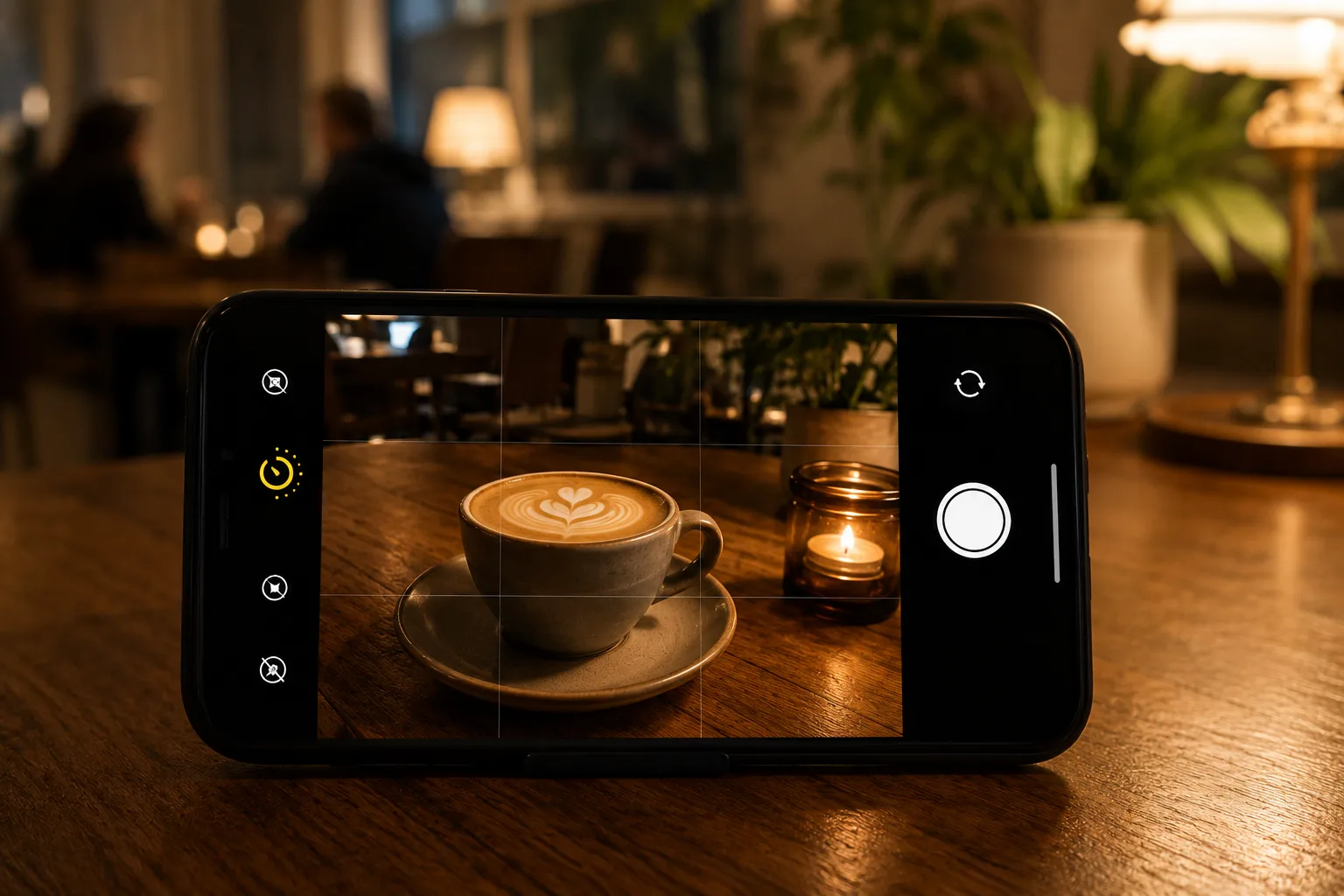
How to Use Night Mode — Bright, Shake-Free Shots in the Dark
Night mode gathers light over a few seconds for a bright, low-noise shot in the dark — but you must hold still. Here's how to use it and tips to avoid blur.
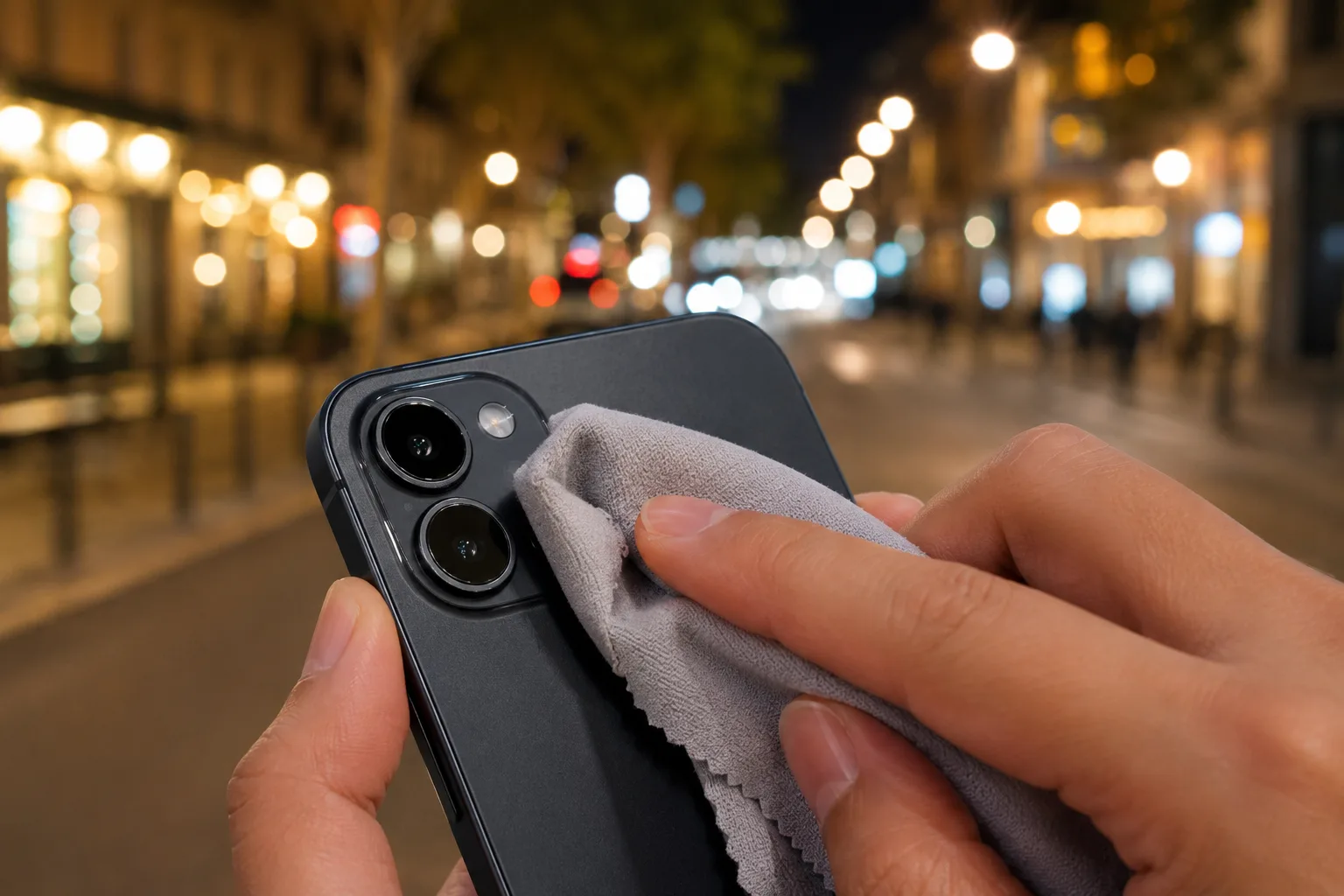
Why Photos Look Hazy or Washed Out — Wiping the Lens Changes Everything
Hazy, washed-out photos are often just oil on the lens. Wiping it with a soft cloth restores the image. Here's how to clean a phone lens and handle flare.
About this site
SmaPhoto Tips is a photo guide for turning everyday subjects — food, products, cafés, social icons — into "a shot that connects," using composition with your phone’s stock camera.