How to Photograph an Ita Bag Cutely — Flat, Glare-y Shots and How to Show It Off
Published Jun 27, 2026
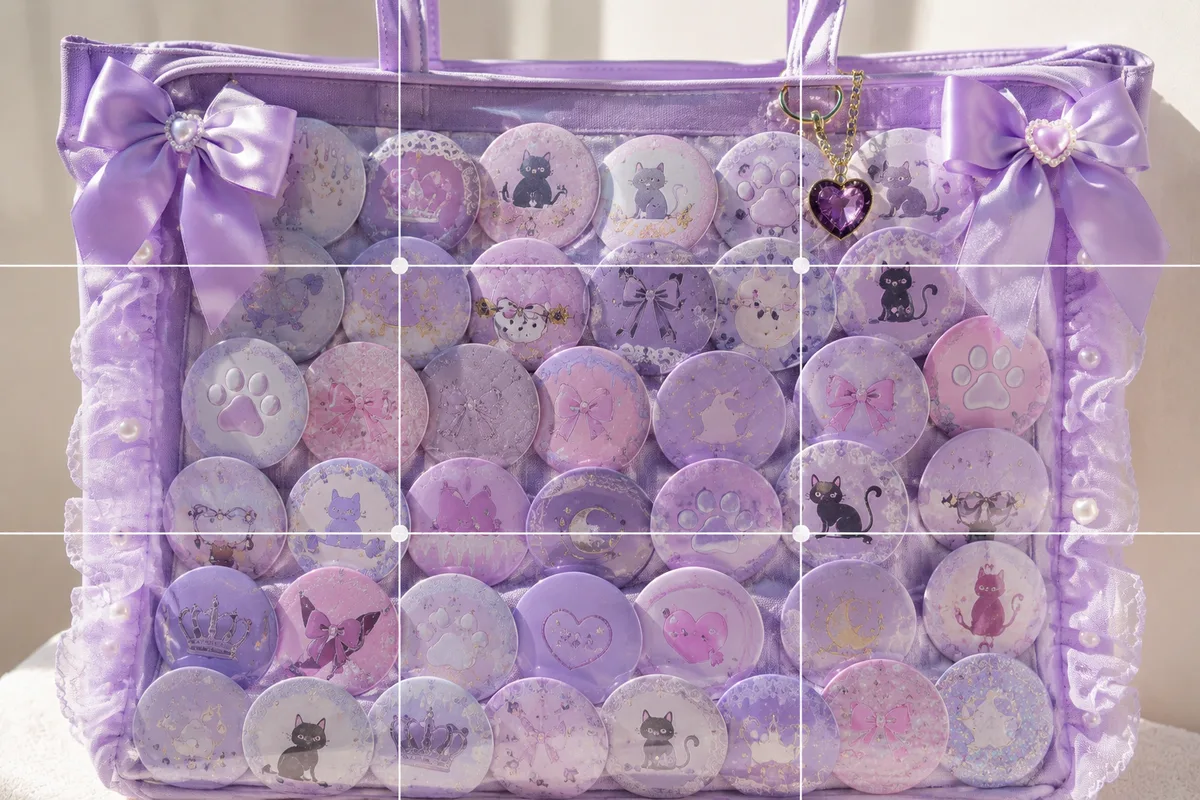
Photograph an ita bag decked out in can badges and acrylic keychains, and it looks flat, the badges glare, or the whole bag won’t fit the frame. The causes: the light is too even, and the framing isn’t dialed in. Sort out the direction of light and how much you frame, and you get a shot that conveys “love, packed in tight.”
Tame the glare on the can badges
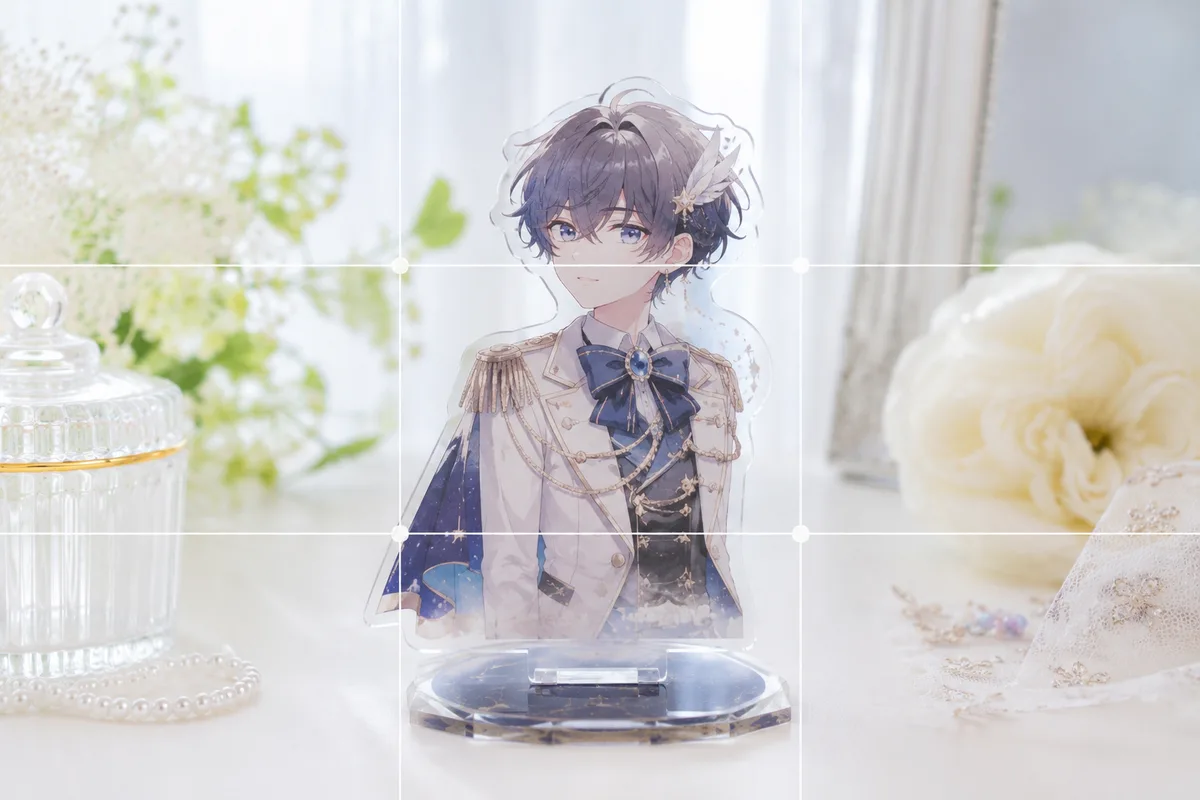
The rounded faces of can badges reflect easily. Don’t light them with strong light or direct sun from the front — light softly from the side near a window and hunt for an angle where you, your phone, and the ceiling lights aren’t reflected. Fingerprints on the lens also smear into white haze, so wipe it clean (→ Cleaning a dirty lens). Side light casts faint shadows in the steps between pieces, clearing up the flatness at the same time. If it’s dark, raise the brightness a notch (→ Adjusting bright and dark). To make one favorite badge or charm the star on its own, see the dedicated guide (→ Photographing can badges and acrylic charms).
Show the bag big to convey the density
An ita bag’s charm is its “packed-tight” feeling. Pull back too far and the bag shrinks and the density doesn’t read, so take a step in and fill the frame with the face of the bag (→ Fill the frame). When you want to show the whole bag, set it against a plain wall or floor and place it solidly at center, so its shape and full form read straight on (→ Center composition).
 Composition guideFill the frameSee the full guide for this composition →
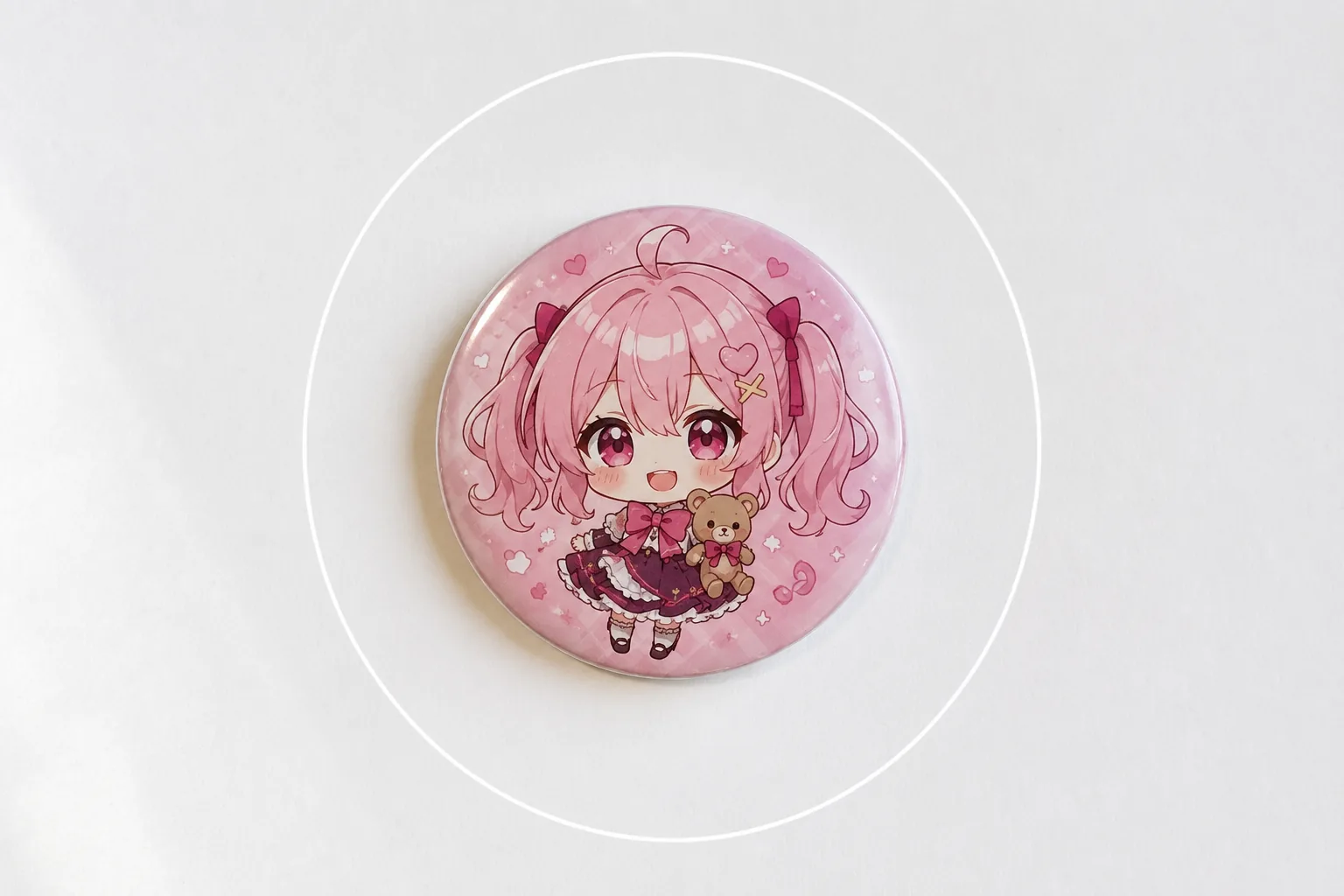
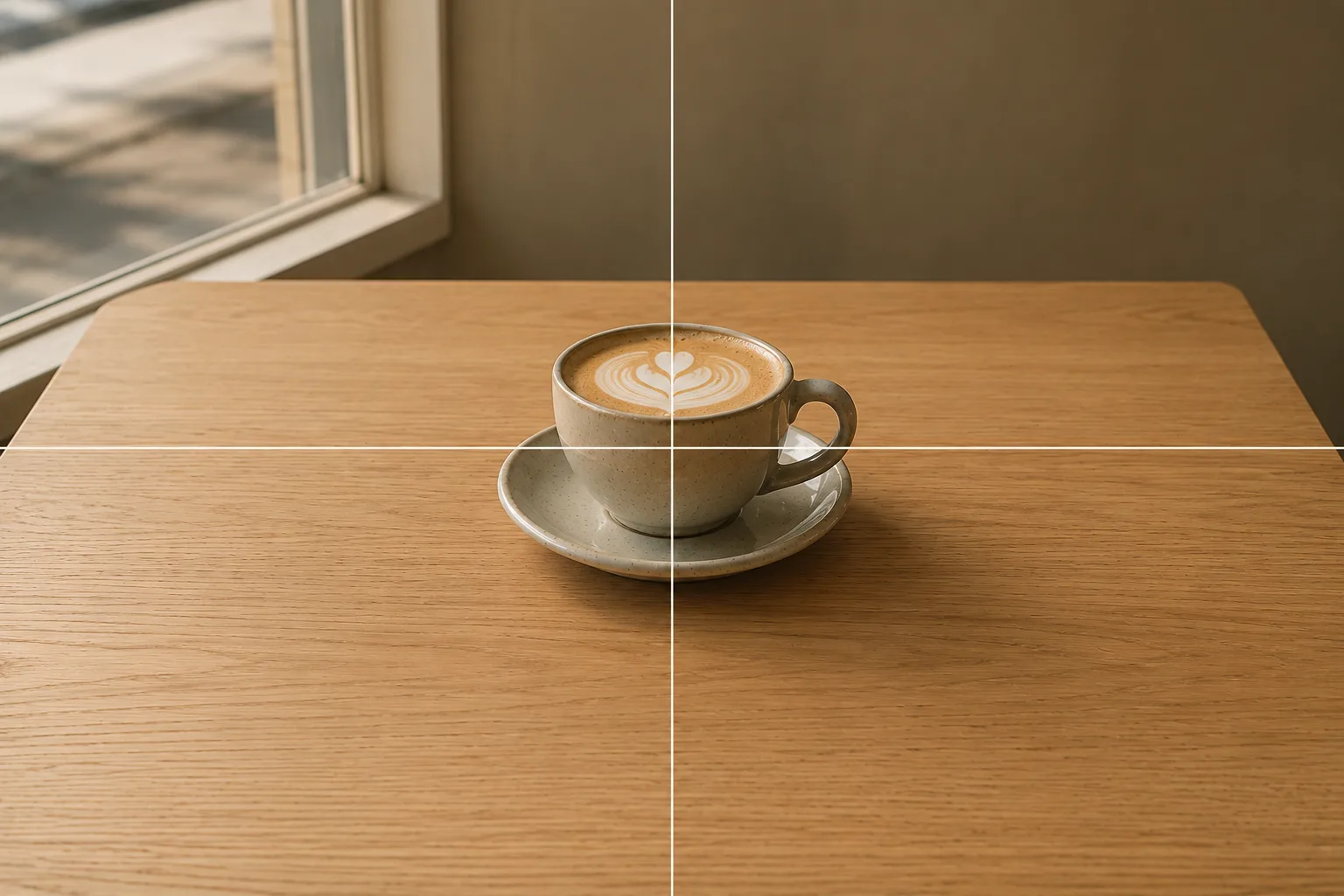 Composition guideCenter compositionSee the full guide for this composition →
Decide where the star sits
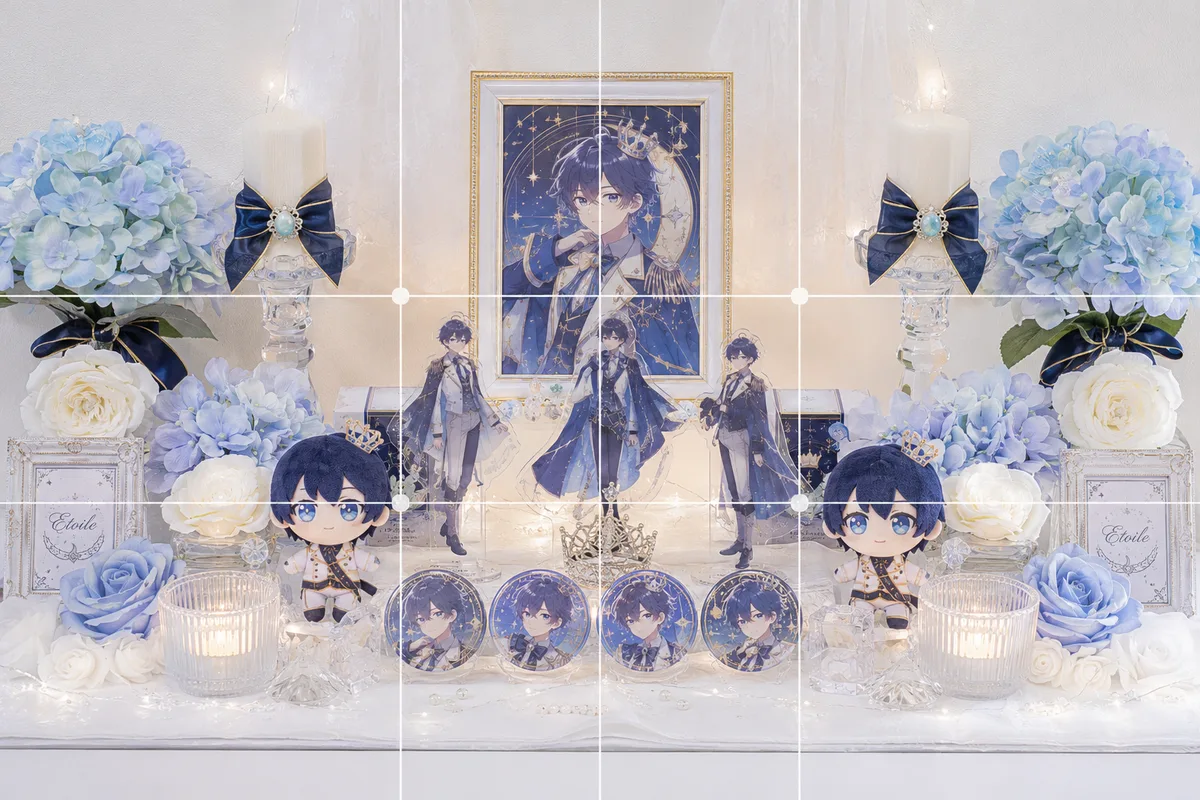
If your oshi is a single character, arranging things so their badge or keychain lands at center makes the star clear. When you want to show several, lining them up symmetrically looks orderly and striking (→ Symmetry). Before you shoot, tap the badge you most want to show on screen to set focus (→ How to use AE/AF Lock). For photographing the bag itself, Photographing shoes and bags helps too.
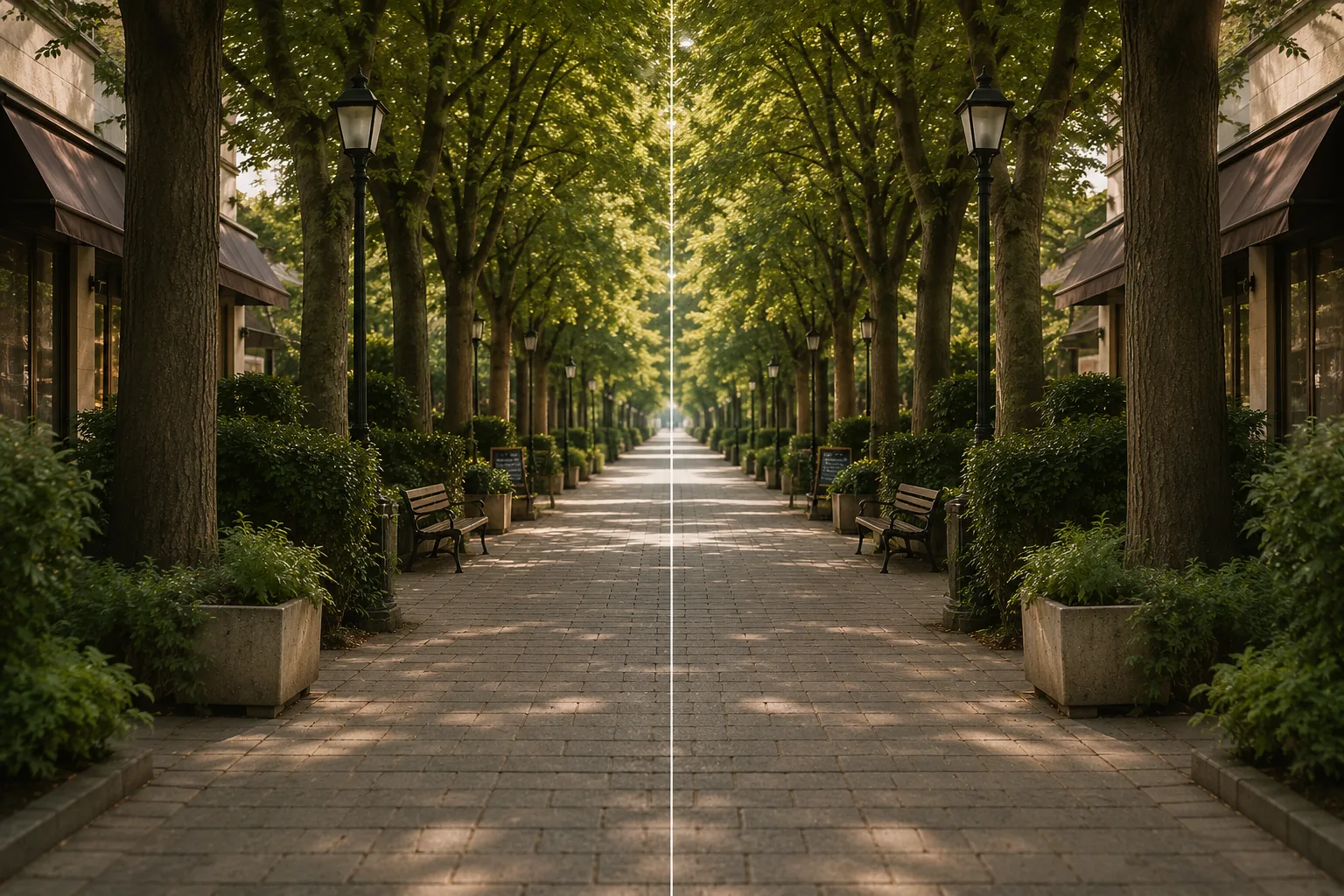 Composition guideSymmetrySee the full guide for this composition →
Start with just this
Light softly from the side near a window to kill glare and flatness, take a step in and fill the frame with the bag. To show the whole thing, plain background and center. That alone conveys an ita bag’s “packed-tight” feeling. For single goods, see How to photograph fan goods too.
FAQ
My can badges glare and reflect.
Strong light or direct sun from the front makes the rounded badge faces flare white. Light softly from the side near a window and find an angle where you and your phone aren't reflected, so the designs read clearly.
It comes out flat.
Even, head-on or overhead light erases shadows and flattens it. Light from the side so the steps between badges and charms cast faint shadows, and the packed, dimensional look returns.
Related reading
Compositions used
Related subject guides