How to Photograph Fan Goods — Glare and Blur on Acrylic Stands & Photocards
Published Jun 27, 2026
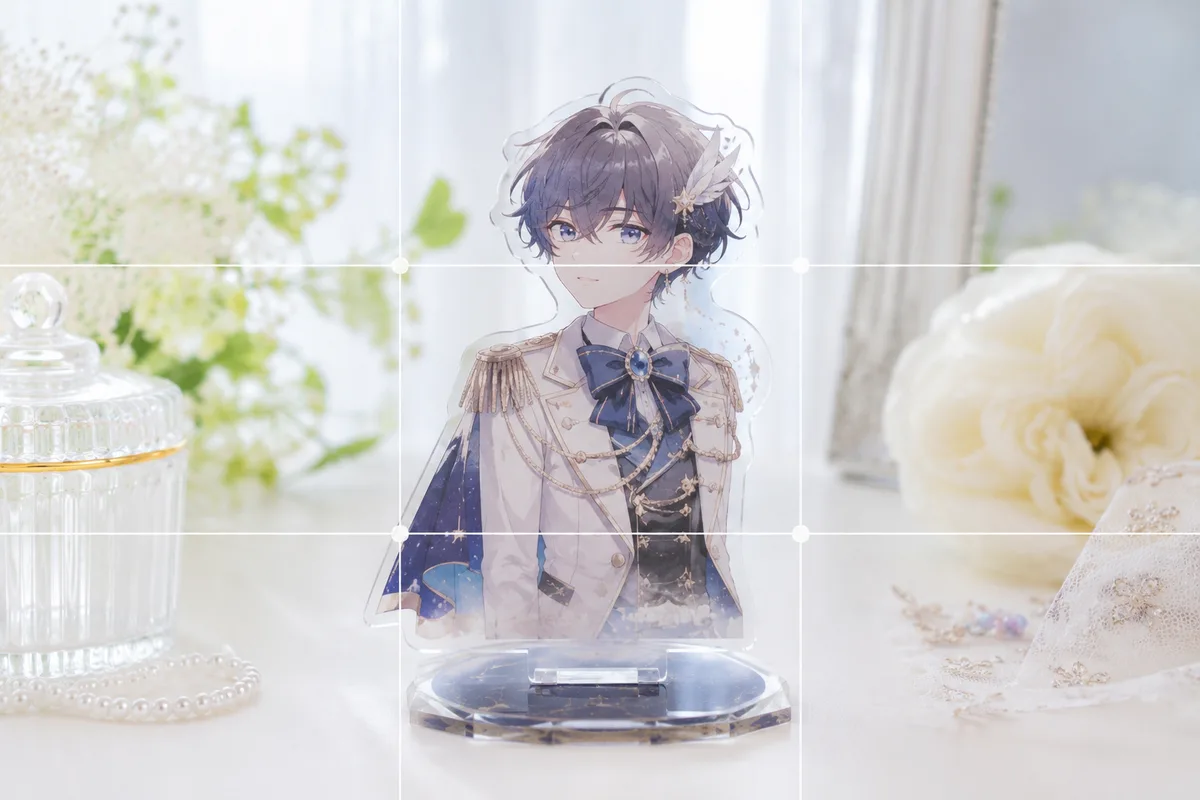
Photograph acrylic stands, photocards and can badges and they glare, blur, or sink in color all the time. The causes: reflections from strong light, focus that can’t decide, and everyday clutter in the background. Right in your stock camera, sorting out light, focus and background makes fan goods come out far cleaner.
Choose light that tames reflections
Acrylic stands, photocards and can badges have glossy surfaces that reflect easily. The trick is to not light them with strong light from the front. Light softly from the side through a lace curtain near a window, and hunt a little for an angle where your phone, your shadow, and the ceiling lights aren’t reflected. A photocard’s sleeve and fingerprints on the lens also flare white, so wipe the lens before you shoot (→ Cleaning a dirty lens). When it’s dark the colors sink, so raise the brightness a notch (→ Exposure compensation basics).
Focus on the goods and move in
Small goods let focus slip to the background or foreground. Tap the goods on screen to set focus, and if it keeps drifting, press and hold to lock it (AE/AF Lock) (→ How to use AE/AF Lock). When you want to show a photocard’s art or a can badge’s design, take a step in and fill the frame so the details and your fave’s expression come through (→ Fill the frame).
 Composition guideFill the frameSee the full guide for this composition →
Use a white background and leave space
When the desk’s wood grain or surrounding objects show, the eye scatters and it looks cheap. Just laying down a sheet of white paper or plain cloth lifts the goods and adds a clean feel (→ Photographing small items and accessories). With a single piece, a center composition lifts the star straight on (→ Center composition). Leaving a little space around it makes for an elegant, eye-catching shot (→ Negative space).
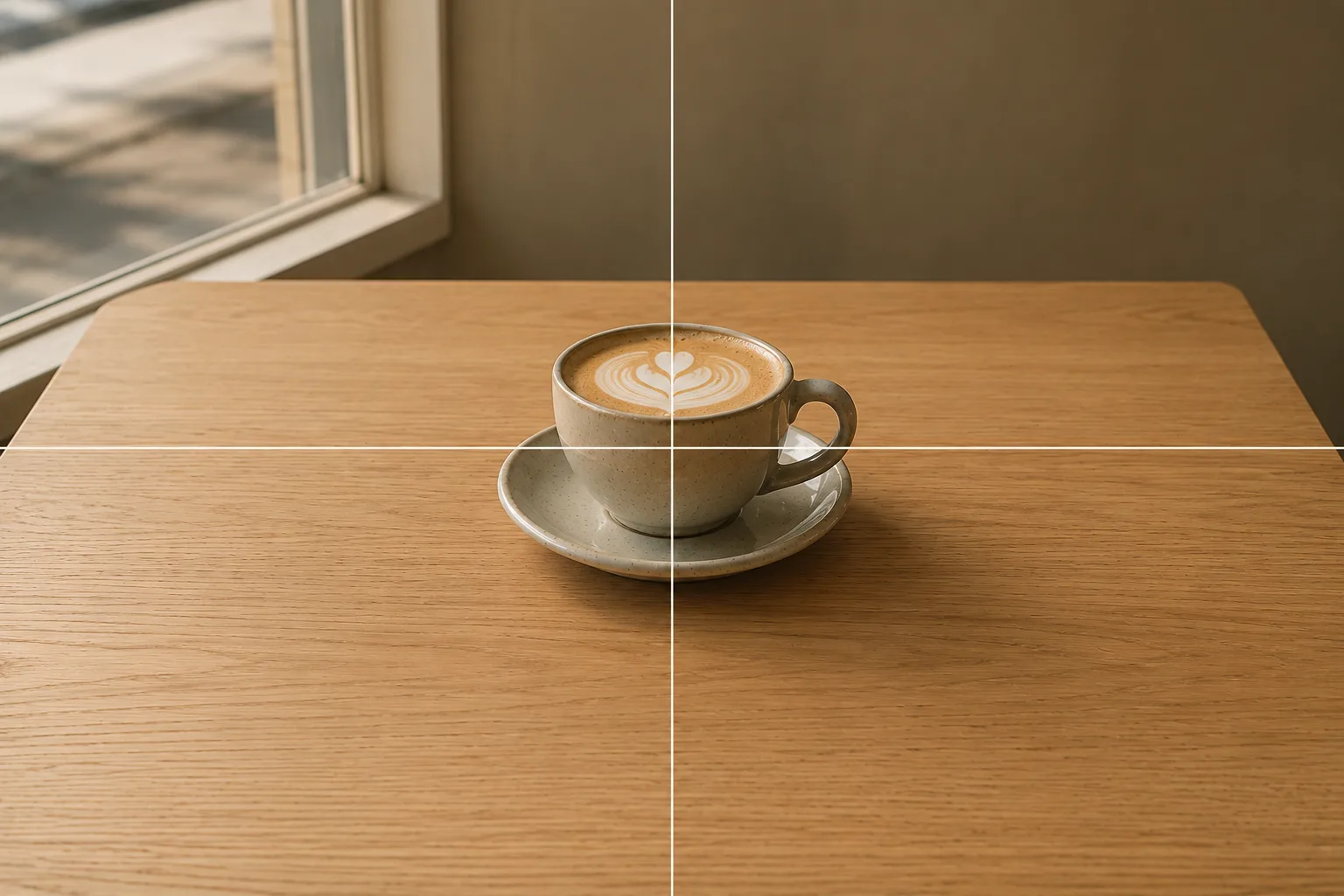 Composition guideCenter compositionSee the full guide for this composition →
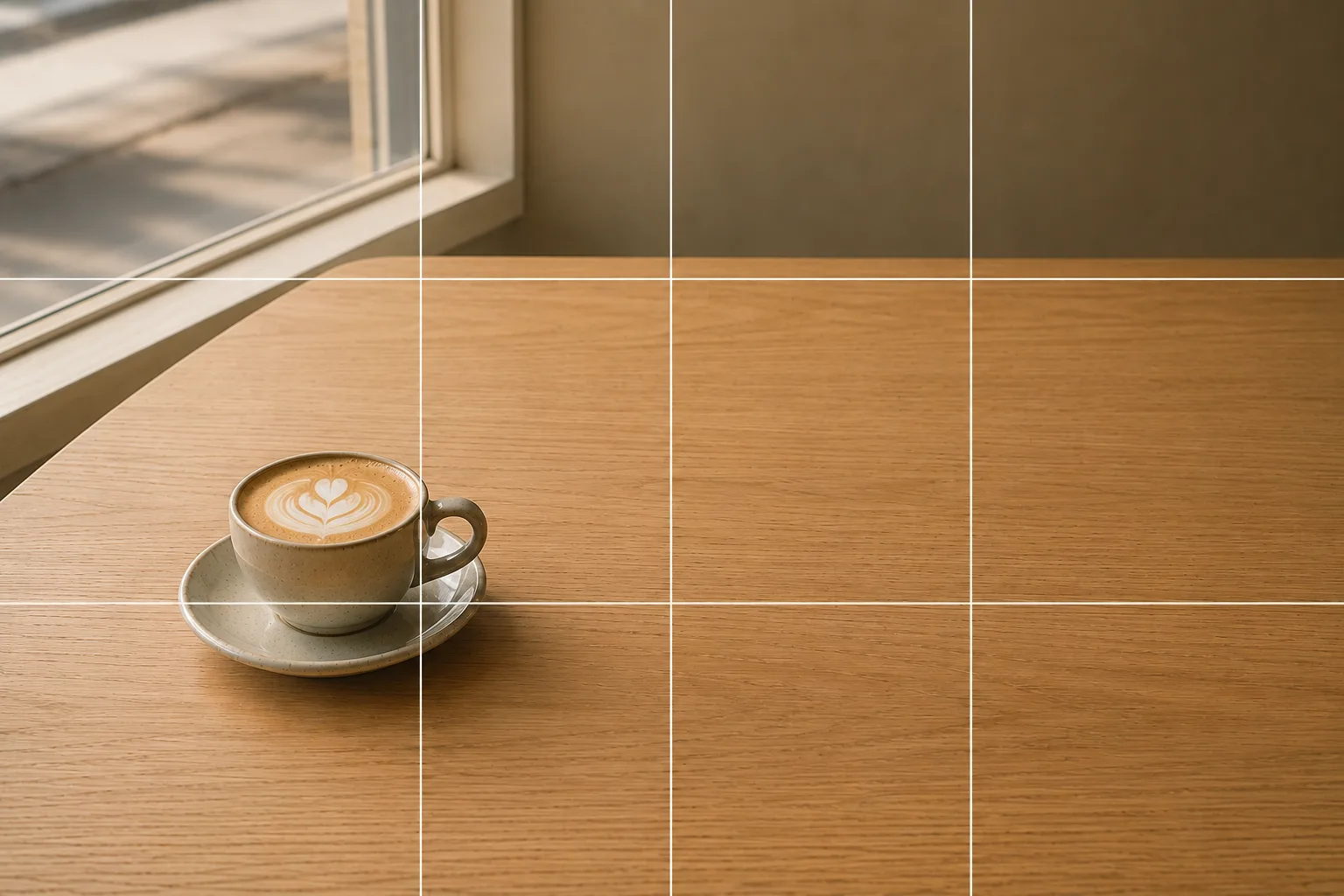 Composition guideNegative spaceSee the full guide for this composition →
On to tips by display and purpose
The same fan goods call for different care depending on how you show them. A shrine on a shelf, arrange symmetrically (→ How to photograph an oshi shrine); an ita bag packed with badges, show the density (→ How to photograph an ita bag); a venue life-size standee, level it and stand beside it (→ How to pose with a life-size standee). Trading cards bring their own troubles — sleeve glare and holo texture — so they get a dedicated guide (→ Photographing trading cards); taking an acrylic stand out on a trip does too (→ Acrylic stand photos with the scenery); and so does photographing a single badge or acrylic charm without the glare (→ Photographing can badges and acrylic charms). When you want to convey condition accurately for reselling, head to the reselling guide (→ Photographing fan goods for reselling). Collab cafe bonuses come down to an on-the-spot routine (→ Collab cafe photos), recording silver tape and tickets has its own tips (→ Photographing silver tape and concert tickets), and so does lining up everyone’s goods at a meetup (→ Group goods photos at fan meetups).
Start with just this
Use soft side light near a window to avoid glare, lock focus on the goods, and shoot over white paper with space left around. Those three transform fan-goods photos. When you want to convey condition accurately to a buyer, Photos for Mercari and reselling helps too.
FAQ
My acrylic stands and photocards glare and reflect.
Strong light from the front causes glare. Use soft light from the side near a window and find an angle where your phone and your own shadow aren't reflected. A photocard's sleeve and fingerprints on the lens also cause reflections, so wipe them.
My goods come out blurry.
Tap the goods on screen to set focus, and if it keeps drifting, press and hold to lock it (AE/AF Lock). For a small can badge or photocard, take a step in and shoot it big to keep focus steady.
Example gallery
Related reading
Compositions used
Related subject guides
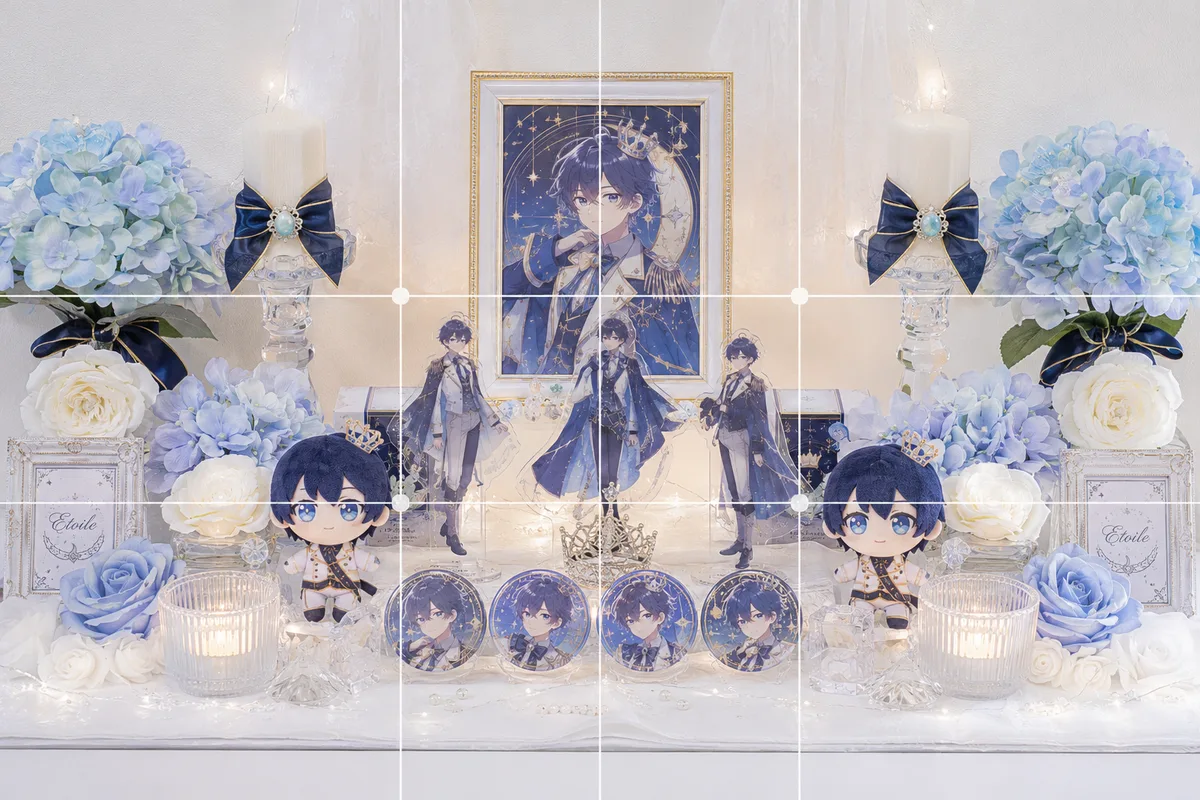
How to Photograph an Oshi Shrine Cleanly — Clutter, Darkness and Tilt
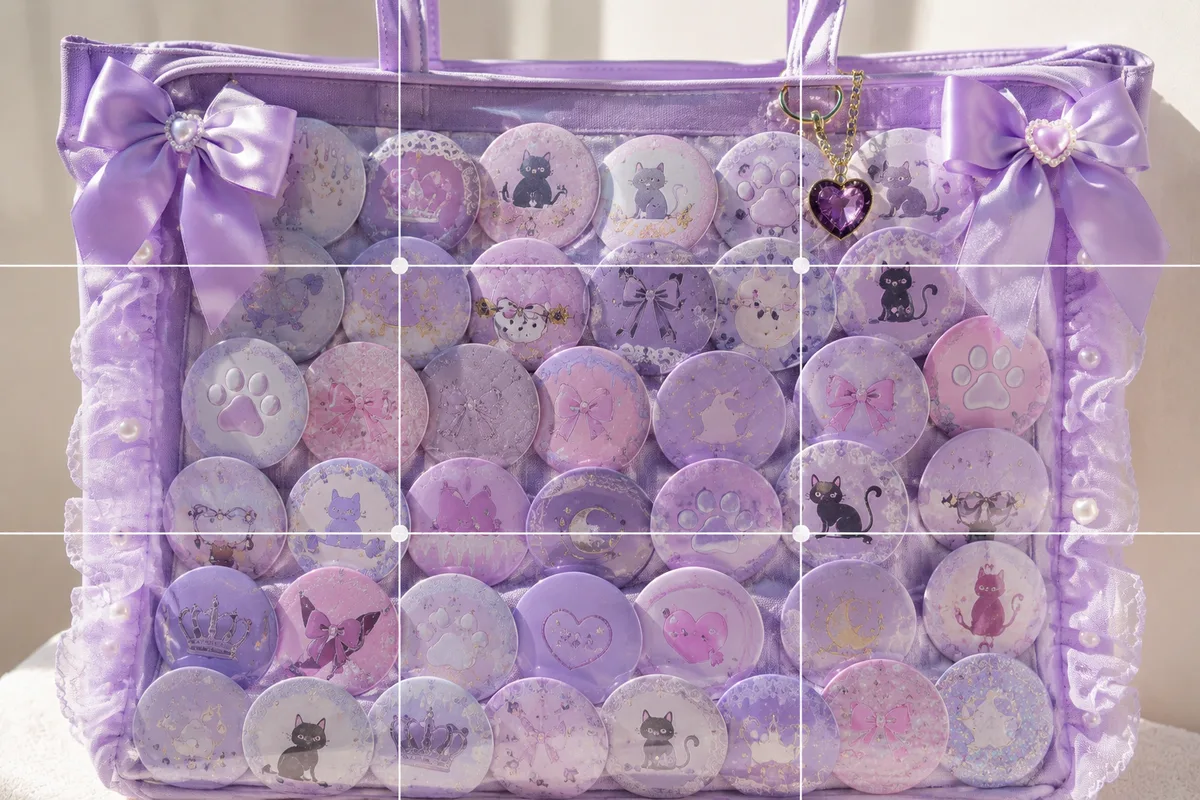
How to Photograph an Ita Bag Cutely — Flat, Glare-y Shots and How to Show It Off
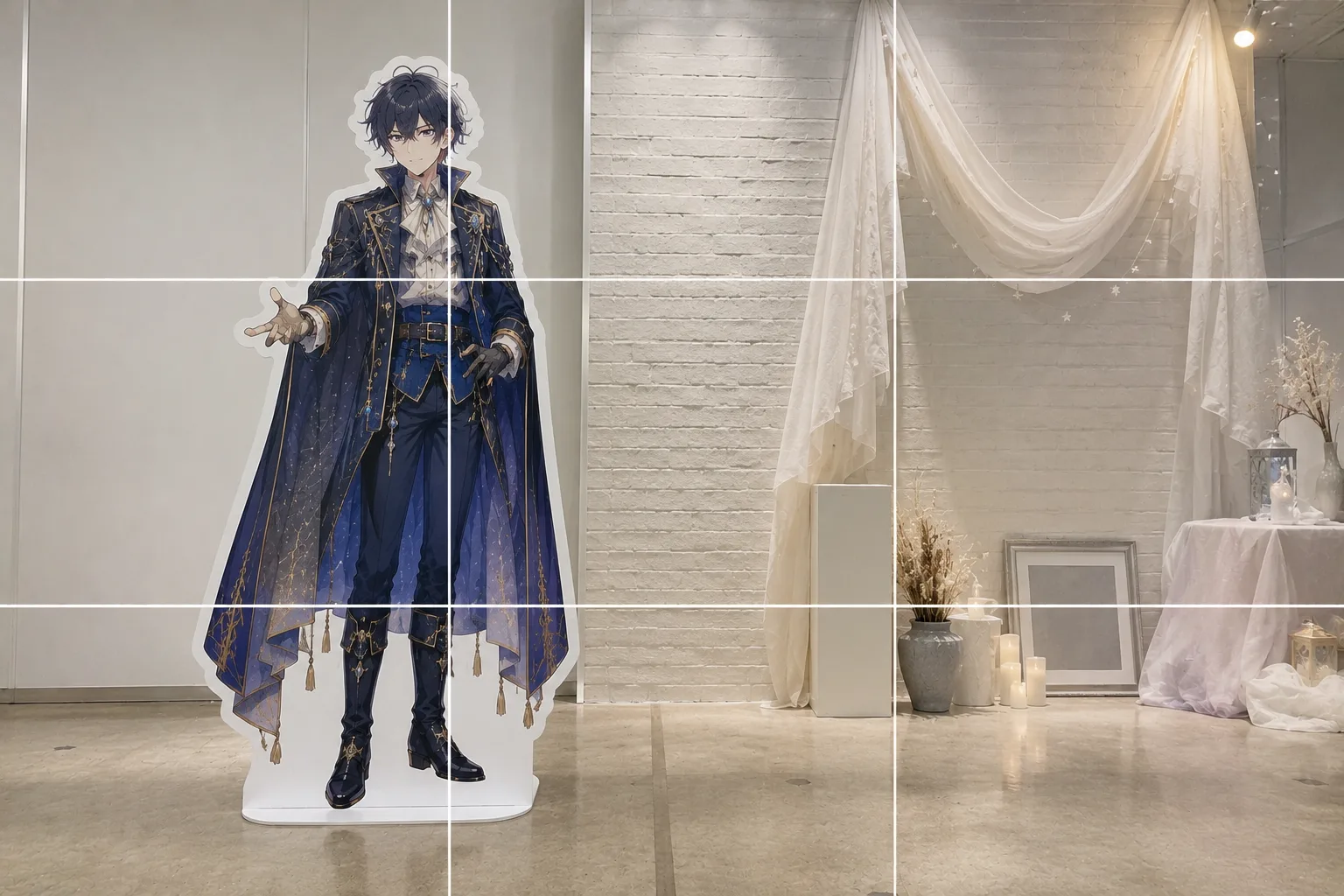
How to Pose With a Life-Size Standee — Tilt and Awkward Scale, Fixed
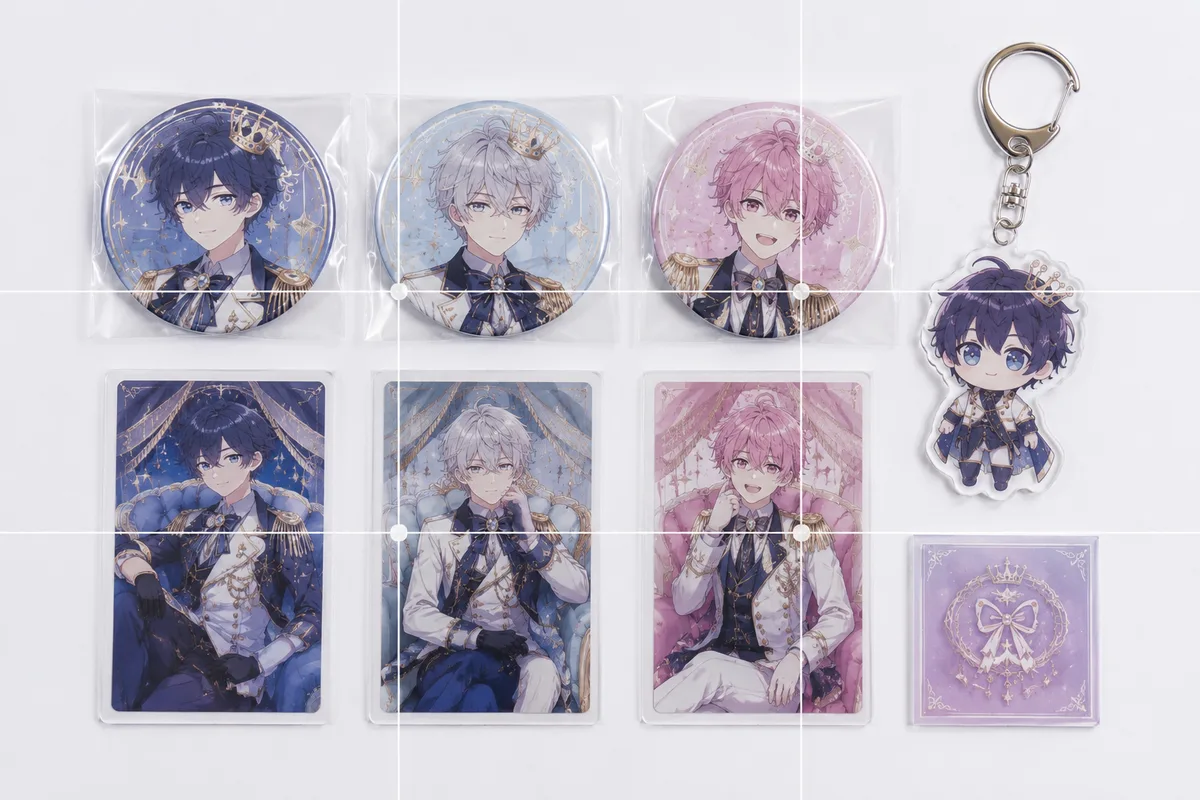
Photographing Fan Goods for Reselling — When Condition Doesn't Come Through
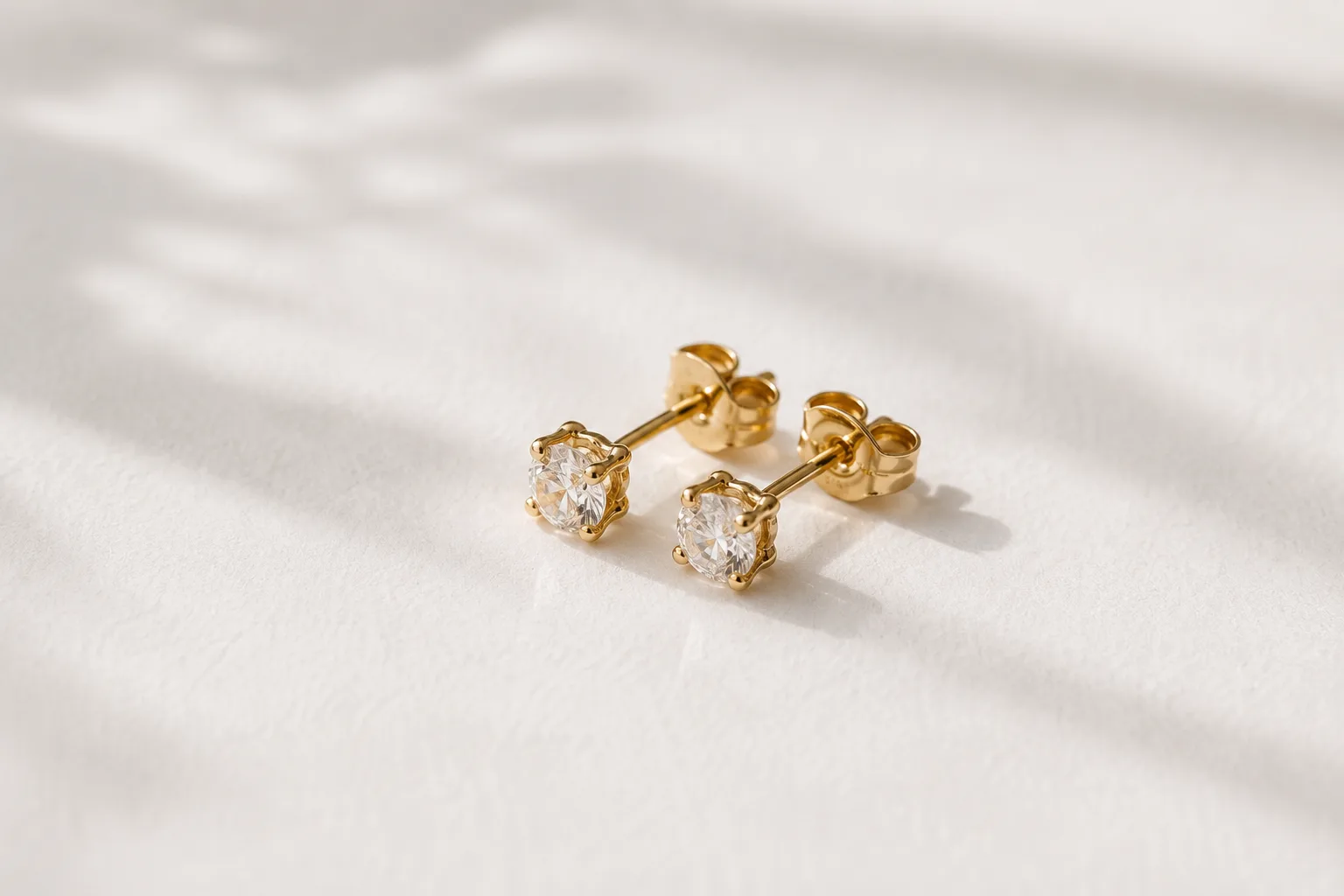
Composing Small Items and Accessories — Why They Look Dull and How to Fix It
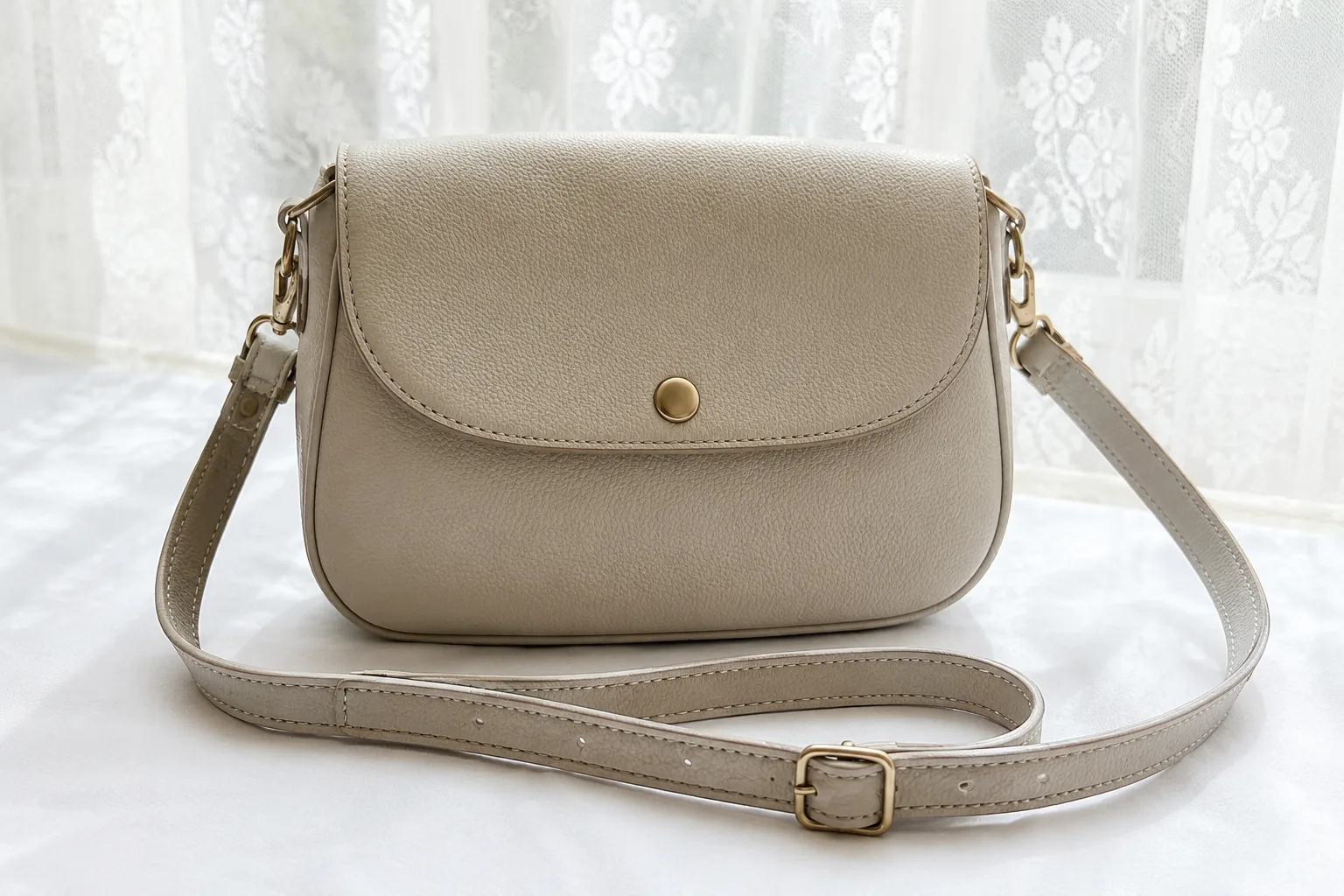
Composing Marketplace Listing Photos That Sell — Clearing the Background

How to Photograph Plushies as the Star — Fixing Tiny, Blurry, Busy Shots
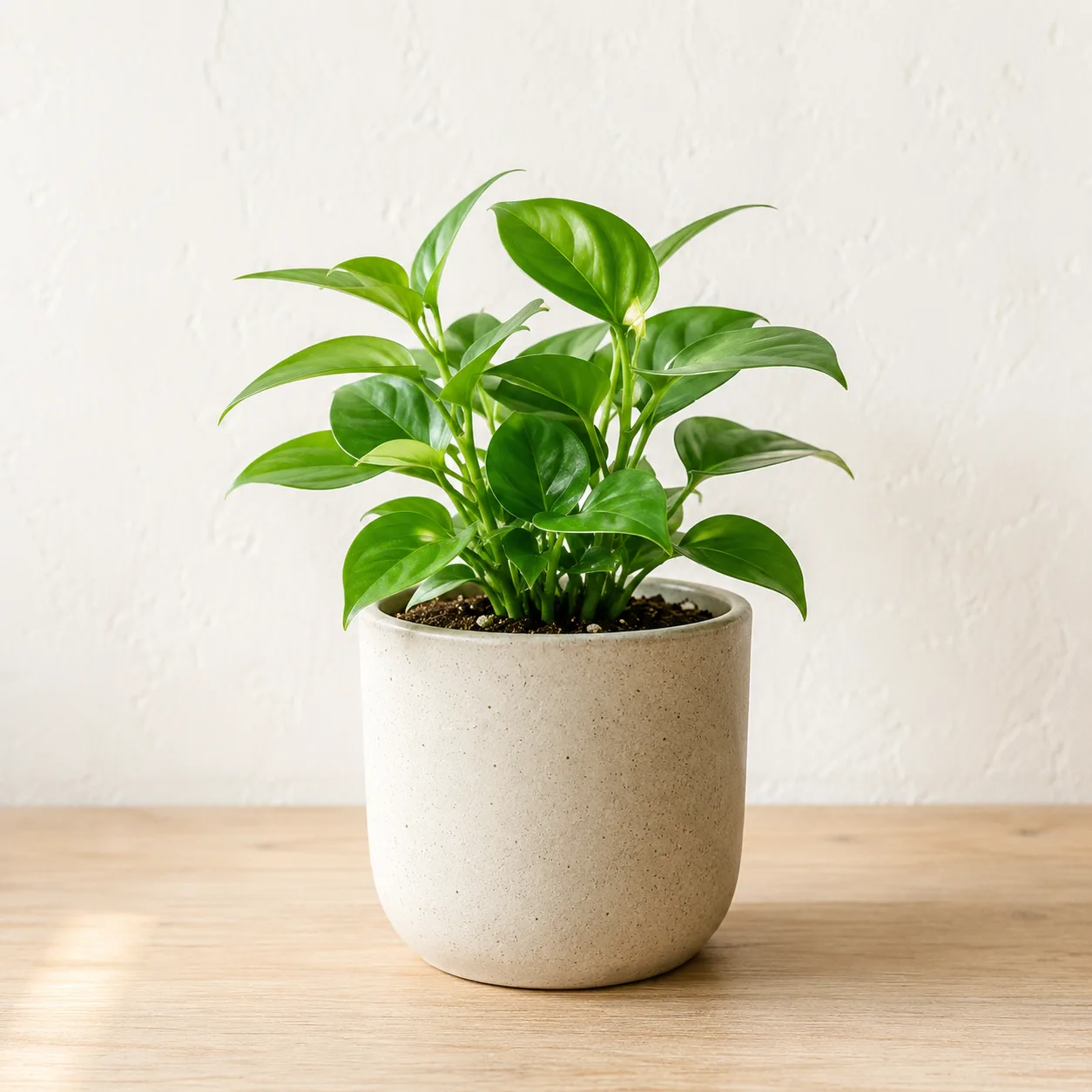
A Center Composition Is the Right Call for Social Icons
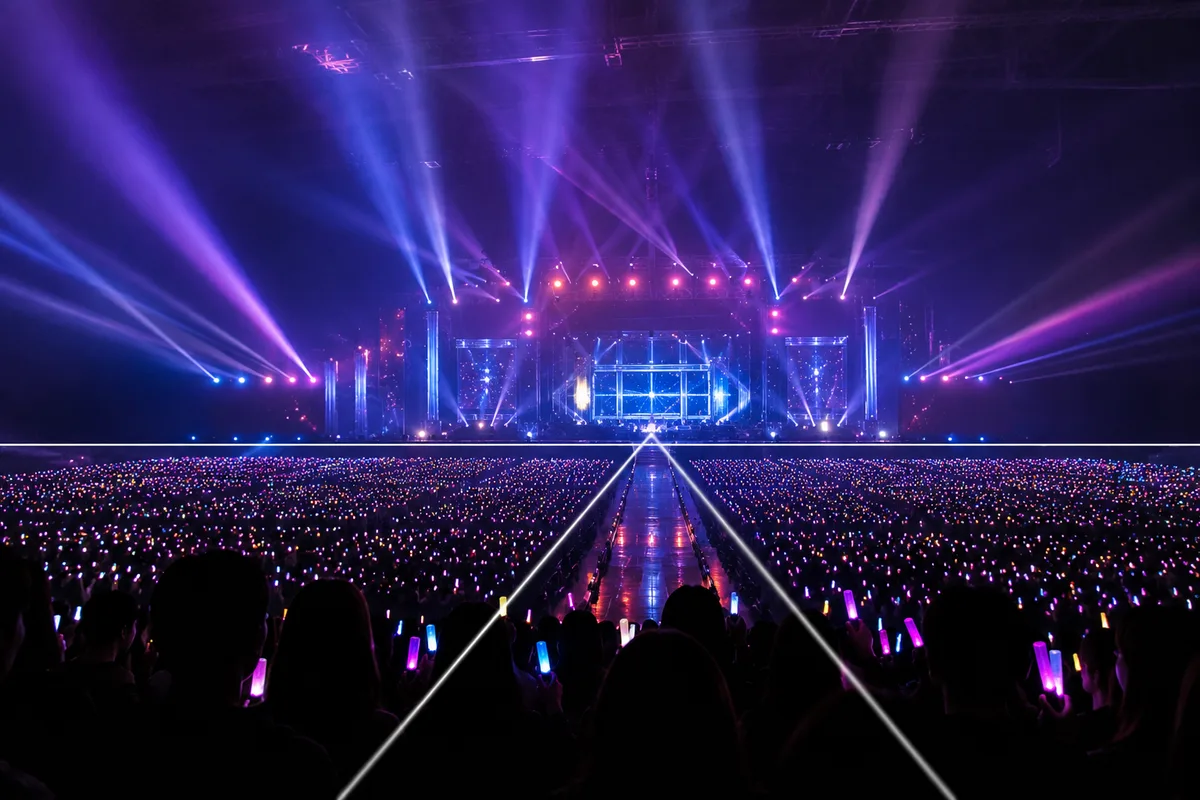
Shooting at Photo-OK Concerts — Fixing Black Frames, Blur, and the Tiny Stage
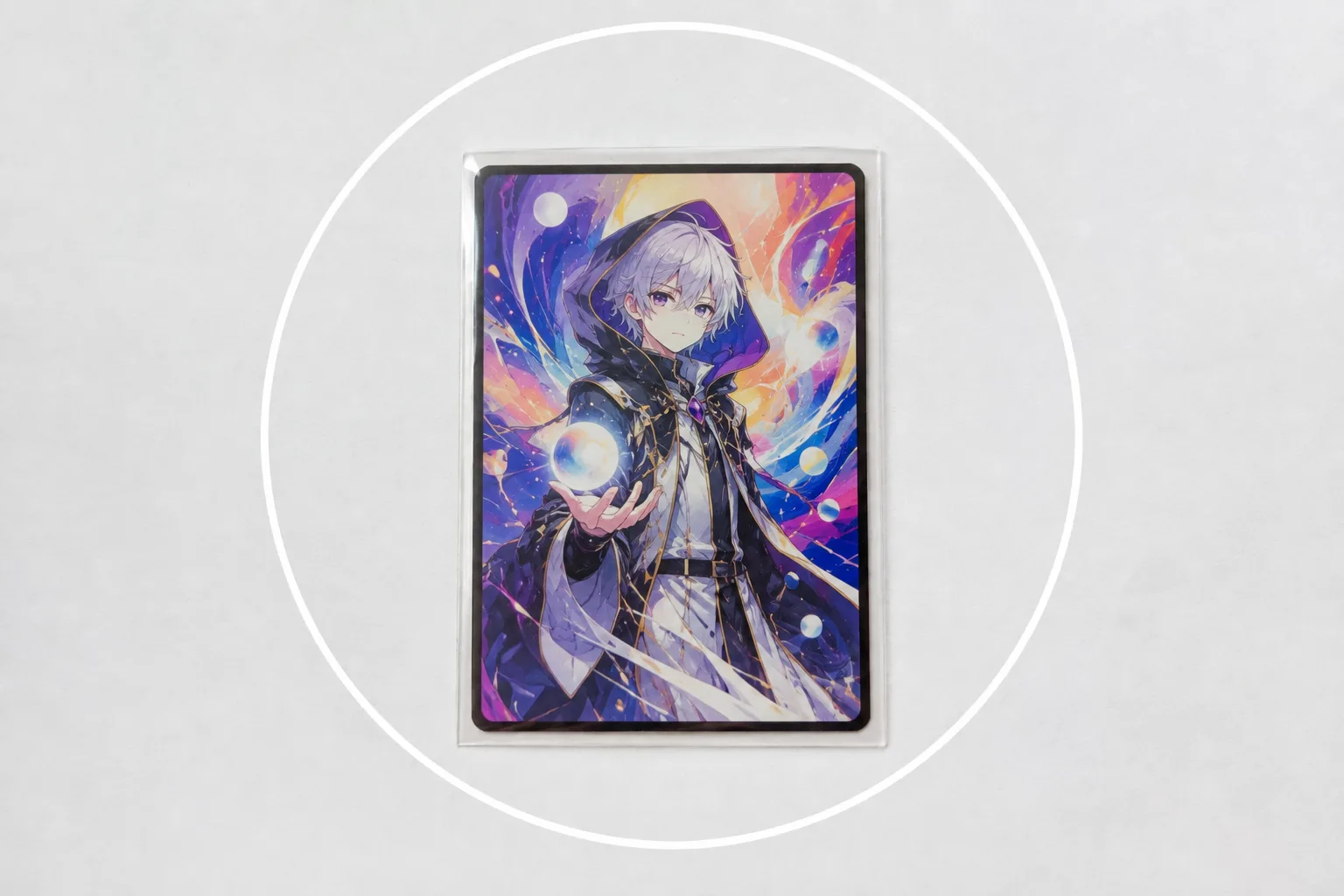
Photographing Trading Cards — Sleeve Glare and Lost Holo Shine, Fixed
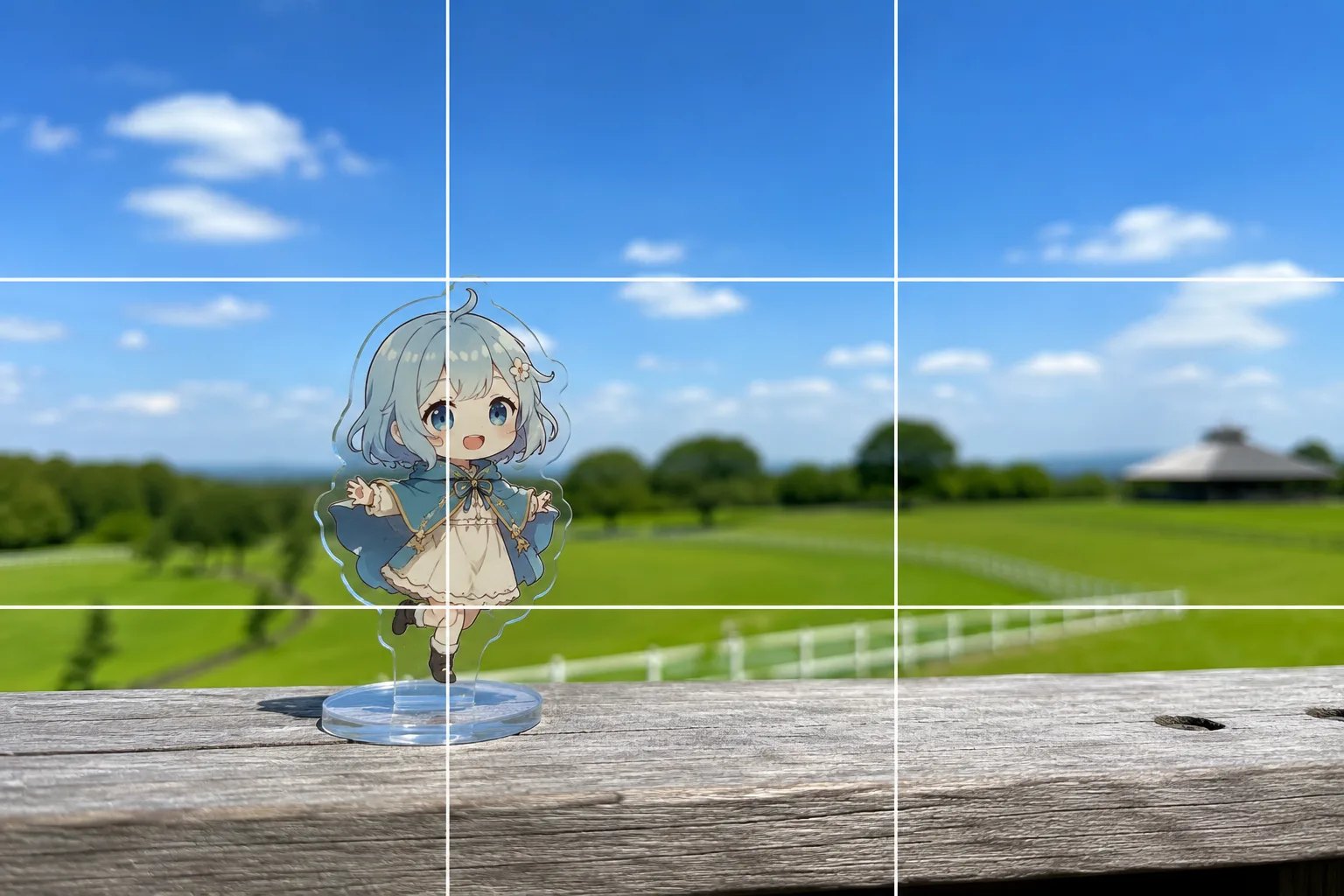
Acrylic Stand Photos With the Scenery — Focus Misses and Melting Edges, Fixed
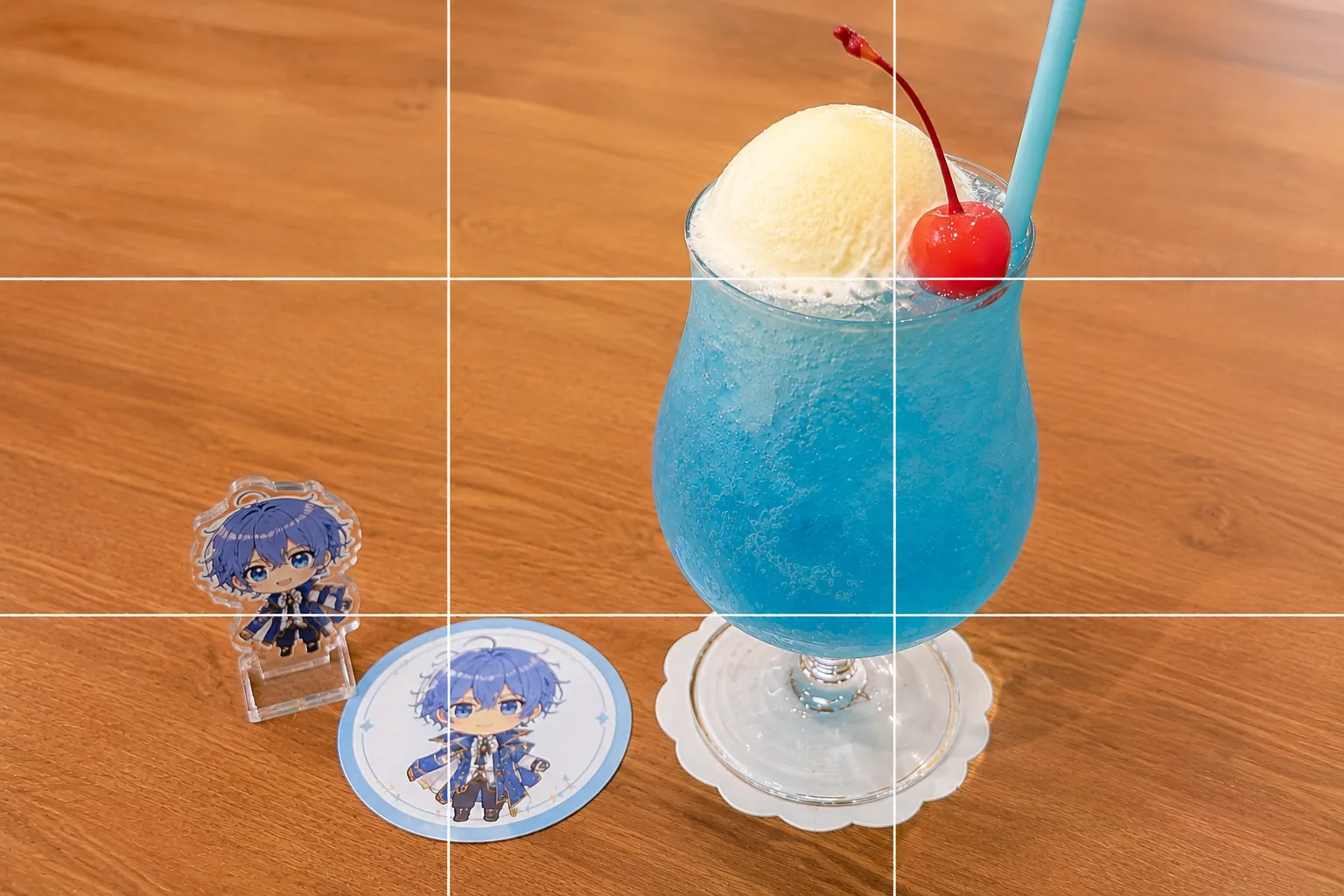
Collab Cafe Photos — Dim Light, No Time, Cluttered Table, Fixed
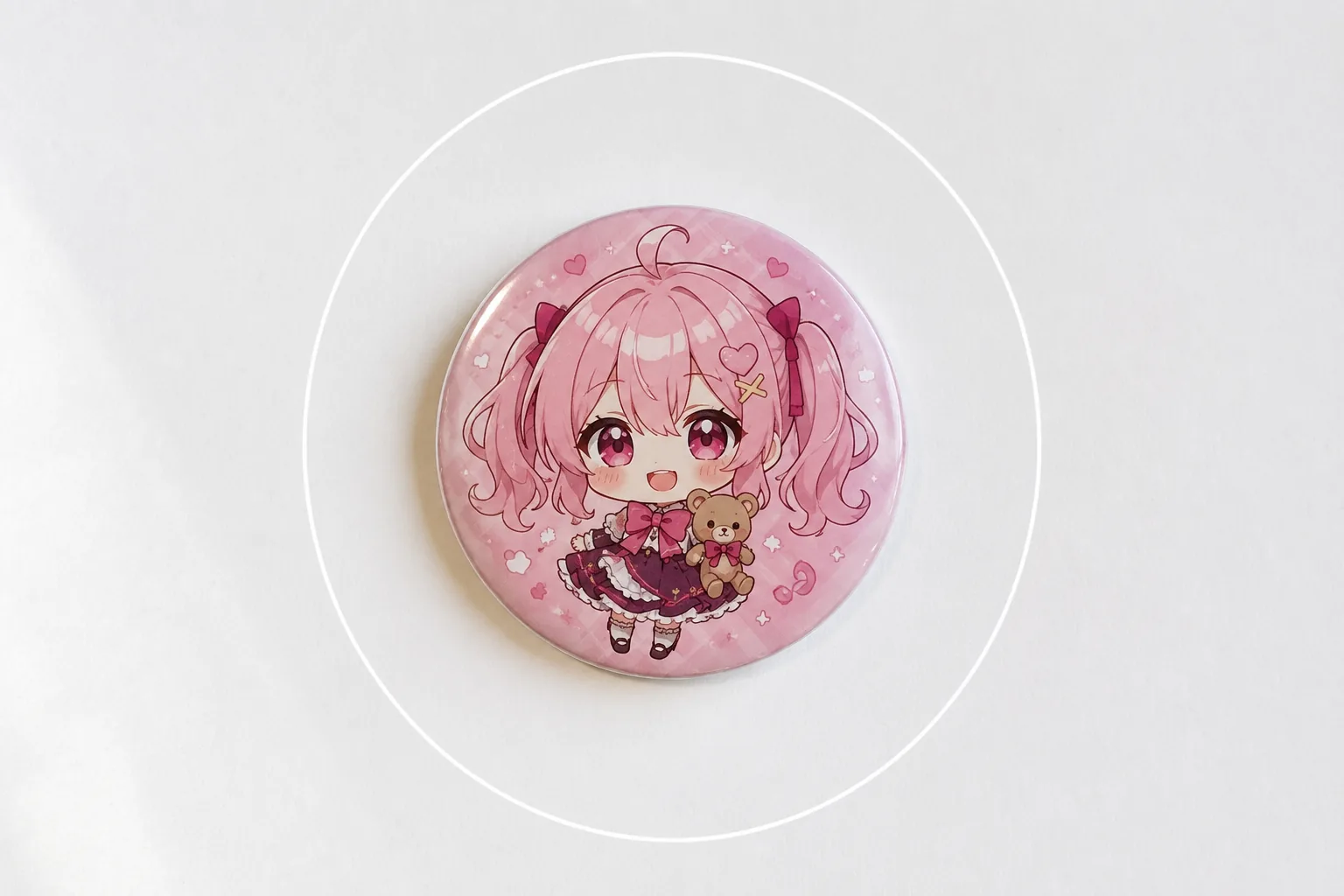
Photographing Can Badges and Acrylic Charms — Glare and Reflections, Fixed
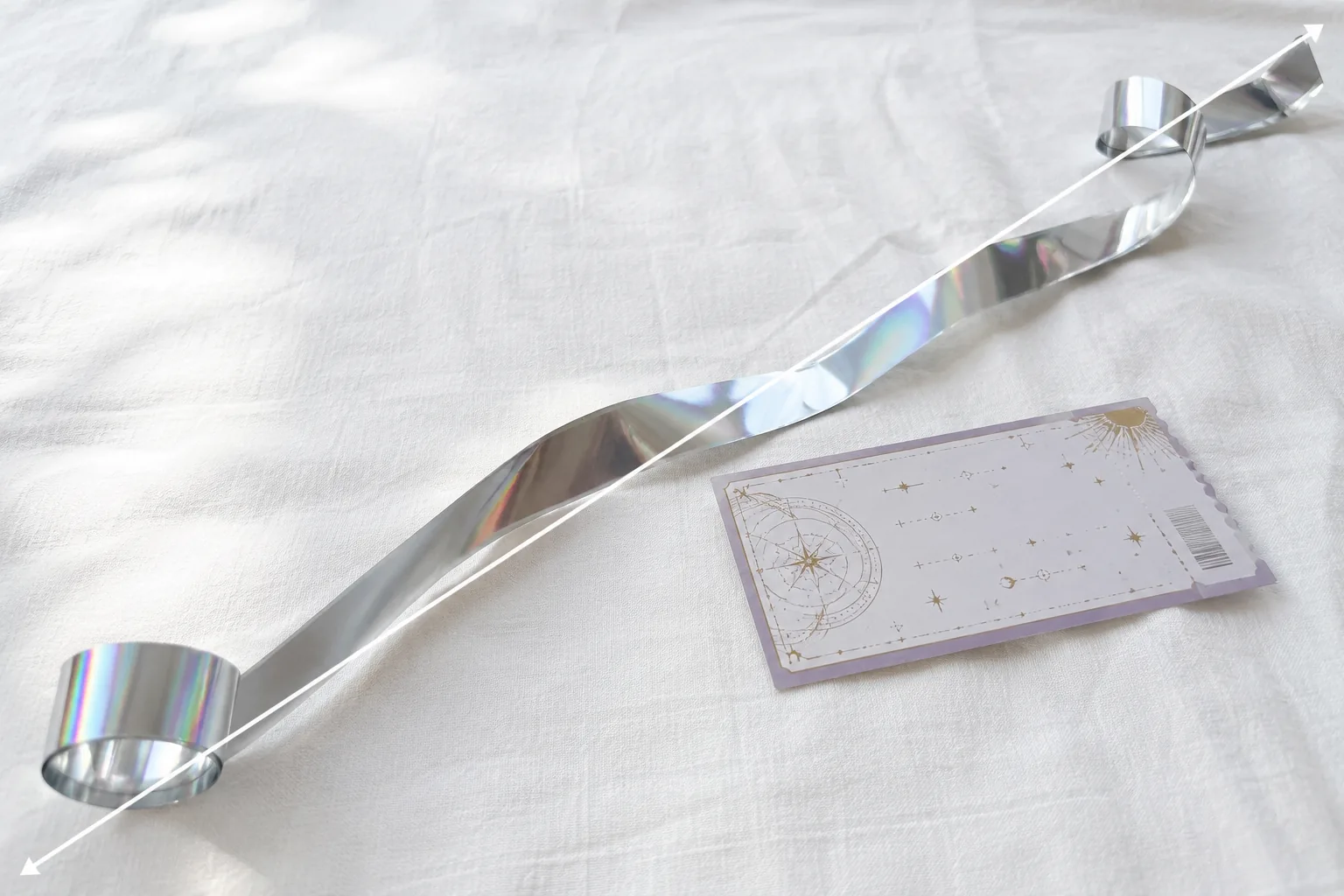
Photographing Silver Tape and Tickets — Dull Color and Lost Sparkle, Fixed

Group Goods Photos at Fan Meetups — Clutter, Shadows, and Uneven Layouts, Fixed
Photographing Cheki (Instax) Prints — Glare, Faint Signatures, and Fading, Fixed
Photographing Fan Flower Stands — Won't Fit the Frame and Dull Colors, Fixed