Photographing Trading Cards — Sleeve Glare and Lost Holo Shine, Fixed
Published Jul 17, 2026
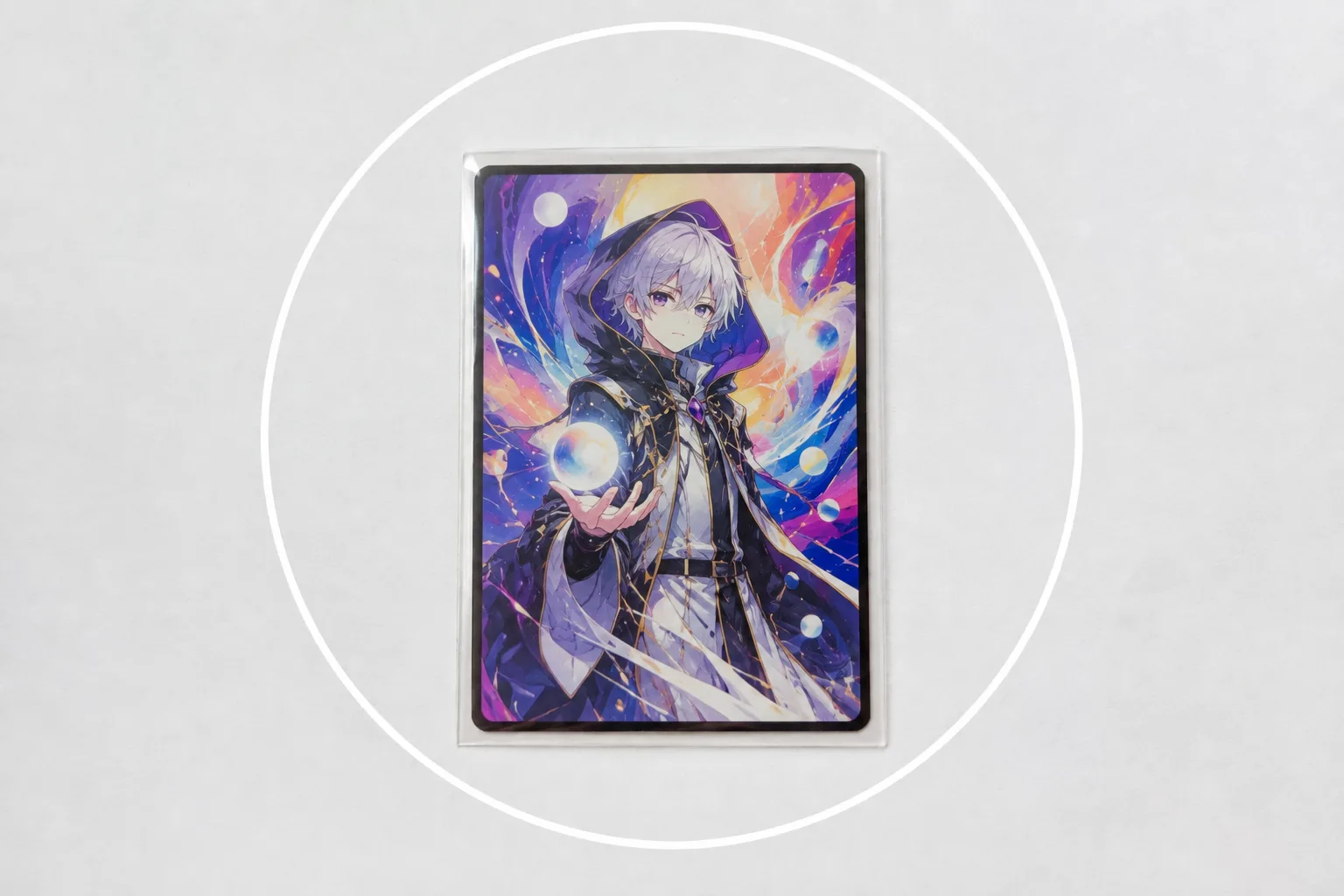
Photograph a trading card and the sleeve glares white, the holo shine won’t show, or the colors look dull. The causes: light hitting head-on, plus the shadows and focus quirks of a flat subject. The basics for fan goods in general are in How to photograph fan goods — this article digs into what’s specific to cards: sleeves, loaders, and holo.
Slide the light to the side to kill glare
Sleeves and loaders are glossy, flat surfaces, so head-on light bounces back white like a mirror. The quickest fix is to move to a window and turn the card so the light comes from the side. If a white band of glare remains, tilt the card slightly to push the reflection out of the frame. Fingerprints and dust on the sleeve — and on your lens — also read as white haze, so give both a quick wipe first (→ Cleaning your lens). If the colors look dull, tap the card and swipe up on the screen to raise the brightness a step (→ Exposure basics).
Change the angle bit by bit for holo cards
Holo cards get their sparkle by bouncing light back. Kill every reflection and the holo goes flat, and the card’s charm gets harder to see. The trick is to tilt the card or your phone a little at a time and take several shots. You can usually find an angle where the rainbow pattern floats up — compare afterward and keep the one with the best texture. “Let glare escape, keep a little sparkle” is the fun balancing act of card photography.
Lock focus from straight above
A trading card is flat, so — like a bento box or a pizza — straight above is the go-to angle. Shoot from an angle and the card skews into a trapezoid, and any text gets harder to read. Once you’re overhead, tap the card to set focus and press and hold to lock it (AE/AF Lock) (→ How to use AE/AF Lock). Decorated cards with stickers and layered parts have real depth, so add one shot from a slight angle to show it. To show off the artwork’s detail or your fave’s expression, step in and fill the frame (→ Fill the frame).
 Composition guideFill the frameSee the full guide for this composition →
Place one card at the center with breathing room
Wood grain and clutter around the card bury the star. Lay down one sheet of white paper and the background resets. Trading cards are tall, so with a single star card, holding your phone vertical makes the margins much easier to balance. Place that one card firmly at the center and it lands directly (→ Center composition); leave some empty space around it and your collection piece looks refined (→ Negative space). Showing several cards of your fave? Line them up in a grid with even gaps and the “curated collection” feel comes through on its own.
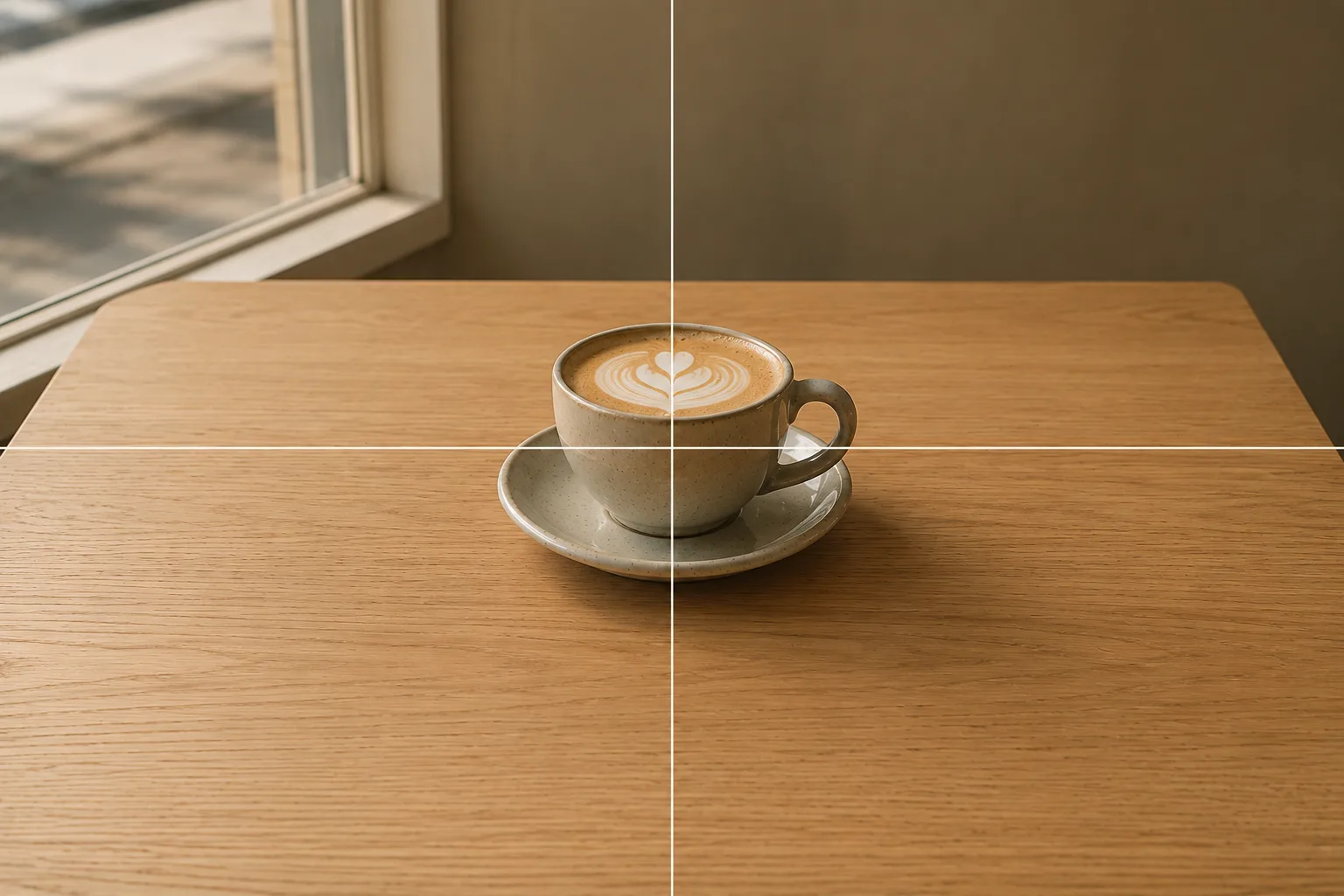 Composition guideCenter compositionSee the full guide for this composition →
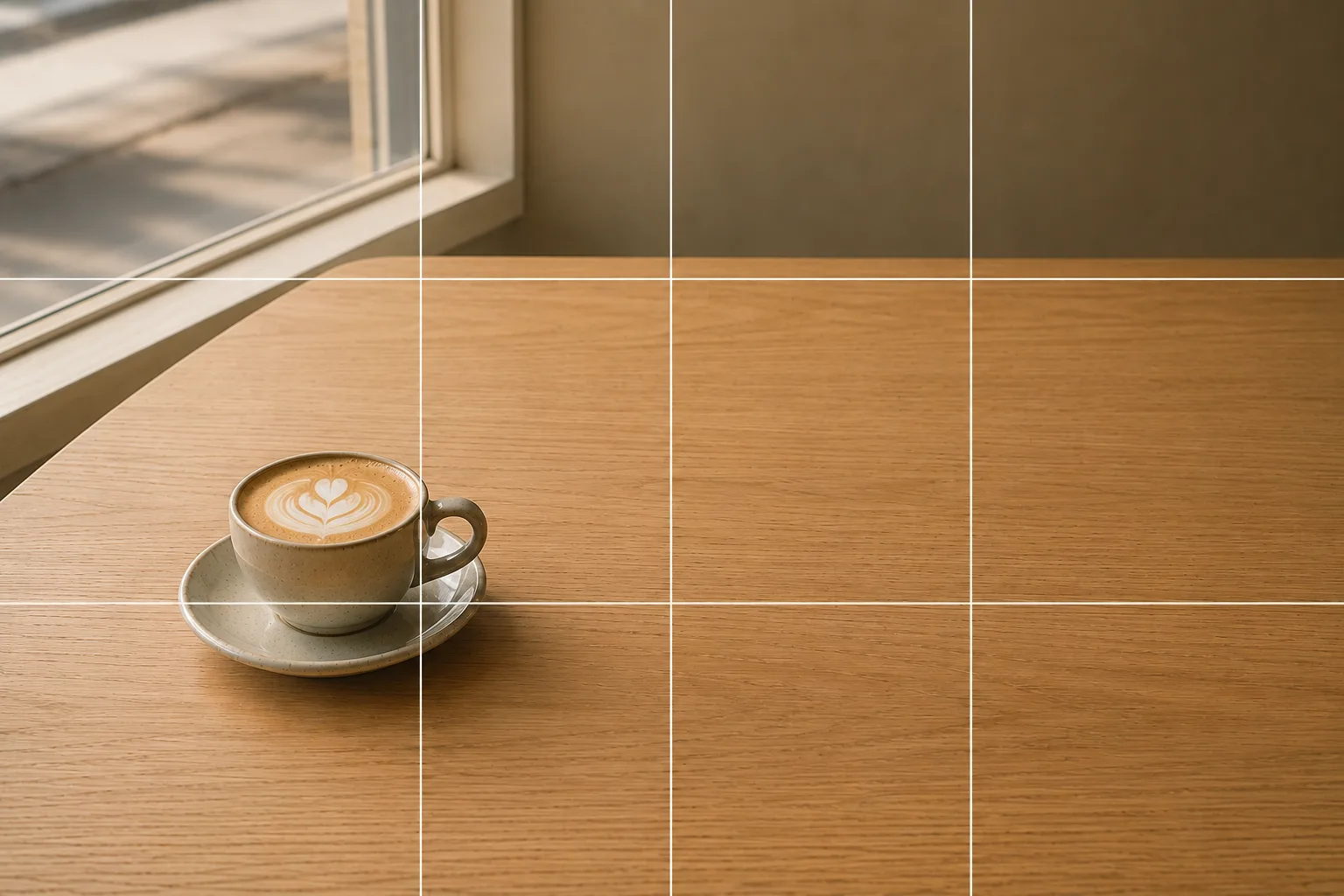 Composition guideNegative spaceSee the full guide for this composition →
Start with just this
Slide the light to the side to let glare escape, work the angle for holo across a few shots, lock focus from straight above, and center the card on a white background. These four steps transform card photos. To document condition for trades and sales, see Shooting fan goods for trades and resale; for small-item photography in general, see Small items and accessories / Marketplace photos.
FAQ
Should I take the card out of its sleeve or loader?
You don't have to. Wipe fingerprints and dust off the surface and slide the light to the side, and most glare goes away. If a reflection still lingers, you can take it out of the sleeve where it's safe to, or switch to a matte sleeve.
The holo shine disappears in my photos.
Flat, head-on light hides the holo effect. Tilt the card or your phone a tiny bit at a time, look for the angle where the rainbow pattern floats up, take a few shots, and pick the best one afterward.
My phone or my own shadow falls on the card when I shoot from above.
You're standing between the light and the card. Move so the window is to your side, or bring the card closer to the window. Shooting from a slight angle to push the shadow out of the frame works too.
Example gallery
Related reading
Compositions used
Related subject guides
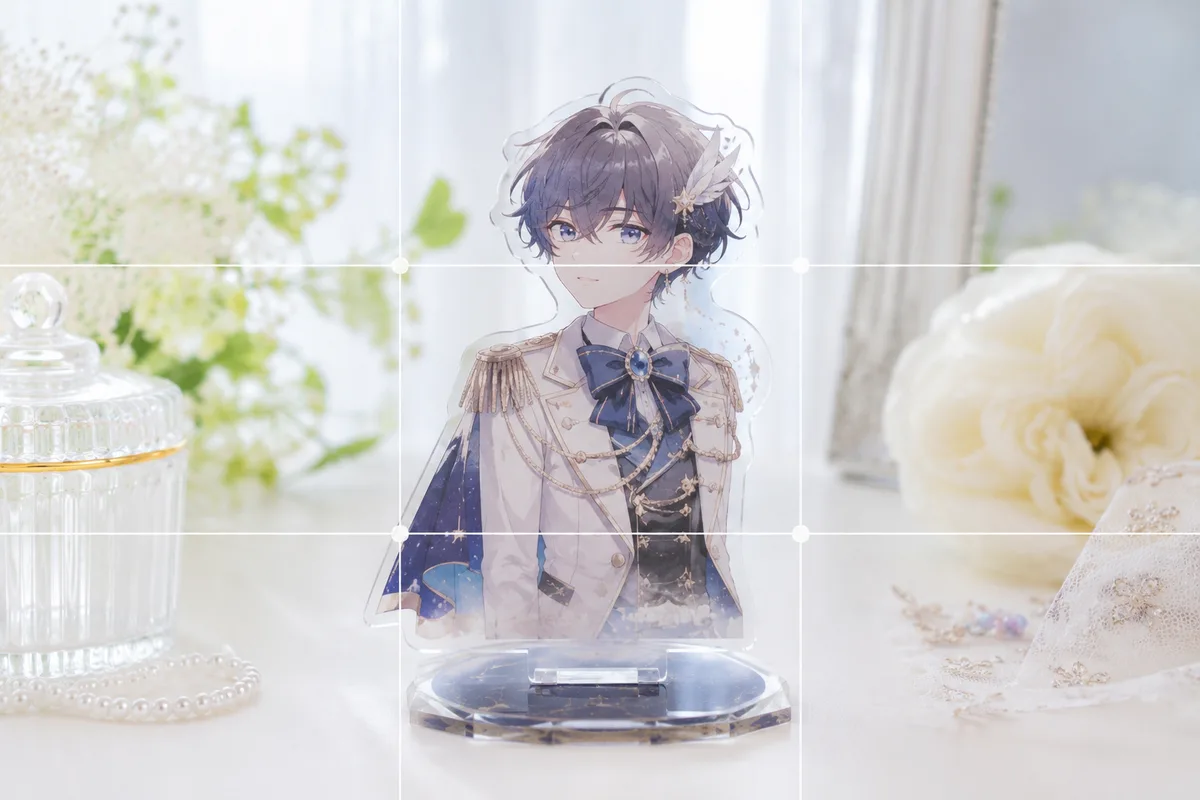
How to Photograph Fan Goods — Glare and Blur on Acrylic Stands & Photocards
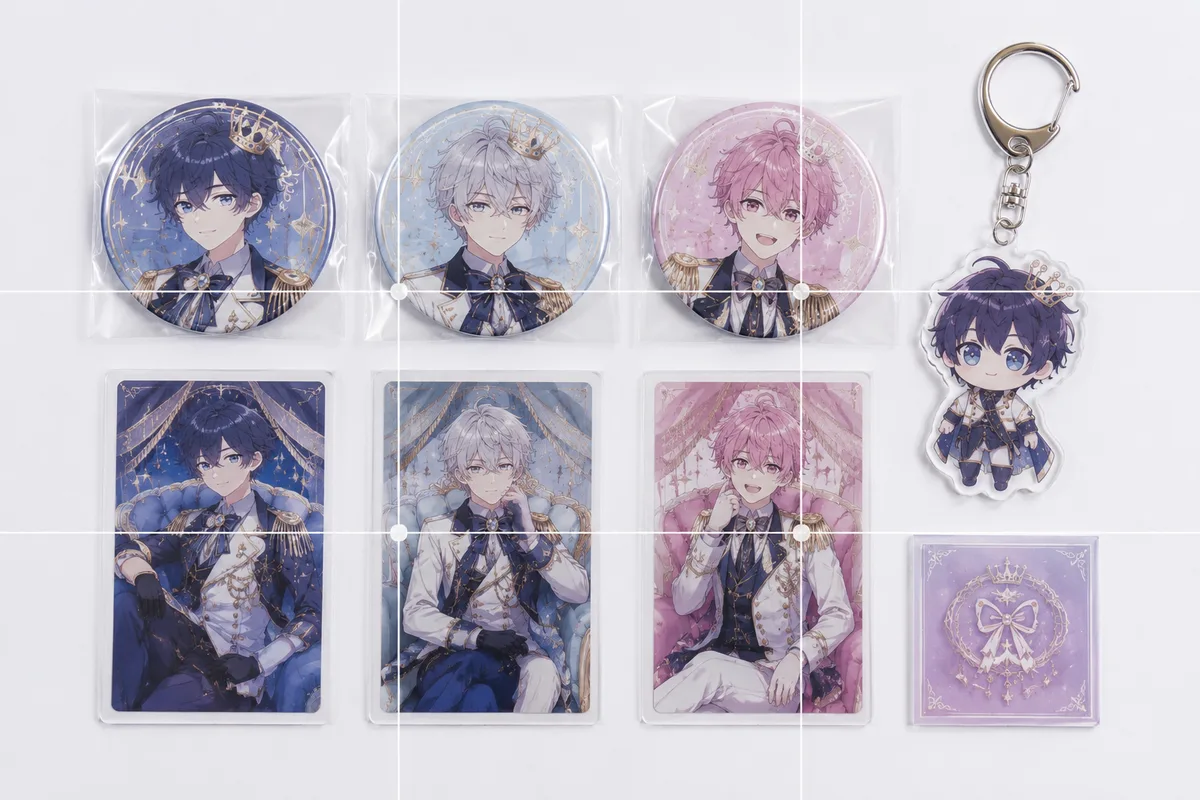
Photographing Fan Goods for Reselling — When Condition Doesn't Come Through
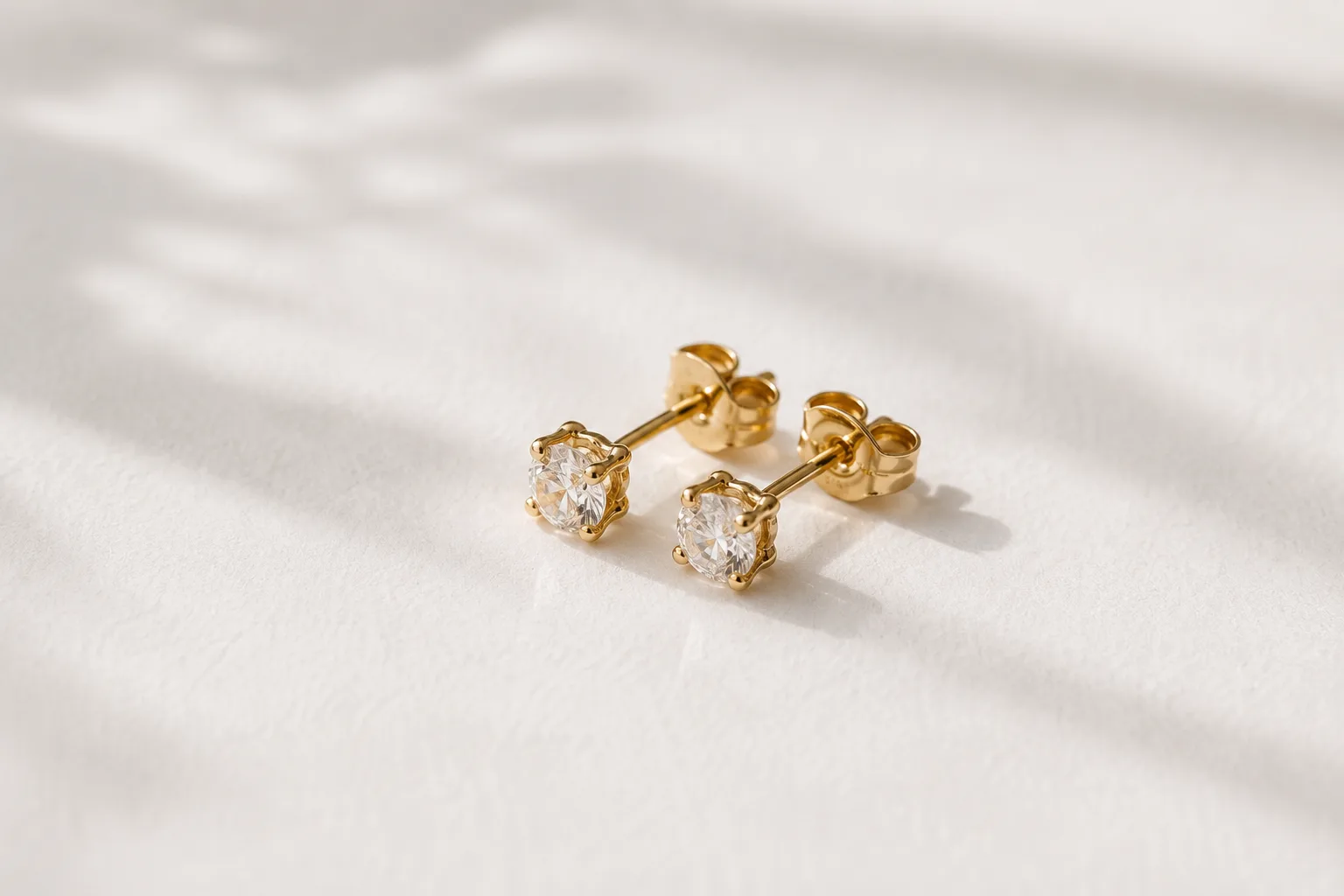
Composing Small Items and Accessories — Why They Look Dull and How to Fix It
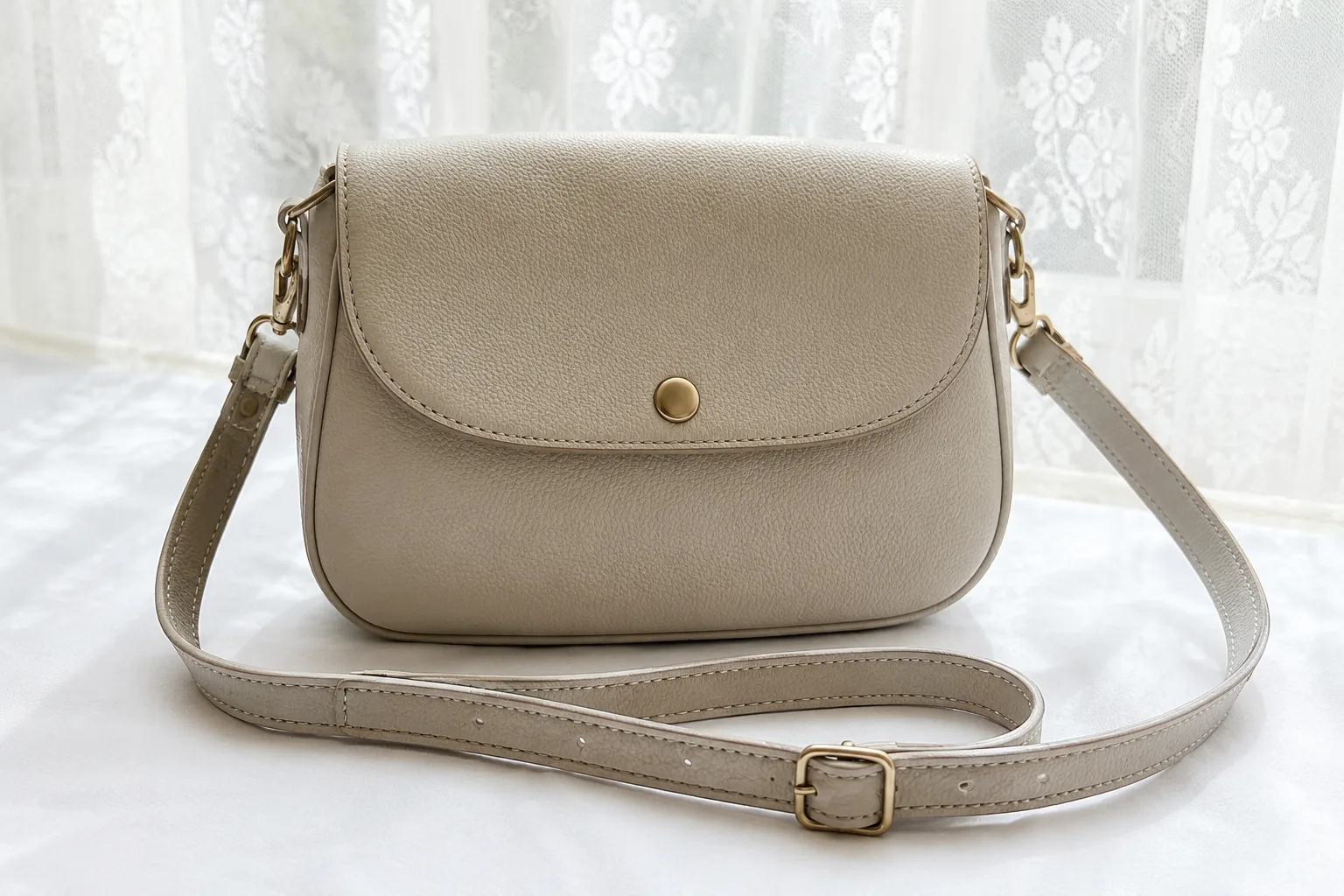
Composing Marketplace Listing Photos That Sell — Clearing the Background
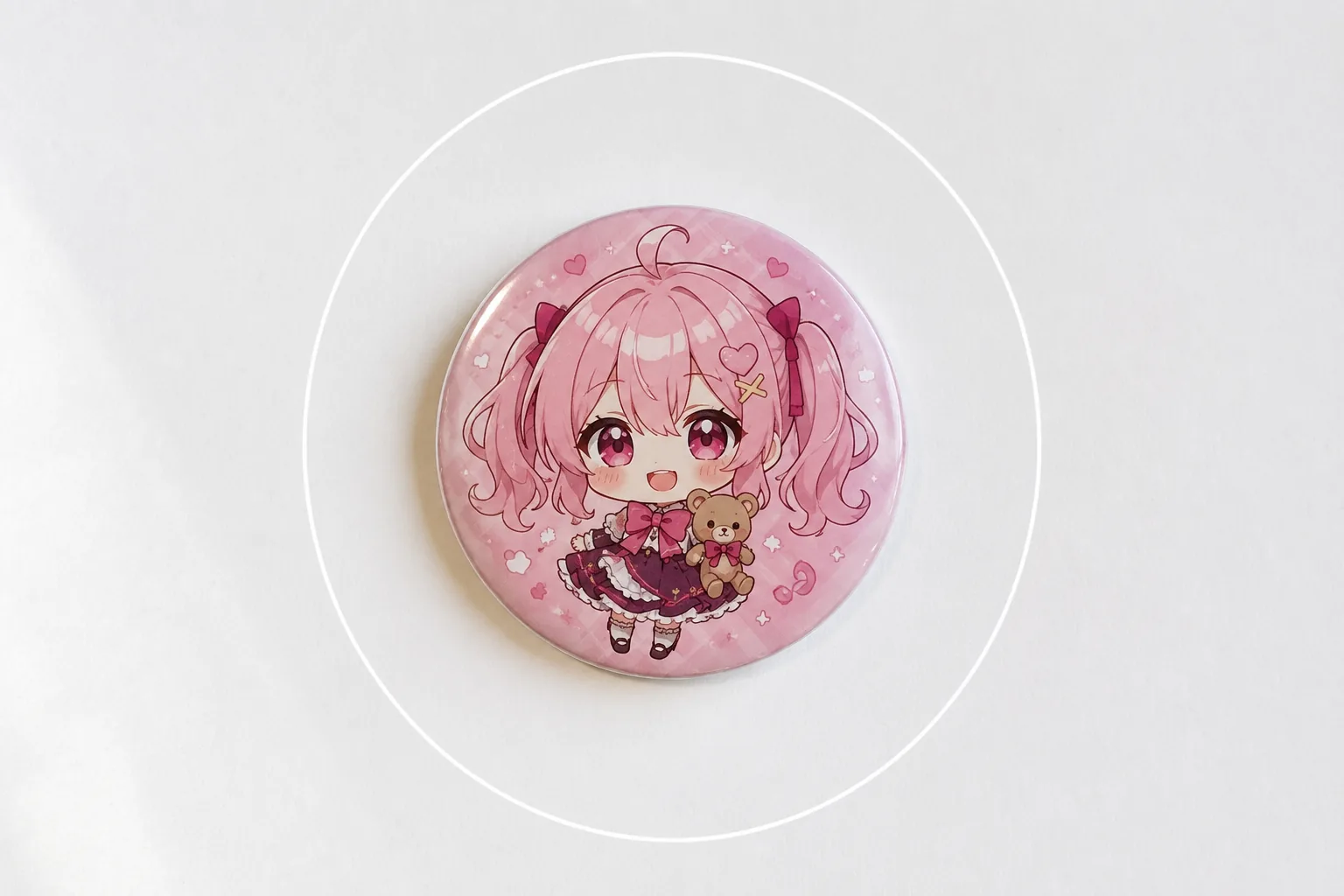
Photographing Can Badges and Acrylic Charms — Glare and Reflections, Fixed
Photographing Cheki (Instax) Prints — Glare, Faint Signatures, and Fading, Fixed