Group Goods Photos at Fan Meetups — Clutter, Shadows, and Uneven Layouts, Fixed
Published Jul 17, 2026
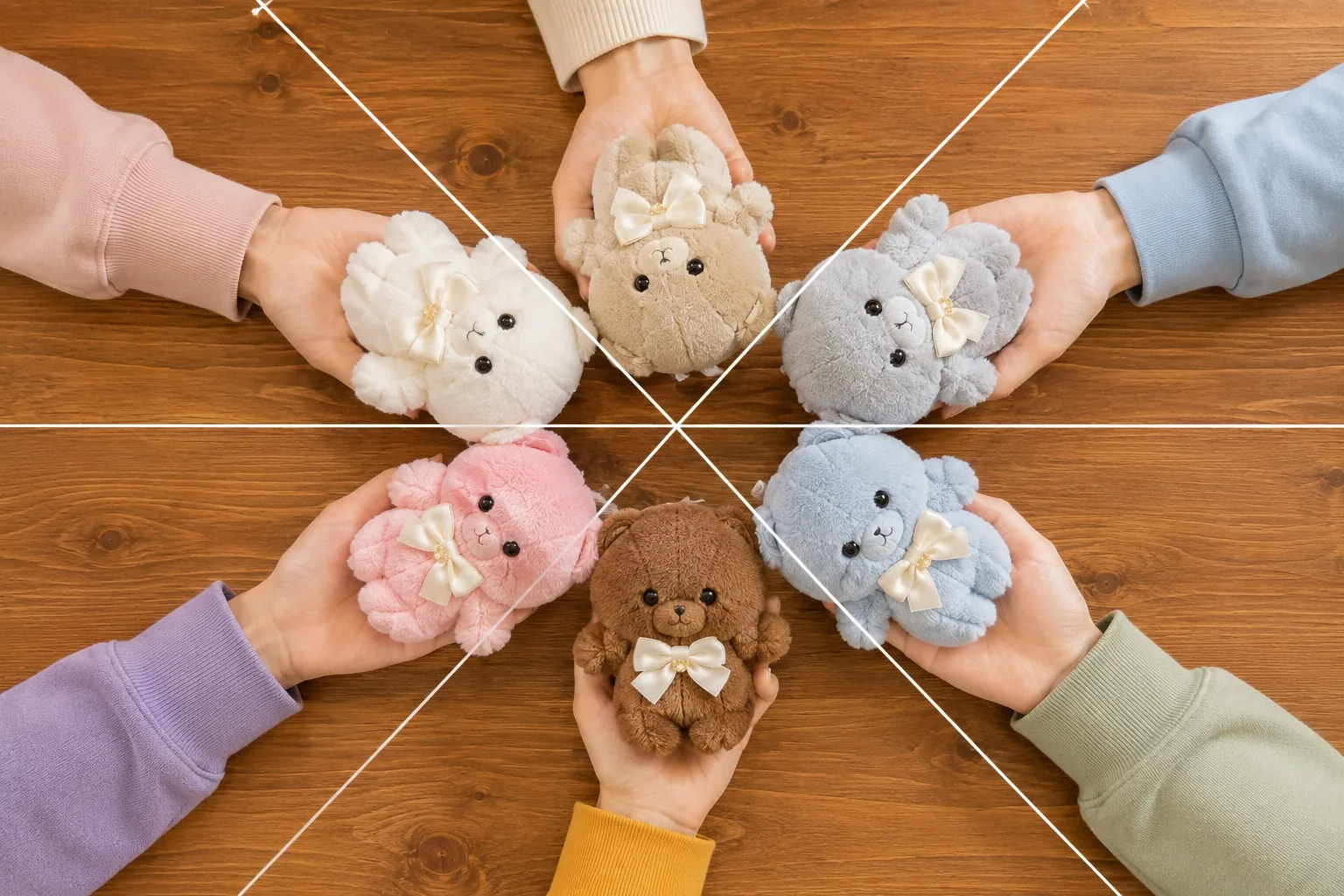
The tabletop “group photo” of everyone’s goods and plushies is the keepsake of a fan meetup. And yet — it comes out cluttered, your own shadow falls across it, or one person’s goods dominate. The causes: several people’s worth of stuff in one frame, plus the constraints of a cafe table and limited time. The basics of shooting your own plushie are in Plushie photography basics and goods basics in How to photograph fan goods — this article digs into getting several people’s goods into one photo everyone is happy with.
Agree on the layout first, then shoot fast
You’ll usually be shooting in the short window around food arriving, so the trick is not to figure it out while arranging. One quick question first — what goes in the center, and do we group by type or mix? — and the shoot itself takes a minute or two. Bills, wet wipes, and glasses go out of frame. A plain placemat or cloth from your bag hides wood grain and table reflections and makes any cafe’s table photogenic. During busy hours, keep it quick, stay within your own table, and avoid angles where other guests appear.
Arrange radially, shoot from straight above
When you want everyone’s goods shown equally, the most dependable shape is picking a center and radiating outward from it (→ Radial composition). Put the day’s centerpiece there — the goods everyone collected from the same series, or whatever brought the meetup together — and point each person’s plushies and badges inward from around it. A circle has no edges and no back row, so everyone’s goods sit the same distance from the center. For the straight-down angle, turning the grid on makes a crosshair appear mid-screen on many phones — line up the two crosses and you’re perfectly overhead (displays vary by model; → Using the camera grid).
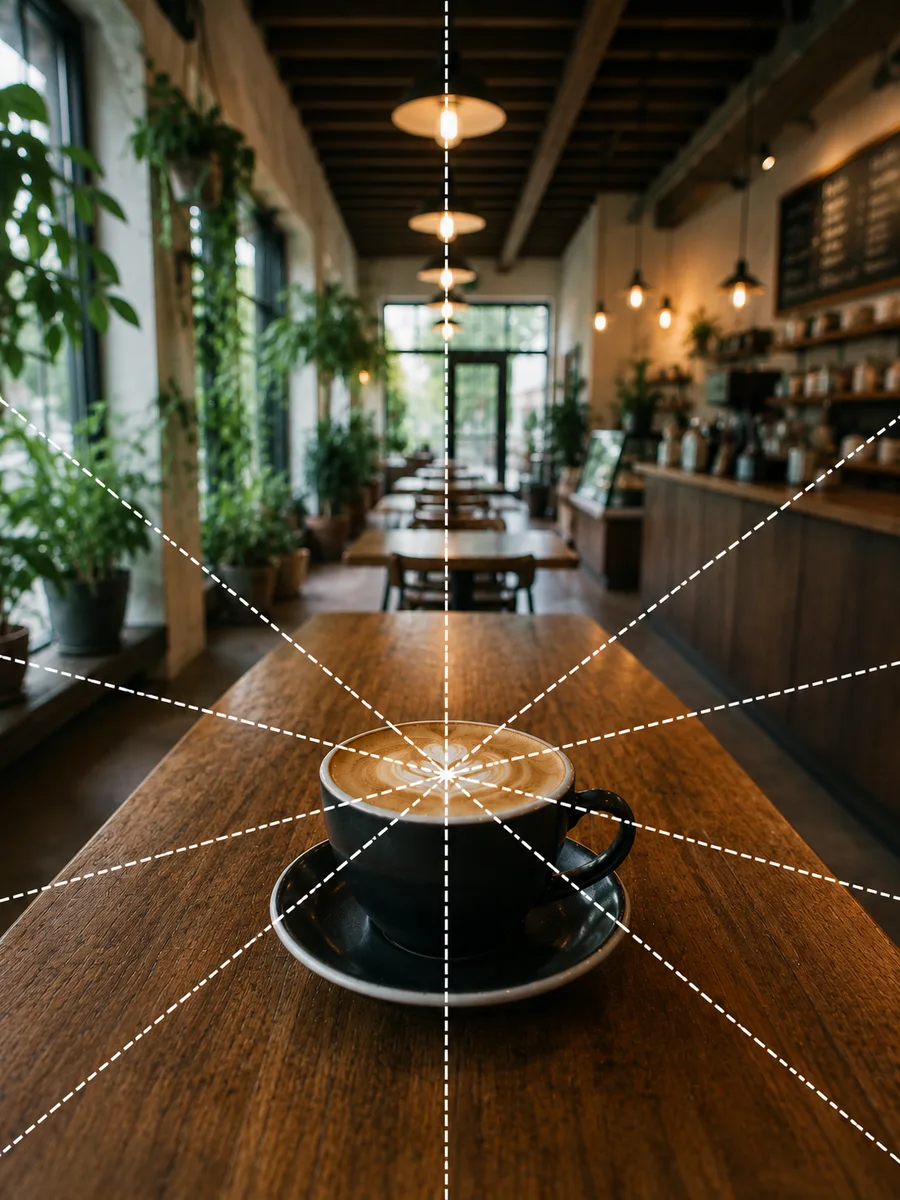 Composition guideRadial compositionSee the full guide for this composition →
Build “even” with symmetry and equal spacing
The other shape that suits meetup photos is symmetrical rows with equal spacing (→ Symmetry composition). Plushies in one row, badges in a row in front, each type in its own line with matched gaps — and even a big group reads as tidy. The rule that makes it work: same type, same size, same orientation. One badge sitting askew or ahead of its row pulls the eye straight to it. Tap the middle of the rows to focus and sharpness spreads more easily across the lineup (→ How to use AE/AF Lock). On days you keep the count small and crown a single star, planting it dead-center works with real presence too (→ Center composition).
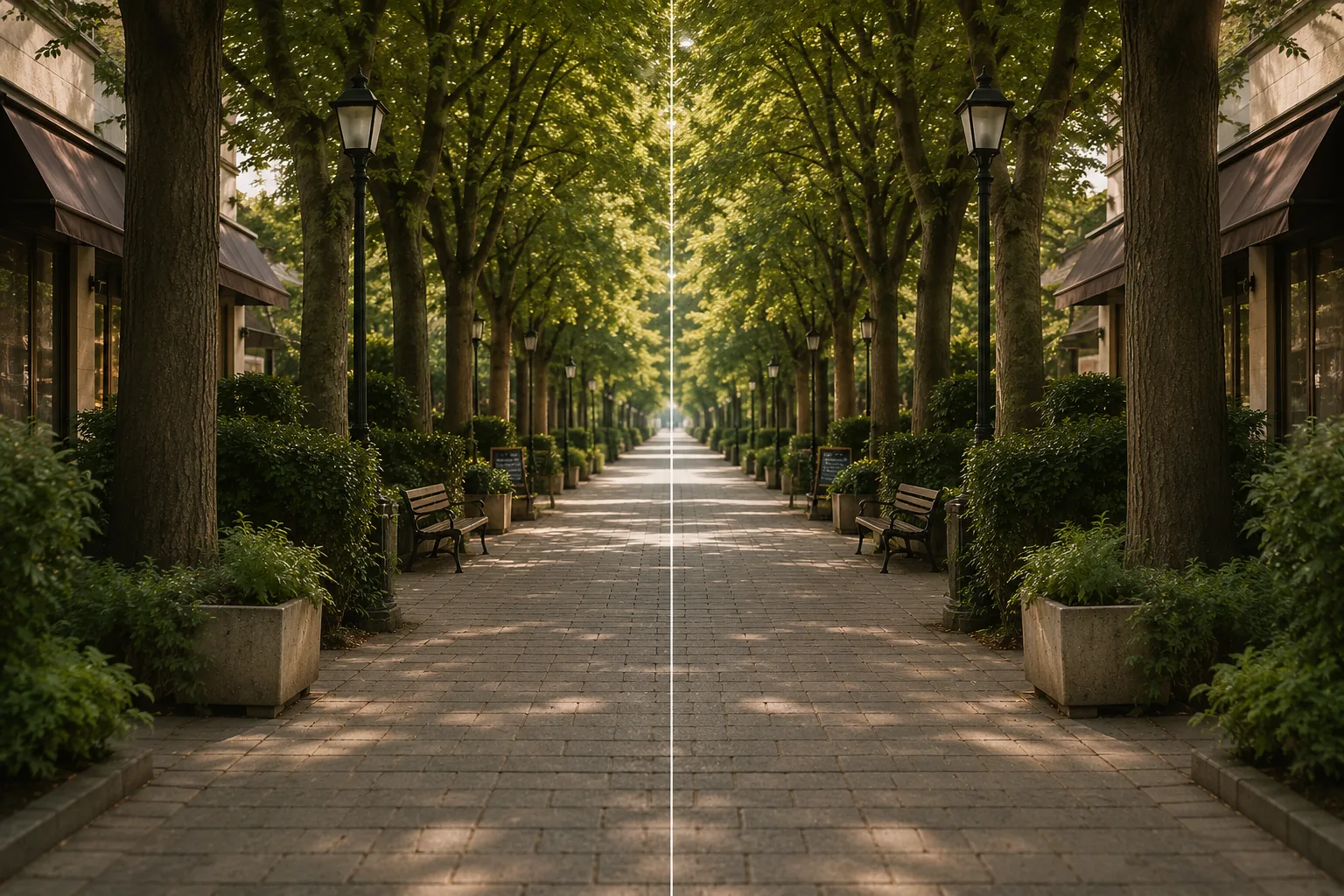 Composition guideSymmetrySee the full guide for this composition →
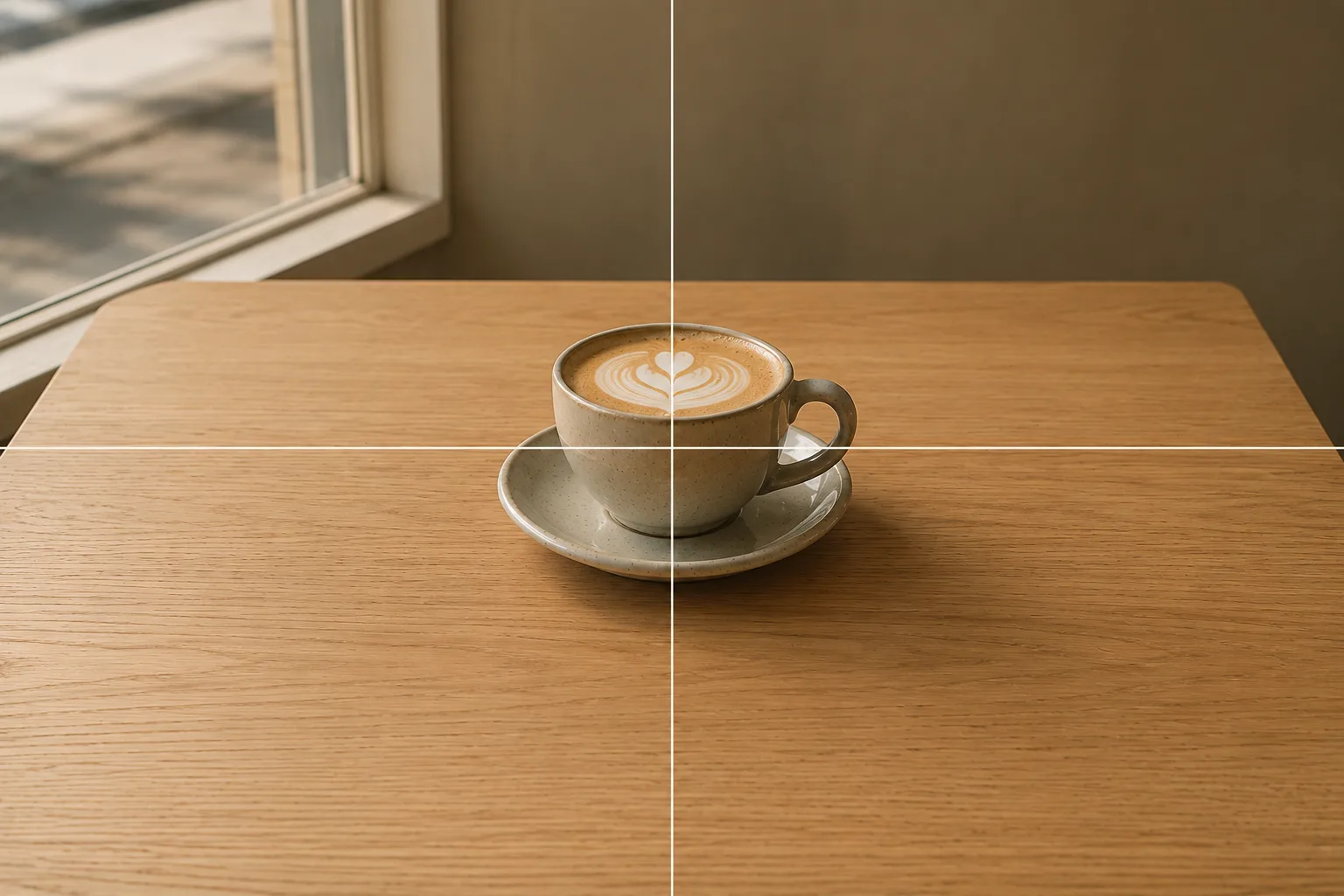 Composition guideCenter compositionSee the full guide for this composition →
Get your own shadow out of the frame
Hold the phone overhead and your head and hands cast shadows on the table. The fix is positional: don’t stand with your back to the light. Circle around so the window sits to your side and the shadow falls outside the arrangement. If the room is dim, tap the screen, then swipe the sun icon up to raise the brightness a step (→ Adjusting brightness). And once the layout is set, leave it in place and take turns shooting with each person’s phone — the meetup classic. It beats one photo shared around: everyone frames and brightens to their own taste and takes home their own shot.
Add a wider shot with everyone in it
If the people belong in the photo too, gather around the arranged table and step back for a wider frame. The lining-up and leveling tips from group photos carry straight over (→ Group photos everyone looks good in). If some folks would rather not show their faces, a circle of hands each holding their fave’s goods makes a warm, meetup-style alternative.
Start with just this
One quick word on layout; a plain cloth; radial or symmetrical; crosshair lined up for straight-above; window to your side so the shadow exits the frame; then everyone shoots in turn. That’s all a meetup keepsake needs. For solo cafe shots, see Plushie photos at cafes; at a collab cafe, see Collab cafe photos.
FAQ
Everyone's goods won't fit in one shot.
Rather than cramming everything into one frame, split by type — one shot for plushies, one for badges — and each item comes out bigger and clearer. If it really must be one photo, shoot from a little higher up or use the table edge to edge with tighter spacing.
The cafe is too dim for a good shot.
Tap near the middle of the arrangement to set focus, then swipe the sun icon up to raise the brightness a step. If you can get a window seat, arrange the goods where the light comes in from the side and the colors stay true. Flash casts hard shadows, so off is the better default.
Anything to watch out for before posting the photo?
Check with everyone in the shot before posting. Some people would rather their hands, faces, or name tags on their goods not appear. It's also worth a quick word about whether to mention the venue or tag the location — settling it on the spot avoids trouble later.
Example gallery
Related reading
Compositions used
Related subject guides
How to Photograph Plushies as the Star — Fixing Tiny, Blurry, Busy Shots
How to Photograph Fan Goods — Glare and Blur on Acrylic Stands & Photocards
How to Make Your Plushie Pop at a Café — Busy Backgrounds and Lost Subjects

Fitting Everyone in a Group Photo — Fixing Tilt, Darkness and Framing
Collab Cafe Photos — Dim Light, No Time, Cluttered Table, Fixed
Photographing Cheki (Instax) Prints — Glare, Faint Signatures, and Fading, Fixed