How to Make Your Plushie Pop at a Café — Busy Backgrounds and Lost Subjects
Published Jun 27, 2026
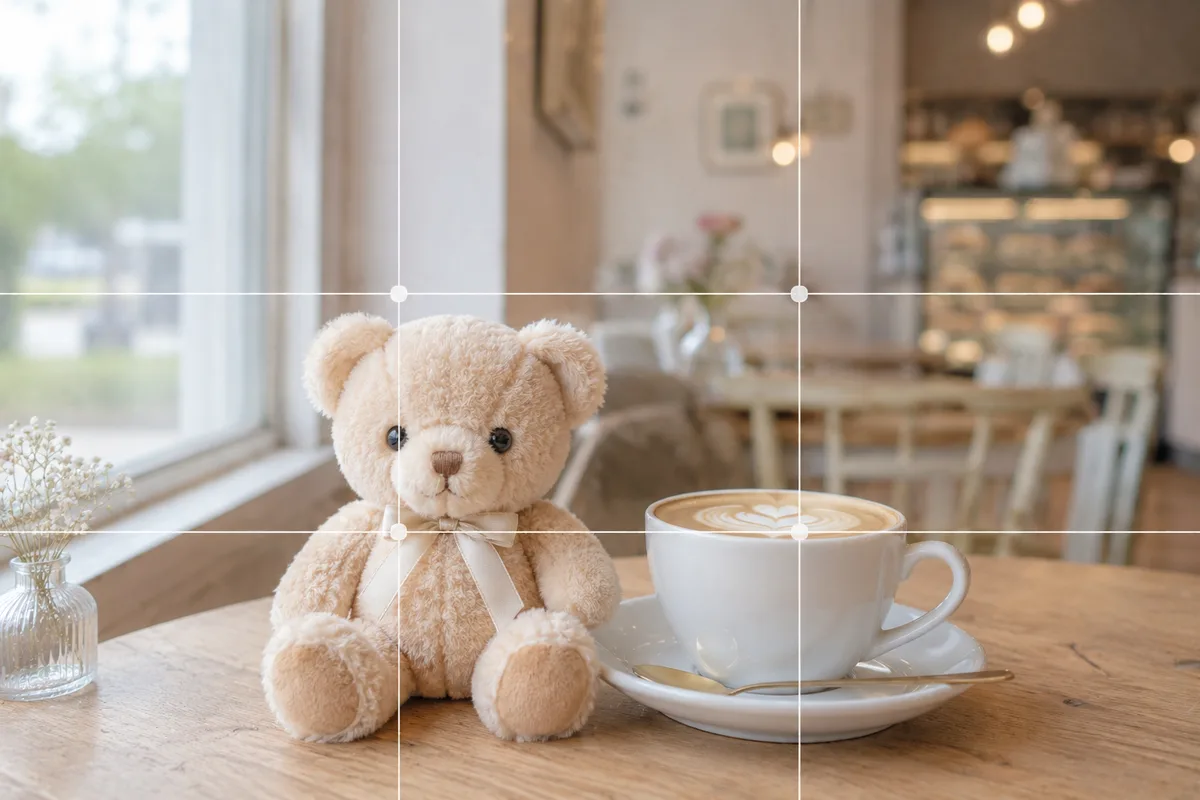
Shoot your plush at a café and the seats and bags behind it look busy, and the plush sinks into the scene. The cause: there’s a lot of background information while the plush is small and focus has slipped to the back. Right in your stock camera, sorting out focus, placement and light makes your plush the star even at an everyday café.
Lock focus on the plush’s face
A café has drinks and the interior behind the plush, so focus slips backward easily. Tap the plush’s face on screen to set focus, and if it keeps drifting, press and hold the face to lock it (AE/AF Lock). That alone makes a plush that was melting into the background stand out crisply (→ How to use AE/AF Lock).
Shift the plush to one side to make space
Center the plush and pack the whole interior in, and there’s too much information — it looks scattered. Shift the plush to one side, near a rule-of-thirds intersection, and leave space ahead of its gaze or above it, so the plush and the café’s mood coexist (→ Rule of thirds). When the background is busy, boldly leaving more space lifts the plush (→ Negative space).
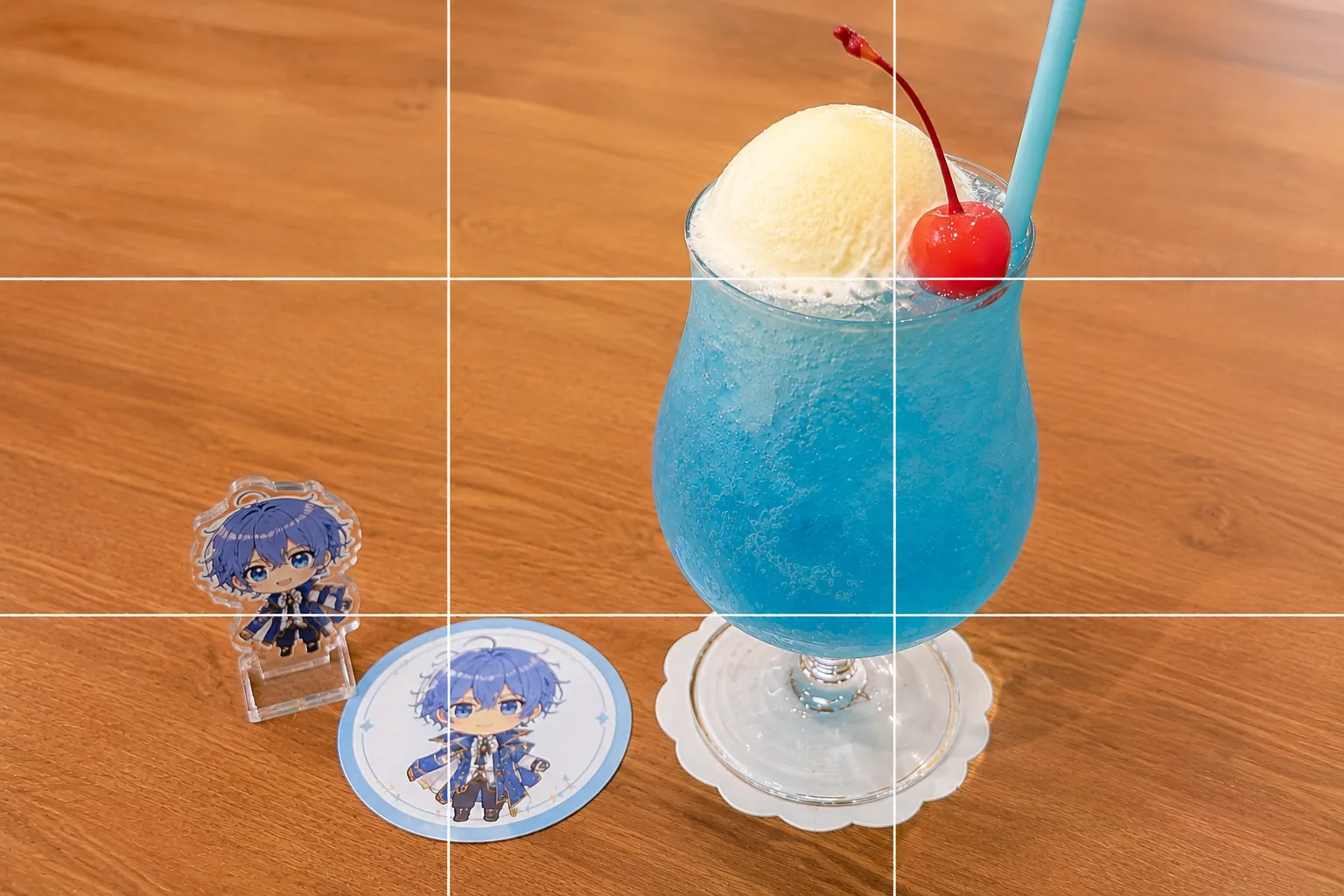
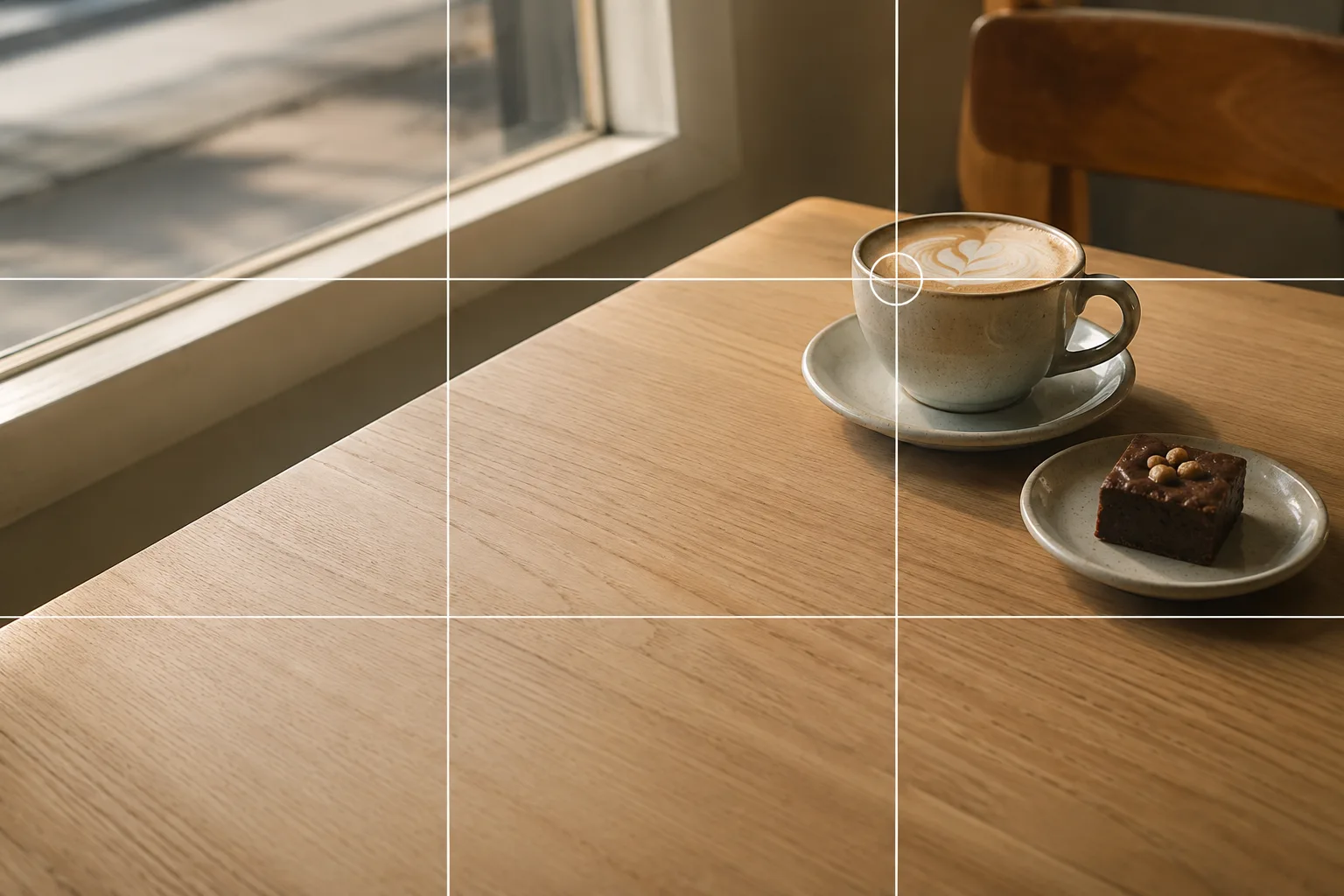 Composition guideRule of thirdsSee the full guide for this composition →
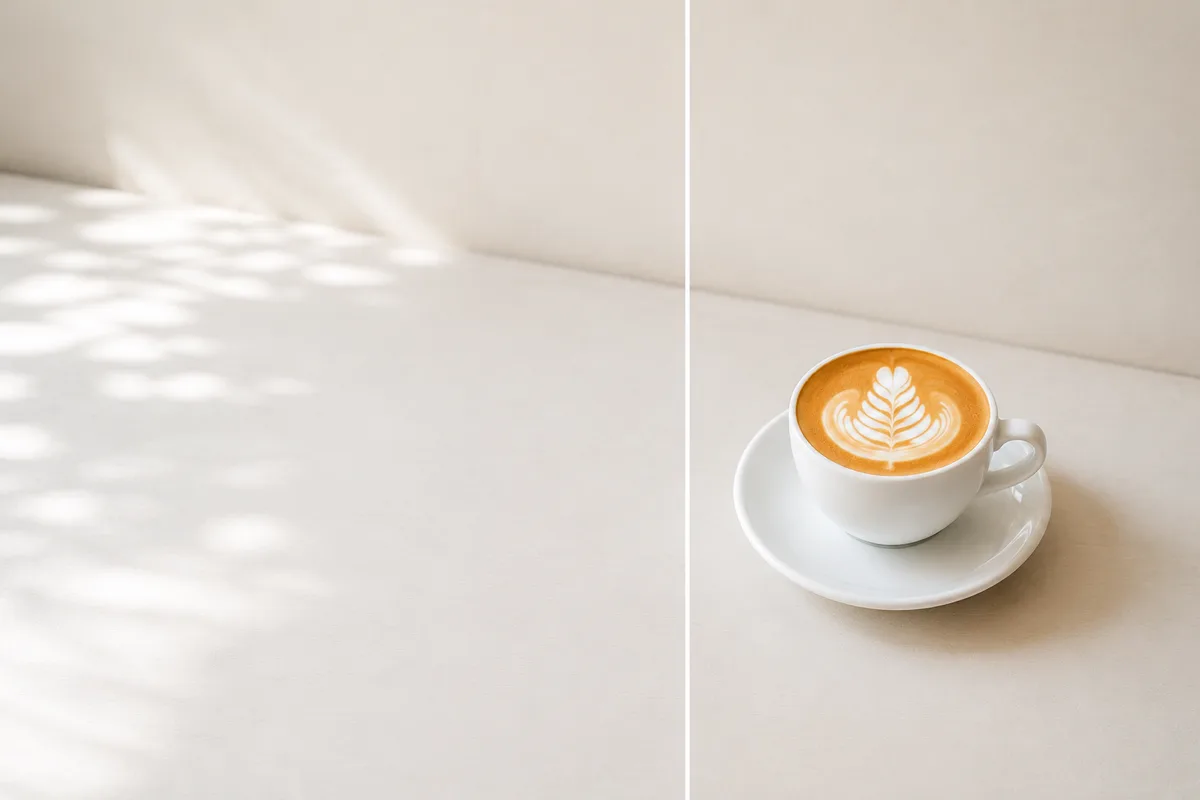
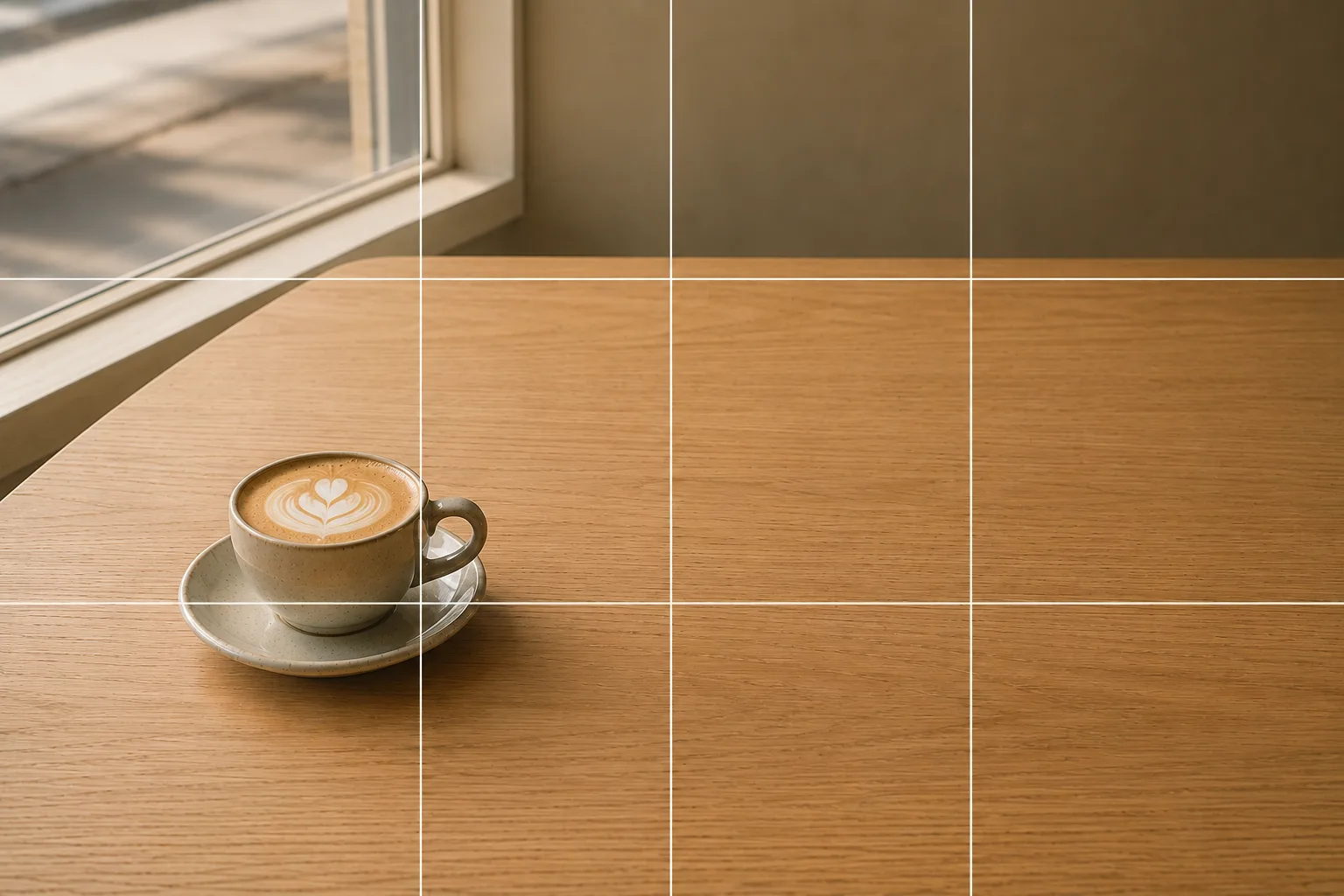 Composition guideNegative spaceSee the full guide for this composition →
Light it from the side with the window
At a café, light is the deciding factor. Choose a window-side seat and let soft daylight fall from the side to bring out the fluffiness of the plush’s fur. Overhead lighting alone tends to flatten the colors, so if it looks dark, raise the brightness a notch (→ Exposure compensation basics). Peeking the plush through a window frame, a cup handle, or a glass of your drink frames it like a picture and hides a busy interior (→ Framing).
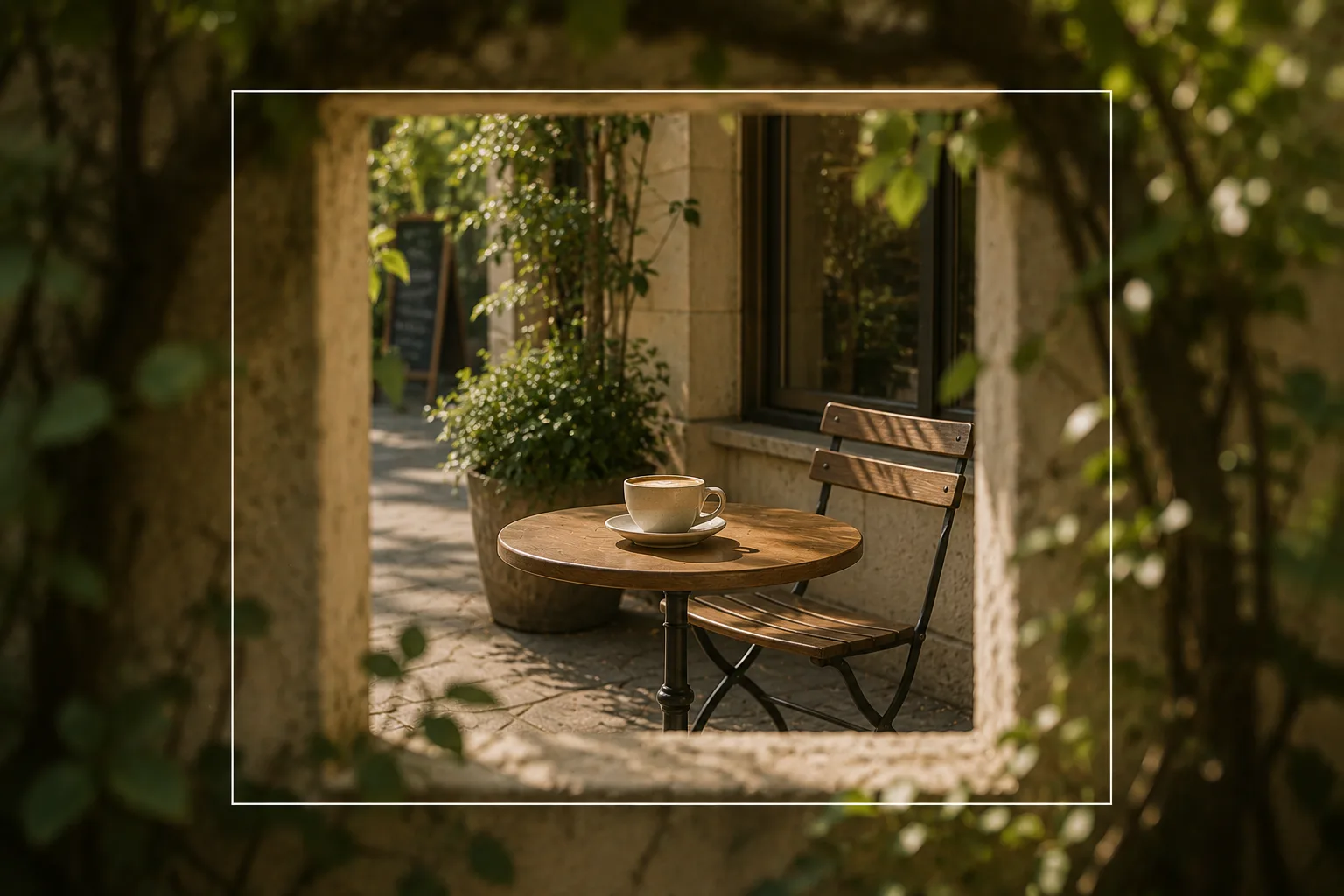 Composition guideFramingSee the full guide for this composition →
Start with just this
At a window seat, lock focus on the plush’s face, shift it to one side and leave space. When the background is busy, leave more space or frame it with a window or cup. That alone transforms café plush photos. For the basics of focus and placement, see Plushie photography basics; shooting alongside collab bonuses is covered in Collab cafe photos.
FAQ
Focus lands on the drink or the background instead of the plush.
Tap the plush's face on screen to set focus. If it keeps drifting, press and hold the face to lock it (AE/AF Lock) so it won't slip to the drink behind or the café interior, and the plush comes out sharp.
The café looks cluttered.
Shift the plush slightly to one side to make space, and use Portrait mode to blur the background so the star stands out. Using a window or cup like a frame tidies even a busy interior.
Related reading
Compositions used
Related subject guides
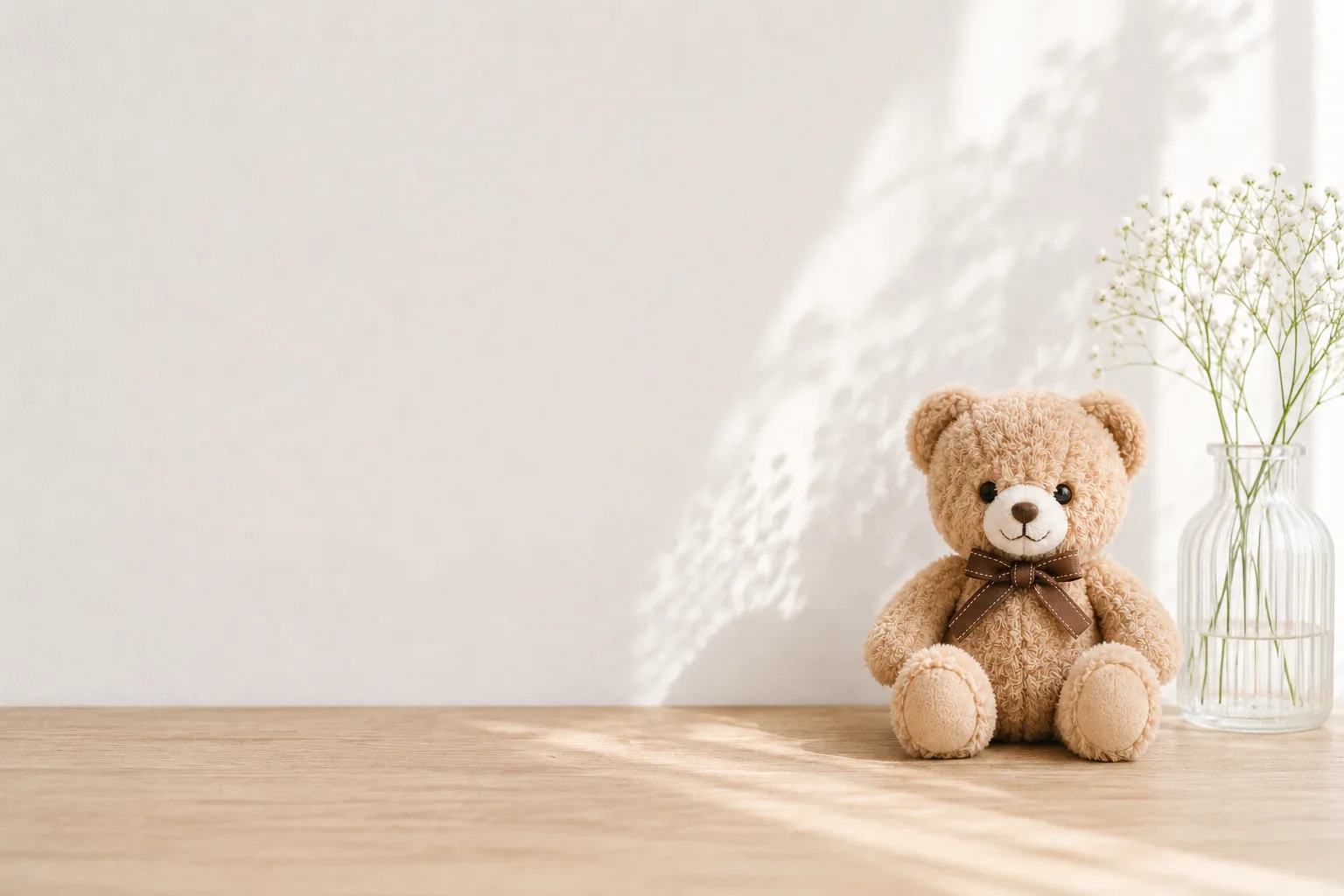
How to Photograph Plushies as the Star — Fixing Tiny, Blurry, Busy Shots
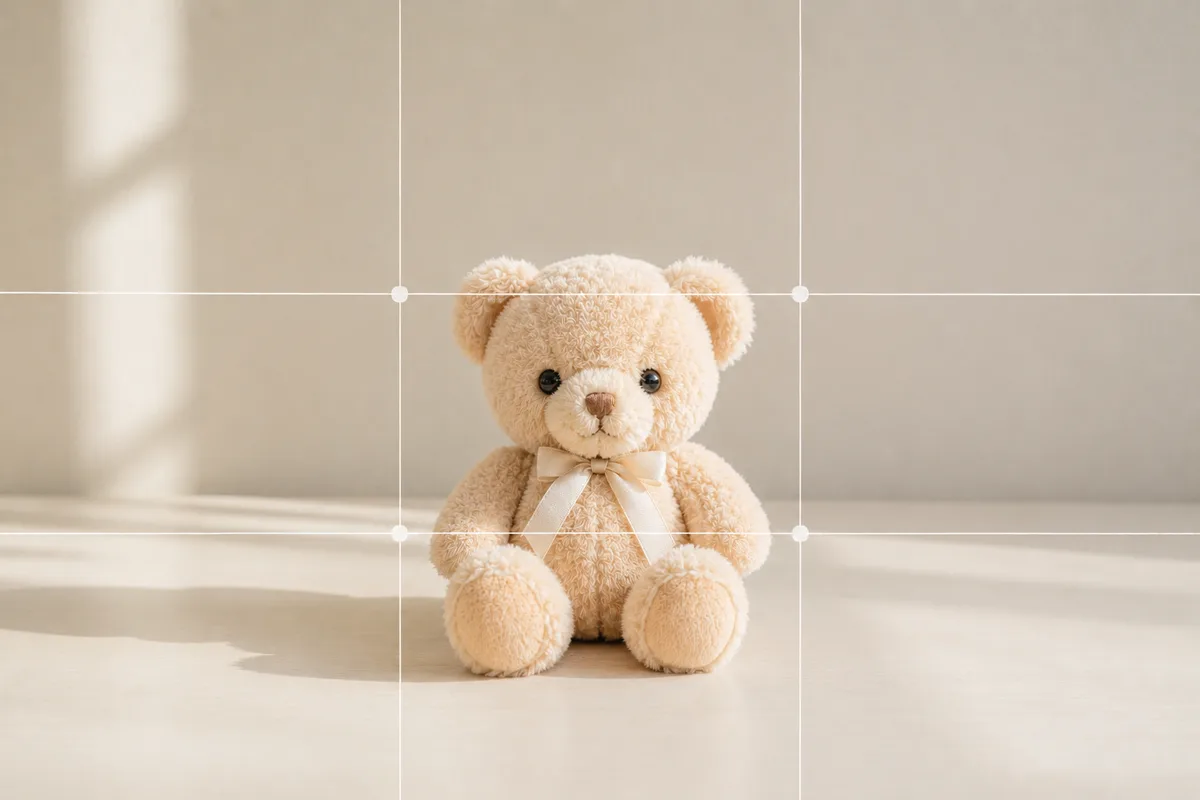
How to Photograph Plushies Cutely on a Table at Home — Taming Clutter
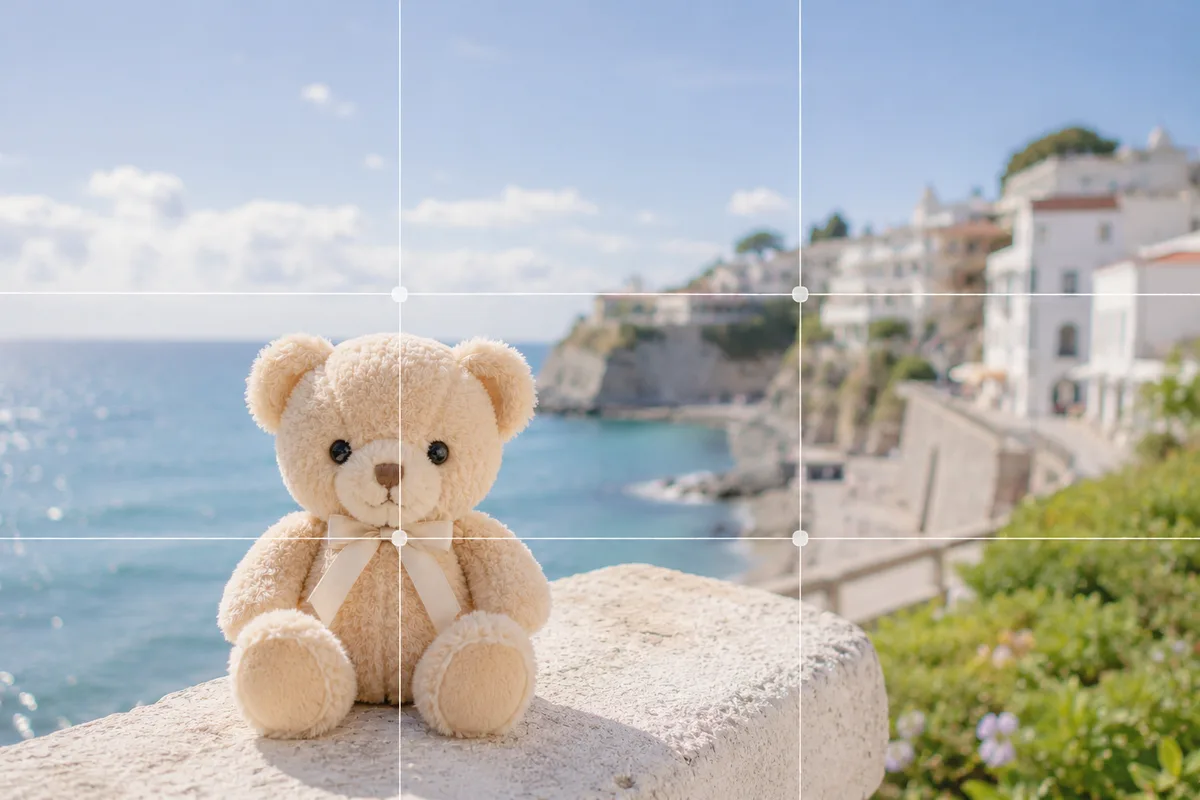
Plushie Photos While Traveling — When the Plush Loses to the Scenery or Tilts
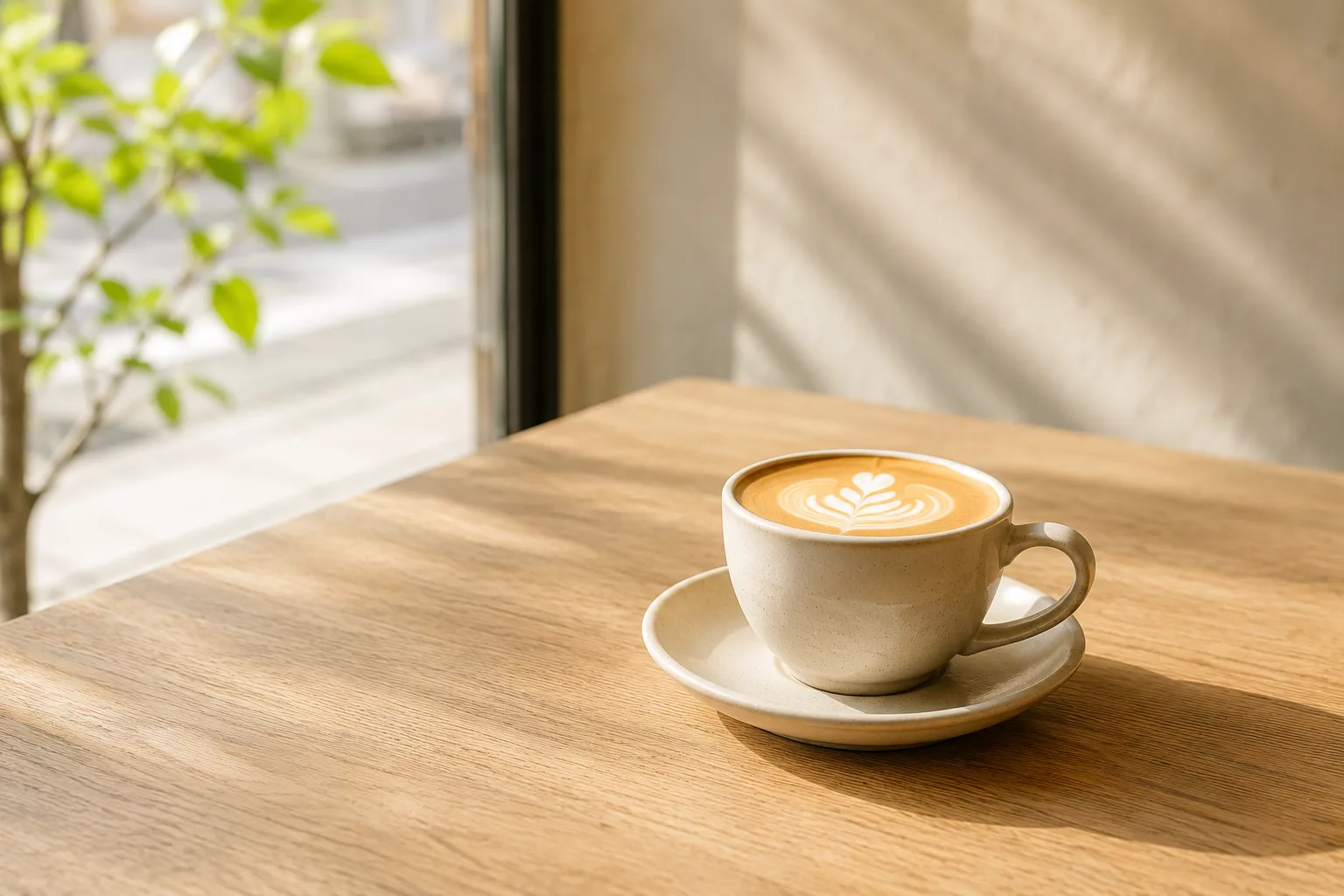
Composing Stylish Café Photos — Why They Don't Pop and How to Fix It
Café Photos Look Stylish with Negative Space — Clearing the Clutter
Collab Cafe Photos — Dim Light, No Time, Cluttered Table, Fixed
Group Goods Photos at Fan Meetups — Clutter, Shadows, and Uneven Layouts, Fixed