Plushie Photos While Traveling — When the Plush Loses to the Scenery or Tilts
Published Jun 27, 2026
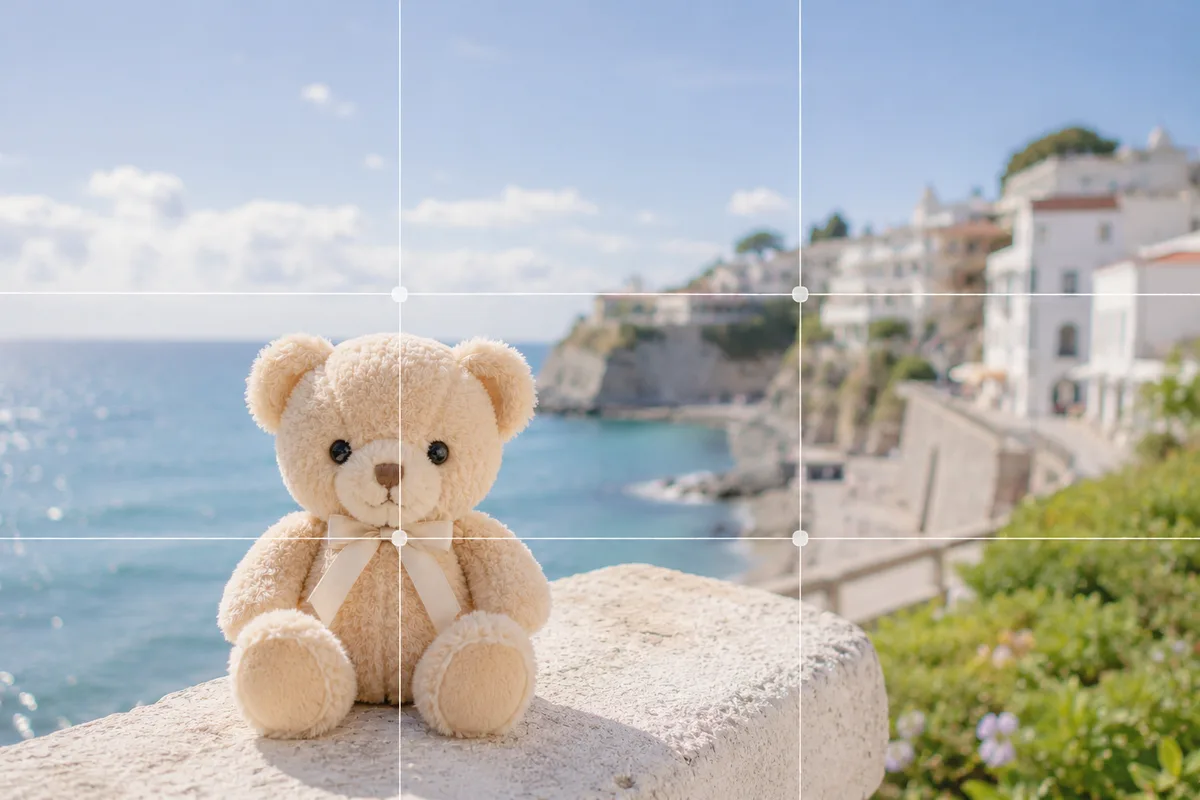
Shoot a plush with the scenery on a trip and the plush comes out small, losing to the view, or the horizon tilts. The causes: the plush is too far to truly be the star, and a stunning view pulls your stance off level. Place the plush in the foreground and sort out focus and level, and you’ll keep a lovely record of “traveling together with my plush.”
Lock focus on the plush in the foreground
When you try to capture the scenery, the camera focuses on the distance and the plush in front goes soft. Tap the plush’s face to set focus and press and hold to lock it (AE/AF Lock) (→ How to use AE/AF Lock). To make the plush the star, bring it in close and big; to show the view too, step back a little and find the distance where both stay sharp.
Put the plush on an intersection, with the view and some space
Center the plush and cram the scenery in, and both end up half-baked. Shift the plush to one side, onto a rule-of-thirds intersection, and leave the view and some space ahead of its gaze, so the plush and the landscape blend (→ Rule of thirds).
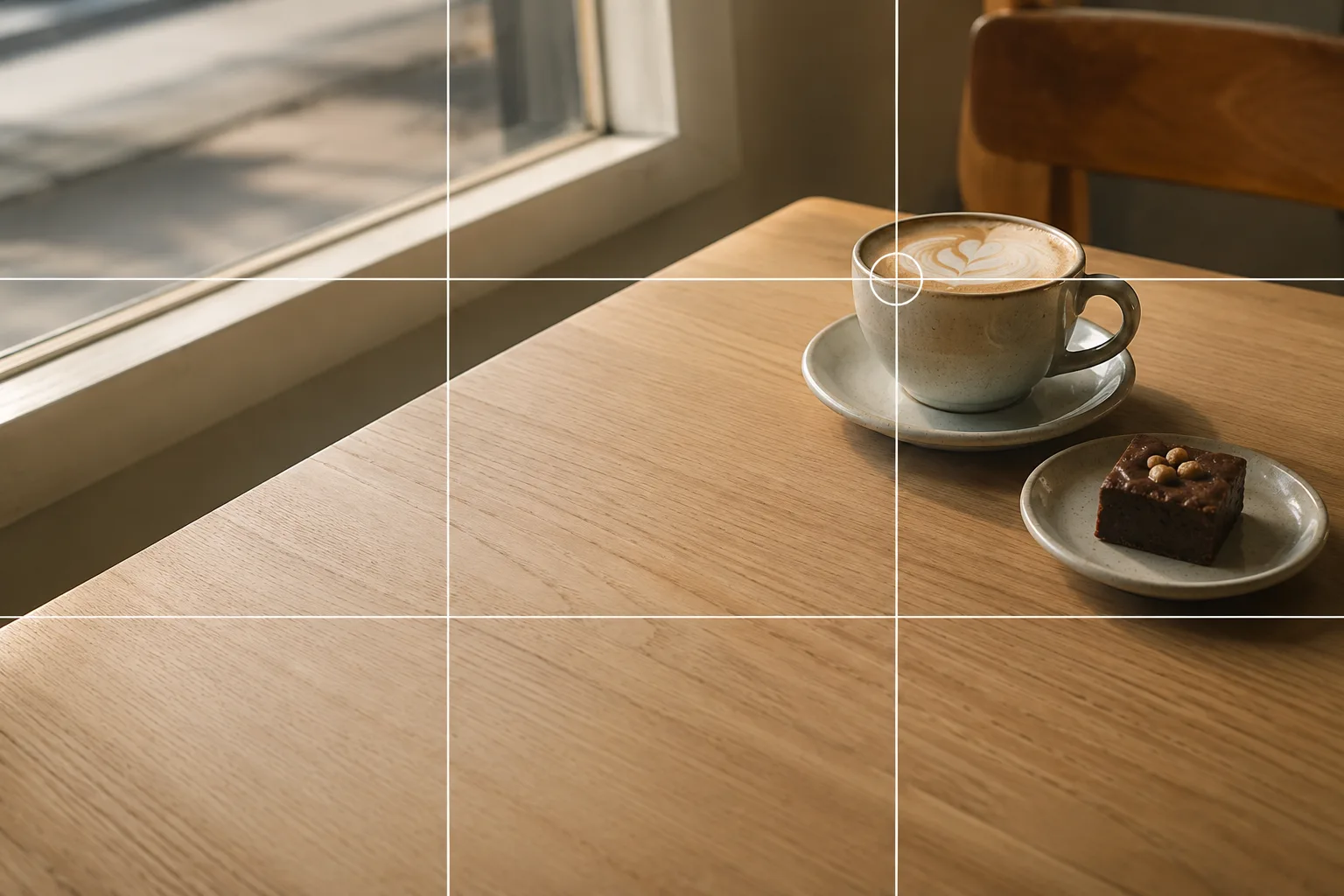 Composition guideRule of thirdsSee the full guide for this composition →
Blend it in with frames and paths
Place the plush through a torii gate, a doorway, a window frame, or beyond tree branches and you crop the scenery like a picture frame, giving a “really there” feeling (→ Framing). Run a continuing path, train tracks, or a tree-lined avenue from foreground to distance and set the plush partway along it; the eye is led naturally inward for a travel-like depth (→ Leading lines). Where the horizon tilts easily, turn on the grid and line up the horizon or building edges (→ How to use grid lines).
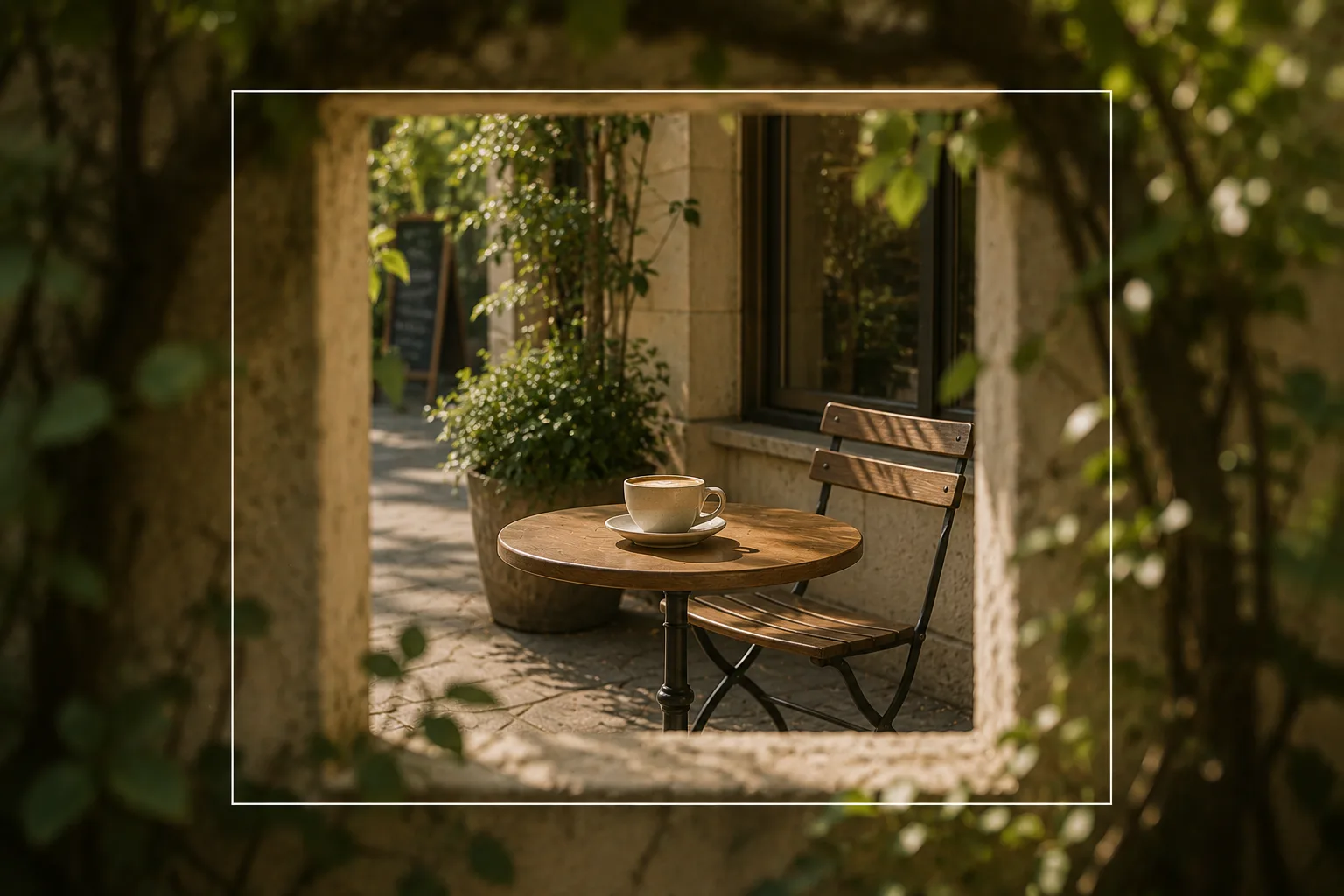 Composition guideFramingSee the full guide for this composition →
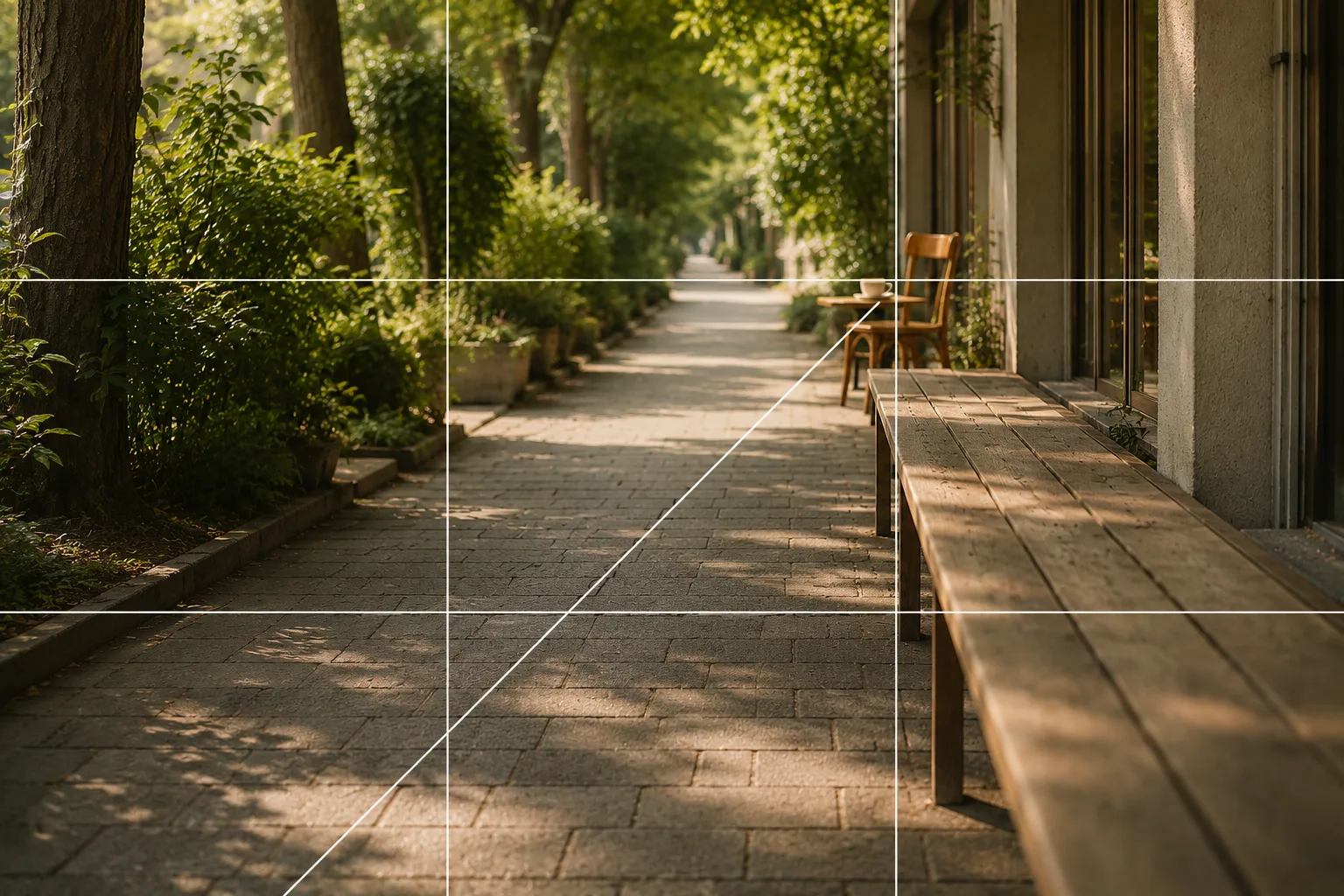 Composition guideLeading linesSee the full guide for this composition →
Start with just this
Place the plush in the foreground and lock focus on its face, shift it onto an intersection with the view and some space, and level the horizon with the grid. Those three transform travel plush photos. For the basics of focus and moving in, see Plushie photography basics; for the scenery side, How to photograph travel scenes helps too.
FAQ
My plushie loses to the scenery and comes out small.
Bring the plush in close to make it big and place the scenery behind. Putting the plush on one side (a rule-of-thirds intersection) lets the plush and the view coexist, with a "we're traveling together" feeling.
The plush is out of focus and the scenery is blurry, or the other way around.
Tap the face of the plush in front to set focus and press and hold to lock it (AE/AF Lock). When you also want the view sharp, step back a little from the plush so both near and far stay clearer.
Related reading
Compositions used
Related subject guides
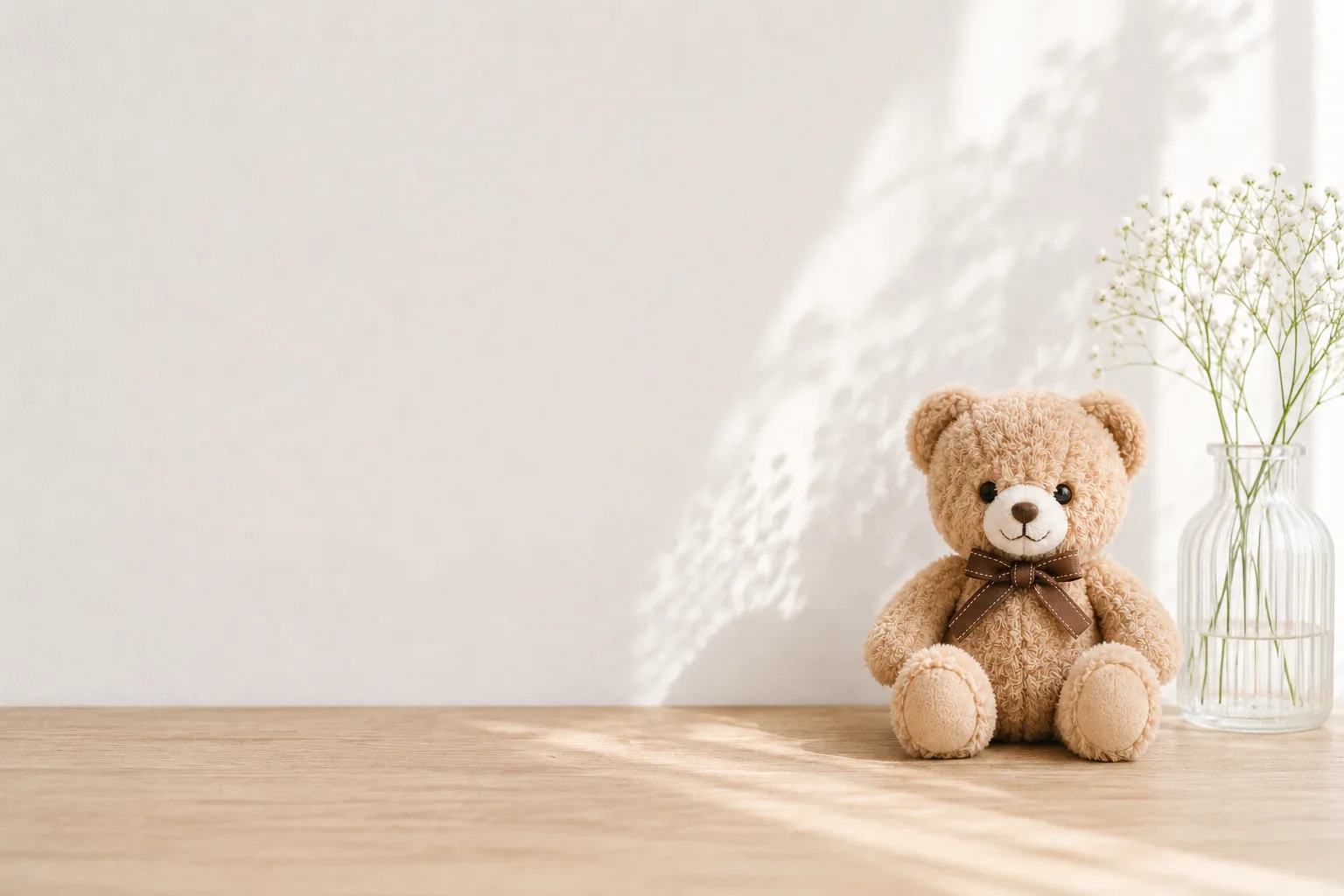
How to Photograph Plushies as the Star — Fixing Tiny, Blurry, Busy Shots

Travel Photos Worth Remembering — Why They Look Like Postcards, and Cropping

Shooting Landscapes With Depth — Why They Look Flat and How to Level
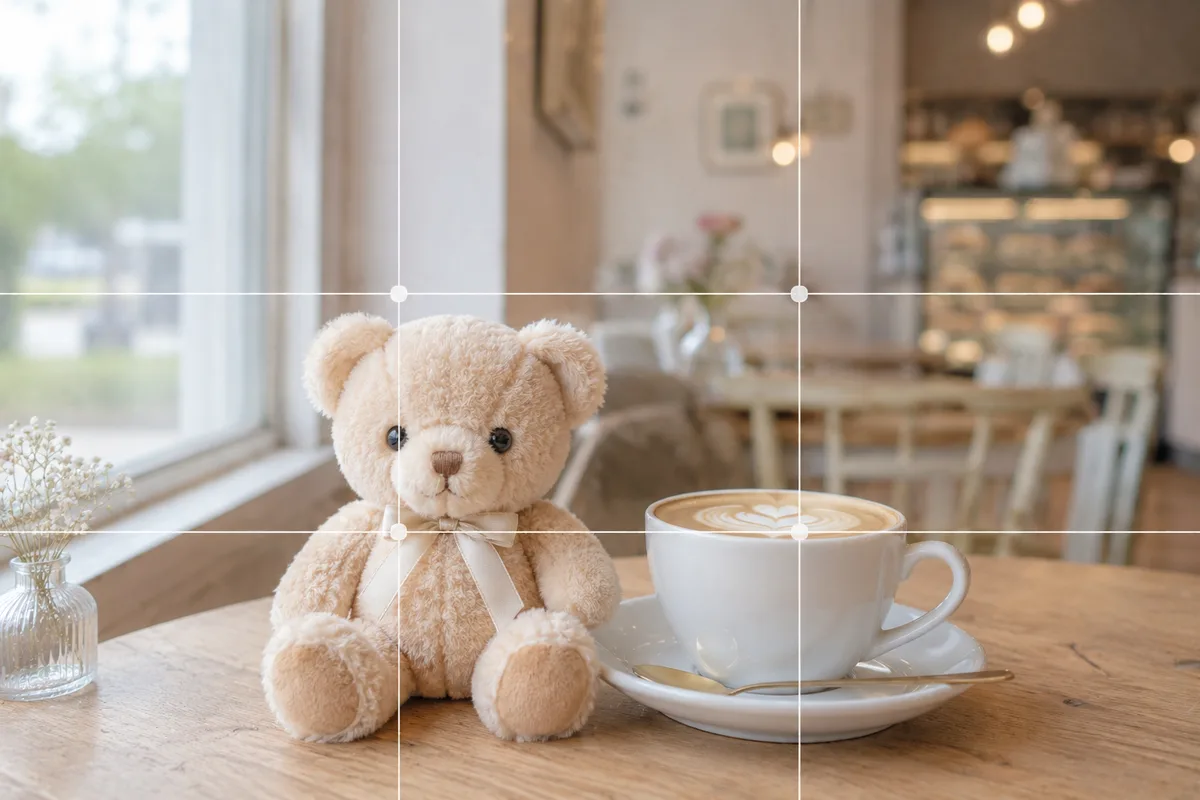
How to Make Your Plushie Pop at a Café — Busy Backgrounds and Lost Subjects
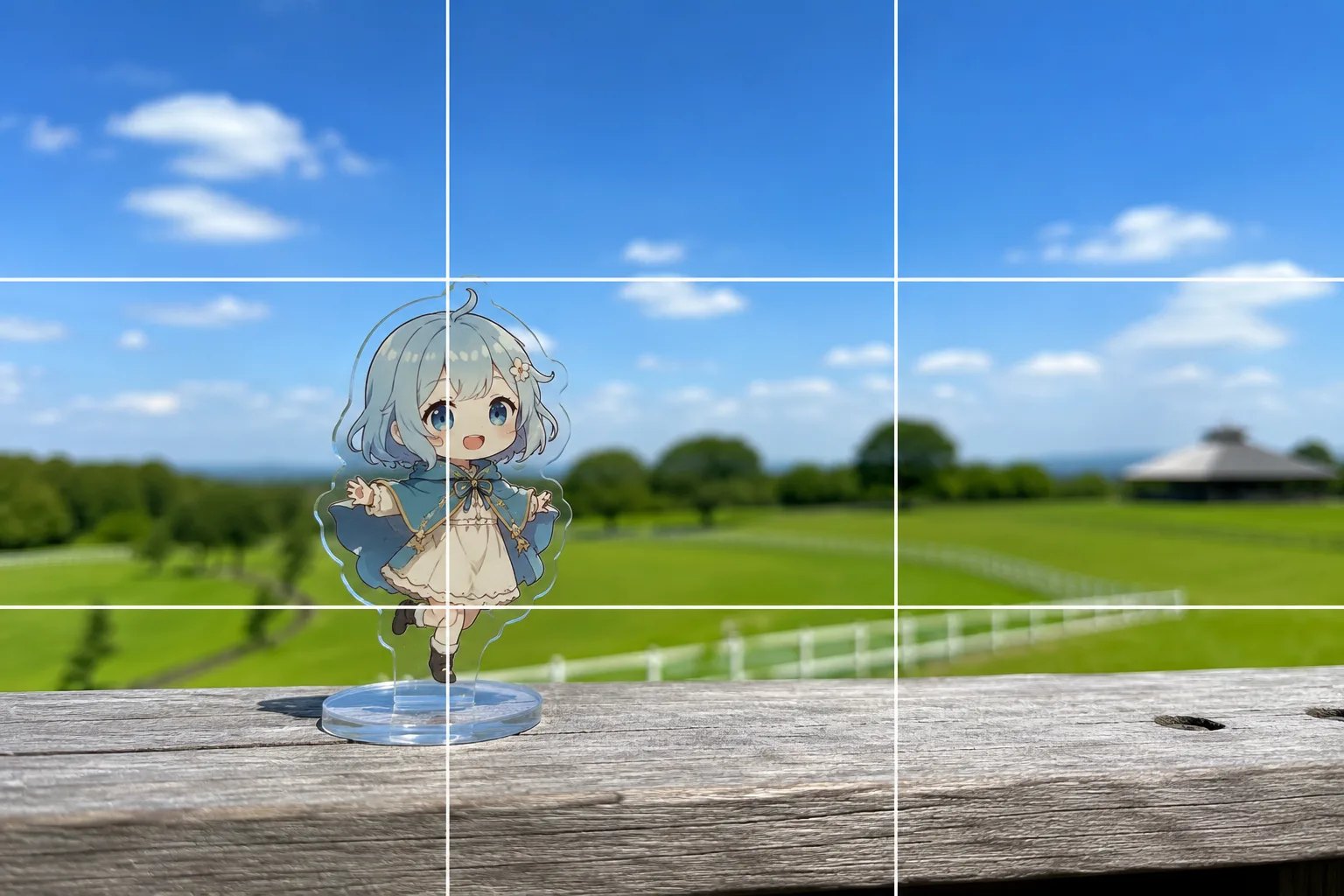
Acrylic Stand Photos With the Scenery — Focus Misses and Melting Edges, Fixed