Fitting Everyone in a Group Photo — Fixing Tilt, Darkness and Framing
Published Jun 27, 2026

Group photos, with more people, easily fall short on tilt, darkness and cut-offs. The causes are level, light, arrangement and angle of view. Even on a phone, a little planning sorts them out.
Level it with the grid
When people line up, the level reference is hard to read and tilt stands out. Turn on the grid and line a horizontal up with a level reference in the background (a floor or wall line) for a straight shot (→ How to use grid lines).
Stand so faces are lit
With a window or bright sky behind them, everyone’s faces go dark. Have them stand so light falls on their faces, or tap a face to raise the brightness (→ Fixing backlit photos). Outdoors, light overcast or shade is more even and flattering, without harsh shadows.
Leave space to fit everyone
Pack them in tight and it’s cramped, with the people at the edges cut off. Pull back a little and leave space above everyone’s heads and to the sides. Forming front and back rows adds depth and makes faces easier to see. Choosing a spot with background symmetry gives a tidy impression (→ Symmetry).
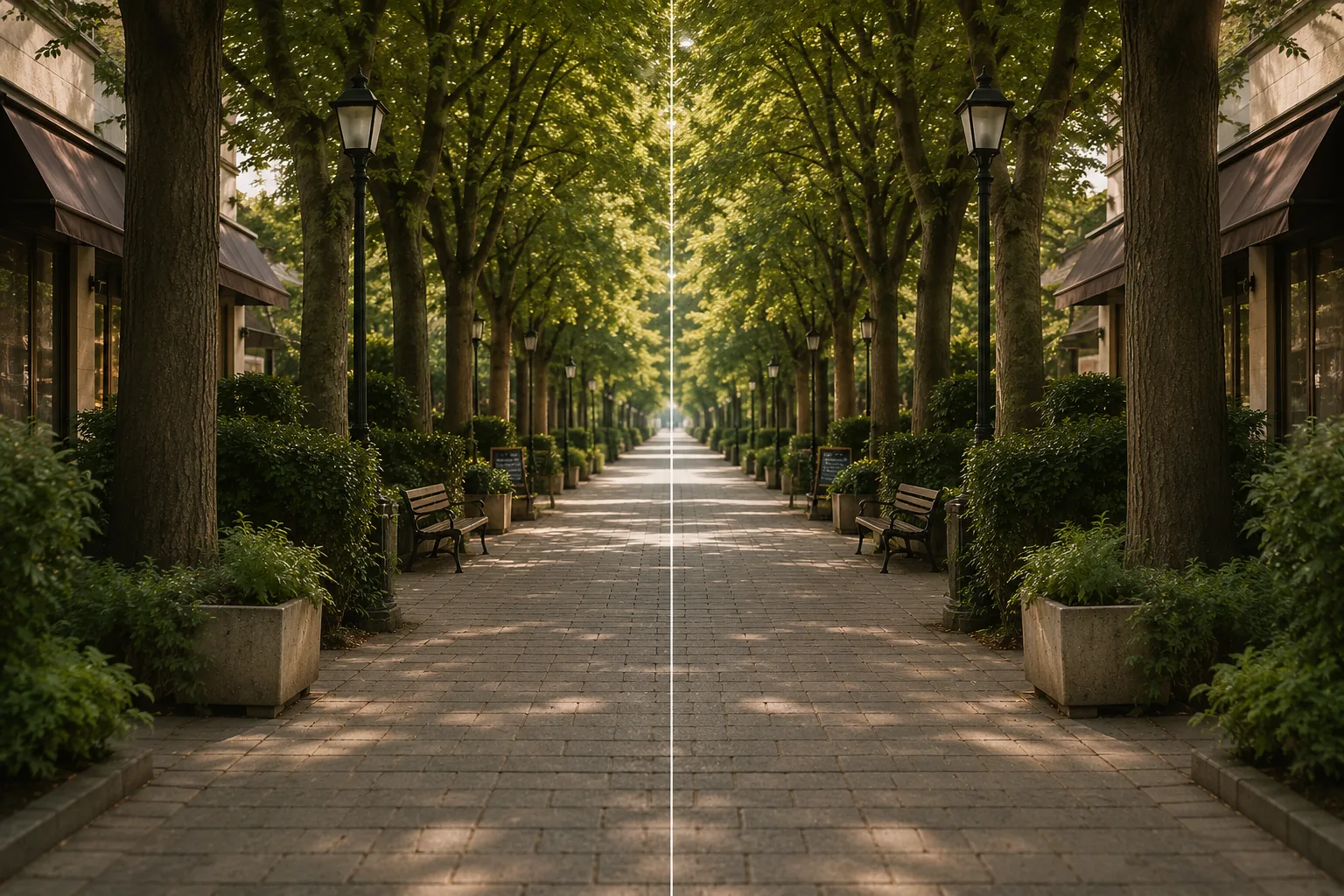 Composition guideSymmetrySee the full guide for this composition →
The shooting steps
Focus on someone in the middle row and shoot from a little distance so focus spreads across the group. To get in yourself, use the timer and fix the phone on a stable stand. Placing the main group slightly high in the frame with a little space below steadies it (→ Rule of thirds).
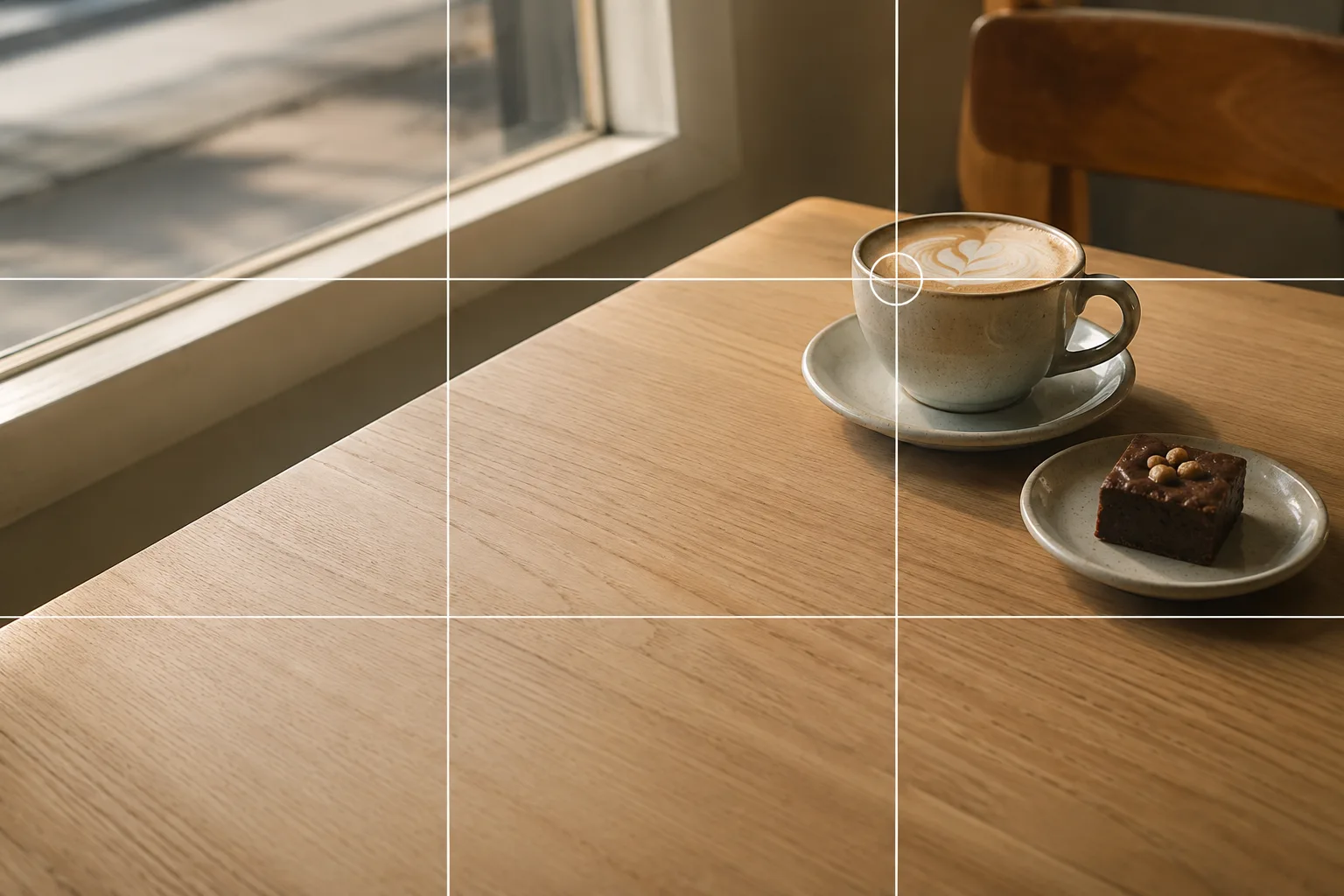 Composition guideRule of thirdsSee the full guide for this composition →

Start with just this
Level with the grid, light on faces, pull back a little for space around everyone, focus the middle. To get in, timer plus a fixed phone. That cuts down a lot of “tilt, dark, cut-off” in group photos.
FAQ
How do I get everyone in focus?
Focus on someone in the middle row and shoot from a little distance so focus spreads across the group. Pulling back for a wider angle and keeping the front and back rows close together also helps.
How do I get in the shot too?
Use the timer (e.g. 10 seconds) and fix the phone on a stable stand or tripod. Frame it in advance, allowing time to get into position after pressing the shutter.
Related reading
Compositions used
Related subject guides

Flattering Selfies, Naturally — Why They Look Awkward, Plus Angle and Light

Capturing Kids' Natural Expressions — Fixing Blur and Darkness
How to Pose With a Life-Size Standee — Tilt and Awkward Scale, Fixed
Shooting Kids Sharp at Sports Day — Fixing Blur, Distance and Backlight
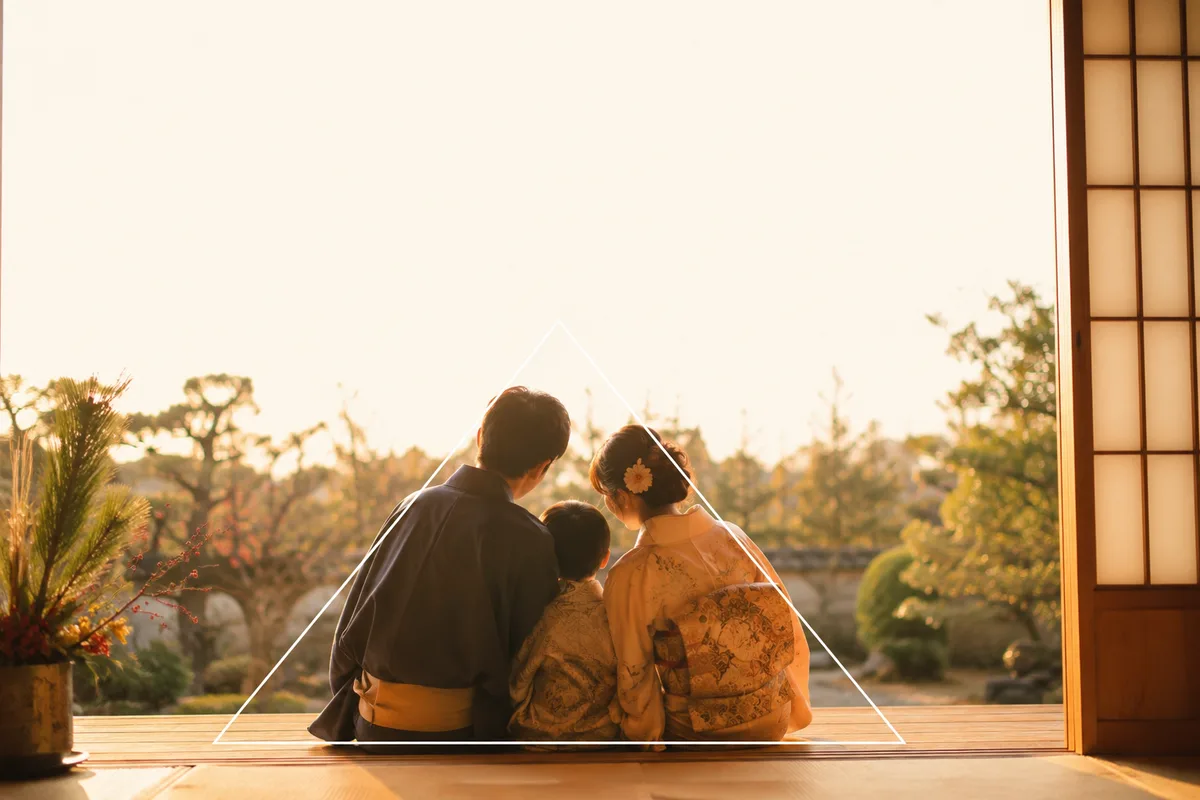
A Family Photo for New Year's Cards — Everyone In, Bright, with Room for Text

Group Goods Photos at Fan Meetups — Clutter, Shadows, and Uneven Layouts, Fixed
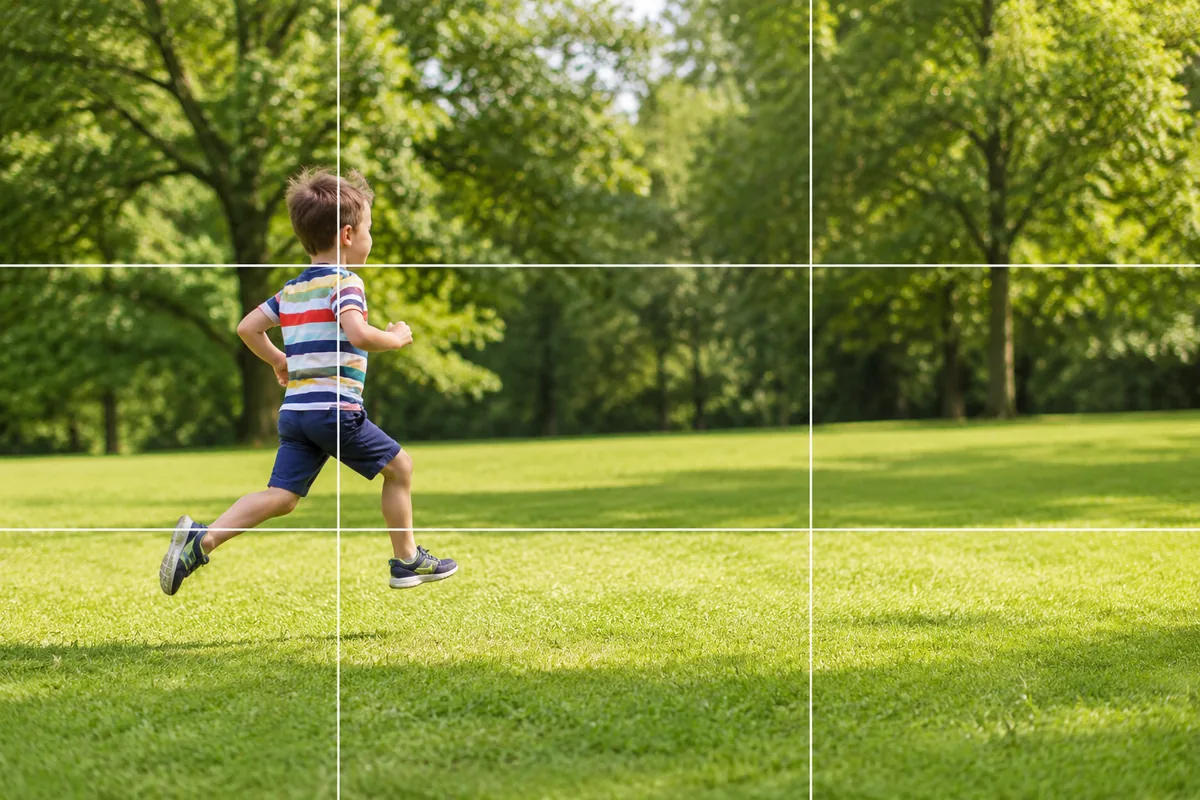
Kids and Pets in Motion — Why They Blur and How Burst Mode Fixes It
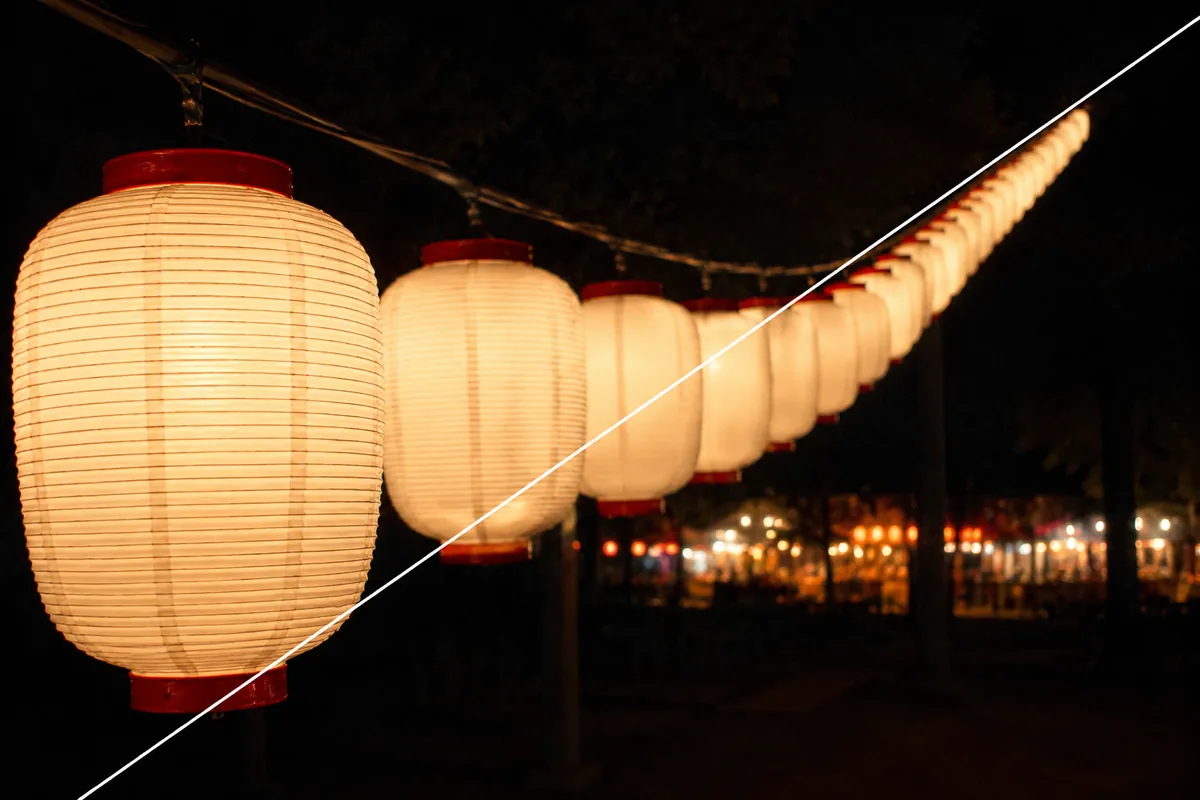
Summer Festivals — Why Night Shots Blur, and Shooting Lanterns and Stalls

Halloween — Why It Looks Cluttered, and Shooting Decorations and Costumes
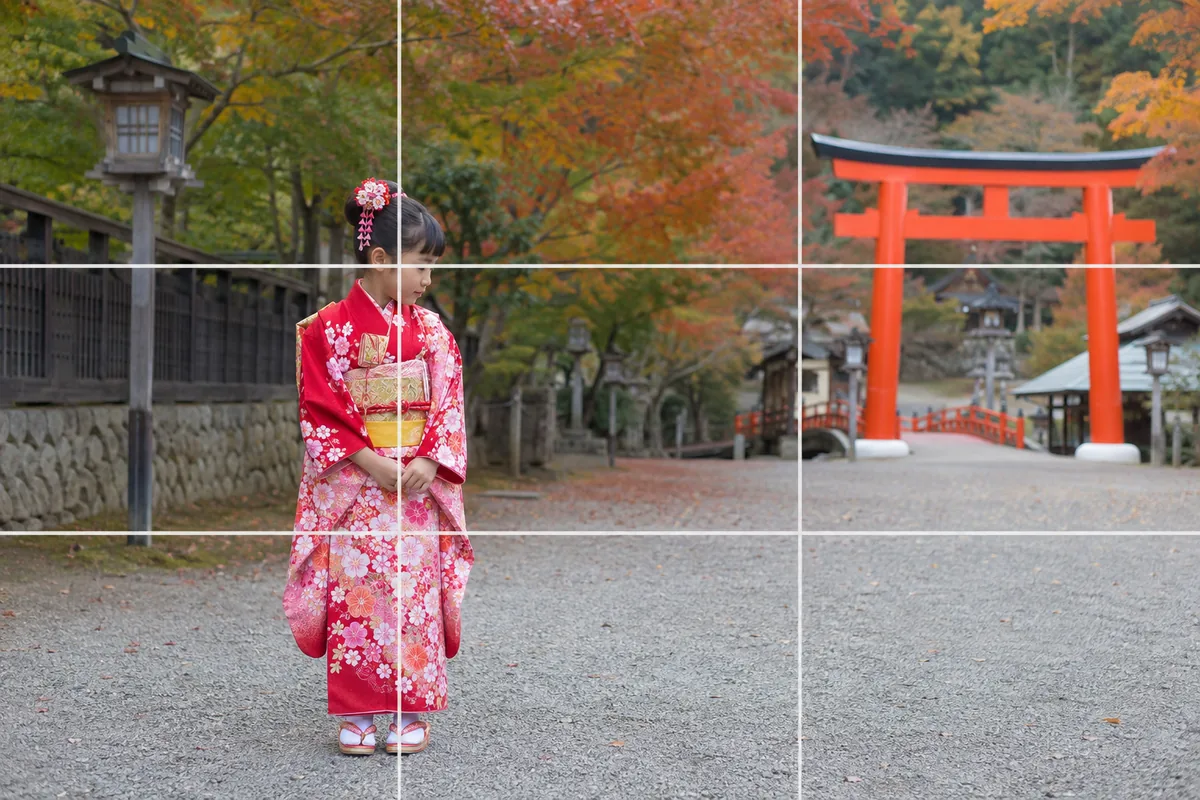
Photographing Shichi-Go-San — Why Faces Go Dark and How to Show the Kimono

Three-Generation Family Photos — Why Everyone Stiffens and How to Arrange Them