Flattering Selfies, Naturally — Why They Look Awkward, Plus Angle and Light
Published Jun 27, 2026

Selfies are easy, but they easily feel “somehow awkward” or “my face looks big.” Most of the cause is angle, light and face position. Just changing how you hold the phone changes the impression a lot.
Hold it above eye level
Holding the phone below your face, looking up, makes the under-chin loom and the expression stiff. Hold the camera a little above eye level for a slightly downward angle, making the eyes look bigger and more natural.
Light your face
With your back to a window, backlight darkens your face. Facing the window or a light wraps light onto your face, rendering it bright and soft. When it’s dark, tap your face and swipe up to sort out the brightness (→ Fixing backlit photos / Exposure compensation basics).
Pull back a little to leave space
Filling the frame with just your face feels intense and cramped. Pull back a little and leave background or space on one side for openness. A center composition that emphasizes the subject suits some scenes too (→ Center composition / Negative space).
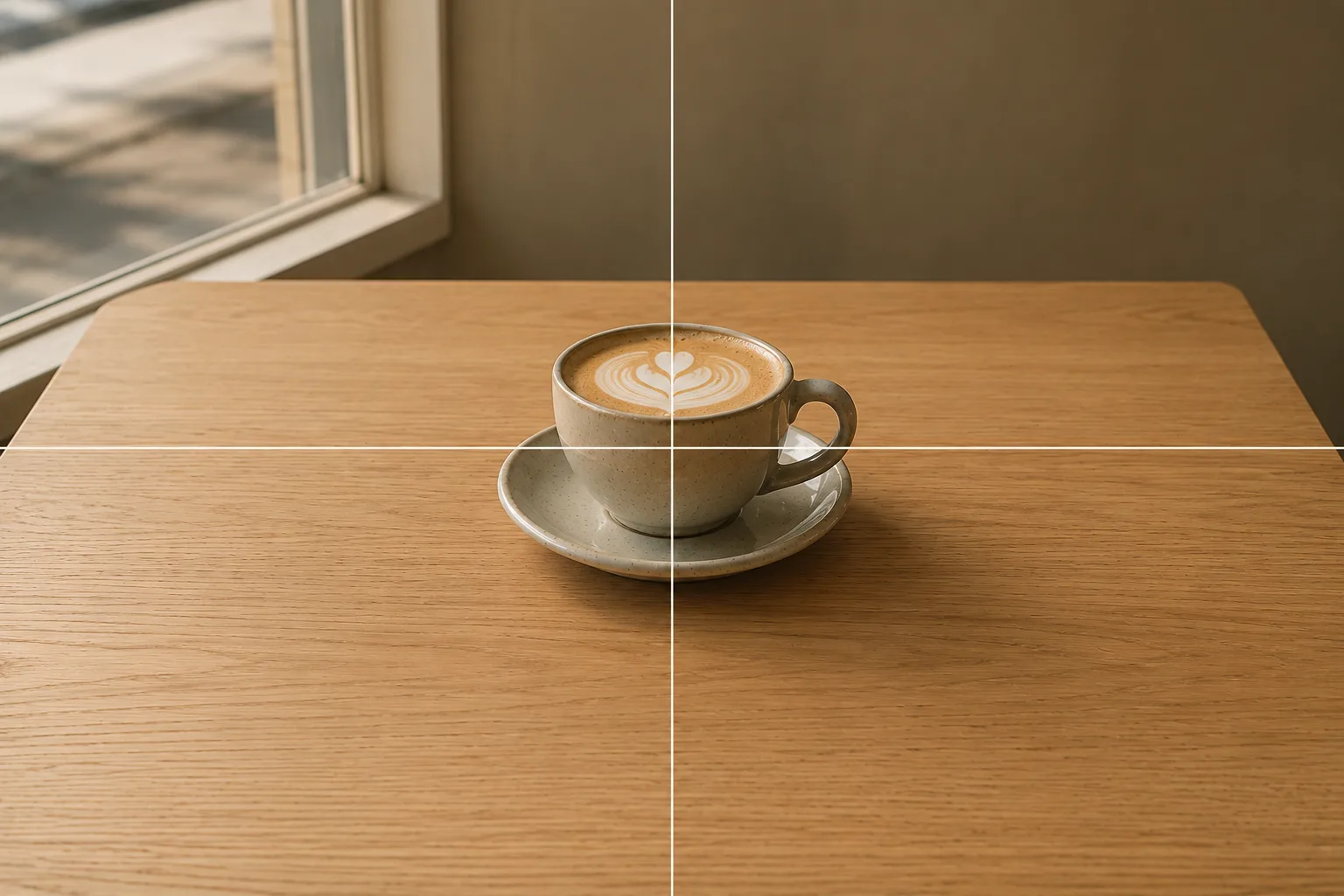 Composition guideCenter compositionSee the full guide for this composition →
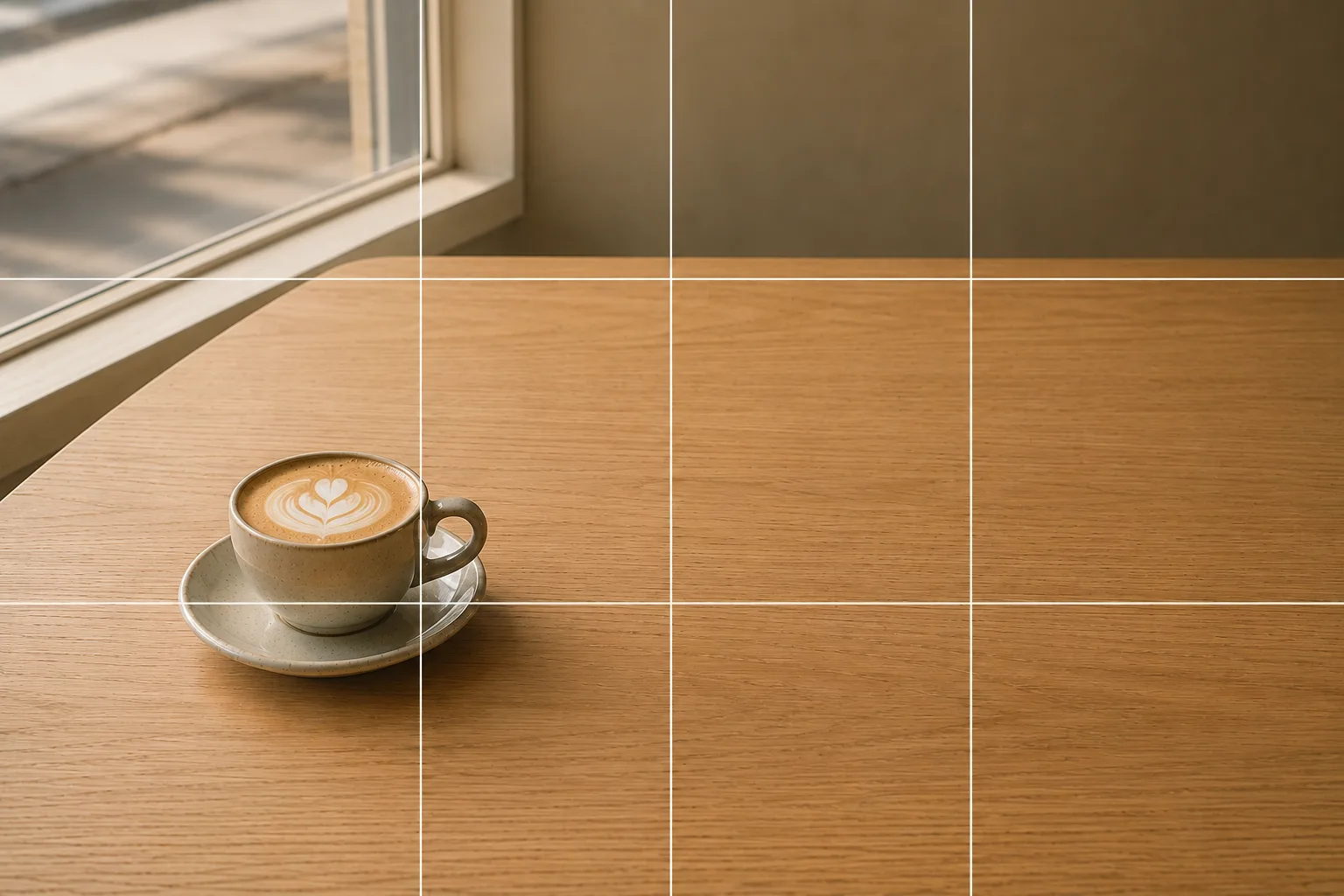 Composition guideNegative spaceSee the full guide for this composition →
Composition tips
Placing your face slightly high in the frame with space below steadies it. Choosing a background with character — a stylish wall, nature — raises the whole photo’s impression. For a social icon, a bright frame where the face reads clearly suits well (→ Photographing social media icons).
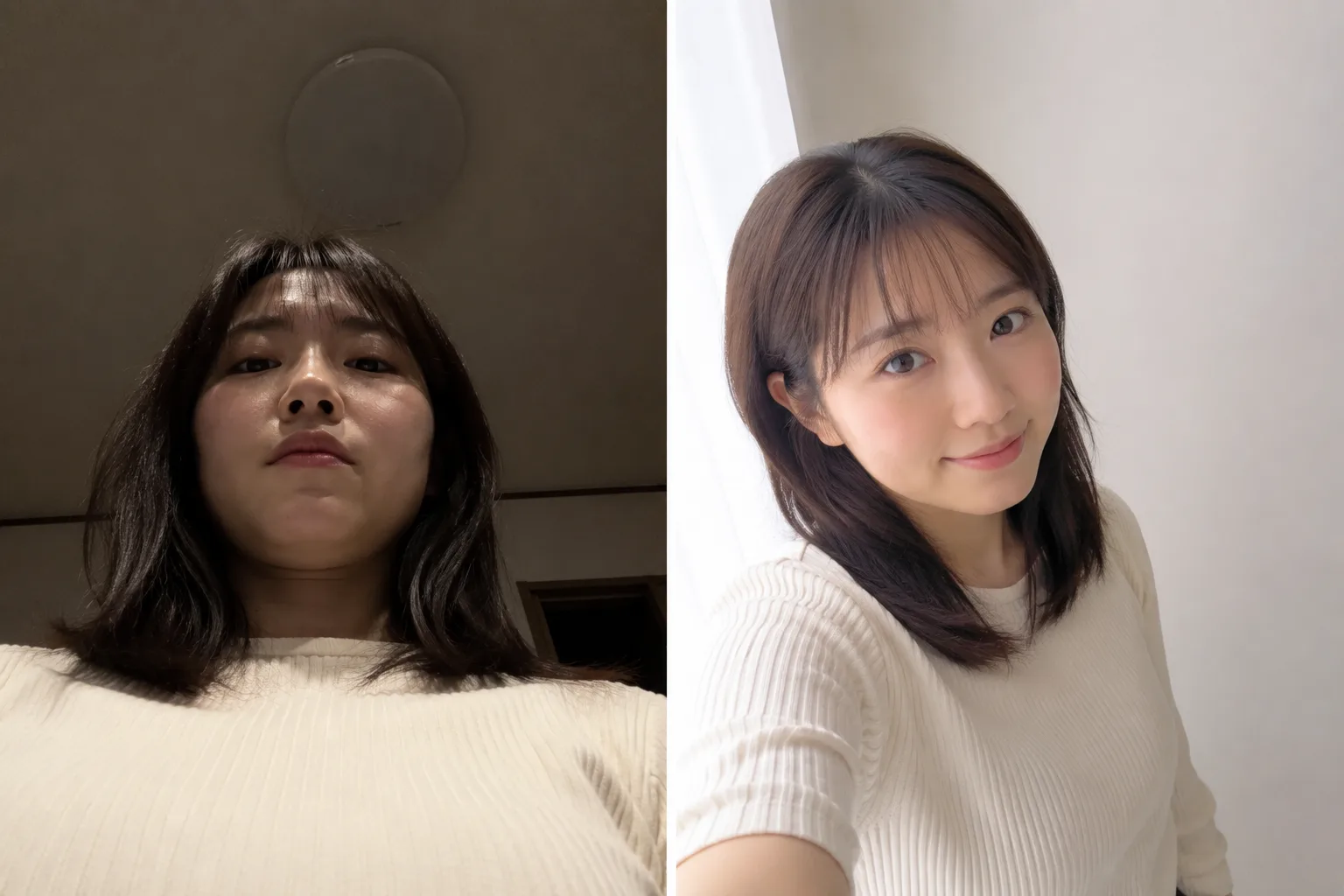
Start with just this
Hold the camera a little above eye level, face the light, and turn your face slightly. Leave space in the background. These three cut down a lot of selfie “awkwardness.”
FAQ
Which is better for selfies, the front or rear camera?
The rear camera is often higher quality. If you can use a timer or ask someone, the rear has the edge; but the front camera is handy and practical since you can check the framing as you shoot.
How do I make my face look smaller?
Hold the phone a little above eye level and turn your face slightly to an angle. Extending your arm to move the camera farther makes how much of your face is in frame look more natural.
Related reading
Compositions used
Related subject guides
Composing a Polished Social Media Icon — Making a Good Impression

Shooting Faces and Food Bright Even in Backlight — Why It Goes Dark and the Fix

Capturing Kids' Natural Expressions — Fixing Blur and Darkness

Fitting Everyone in a Group Photo — Fixing Tilt, Darkness and Framing
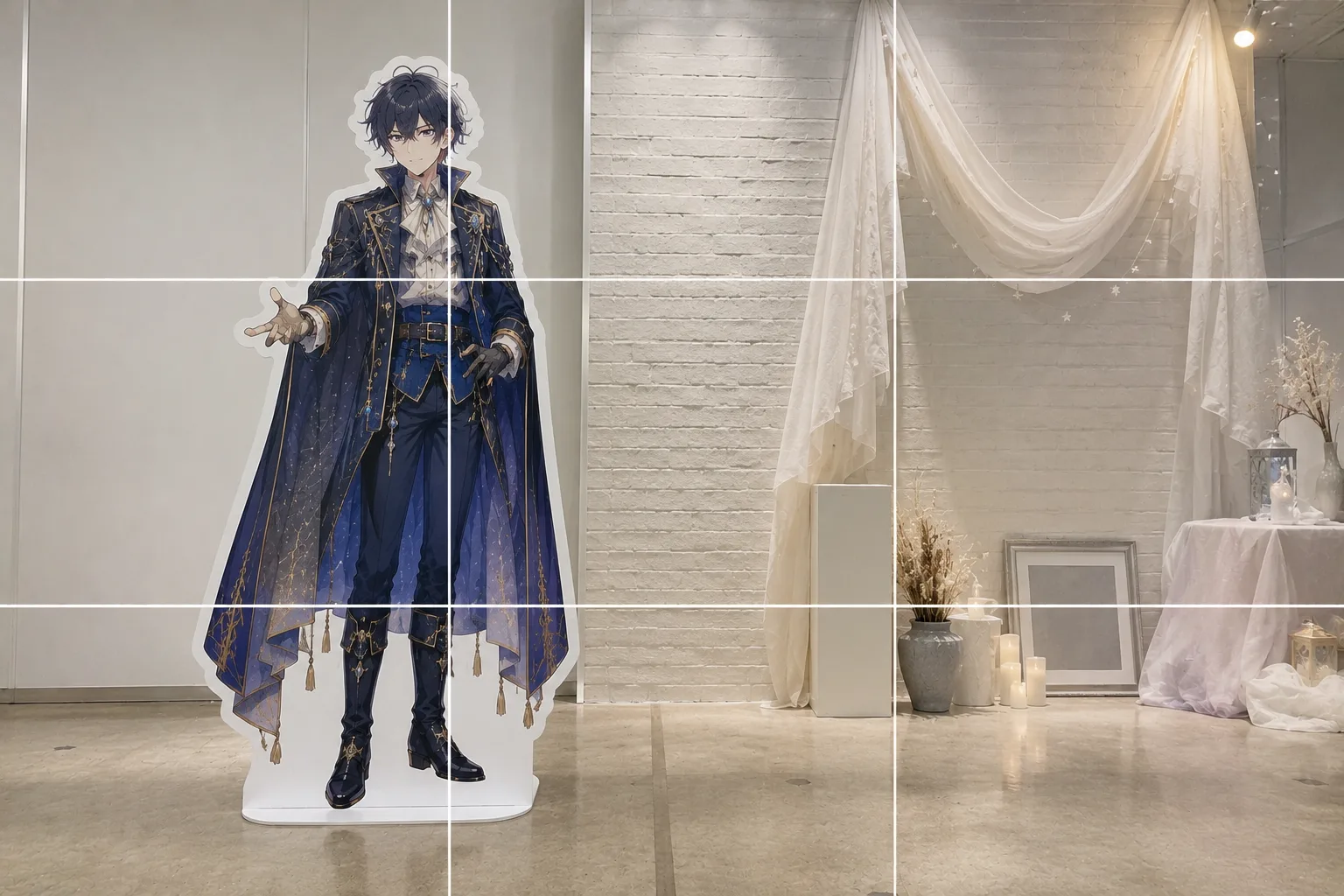
How to Pose With a Life-Size Standee — Tilt and Awkward Scale, Fixed
A Center Composition Is the Right Call for Social Icons
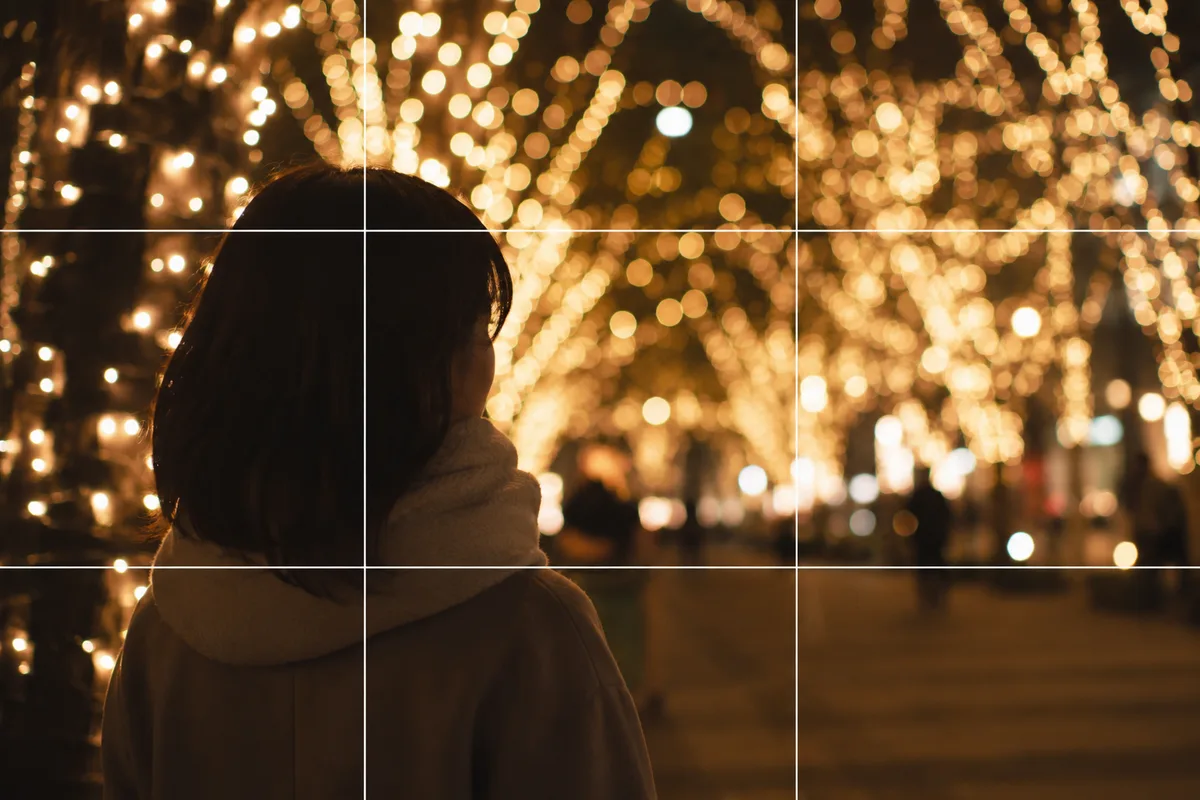
Shooting People with Holiday Lights — Fixing Dark Faces and Vanished Lights
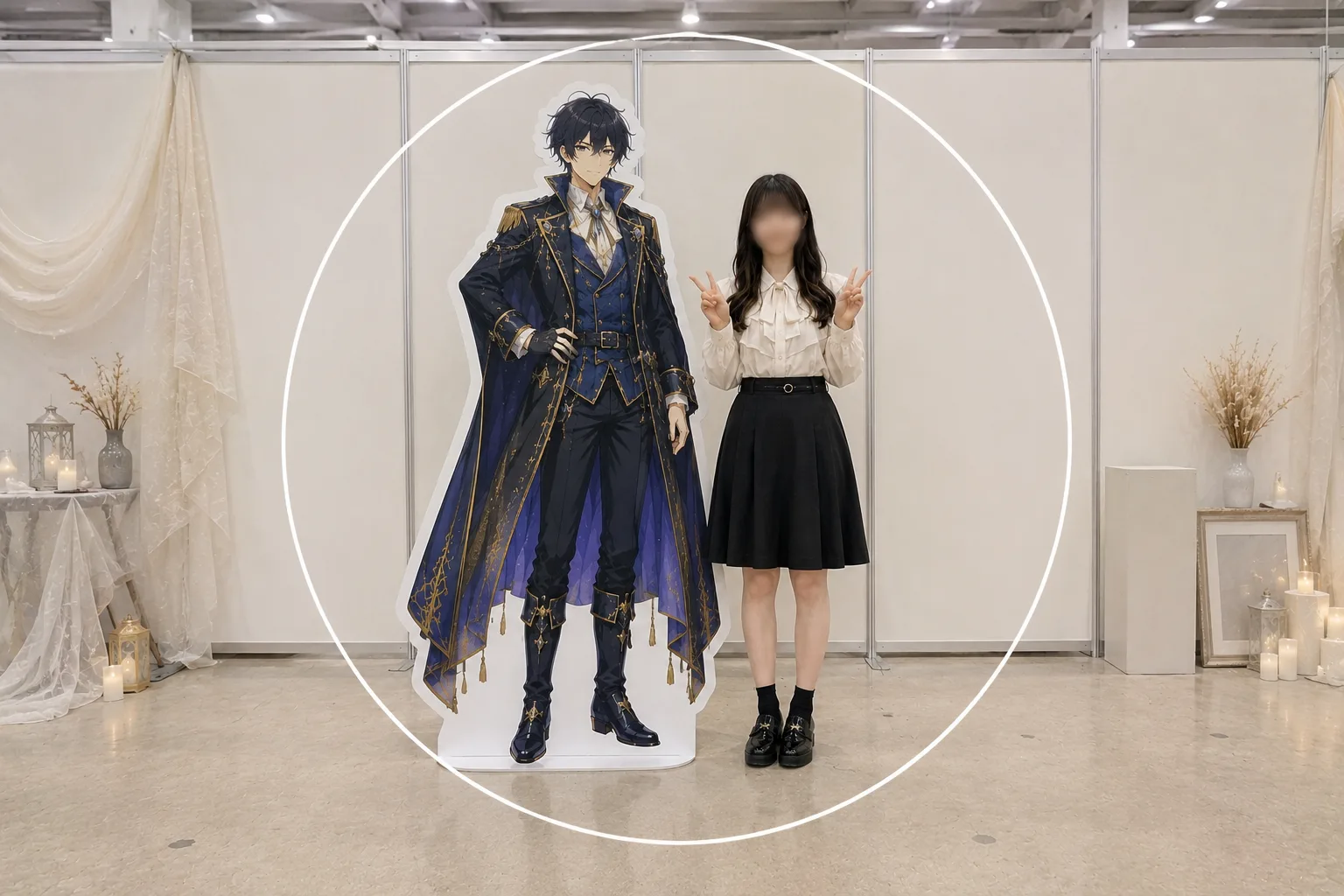
Selfies With a Life-Size Standee — Big Face and Cut-Off Panel, Fixed
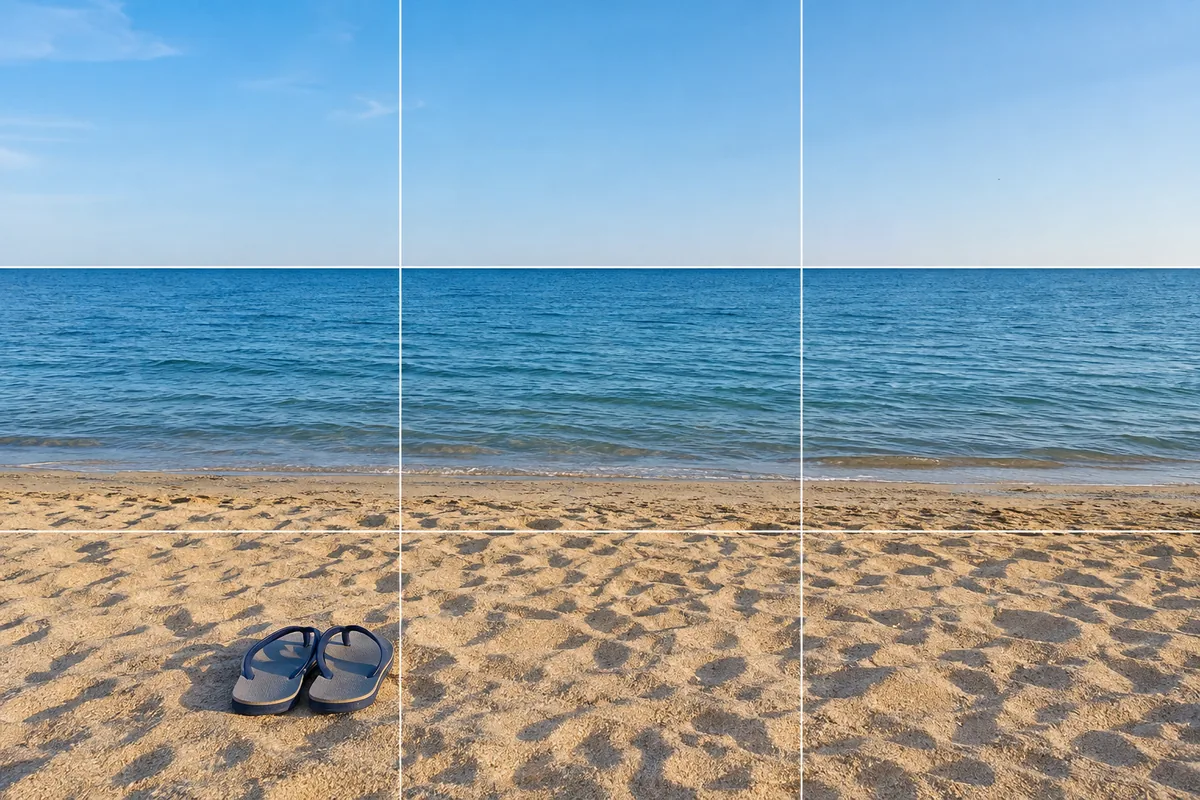
At the Beach — Why It Blows Out, and Fixing Level and Backlight
Photographing Ginkgo Avenues — Why They Look Flat and How to Use the Rows

Three-Generation Family Photos — Why Everyone Stiffens and How to Arrange Them