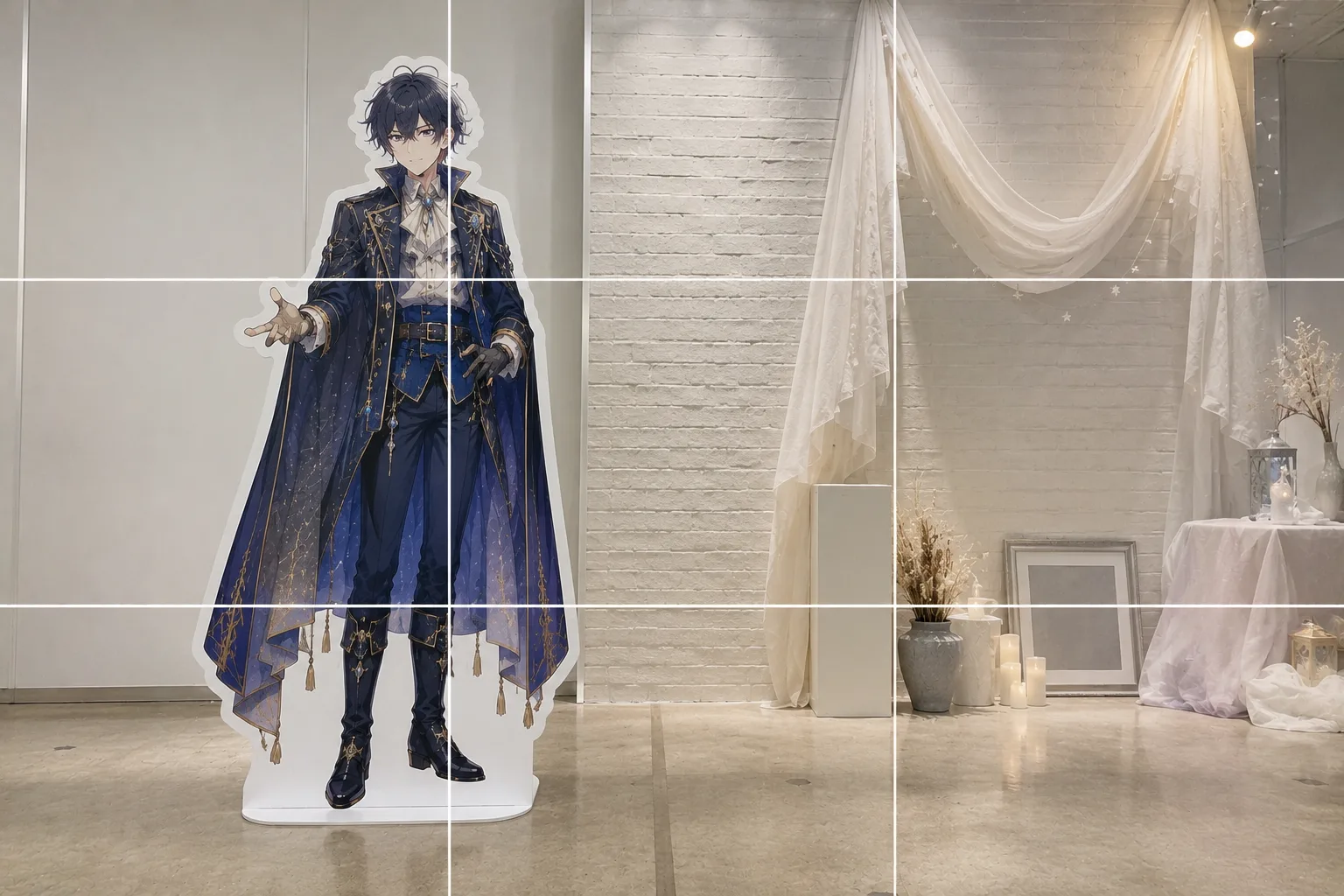
Selfies With a Life-Size Standee — Big Face and Cut-Off Panel, Fixed
Published Jul 17, 2026
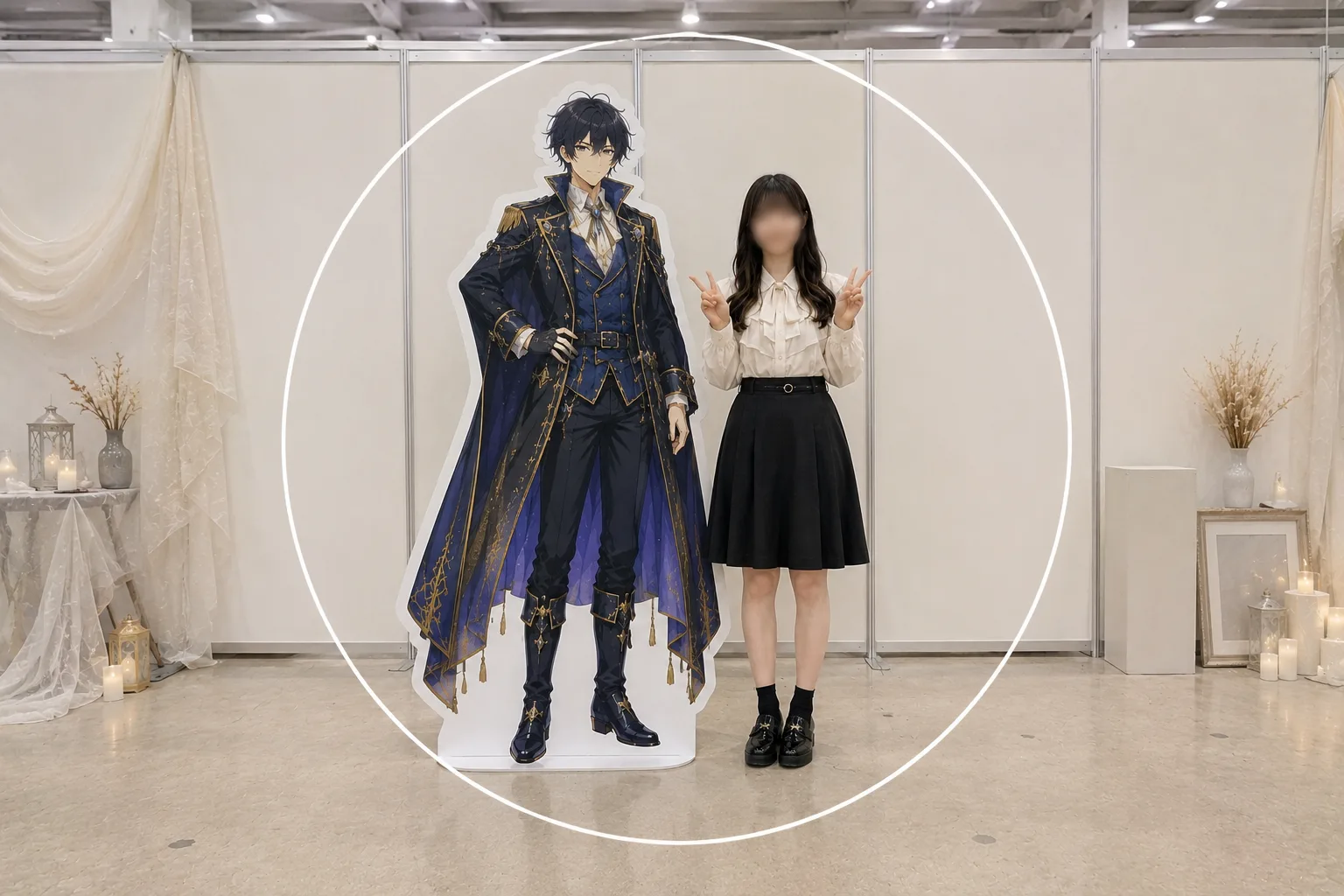
Go to a venue alone and take a selfie with the life-size standee, and your face looms large, the standee gets cut off, or the photo tilts. The causes: the camera is too close to you, your height and depth don’t match the standee’s, and a one-handed grip. How to pose when someone can shoot for you — and how to include the venue’s atmosphere — is covered in How to pose with a life-size standee; this article sticks to shooting alone: selfies and set-down shots.
Stretch your arm and frame wider
The front camera sits close to you, so your face looks stretched and oversized while the standee next to you won’t fit. First, stretch your arm out fully to get the camera away. If your phone can switch the front camera to a wider view, widen it — you and the standee fit much more easily. Wide views do stretch things near the edges, though, so keep your face and the standee’s away from the very edge of the frame.
Stand at the same depth as the standee
Stand even half a step in front and you — being closer — loom large, throwing off the two-shot balance. Line up right beside the standee, at the same depth, and your sizes match naturally. Face height matters too: when your face sits near the standee’s, the “standing together” feeling comes through much more strongly. If the standee’s face is high, step back to fit more of it; if it’s low, crouch a little to meet it.
Stop the tilt with the grid
One-handed selfies tilt — it’s almost unavoidable. Turn on the grid and line the standee’s vertical edge up with a vertical grid line to lock the level (→ How to use grid lines). If you spot a tilt afterward, it can be fixed later (→ Fixing a tilted photo).
Switch to a set-down shot with the self-timer
When you want to take your time on the framing, a set-down shot is the surest route. Rest the phone on a stand or mini tripod, set the self-timer, and walk over next to the standee (→ How to use the self-timer). You also get to use the back camera, which helps image quality. There are two ways to arrange the pose. Framing a bit tighter, around the upper bodies, split yourself and the standee left and right along the rule-of-thirds lines and it feels natural (→ Rule of thirds). Pulling back for a full-body shot, the two of you read as one group, so gathering the pair at the center works better — a strong two-shot, as long as the background is tidy and the two of you are clearly the stars (→ Center composition). Wait for a moment when passers-by are out of the frame and the photo stays easy to look back on.
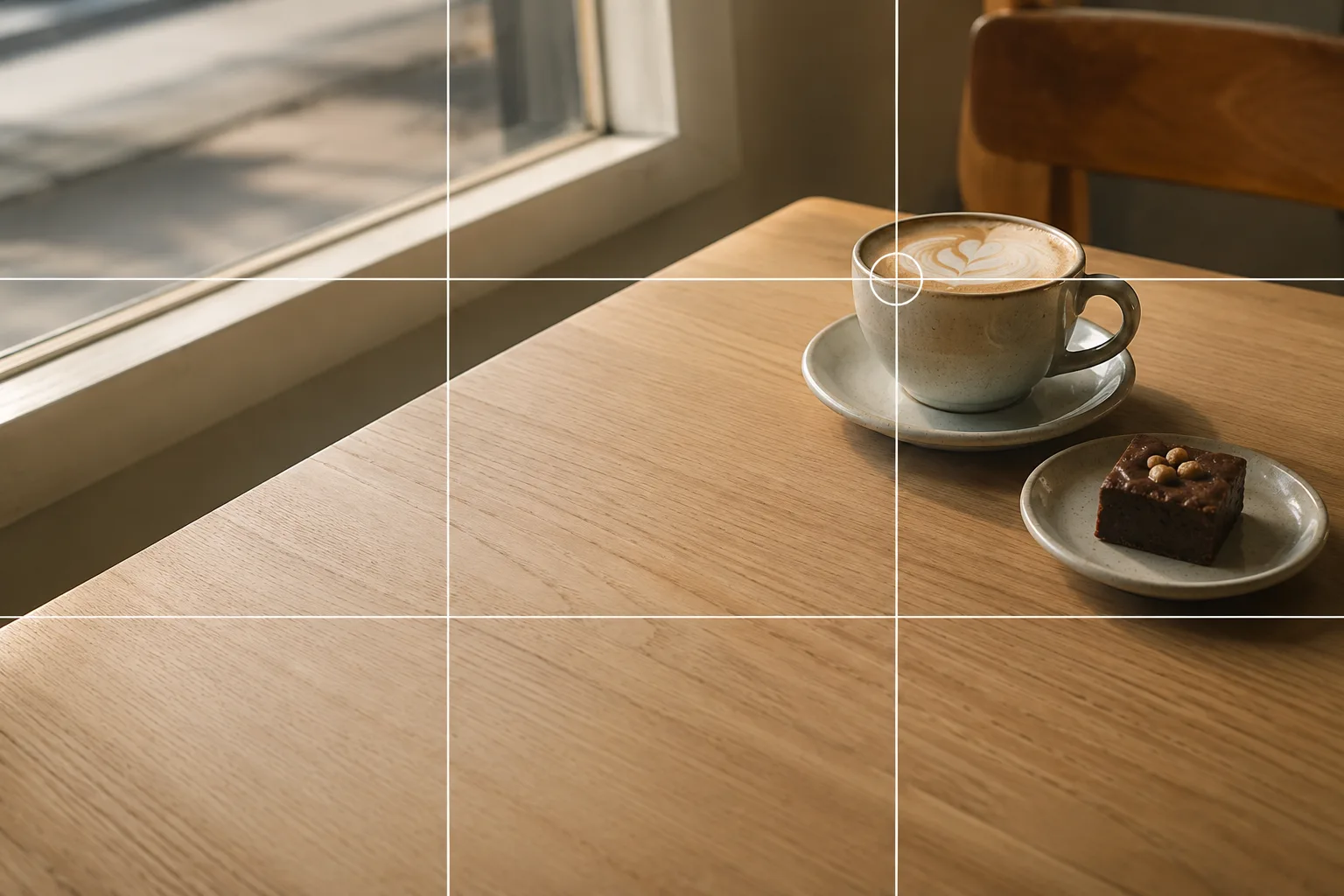 Composition guideRule of thirdsSee the full guide for this composition →
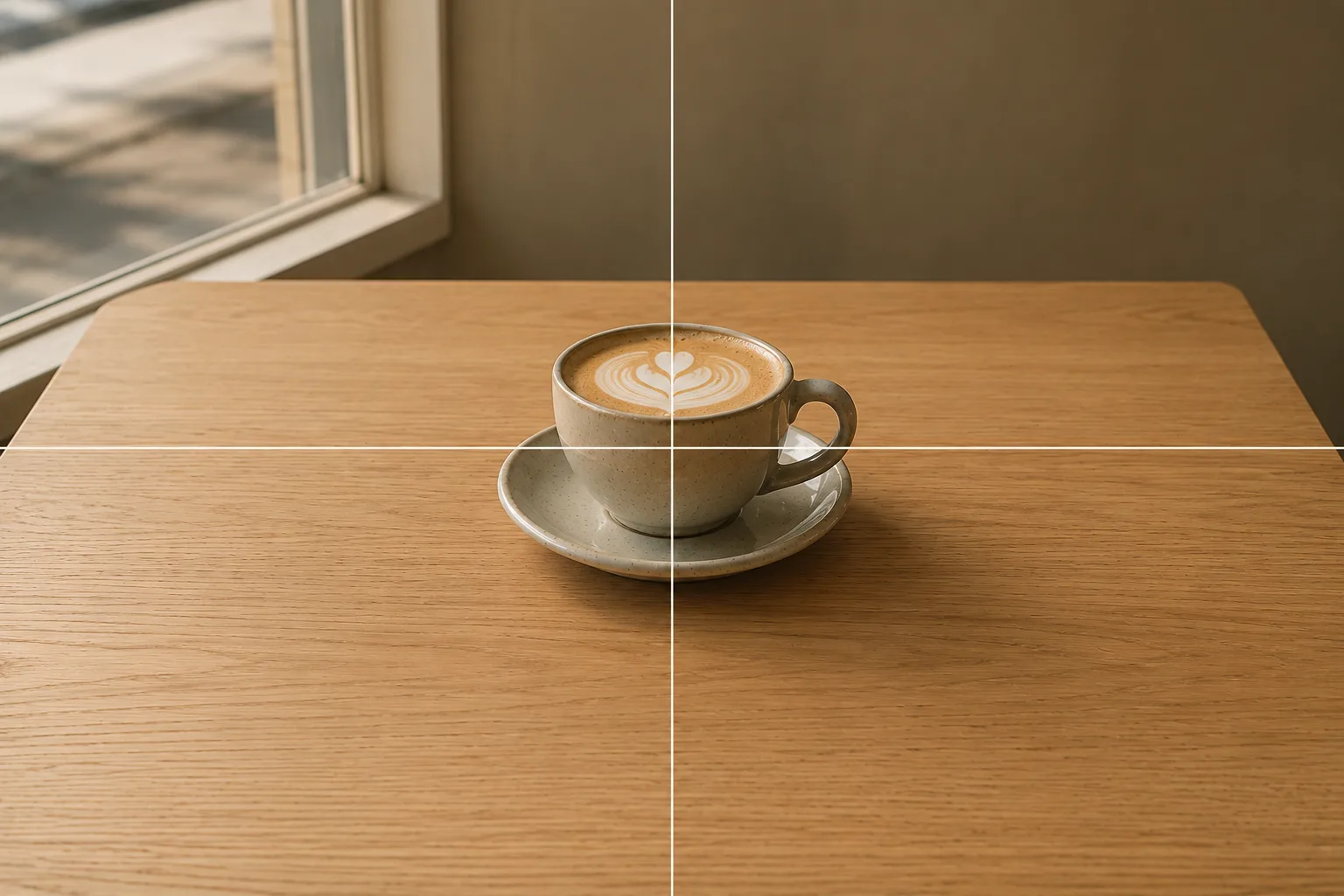 Composition guideCenter compositionSee the full guide for this composition →
Start with just this
Stretch your arm and frame wider, stand at the standee’s depth and match face height, and keep the vertical straight with the grid. Where you can take your time, switch to a set-down shot with the self-timer. That’s enough to make a natural two-shot with the standee, even alone. When someone can shoot for you, see How to pose with a life-size standee; for selfie angles and light themselves, see How to take natural selfies.
FAQ
Setting up a self-timer shot alone feels awkward, so I rush it.
Turn on the grid and picture where the phone goes and where you'll stand before you step in, and the shot itself takes well under a minute. A 10-second timer gives you time to walk over. When it's crowded, everyone's in the same boat — take turns and keep it quick.
Front camera or back camera?
The back camera usually has the edge in image quality. The front camera lets you check the framing as you shoot, so it's handy hand-held. For a set-down shot, back camera plus self-timer works well.
Can I use a selfie stick or tripod?
Some venues and stores don't allow them. Check the signs or ask, and where they're not allowed, set your phone on a stand or ledge and use the self-timer instead.
Example gallery
Related reading
Compositions used