How to Keep Photos Level — Why They Tilt and How to Fix It
Published Jun 27, 2026
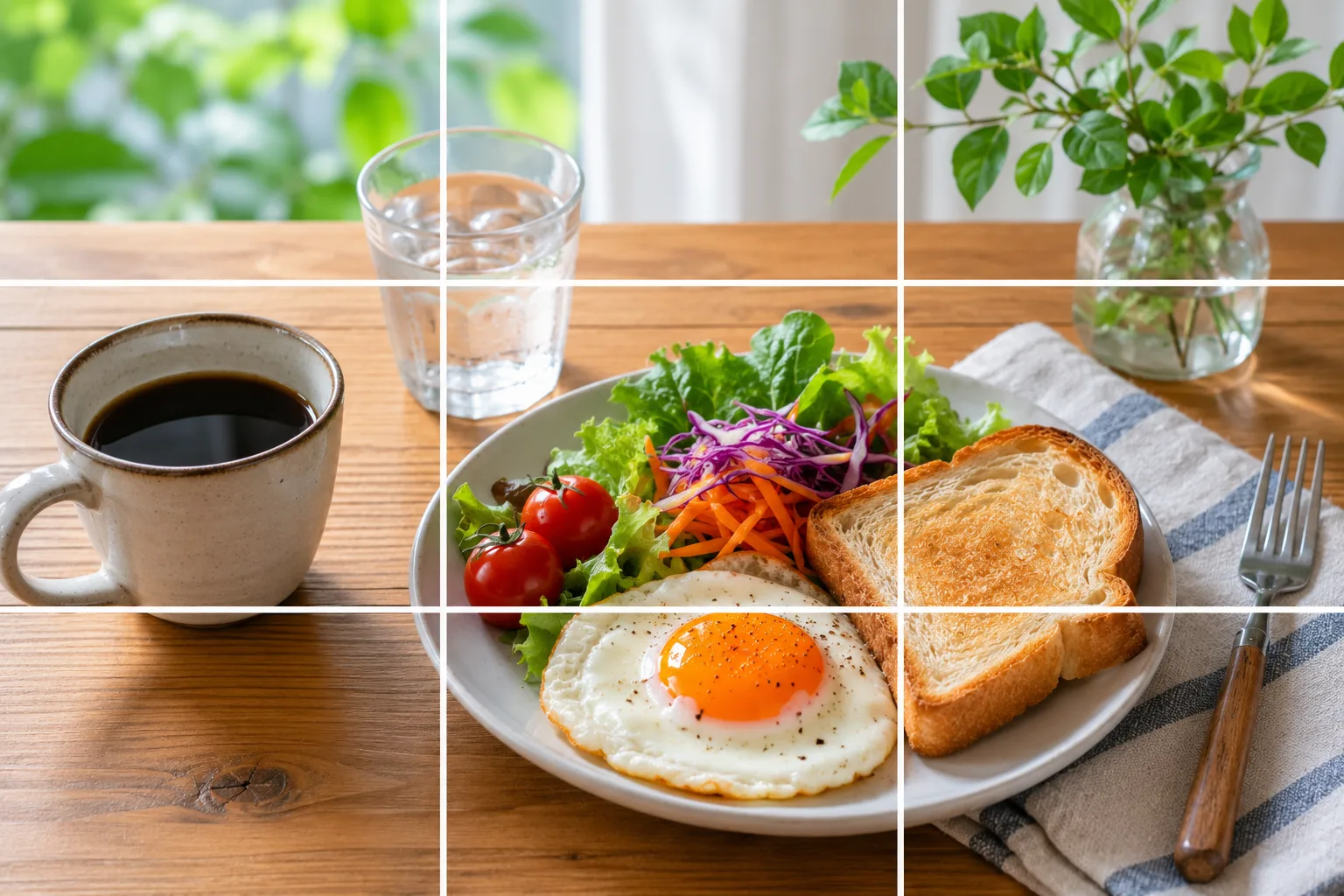
“It looked slightly tilted later.” This happens easily because you have no level reference while shooting. The phone’s features can fix it both while and after shooting.
Why it tilts
Because you hold the phone in your hands, you unconsciously tilt it a little. Especially when there’s a straight reference in the frame — a horizon or a table edge — even a slight tilt stands out. Being aware of the reference and matching to it prevents it.
Fix 1: level it with grid lines
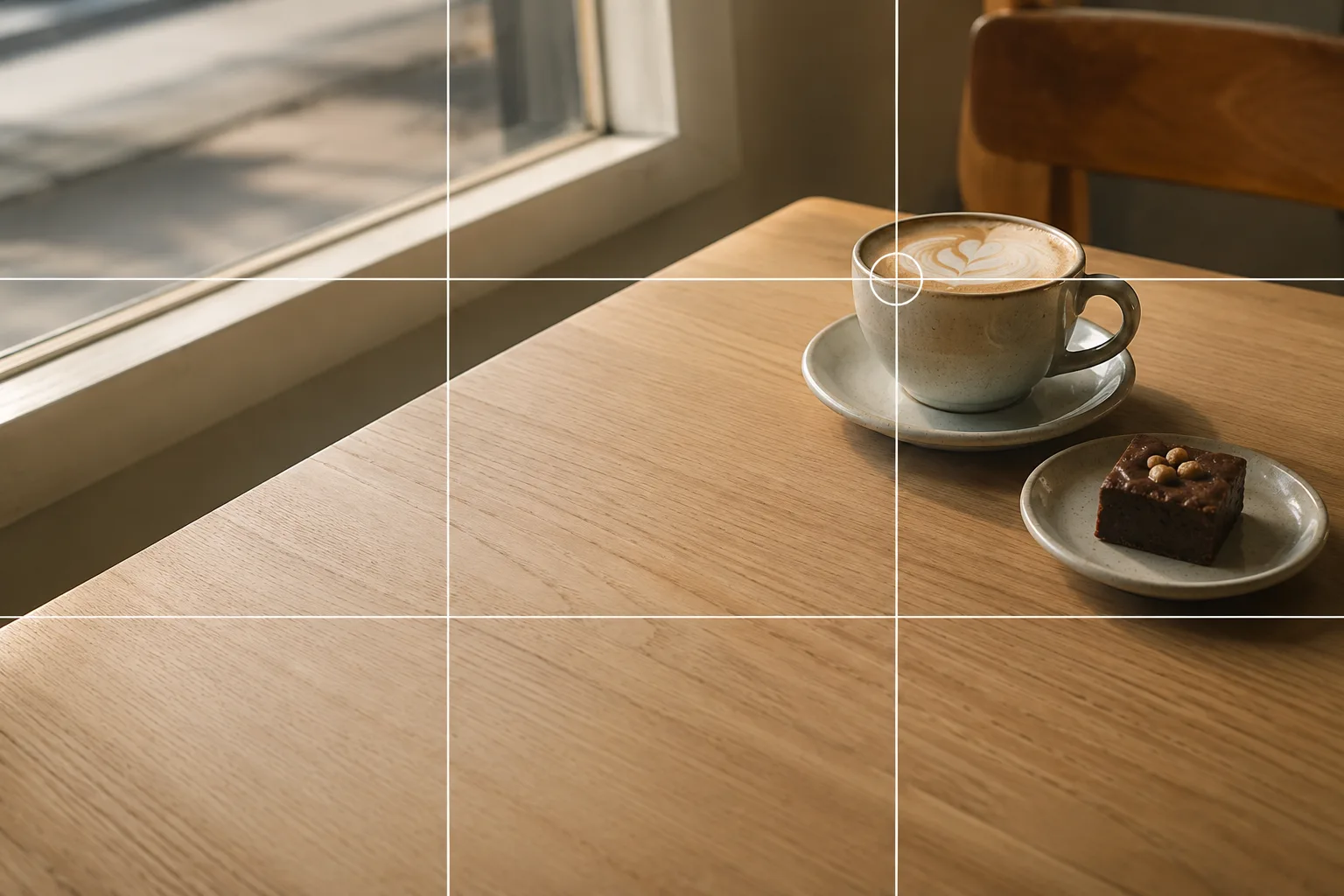
Turn on the grid and overlap a horizontal line with a level reference in the background (a horizon, a table edge, a shelf line). That alone prevents a lot of tilt while shooting (→ How to use grid lines). For vertical things, line a vertical up with a post or bottle edge.
Fix 2: use the level for overhead shots
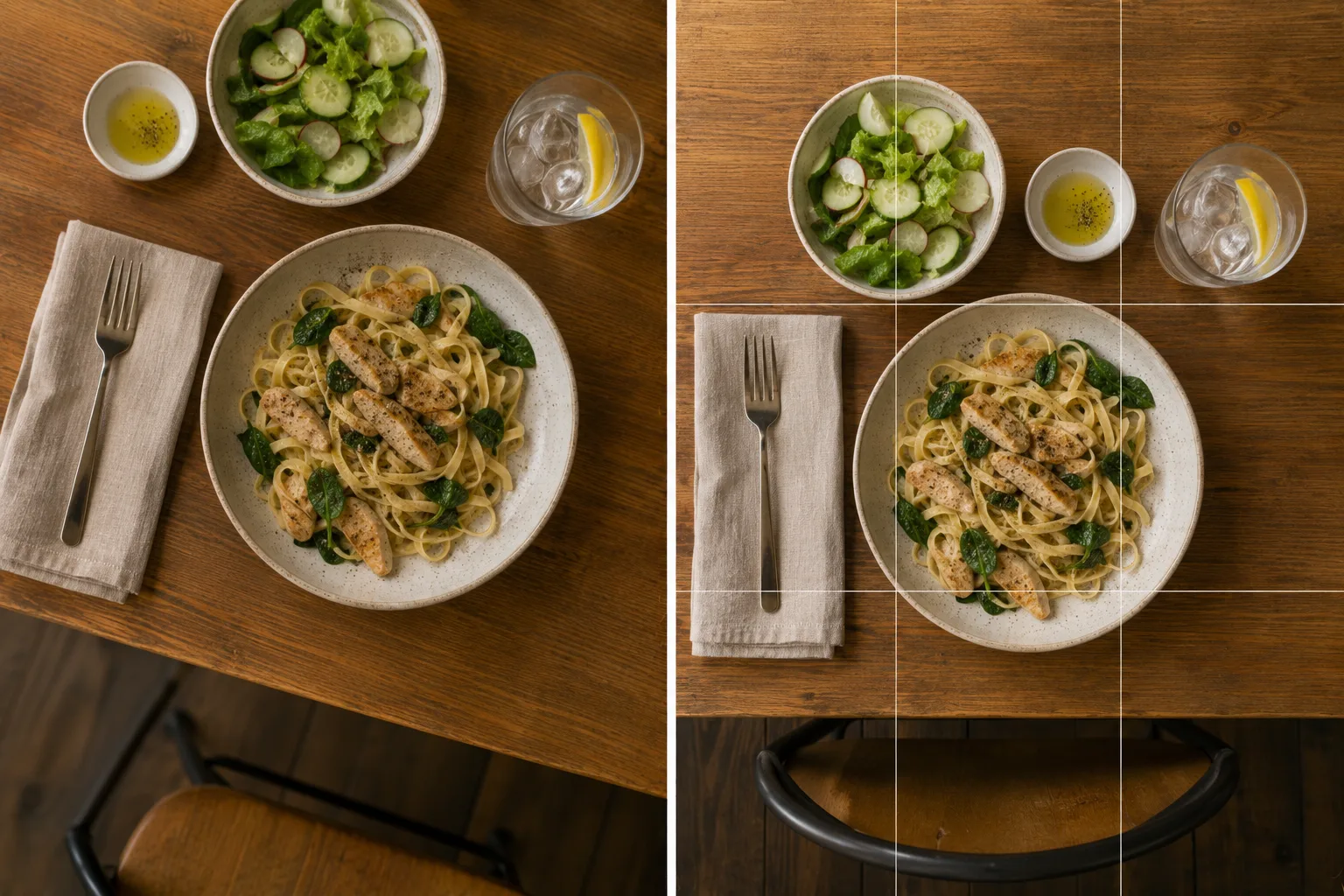
When shooting food or products from straight overhead, some models show an on-screen level (a double crosshair, etc.). Press the shutter where the two marks overlap for a straight overhead shot (→ Food photography / Photos for Mercari and reselling).
Fix 3: straighten it afterward
Even after shooting, you can level it with “straighten (angle)” in your photo app’s editor. Straightening crops the edges a little, so leaving some margin top/bottom/sides while shooting lets you fix it while keeping the composition. And when it’s not just the tilt but the composition itself you want to redo, cropping works too (→ Fixing composition with a crop).
Start with just this
Line a horizontal grid line up with a level reference in the background. For overhead shots, overlap the level marks. If it’s off, straighten it afterward. That flow nearly eliminates “somehow tilted.”
FAQ
What's the difference between grid lines and the level?
Grid lines are the on-screen 3×3 guides; you line a horizontal up with a level reference. The level (an indicator on some models) tells you when you're level for overhead shots. Both help prevent tilt.
Can I fix tilt after shooting?
Yes. Use "straighten (angle)" in your photo app's editor to level it afterward. But straightening crops the edges a little, so leaving some margin while shooting is safer.
Related reading
Compositions used
Related subject guides

How to Make Food Look Delicious — Why It Looks Bland and How to Fix It
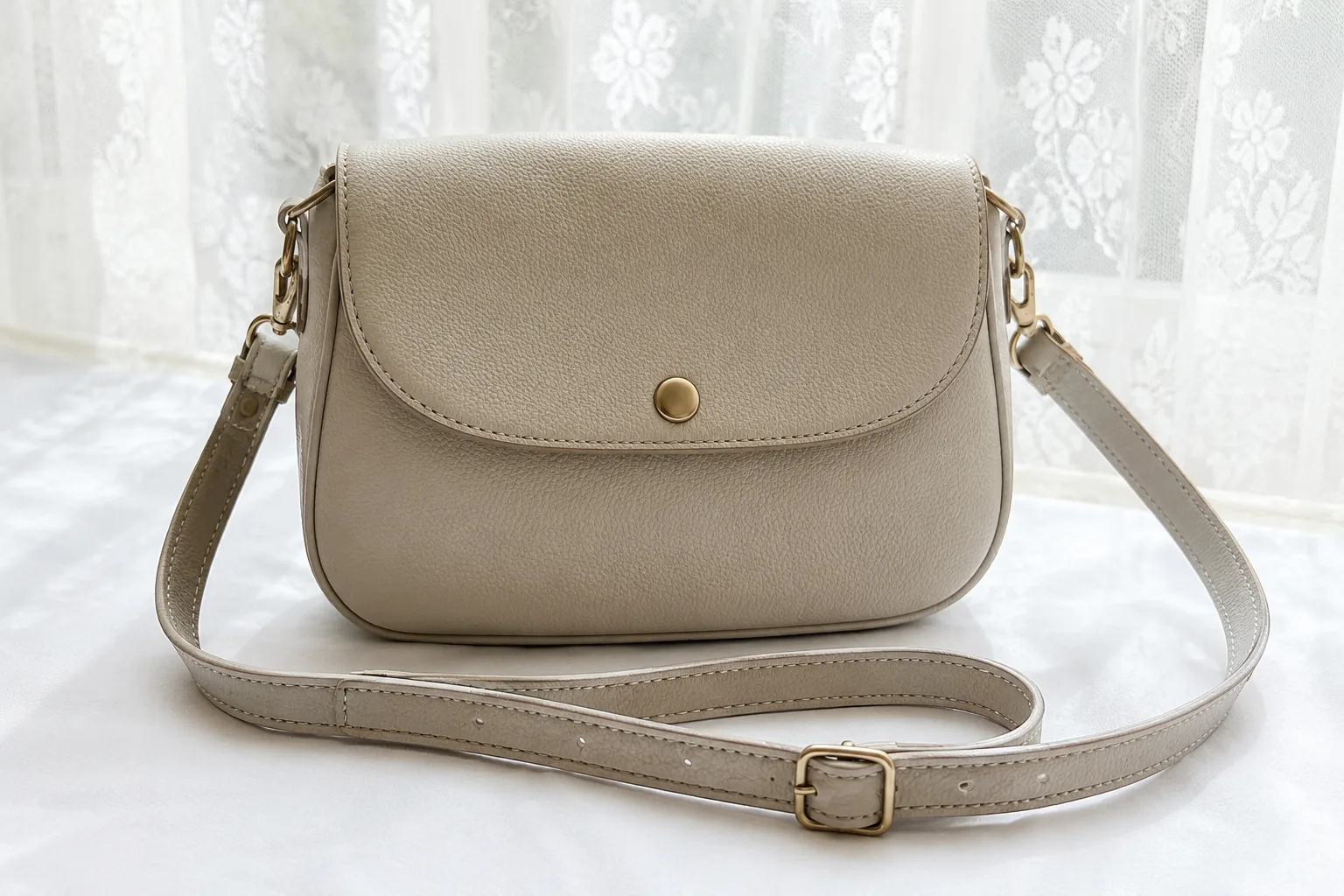
Composing Marketplace Listing Photos That Sell — Clearing the Background
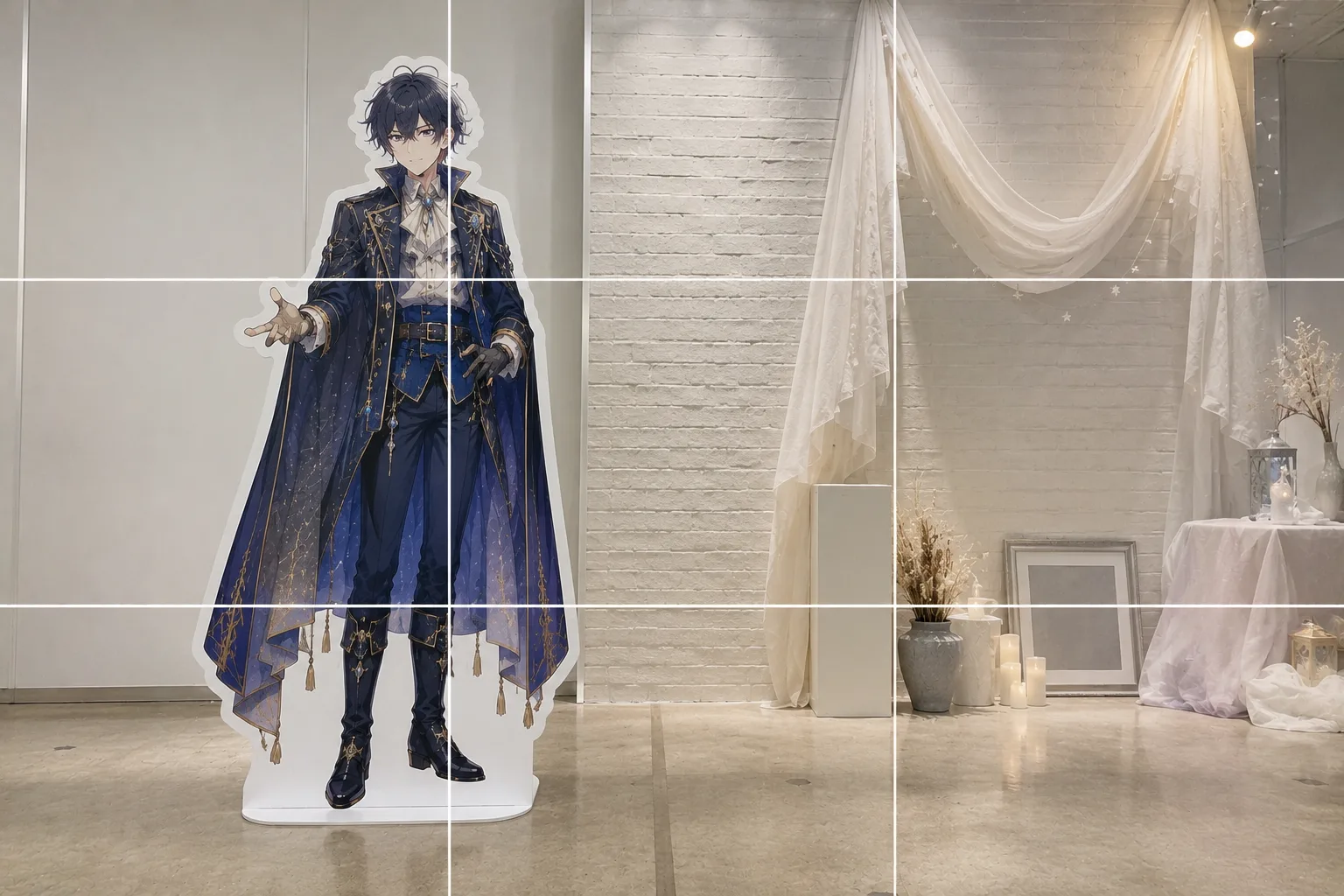
How to Pose With a Life-Size Standee — Tilt and Awkward Scale, Fixed
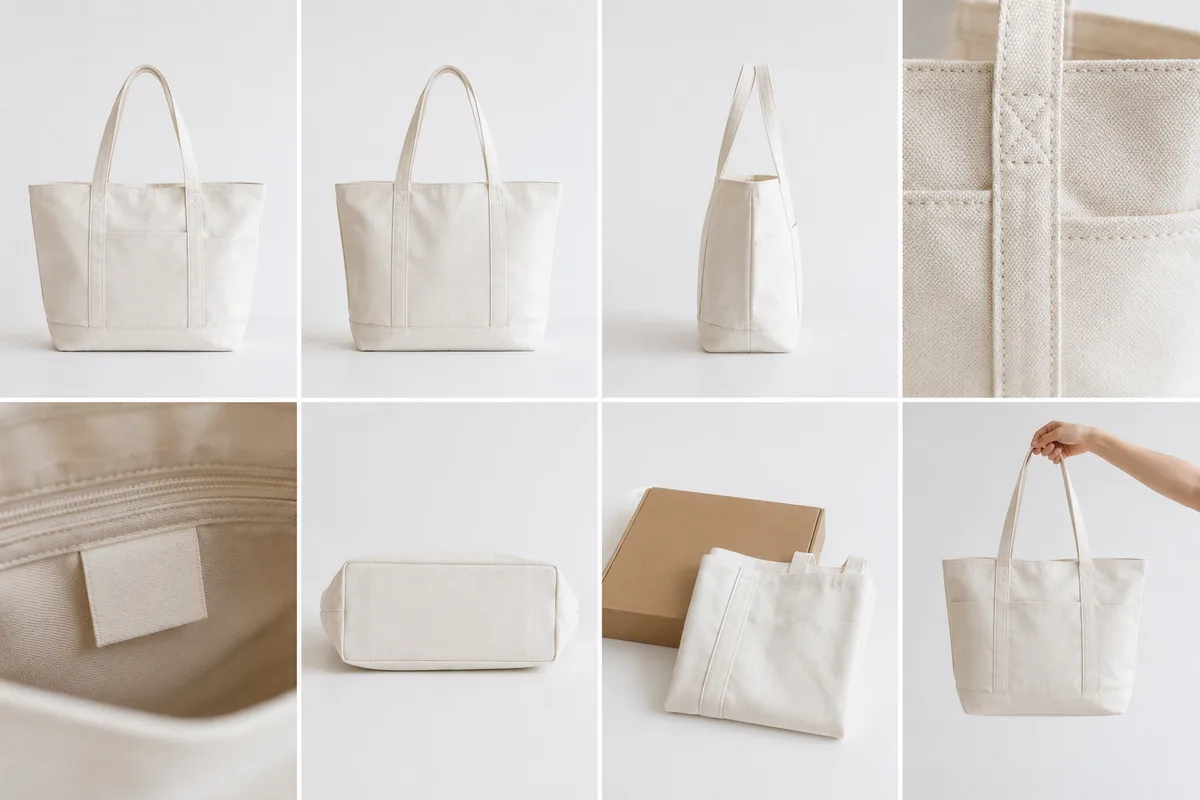
The 8-Photo Listing That Tells the Whole Story — What to Shoot, in What Order
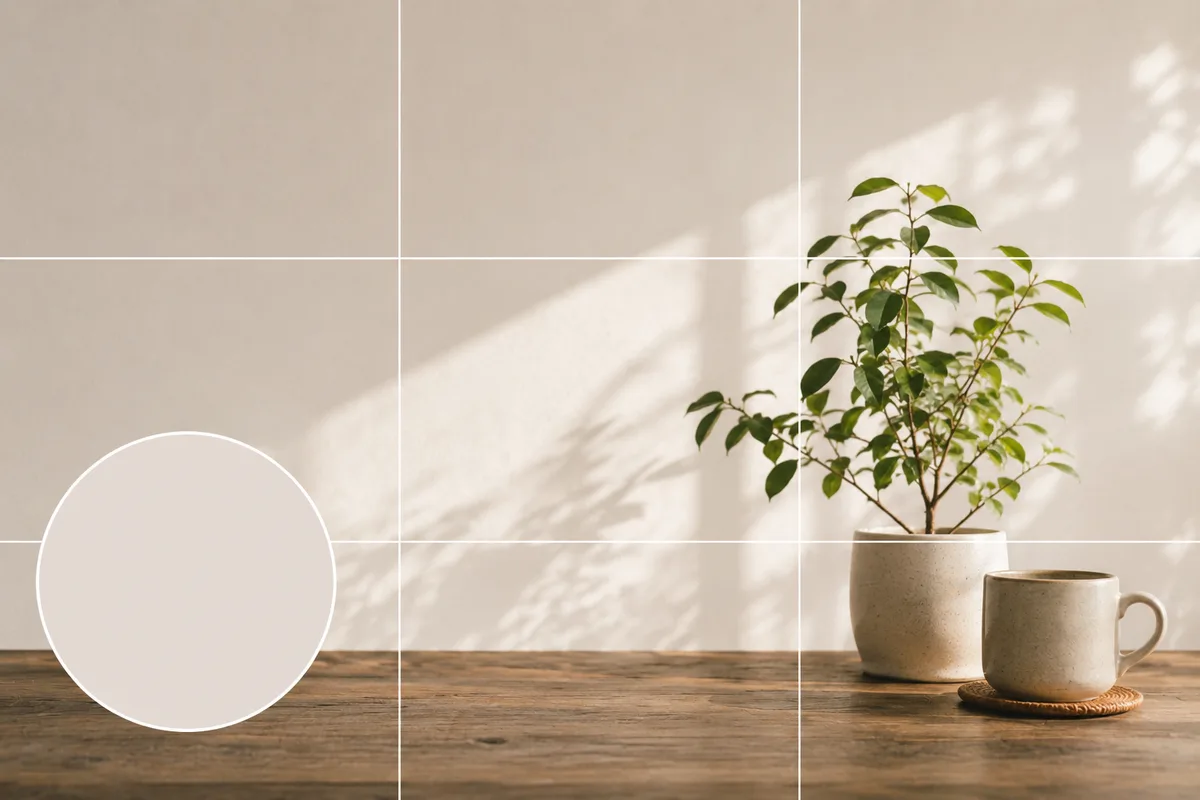
Shooting and Choosing an X Header Photo — Beat the Crop and the Icon Overlap
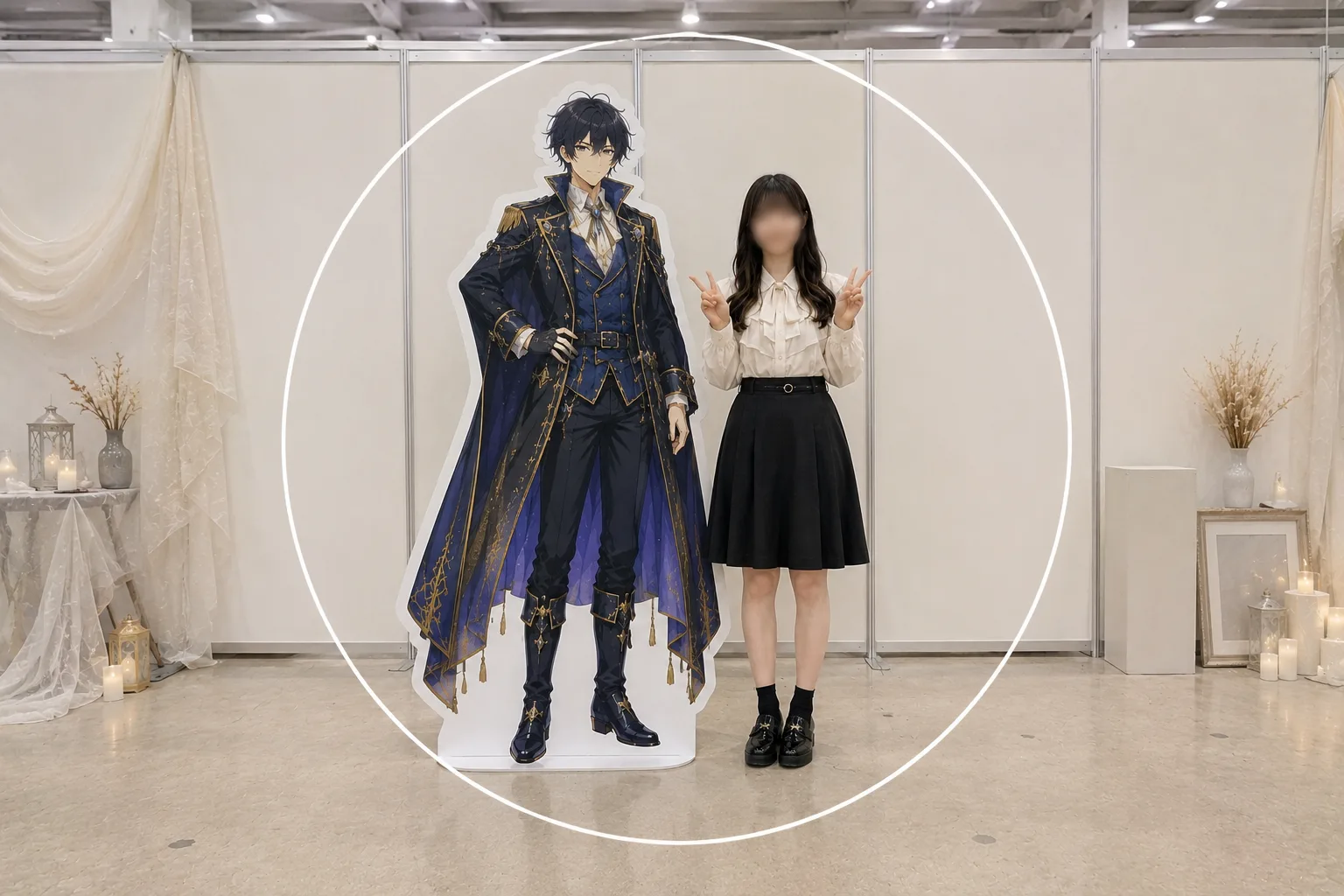
Selfies With a Life-Size Standee — Big Face and Cut-Off Panel, Fixed