The 8-Photo Listing That Tells the Whole Story — What to Shoot, in What Order
Published Jul 5, 2026
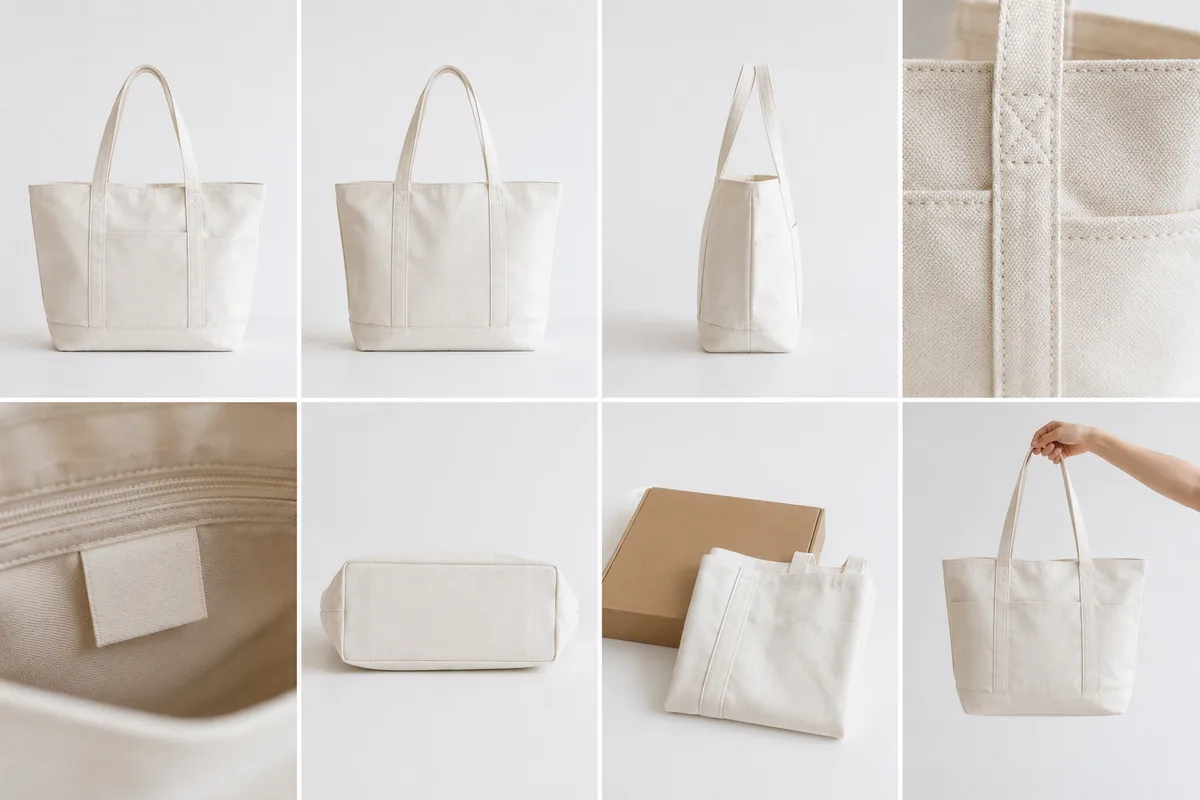
You put real effort into a listing’s first photo — then filled the rest “with whatever.” But the purchase decision is made on photos two and onward. Give every photo a role and shoot them in order — with this 8-photo template, you’ll never wonder what to shoot next, and questions and lowball offers both drop off.
For making each individual photo look good — background, light, level — see Marketplace product photos. This article is only about what to shoot, in what order.
The template: overall → details → condition → accessories
Arrange in the order questions form in a buyer’s mind.
Photo 1: the whole item (front). The thumbnail, your most important shot: the full item, bright and large, on a tidy background. Thumbnails display square, so compose so a 1:1 crop loses nothing (→ Choosing an aspect ratio).
Photo 2: another angle or the back. What the front can’t show — back, sides, base. For clothes, the back; for bags, the bottom and handles.
Photo 3: close-up (texture and pattern). Get close on the fabric, logo or pattern and fill the frame with it (→ Fill the frame).
Photo 4: size reference. A tape measure held against it, in your hand, or beside a familiar object. Numbers plus feel means fewer questions.
Photo 5: flaws, honestly. The shot you most want to skip — and the one that builds the most trust. Get close to scratches or fraying and show them plainly. An honest photo 5 builds trust and prevents disputes after delivery.
Photo 6: tags and accessories. Brand tag, care label, box, dust bag, manual — also reassurance of authenticity.
Photo 7: in use. The silhouette worn, or the item styled in place — a shot that lets the buyer picture using it.
Photo 8: the spare = pre-answered question. Answer the thing you’d ask if you were buying: inside the battery cover, a close-up of moving parts, inside the inner pocket.
Signposts by product type
For how to shoot each cut, the genre articles help: folds and wrinkles in Clothing marketplace photos, angles for Shoes and bags, close work in Products and small items, Handmade pieces, and fan-merch in Fan-goods marketplace photos. Across all eight, simply being level makes the whole set look sharper (→ Fixing tilted photos).
Build the “set” once, shoot all eight in one go
Shoot the eight on different days and the light and background drift — the listing looks scrappy in a row. Set up once — white paper or cloth by a window — and shoot all eight straight through. Eight photos in the same place and light read as a careful seller at a glance. For photo 1 only, leave breathing space around the item (→ Negative space).
 Composition guideFill the frameSee the full guide for this composition →
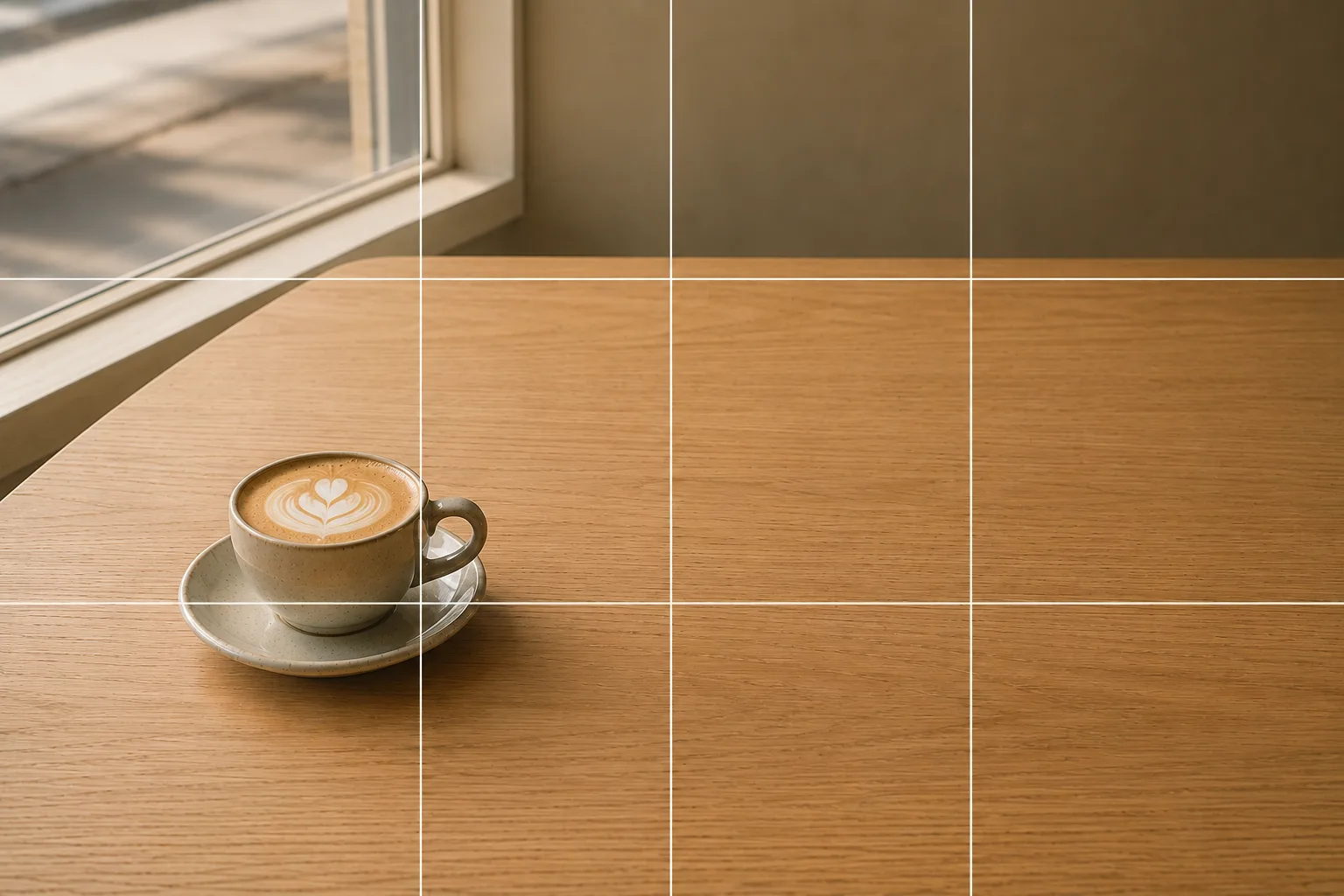 Composition guideNegative spaceSee the full guide for this composition →

Start with just this
Build a white-background set once, then shoot in order: overall → back → close-up → size → flaws → accessories → in use → spare. Photo 1 survives a square crop; photo 5 is honest. This template alone transforms how much your listing communicates.
FAQ
I don't have eight things to photograph.
No need to force all eight. What matters is the order — overall, details, condition, accessories — answering the buyer's questions before they're asked. For a small item, four or five shots (overall, close-up, size, condition) tell the story fine.
How many photos can I upload?
The photo limit changes with app updates, so check your app. This 8-photo structure isn't about using up the limit — it's a template for organizing what each photo communicates, and it works whatever the limit is.
If the first photo is great, will it sell?
The first photo is the doorway — it gets you the tap. But the decision to buy is made on the photos after it. When condition and measurements are all visible, questions drop and buyers purchase with confidence.
Related reading
Compositions used
Related subject guides
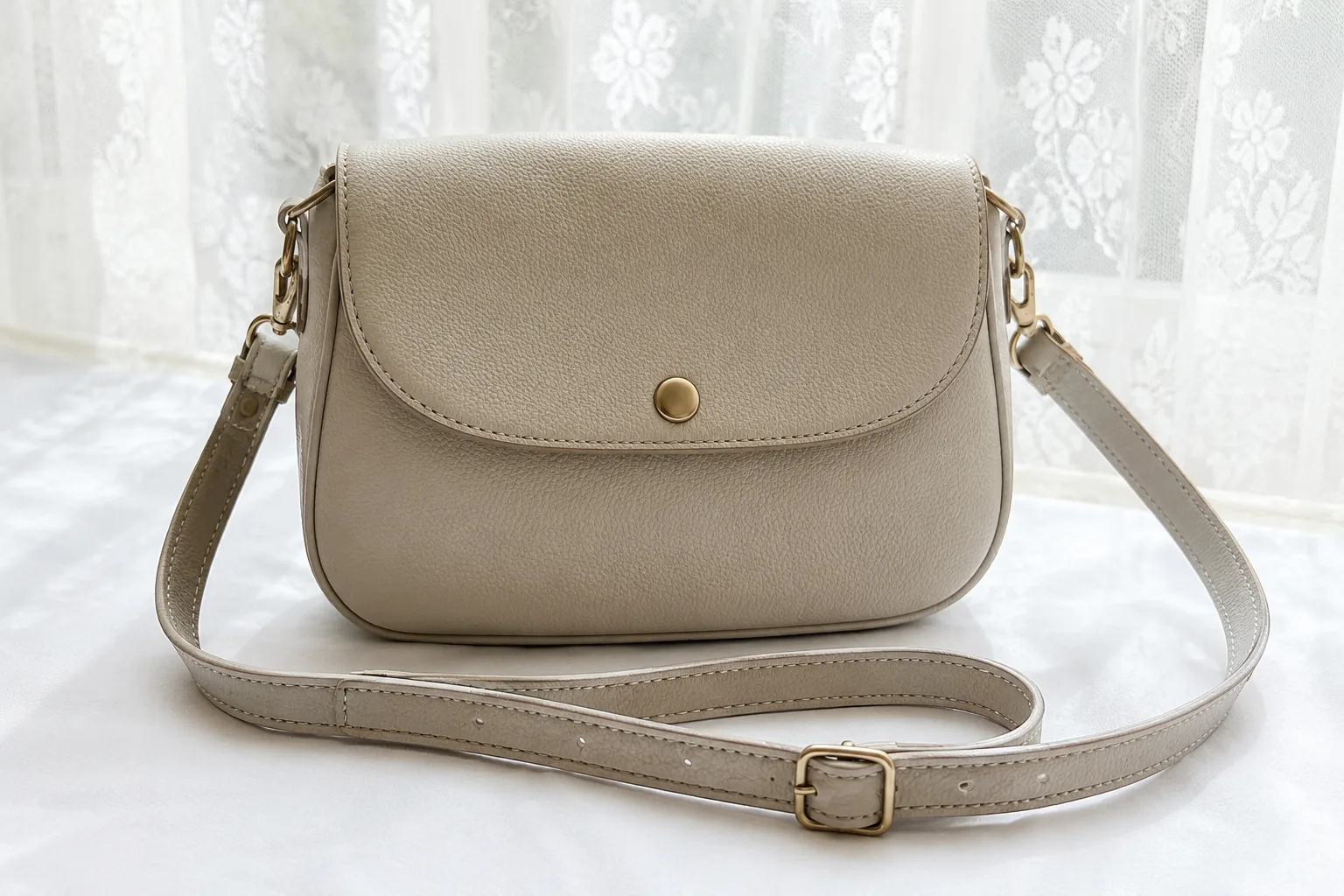
Composing Marketplace Listing Photos That Sell — Clearing the Background
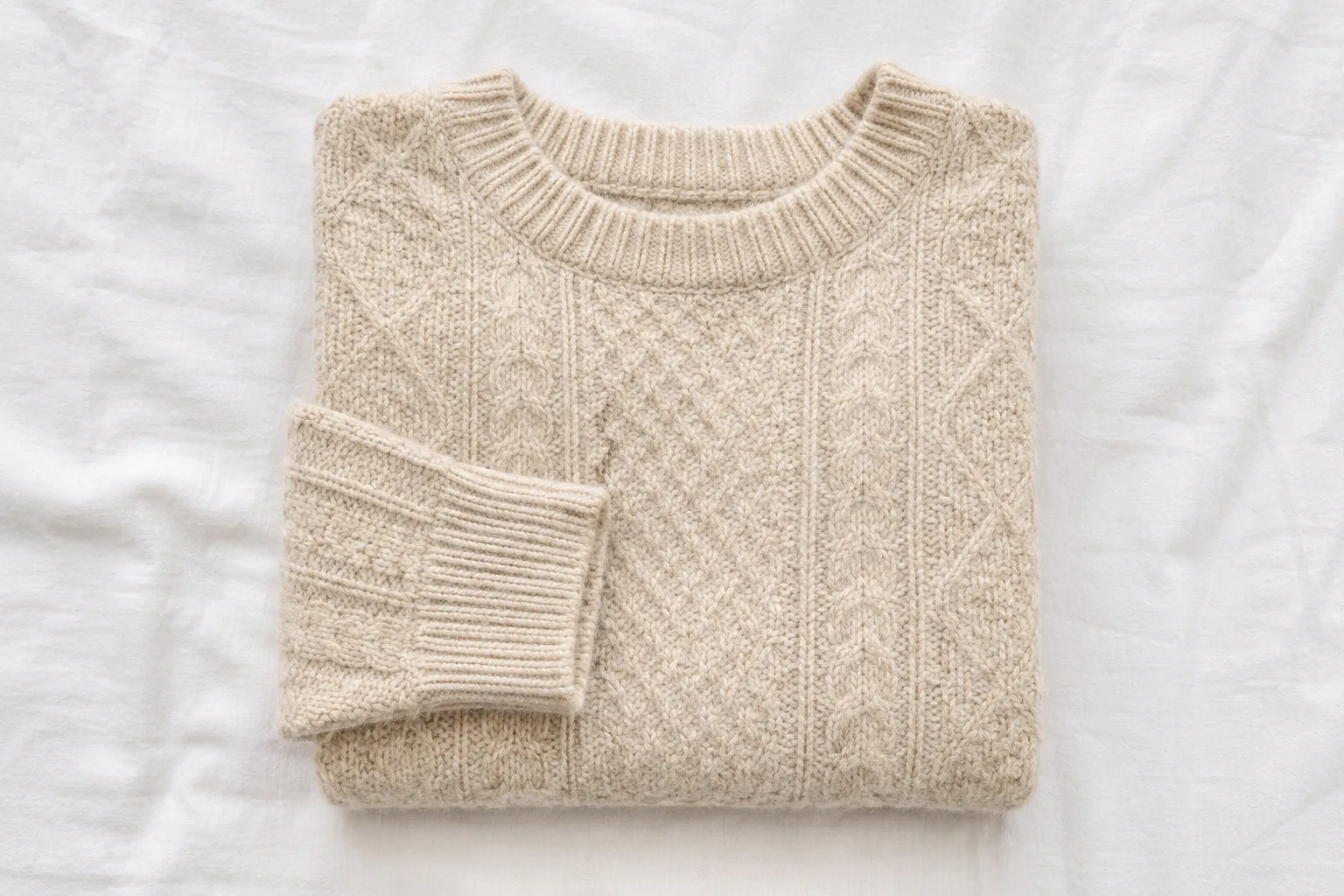
Shooting Clothing That Sells on Poshmark and Depop — Presentation and Background
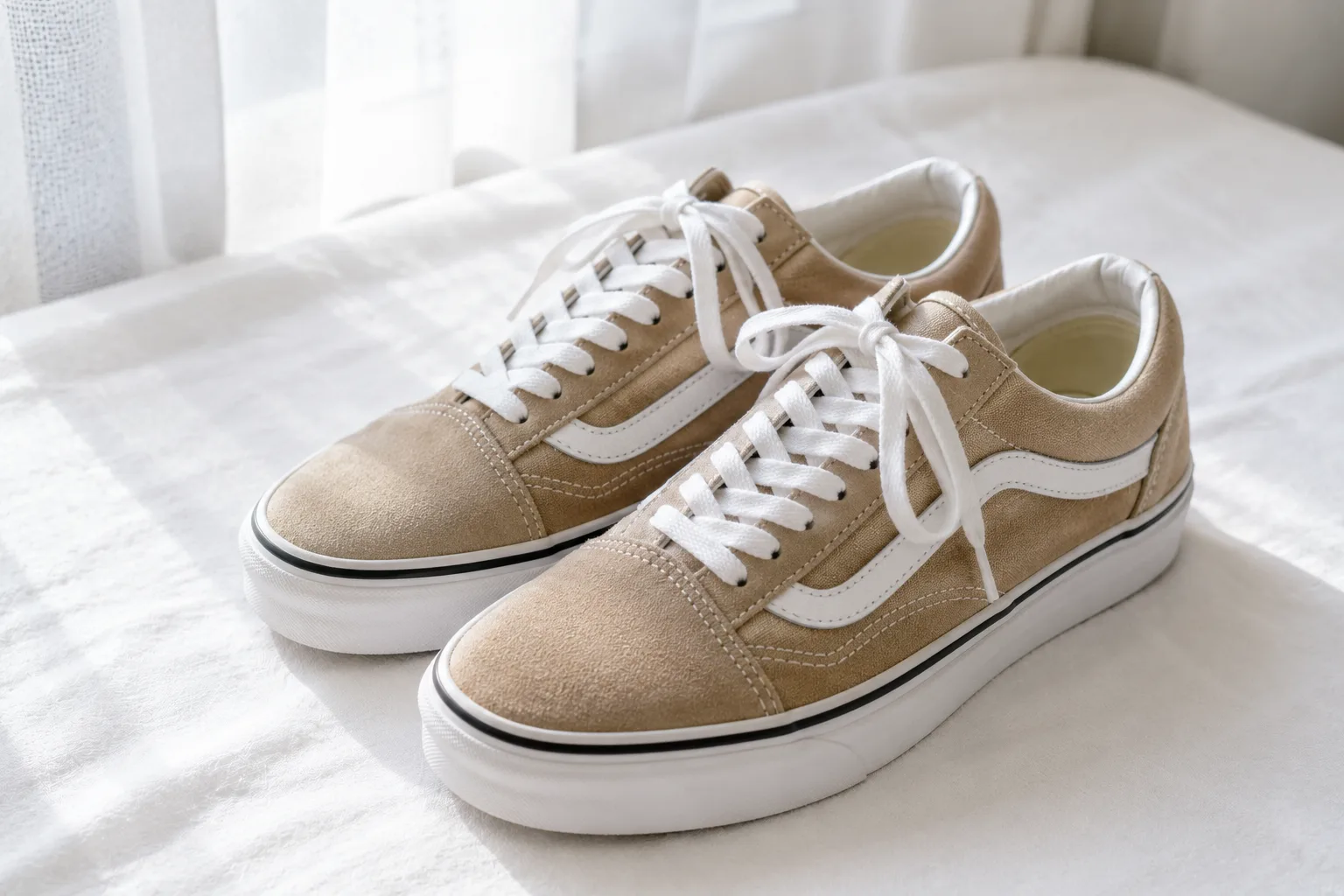
Reselling Photos of Shoes and Bags — Showing Dimension and Texture on a Phone
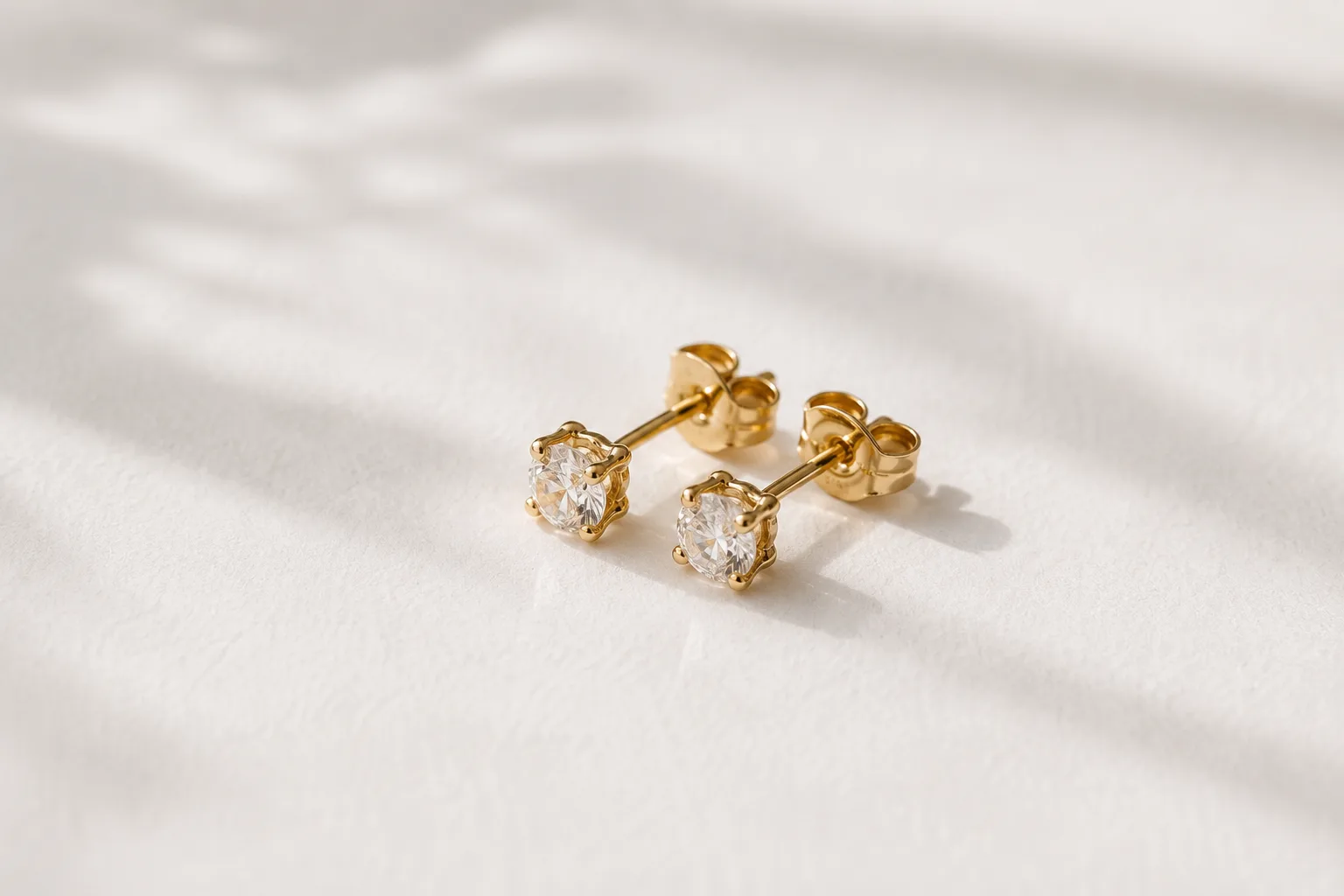
Composing Small Items and Accessories — Why They Look Dull and How to Fix It
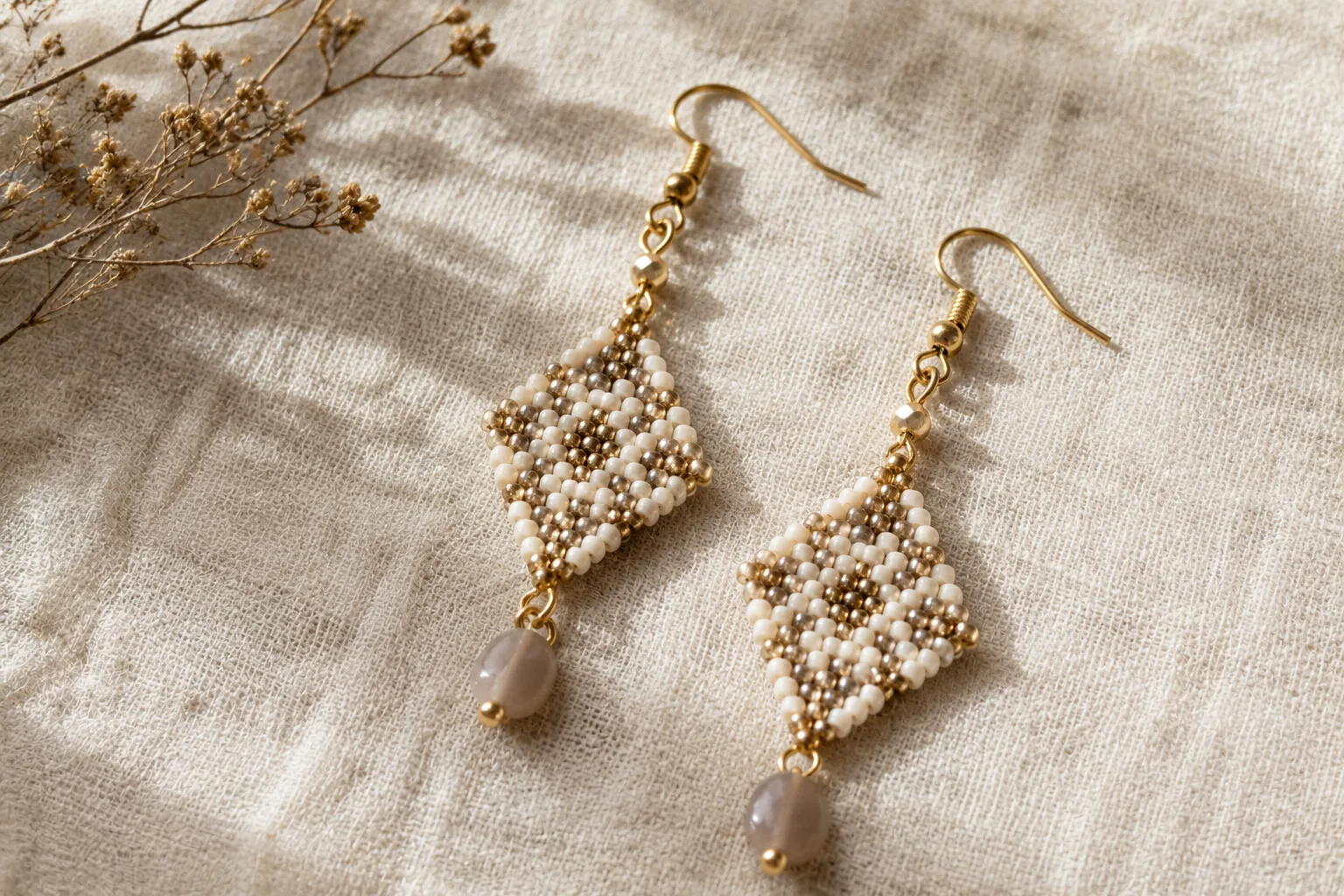
Shooting Handmade Pieces Beautifully for Etsy — Why They Look Cheap, and the Fix
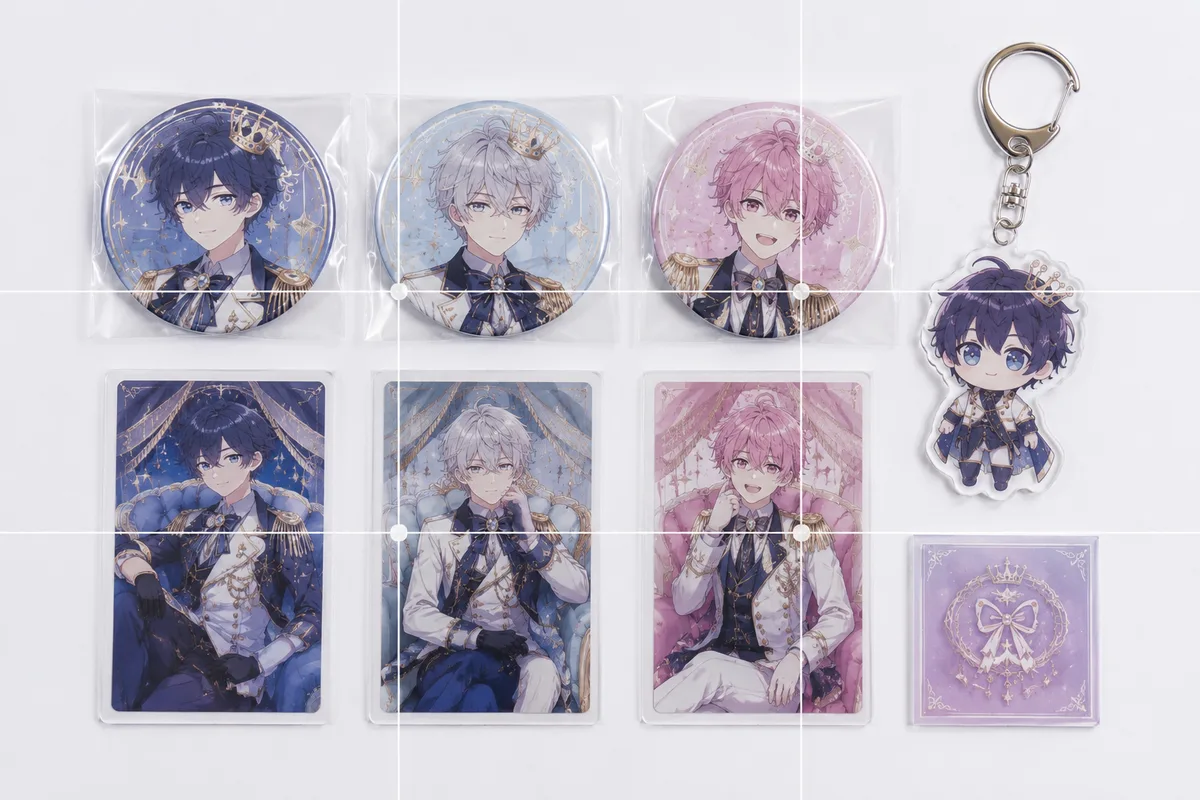
Photographing Fan Goods for Reselling — When Condition Doesn't Come Through
How to Keep Photos Level — Why They Tilt and How to Fix It