Fix the "Almost There" in Phone Photos With Composition — Using SmaPhoto Tips
Published Jun 27, 2026
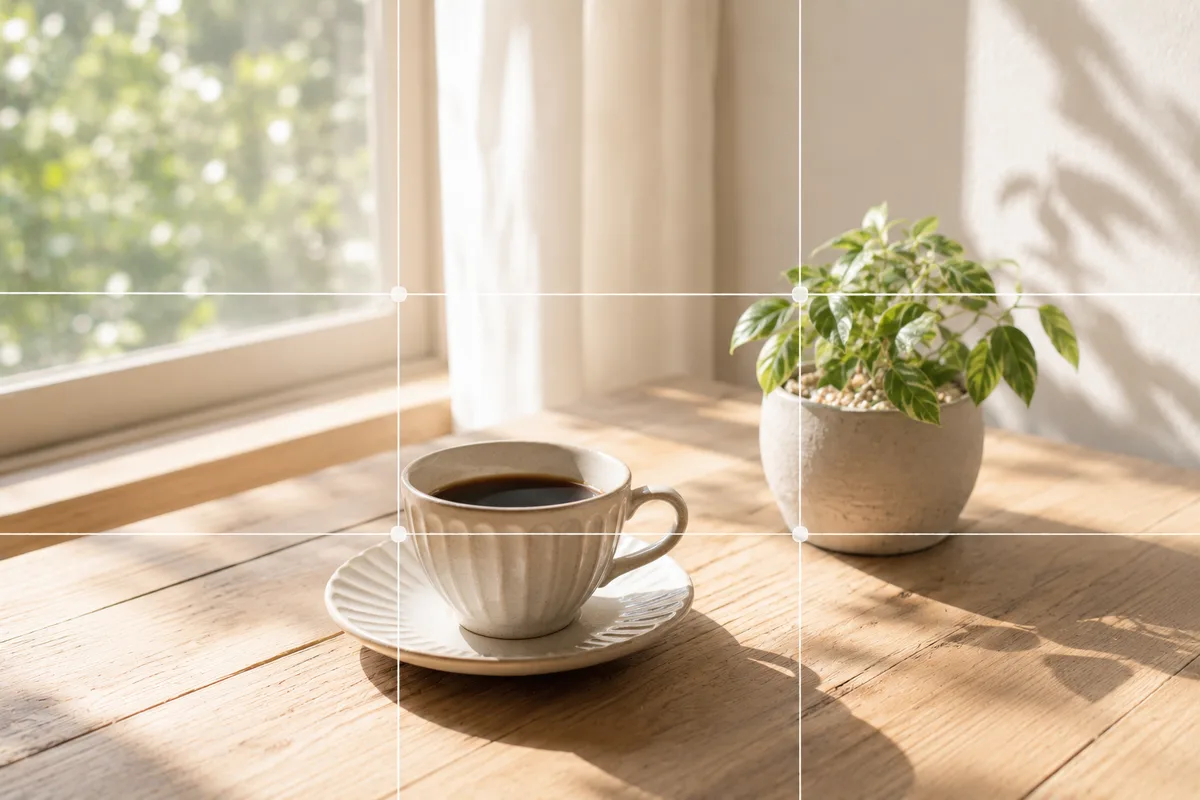
Ever look back at a phone photo and feel it’s “somehow almost there”? Focus is fine, yet it looks amateurish. Most of the time the cause isn’t image quality or gear — it’s composition: where you place the subject, how big, and with how much space.
SmaPhoto Tips is a gentle composition guide for people who want to make their stock-camera photos a little better. It’s not aimed at pros; it centers on “how to crop everyday subjects so they come through.”
How the three categories work together
Solutions is this site’s main act — the causes of and fixes for “almost there” by subject. First, look for the page closest to what you want to shoot.
Compositions is a reference that explains the basics one at a time — rule of thirds, center composition, negative space (→ Rule of thirds). When a Solutions page links you to “use this composition,” looking it up here deepens your understanding.
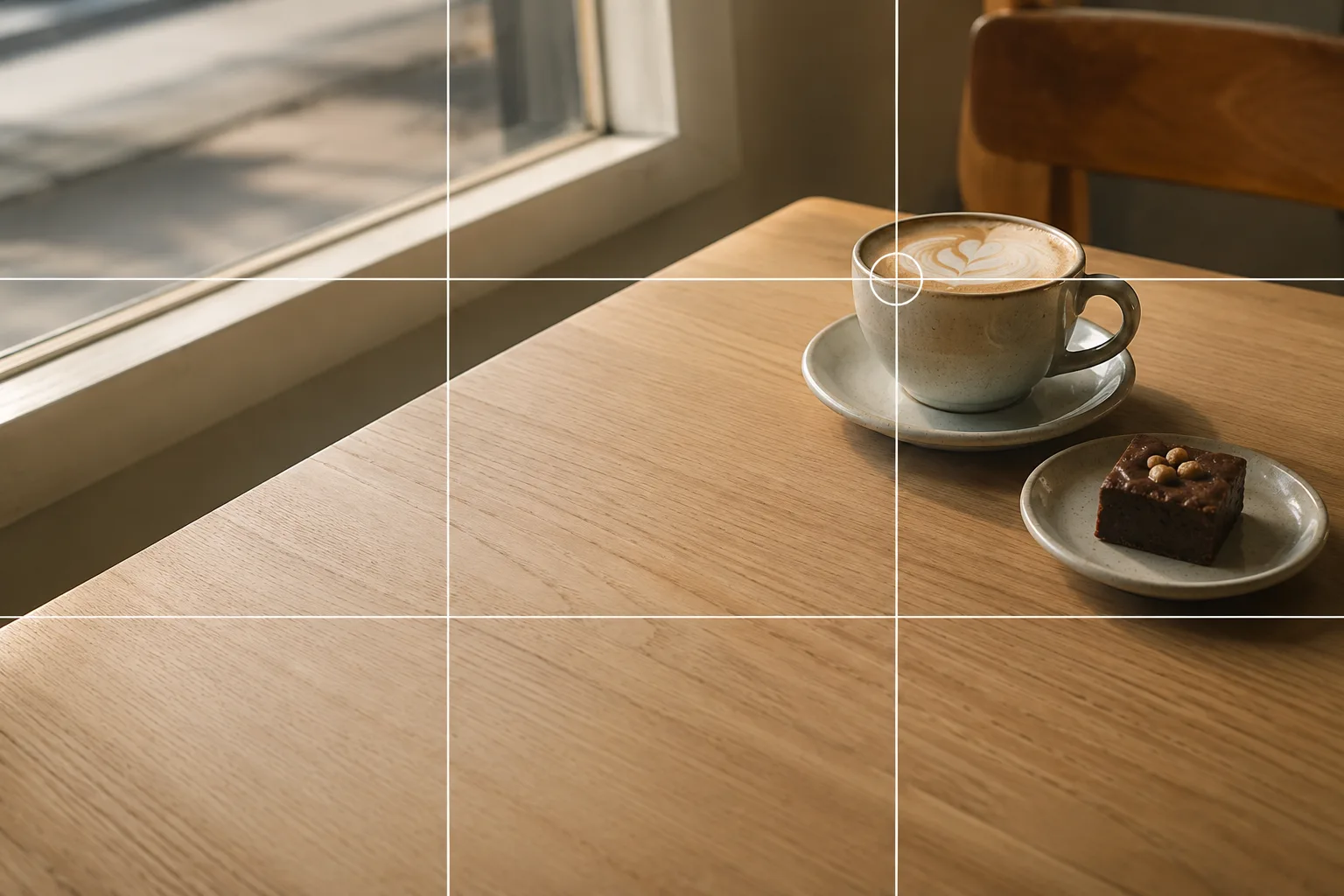 Composition guideRule of thirdsSee the full guide for this composition →
Settings covers what to set before you shoot, like turning on grid lines and adjusting brightness (→ How to use grid lines / Exposure compensation basics / Camera spec basics).
Find it by what you want to shoot
- Food and cafés: food (→ Food photography), sweets (→ Photographing sweets), drinks (→ Photographing drinks), ramen and noodles (→ Photographing ramen and noodles), cafés (→ Café photos), bento (→ Photographing bento).
- Reselling and products: Mercari basics (→ Photos for Mercari and reselling), small items and accessories (→ Small items and accessories), clothing (→ Photographing clothing for reselling), shoes and bags (→ Photographing shoes and bags), handmade pieces (→ Photographing handmade accessories).
- People and social: social icons (→ Photographing social media icons), selfies (→ How to shoot selfies), group photos (→ Group photos), kids (→ Photographing babies and kids).
- Pets, nature, seasons: dogs and cats (→ Photographing pets), landscapes (→ Landscape photography), travel snaps (→ Travel photography), flowers (→ Photographing flowers), cherry blossoms (→ Photographing cherry blossoms), autumn leaves (→ Photographing autumn leaves), night views and illuminations (→ Night views and illuminations).
- From what’s going wrong: dark from backlight (→ Fixing backlit photos), blur in a dark room (→ Fixing dark indoor photos), tilted photos (→ Fixing a tilted photo).
What to try first
Before shooting, turn on the stock camera’s grid lines (→ How to use grid lines). Just splitting the screen into 3×3 makes subject placement and leveling easier. Next, when it looks dark, adjust the brightness with a finger (→ Exposure compensation basics). Just these two reduce a lot of “almost there.” After that, open the page closest to what you want to shoot and try its “Start with just this.”
FAQ
Can my photos really improve with just the stock camera?
Yes. Many "almost there" shots come down to where you place the subject — composition — not gear. Even just turning on the stock camera's grid lines makes things easier to arrange.
Which page should I start from?
If you know what you want to shoot, start from "Solutions"; if you want to learn a composition's name, start from the "Compositions" guide; if you're unsure about basic camera operations, start from "Settings."
Related reading
Compositions used
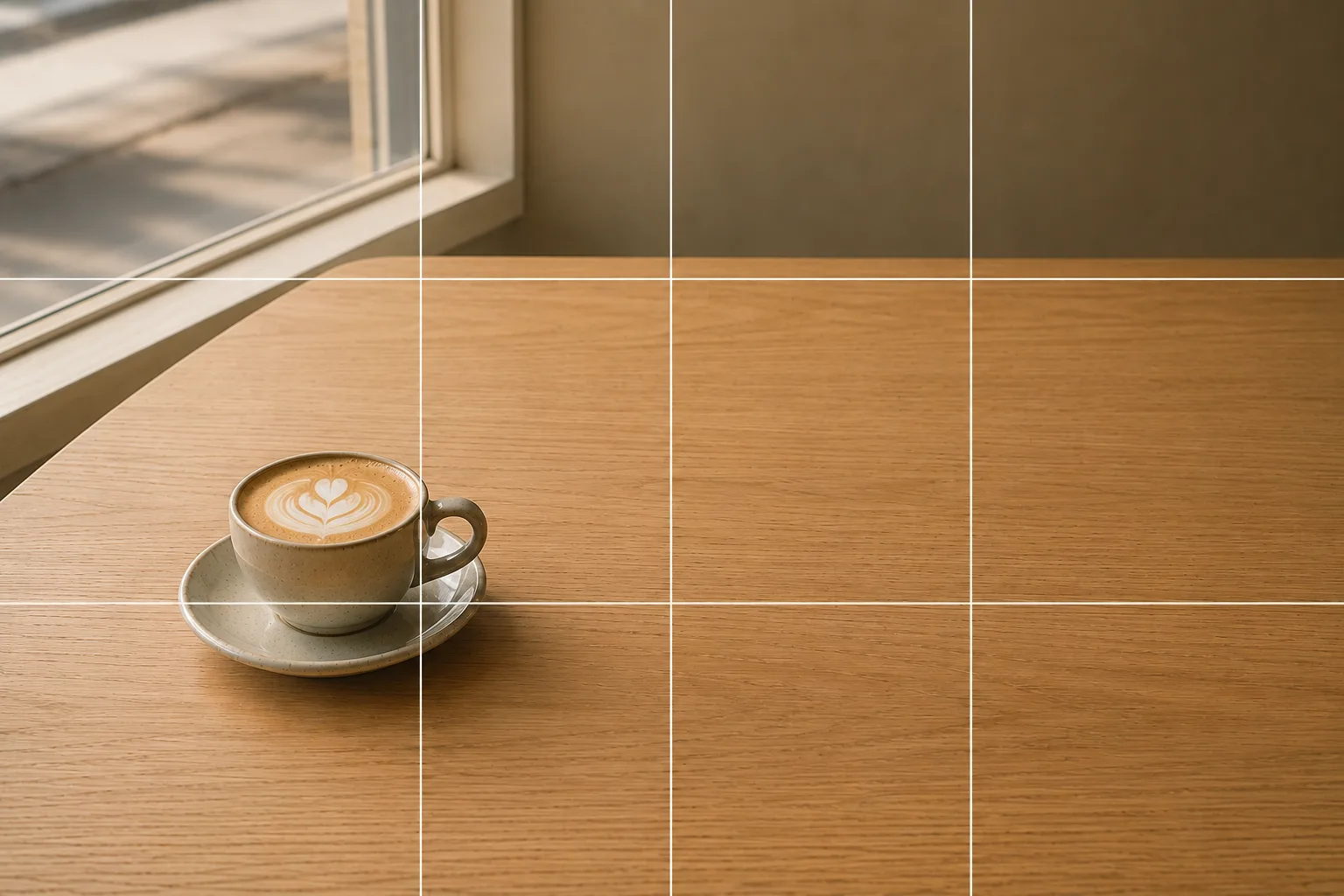
Related subject guides
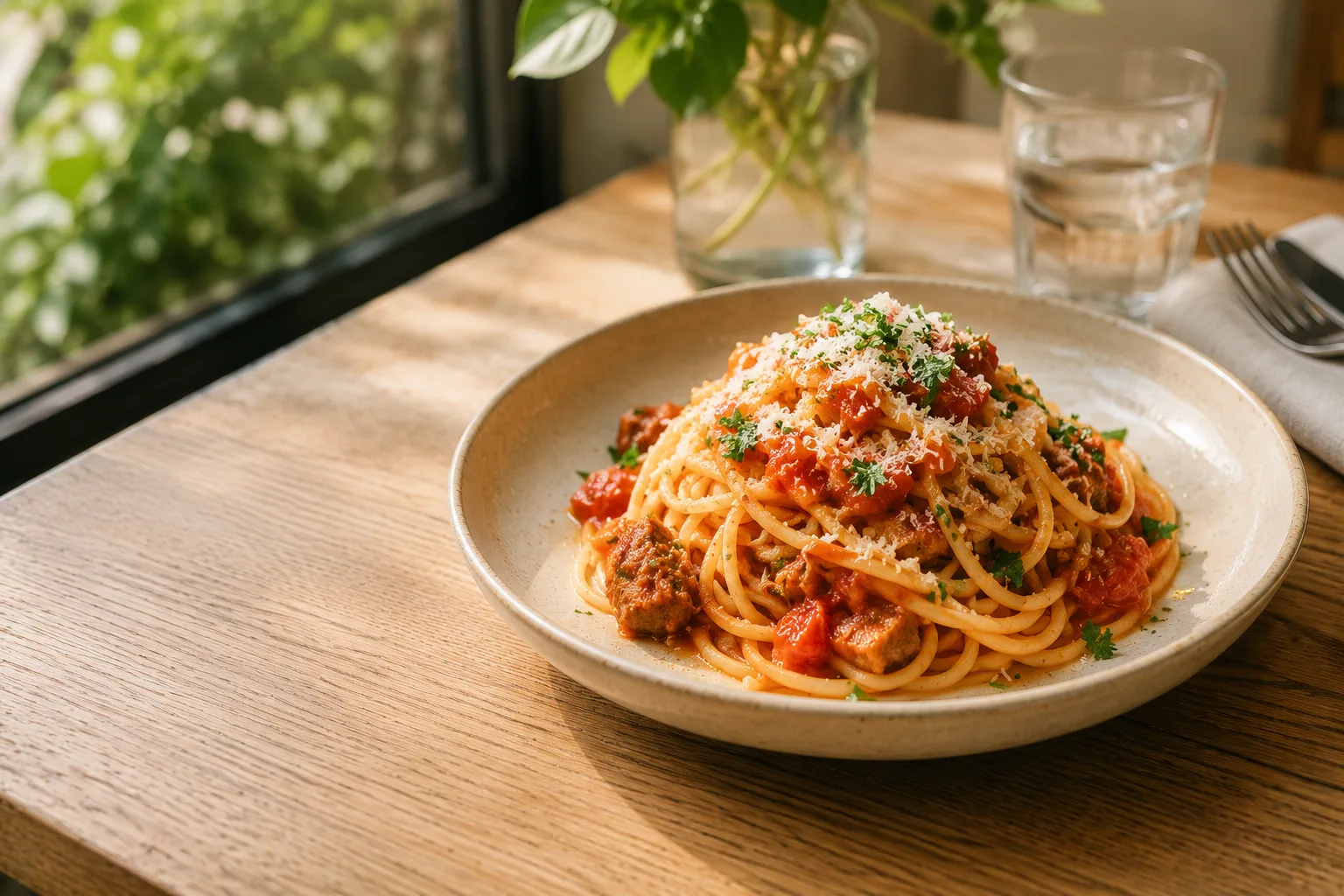
How to Make Food Look Delicious — Why It Looks Bland and How to Fix It
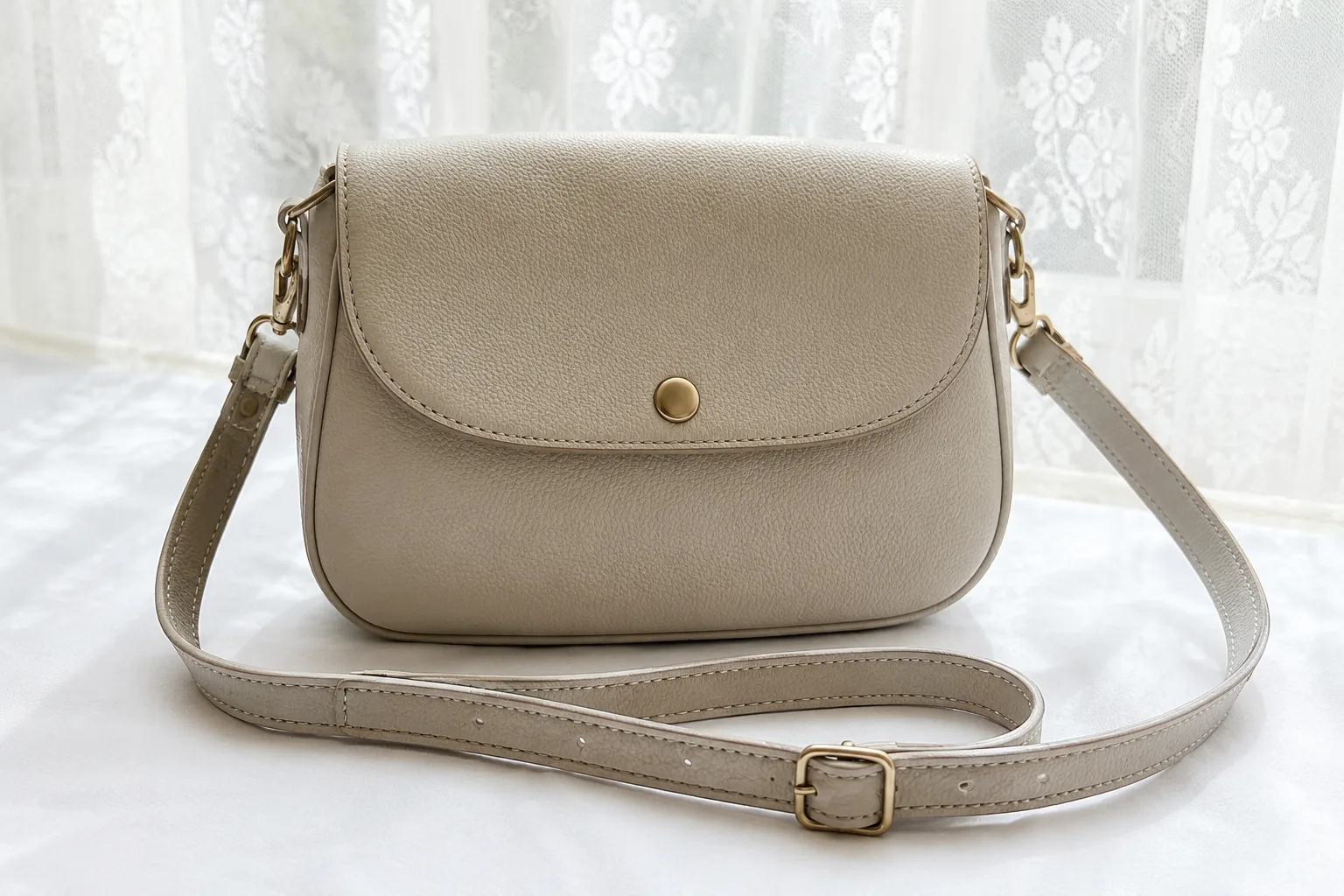
Composing Marketplace Listing Photos That Sell — Clearing the Background
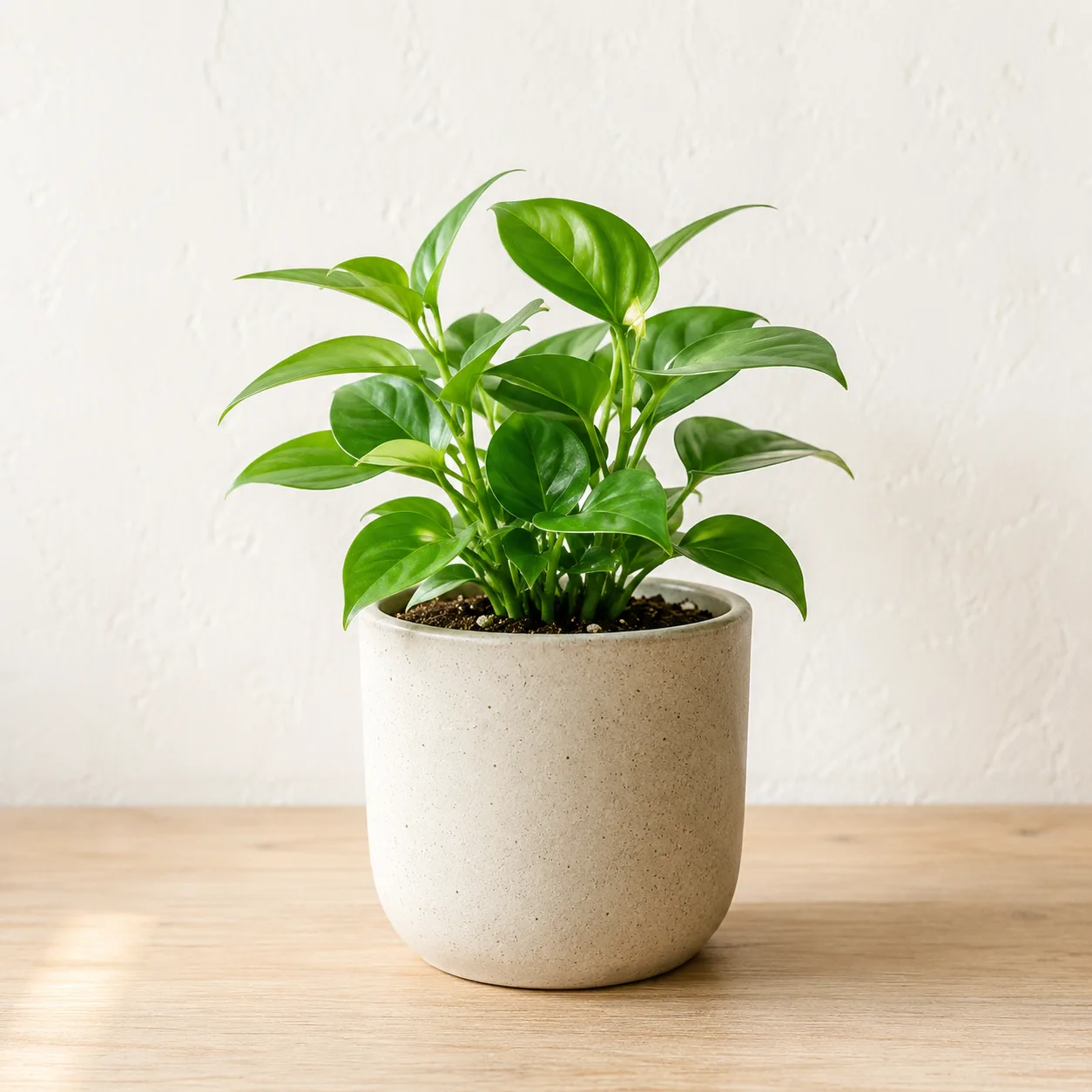
Composing a Polished Social Media Icon — Making a Good Impression

Capturing Dogs' and Cats' Expressions — Fixing Motion, Darkness and Blur

Shooting Faces and Food Bright Even in Backlight — Why It Goes Dark and the Fix
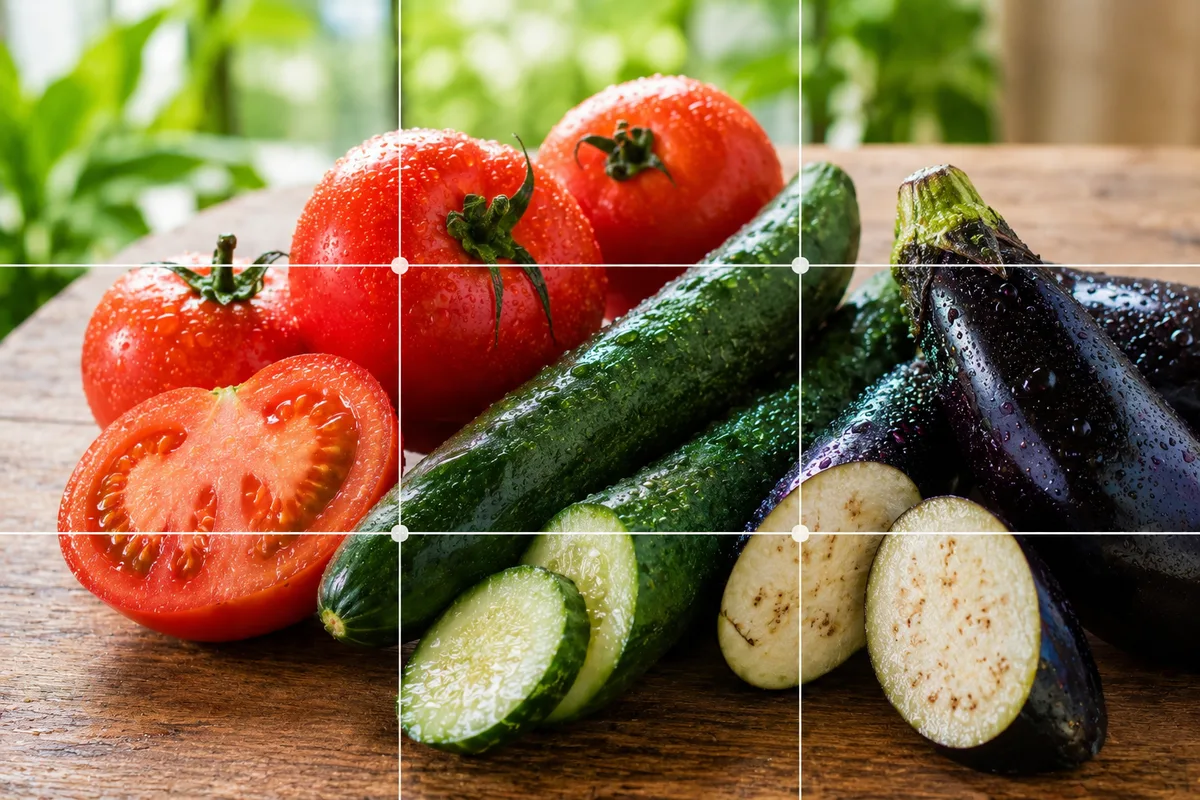
Shooting Fresh, Dewy Summer Vegetables — Why They Look Dull and How to Fix It