Shooting Night Views and Illuminations Crisp — Why They Blur, and Night Mode
Published Jun 27, 2026
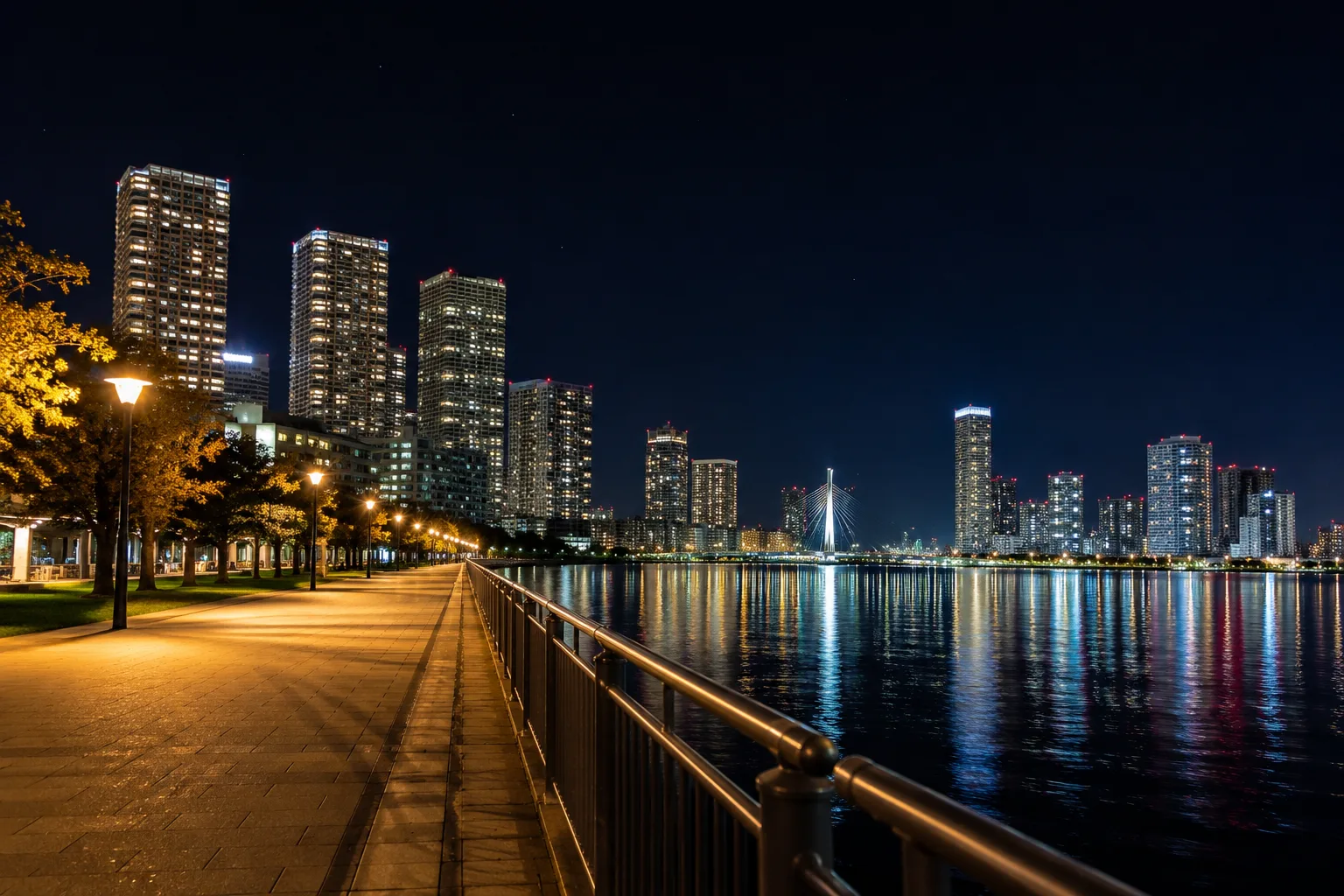
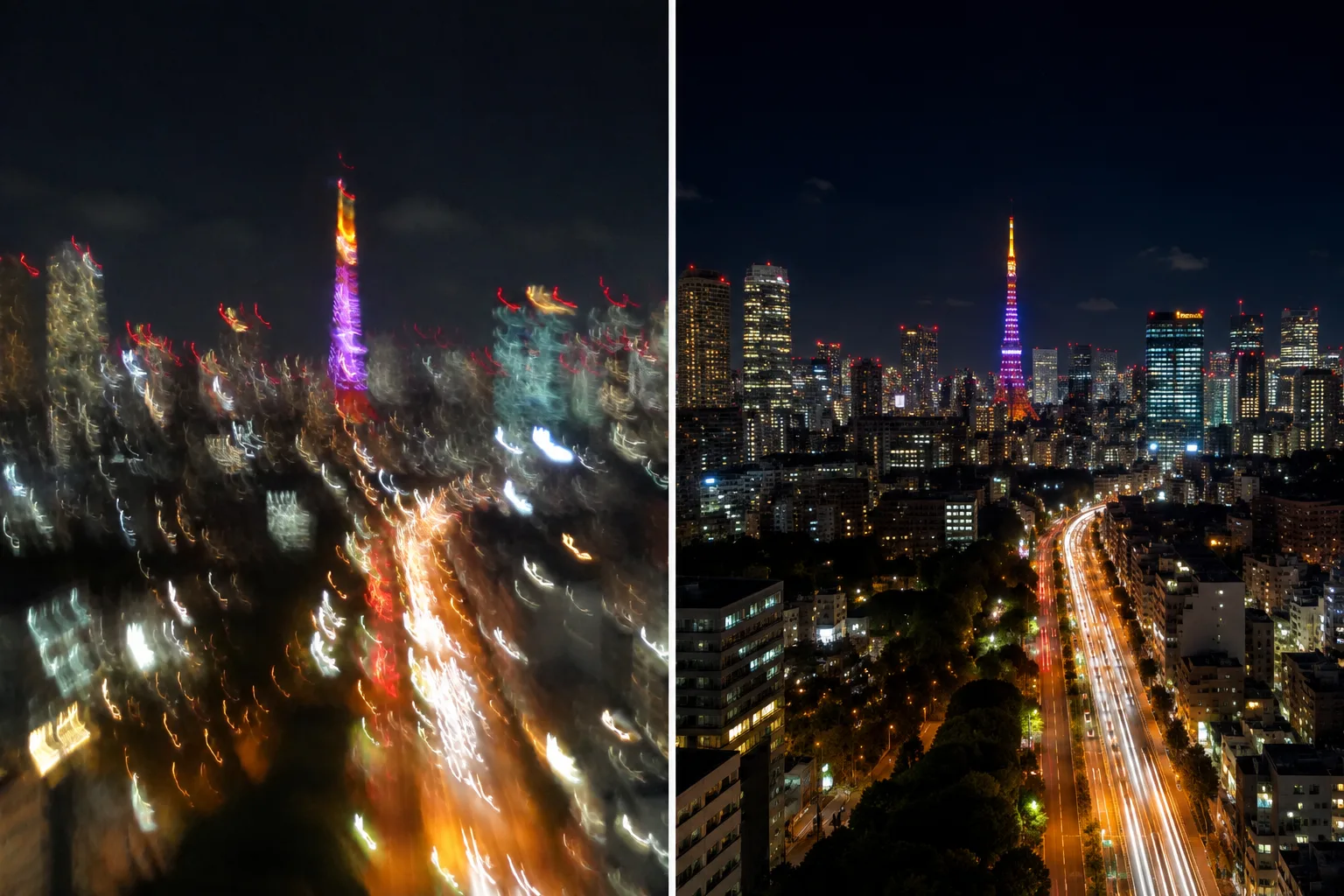
Night views, illuminations and fireworks easily become “they were beautiful but blurred in the photo.” The causes are shake, too little light, and a dirty lens. The phone’s features and a little care make night sparkle much easier to capture.
Fix the phone
At night, the camera keeps the shutter open longer to gather light. Move even slightly during that time and points of light smear into lines. Fixing the phone is the biggest fix. Resting it on a railing, a wall or a flat surface, or bracing both elbows against your body, adds stability.
Use Night mode correctly
In dark places, Night mode may appear automatically (if not, choose it manually from the moon icon → How to use Night mode). When the indicator appears, hold still for the few seconds until the shot finishes. Setting the shutter to a timer (e.g. 3 seconds) also prevents the shake of pressing (→ Fixing dark indoor photos).
Wipe the lens
At night, light from streetlamps and neon reflects off oil on the lens and smears hazily. Just wiping the lens with a soft cloth before shooting changes the crispness of the light.
Composition tips
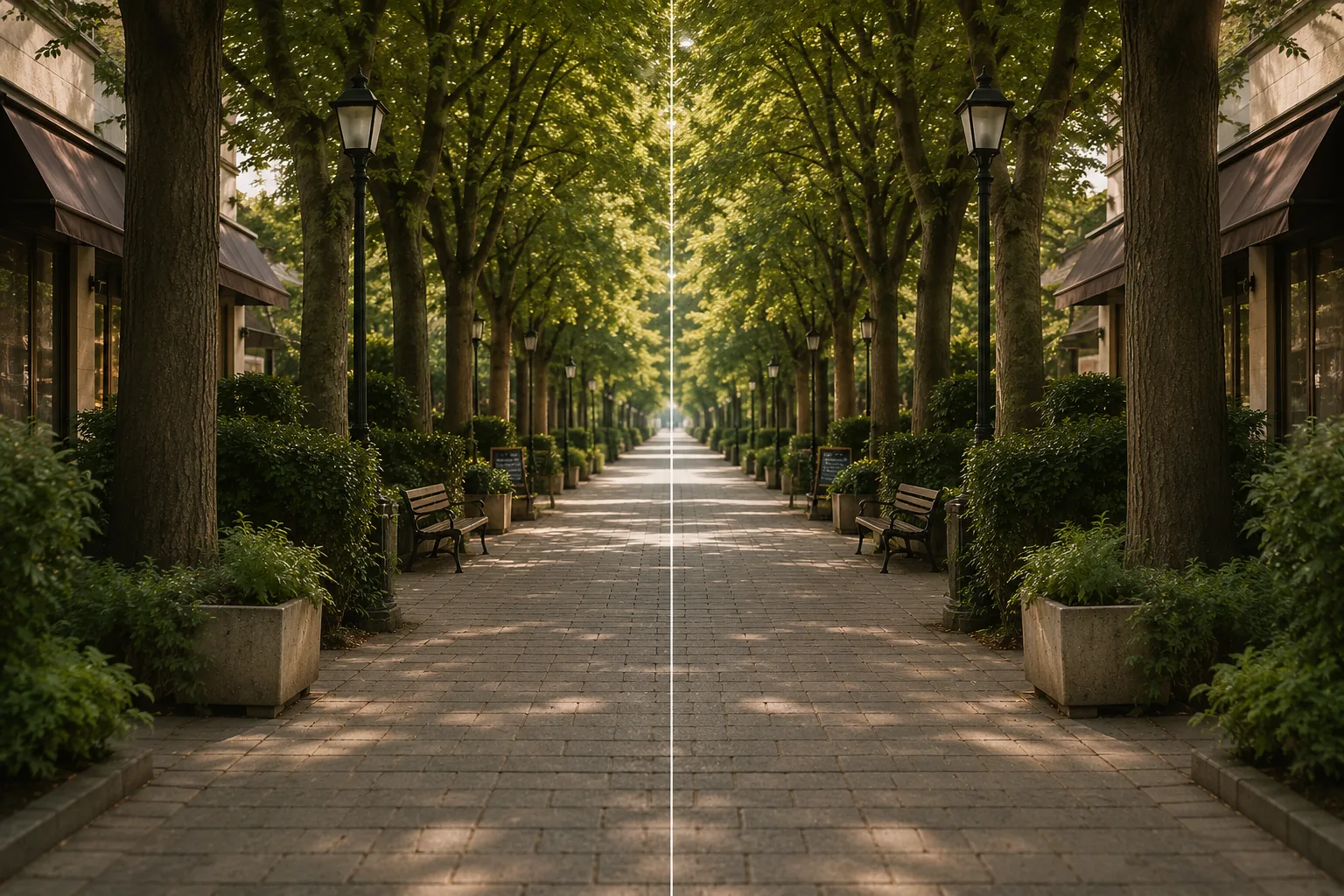
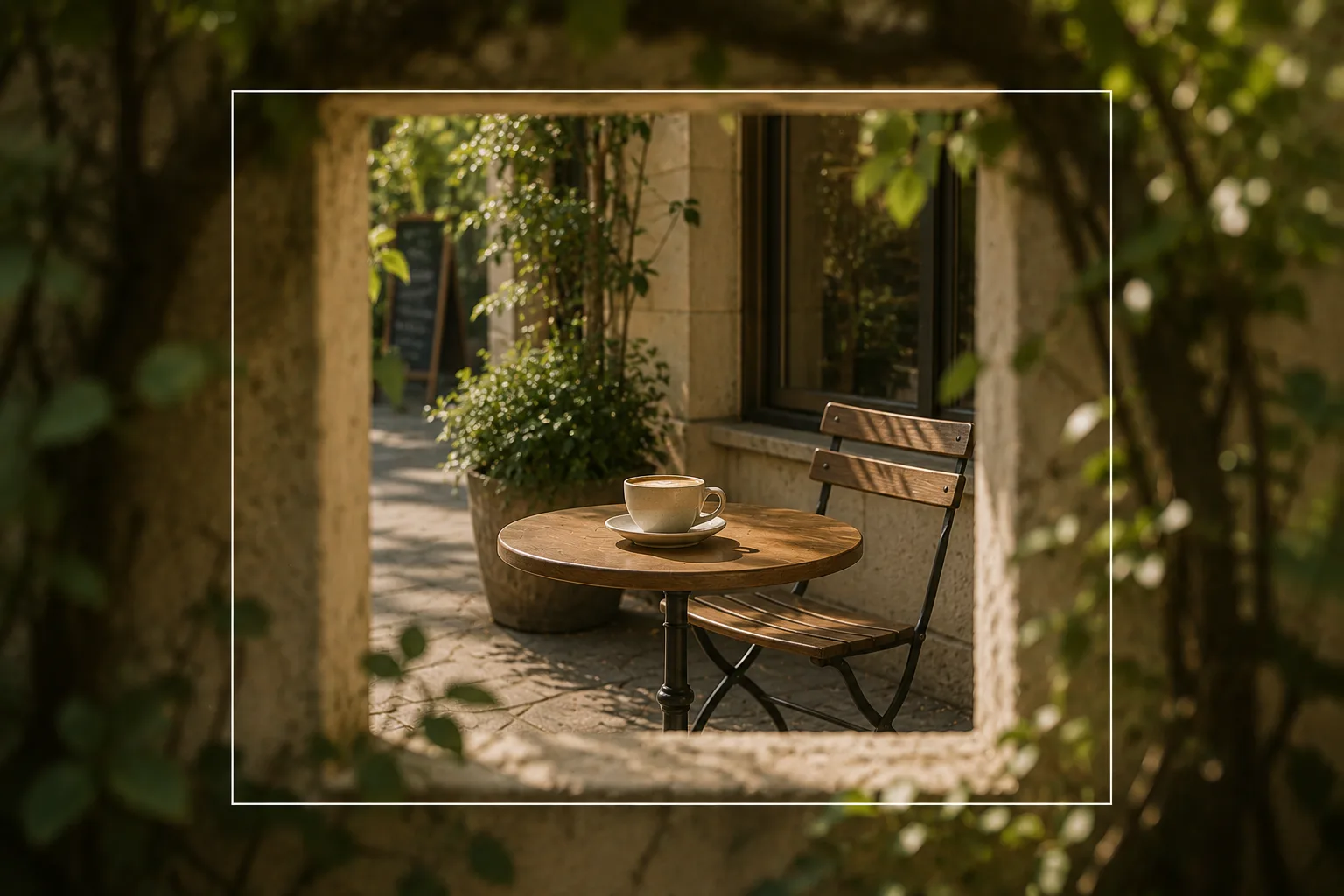
A line running into the distance — a road, a bridge, a row of streetlamps — leads the eye inward for depth (→ Leading lines). Taking the sky or dark areas generously as space lifts the lights of the illumination (→ Negative space). Placing the bright part on an intersection tightens the frame. With water or a rain-wet street, symmetry works well too — the night lights mirrored top and bottom (→ Symmetry). Cropping the lights through a window, a bridge arch or a gap between buildings lifts the subject like a picture frame (→ Framing).
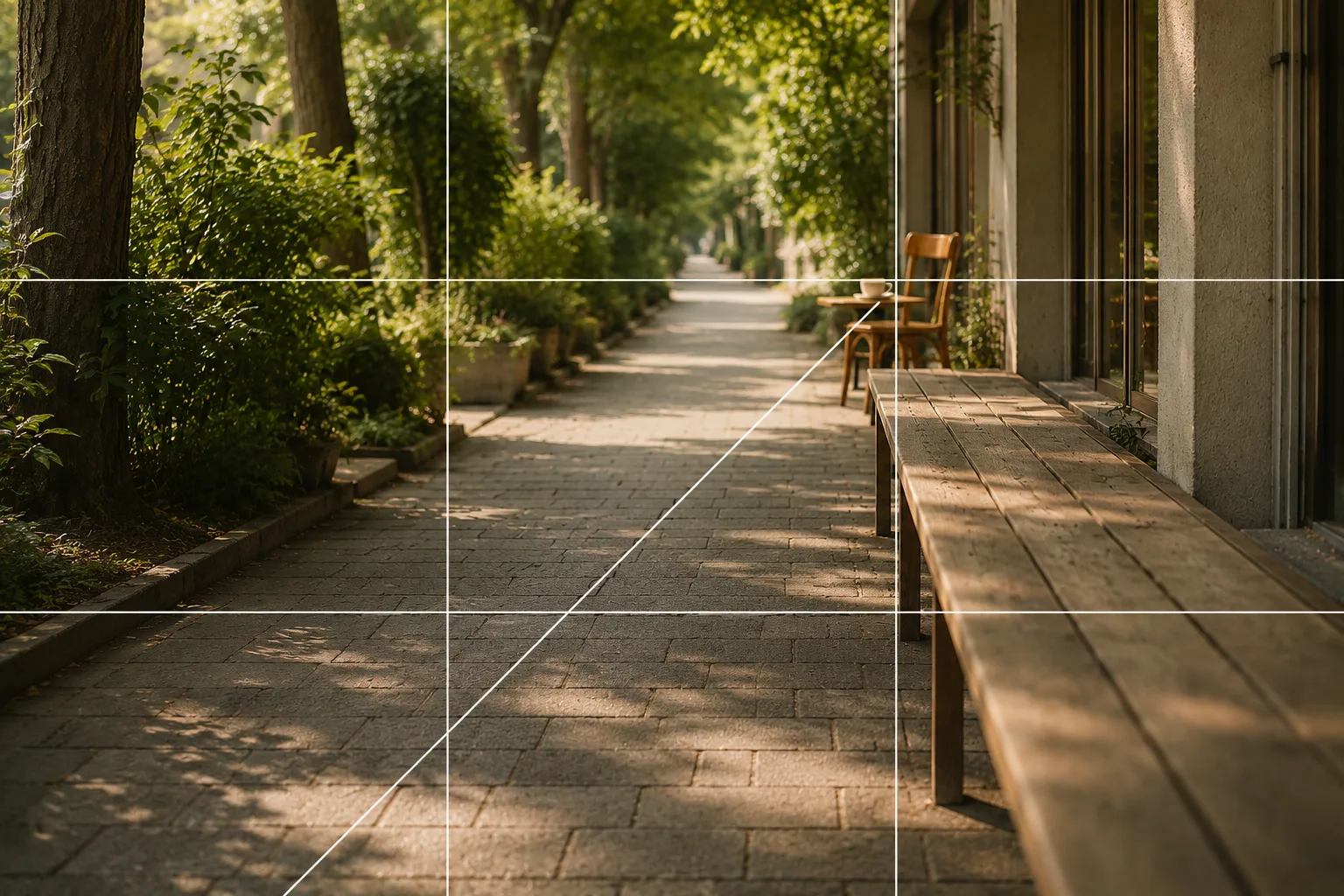 Composition guideLeading linesSee the full guide for this composition →
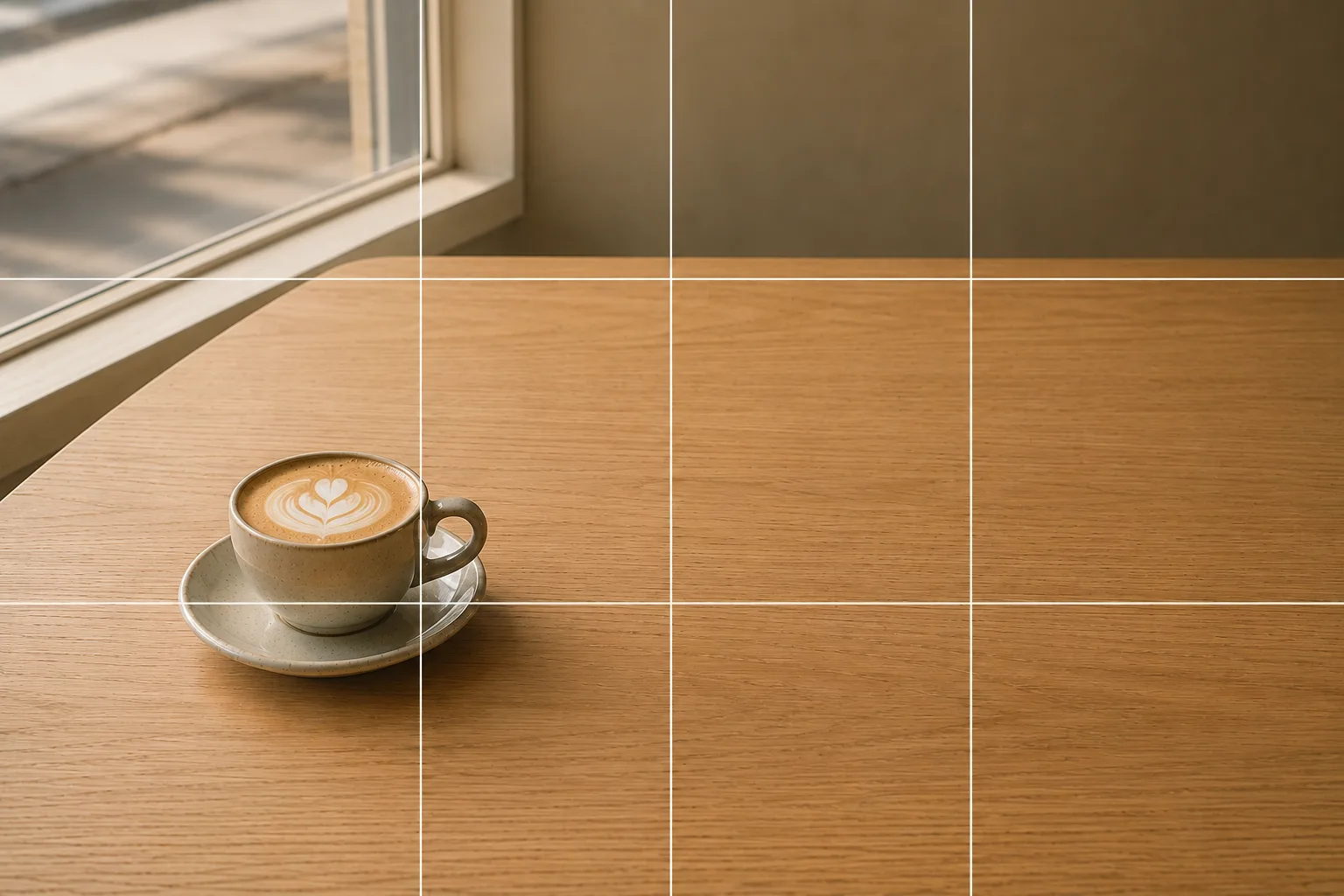 Composition guideNegative spaceSee the full guide for this composition →
Start with just this
Fix the phone on a railing or surface, wipe the lens, and hold still during Night mode. Prevent press-shake with the timer. That flow cuts down a lot of “blur” in night views and fireworks.
FAQ
Any tips to avoid blur in night views?
Fixing the phone is best. Rest it on a railing, a wall or a flat surface, and don't move it during Night mode until the shot finishes. Using the timer also prevents the shake of pressing.
How do I shoot fireworks?
Fix the phone and press the shutter just before they go up to catch the trails. Use Night mode or a fireworks mode if available, and go easy on zoom since it lowers quality.
Related reading
Compositions used
Related subject guides
Shooting Vivid Autumn Leaves — Why They Look Flat, and Adding Dimension
Shooting Cleanly in a Dark Room — Why It Blurs and Goes Dark, and the Fix

Shooting Landscapes With Depth — Why They Look Flat and How to Level
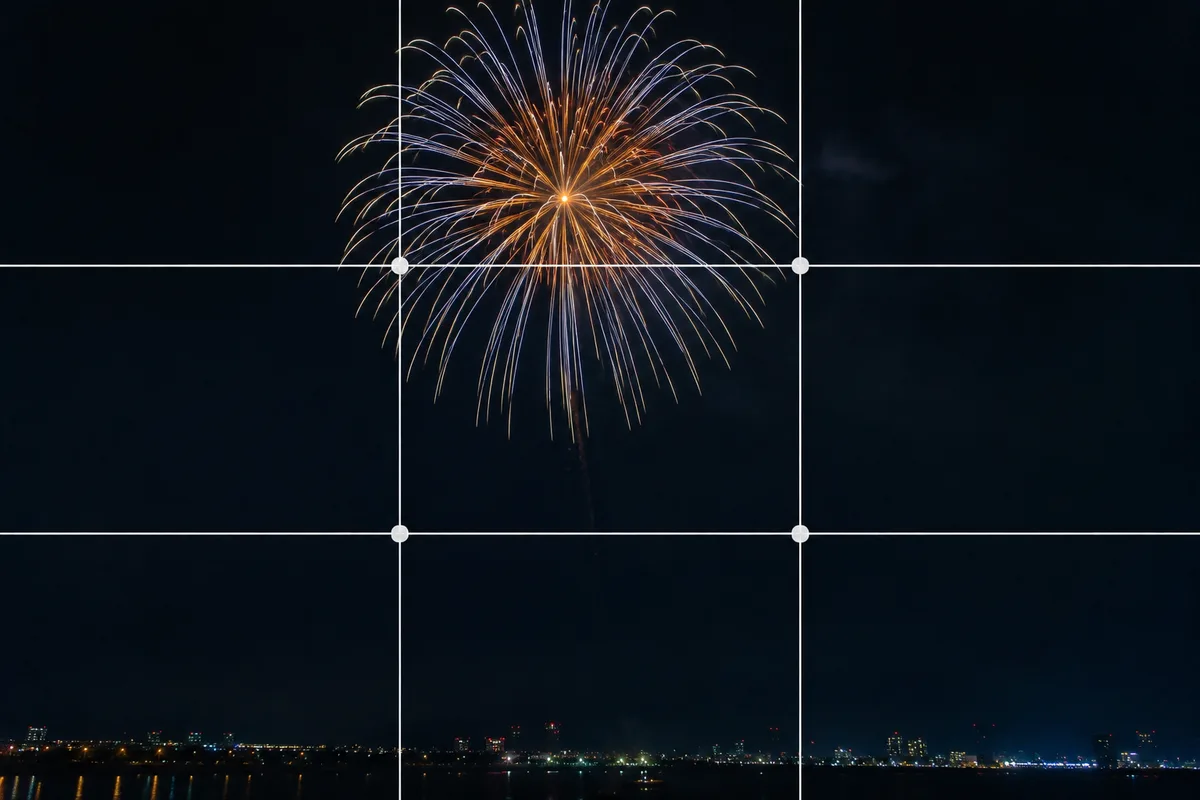
Shooting Fireworks Big and Crisp — Fixing Blur and Timing
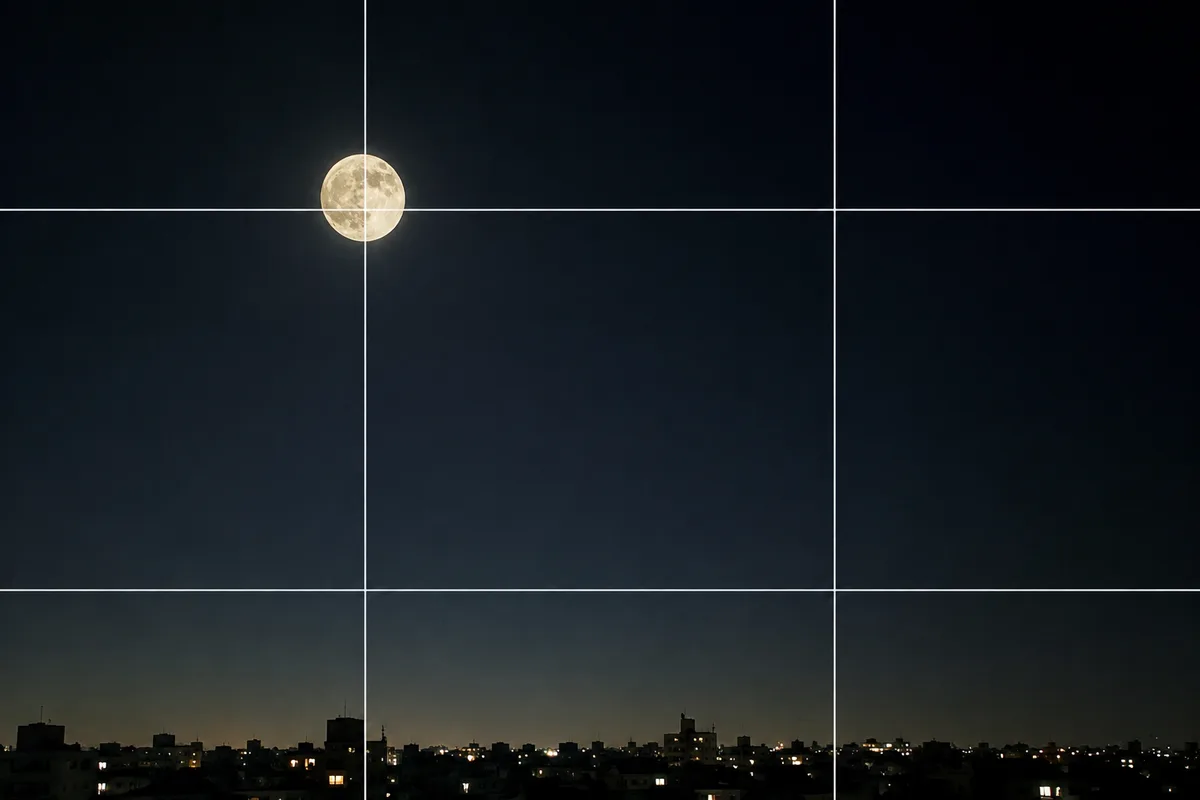
Shooting the Moon Clearly — Why It Becomes a White Dot, and What a Phone Can Do
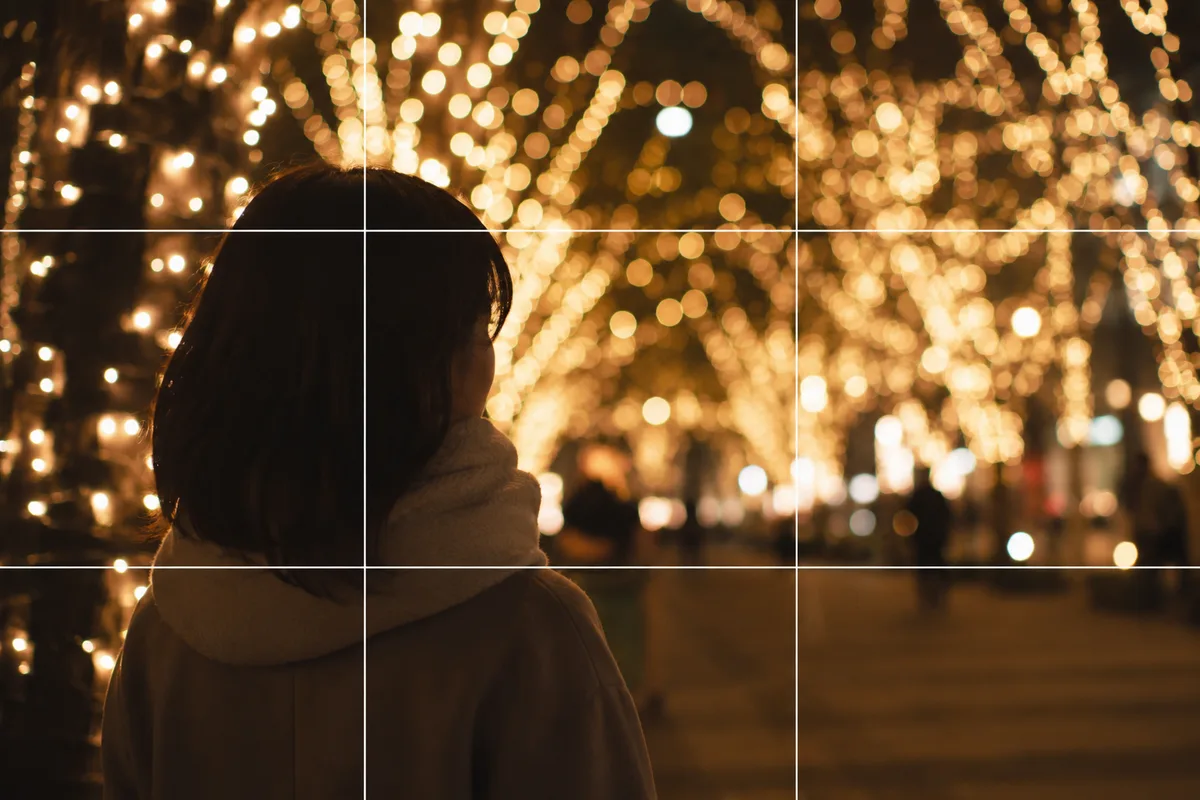
Shooting People with Holiday Lights — Fixing Dark Faces and Vanished Lights
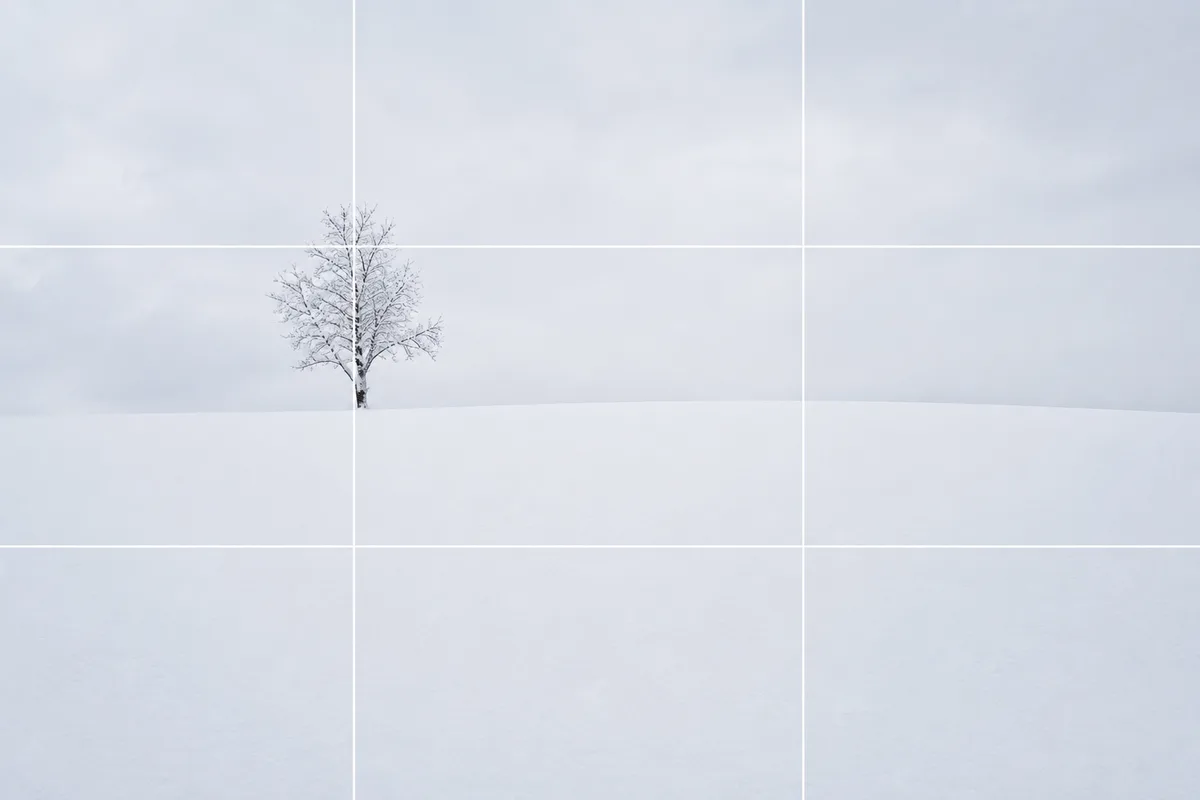
Shooting Snow Truly White — Why It Turns Gray, and the Fix
Shooting Sunsets — Why Sky-Only Shots Fall Flat and How to Catch the Magic Hour
Photographing Rainy Days — Why They Look Gloomy, and Droplets as the Subject
Summer Festivals — Why Night Shots Blur, and Shooting Lanterns and Stalls
Halloween — Why It Looks Cluttered, and Shooting Decorations and Costumes
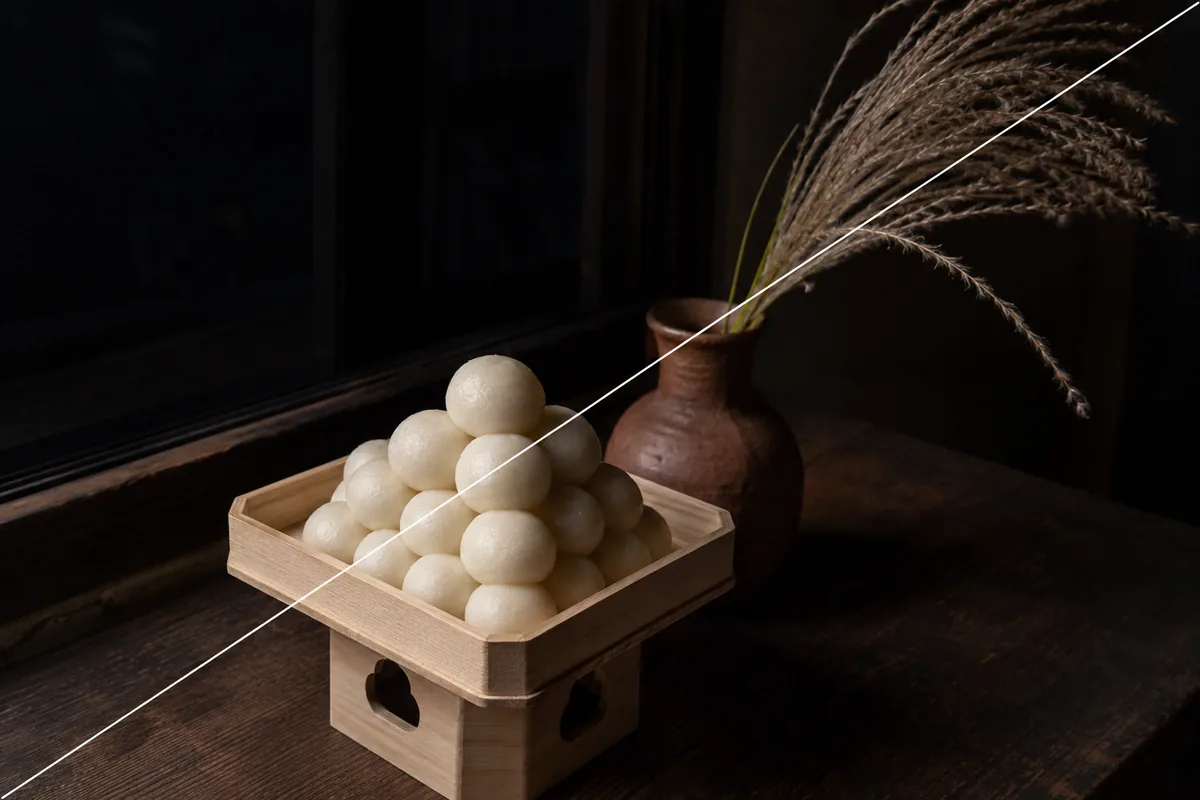
Photographing a Moon-Viewing Display — Why the Dumplings Blow Out