Shooting the Moon Clearly — Why It Becomes a White Dot, and What a Phone Can Do
Published Jul 5, 2026
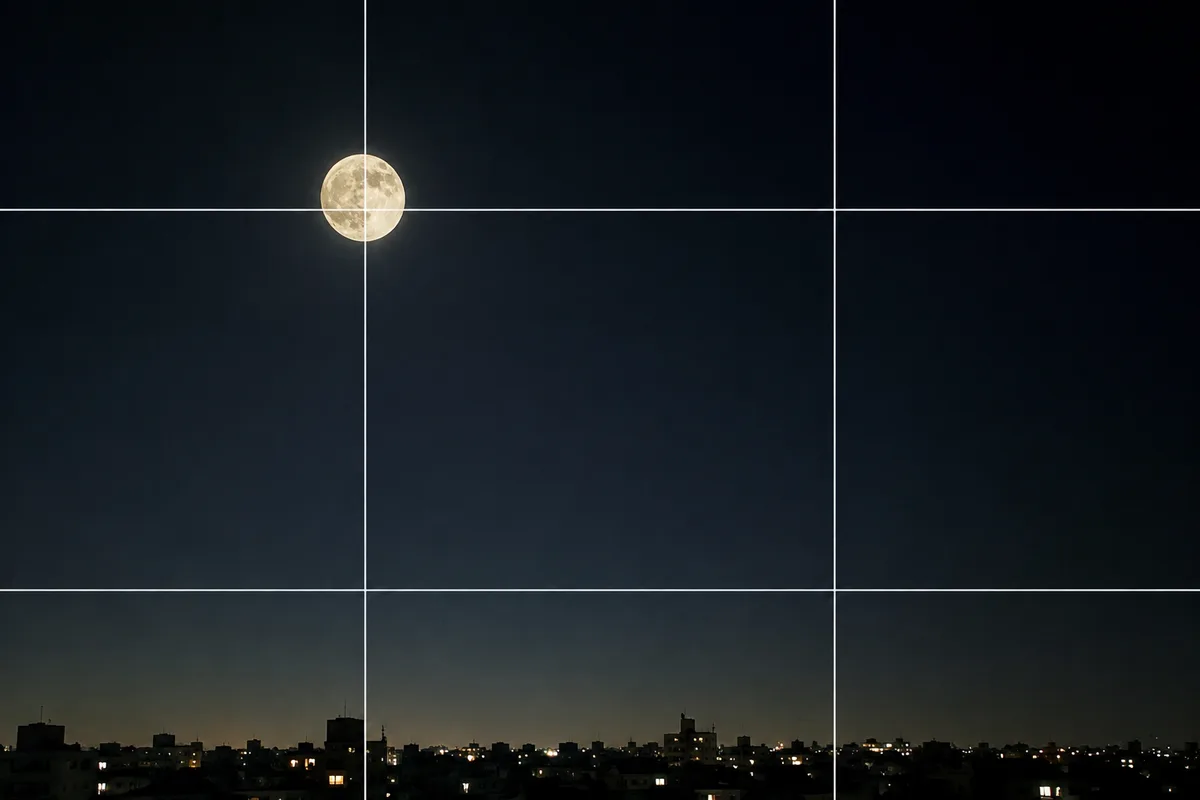
A beautiful moon in the night sky — but in your photo, it’s just a small white dot. The moon is the classic subject that “never looks like it did to your eyes.” The causes are three: auto brightness, the zoom limit, and shake. Here’s what a phone can do about each, and — honestly — where the limits are.
You can shoot the moon year-round, but this is worth a read before a full moon or a harvest-moon evening.
Why the moon becomes a white dot
Point at the night sky and most of the frame is pitch dark. The camera auto-adjusts so the whole frame looks reasonably bright — which means it brightens hard for the dark sky. The moon, lit directly by the sun, is already very bright, so it blows out to pure white. Nothing is wrong with your camera, or with you.
Tap the moon and lower the brightness
The fix is simple. Tap the moon so focus and exposure lock onto it, then swipe the sun icon (brightness slider) down toward dark. Lower it until the sky goes nearly black, and the moon’s surface pattern comes through (→ Adjusting brightness). If recomposing resets the setting, press and hold for AE/AF Lock first, then arrange the frame (→ Locking focus (AE/AF Lock)).
Stop zooming before it gets grainy
Max out the zoom to make the moon big, and it turns mushy instead. Past the lens’s true (optical) telephoto range, phones switch to digital zoom — enlarging the image — and the further you push, the grainier it gets (→ Optical vs digital zoom / How phone cameras work, and their limits). The rule of thumb: stop just before the image starts degrading. Your phone’s optical range (2–5x on many models) is safe. Some phones offer high-magnification or moon-specific modes, but results vary a lot by model.
Fix the phone to kill the shake
While zoomed in, the smallest hand tremor is magnified. Rest the phone on a railing or a flat surface and use the self-timer (e.g. 3 seconds) to avoid the shutter-press vibration — the moon’s edge sharpens noticeably (→ How to use the self-timer). It’s the same routine as night views (→ Night views and illuminations).
When you can’t shoot it big, shoot “a landscape with the moon”
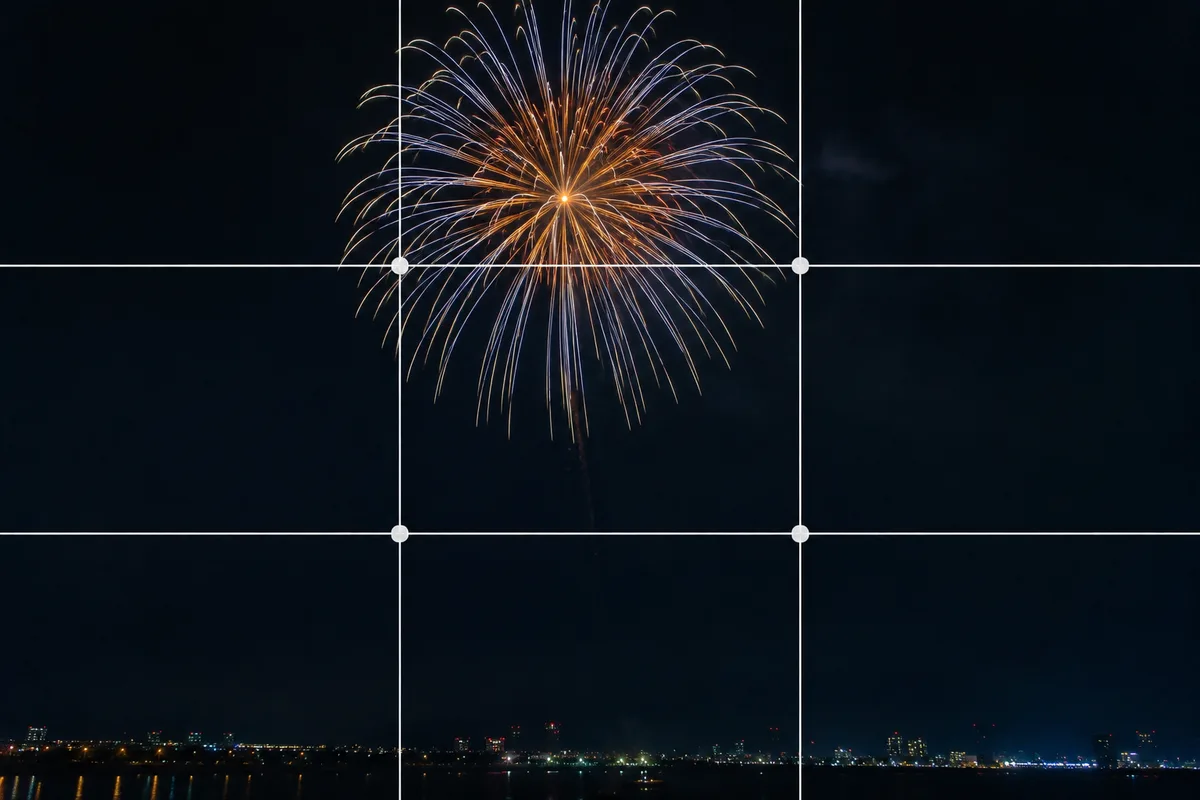
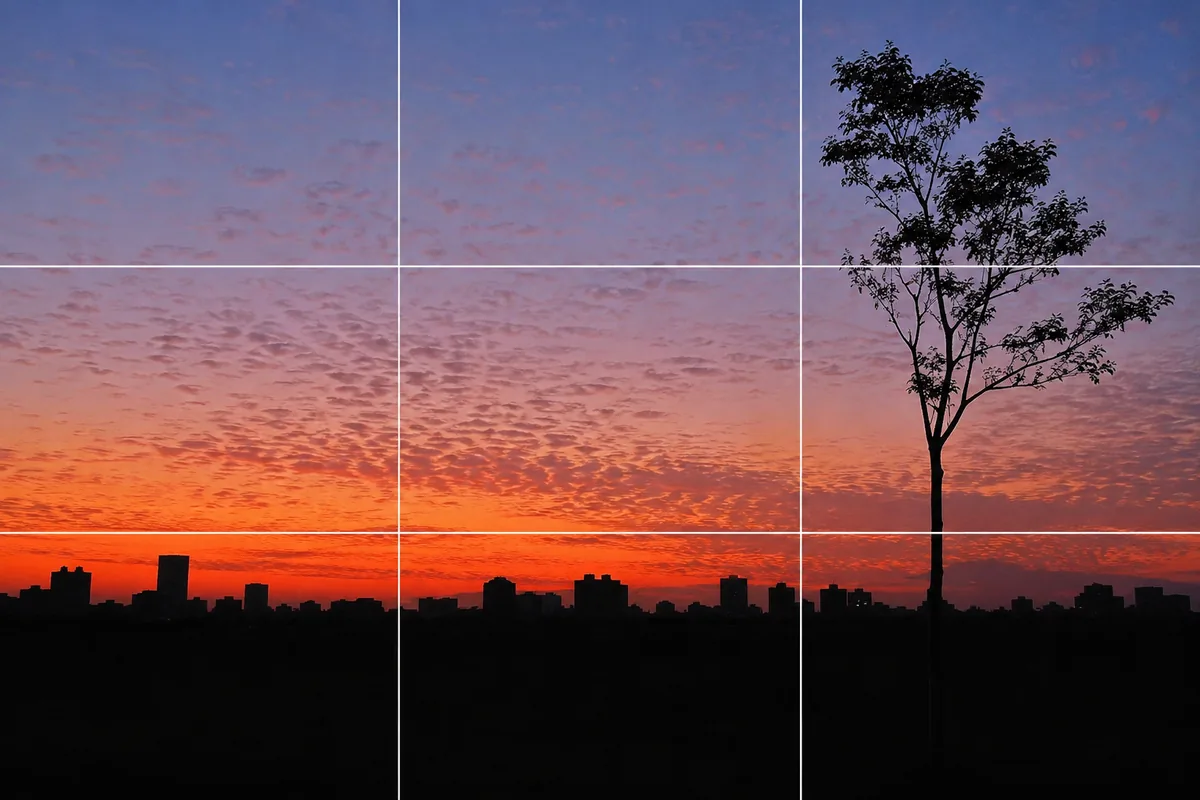
To be honest: filling the frame with craters isn’t something a standard phone camera does. So switch the idea — shoot a landscape starring the moon. Place the moon on a rule-of-thirds intersection with the night sky as wide negative space, or surround it with tree branches or a building silhouette (→ Framing). Even a small moon makes a picture worth keeping. One more honest note: getting both the moon and a dark cityscape clean in a single shot is a weak spot — pick your main subject and set the brightness for it.
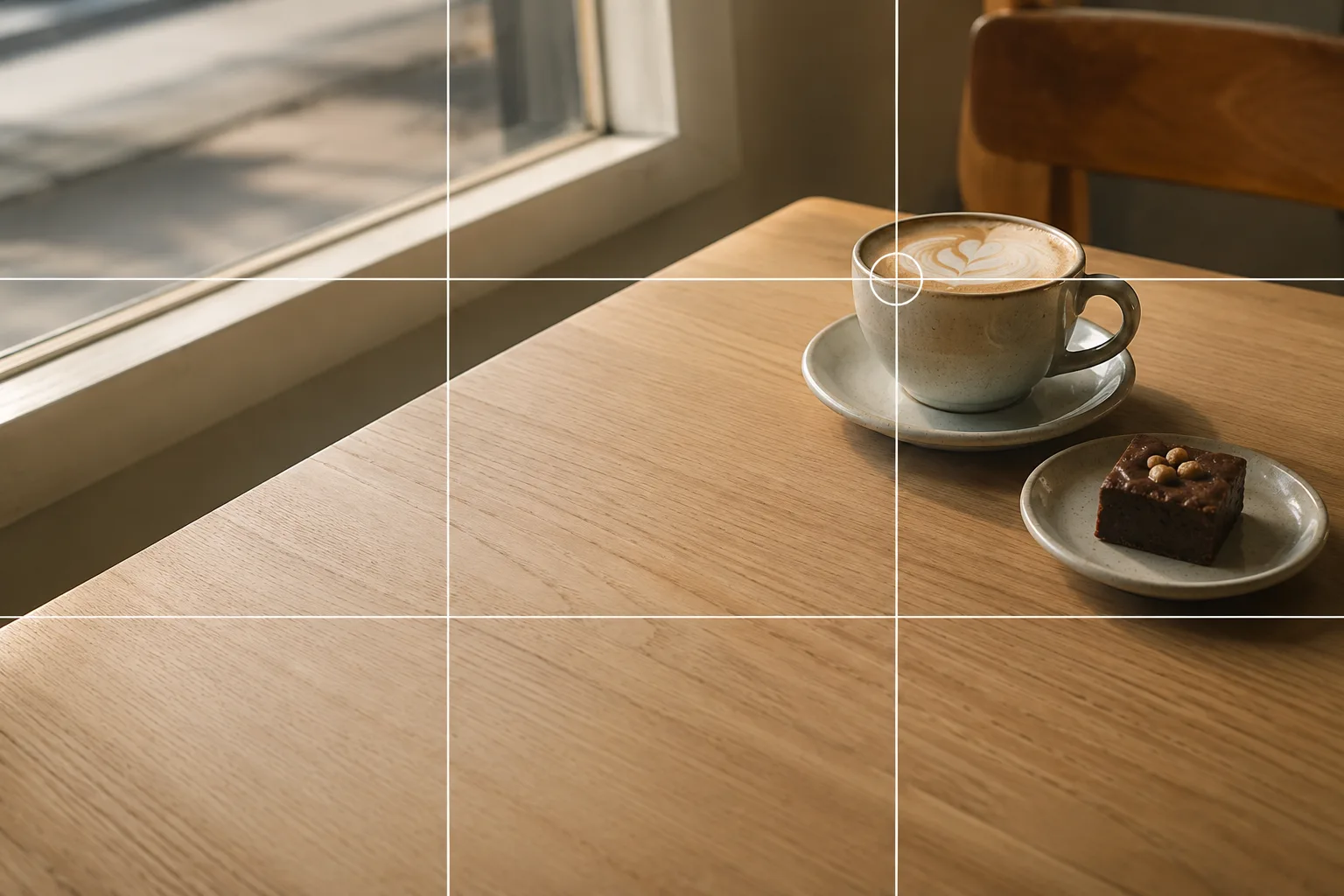 Composition guideRule of thirdsSee the full guide for this composition →
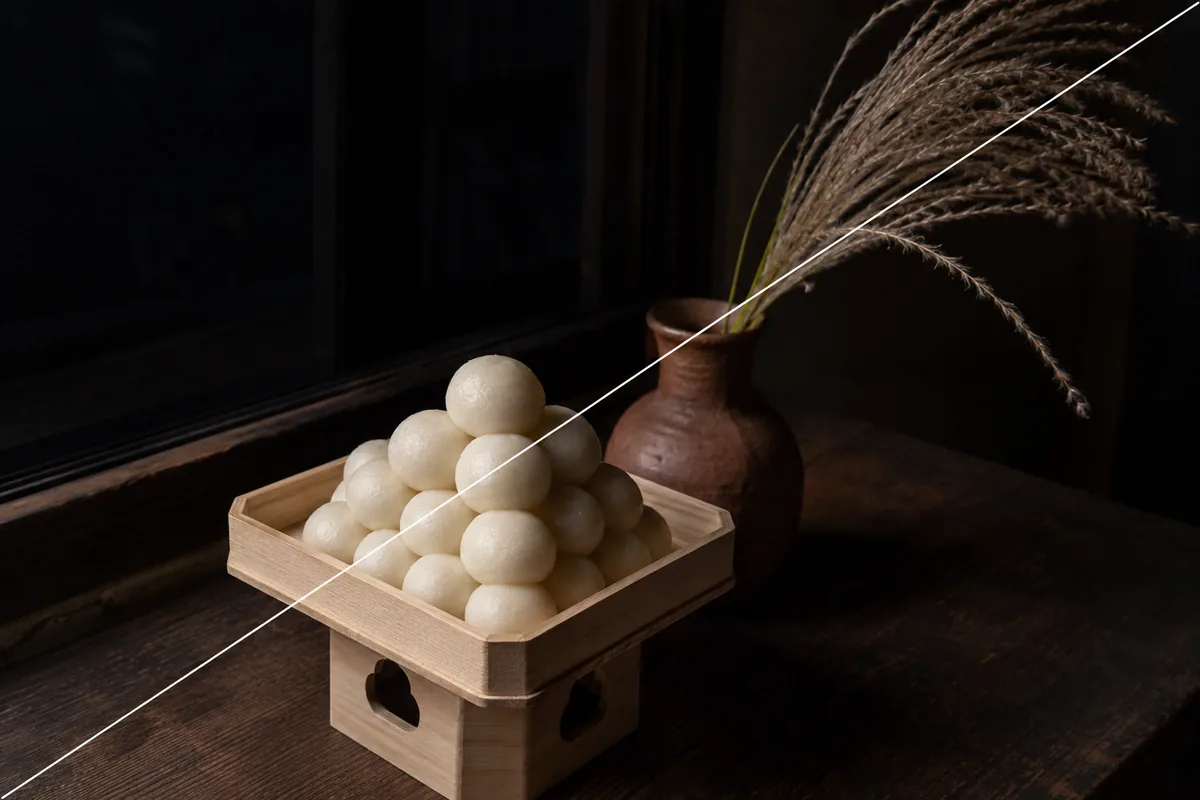
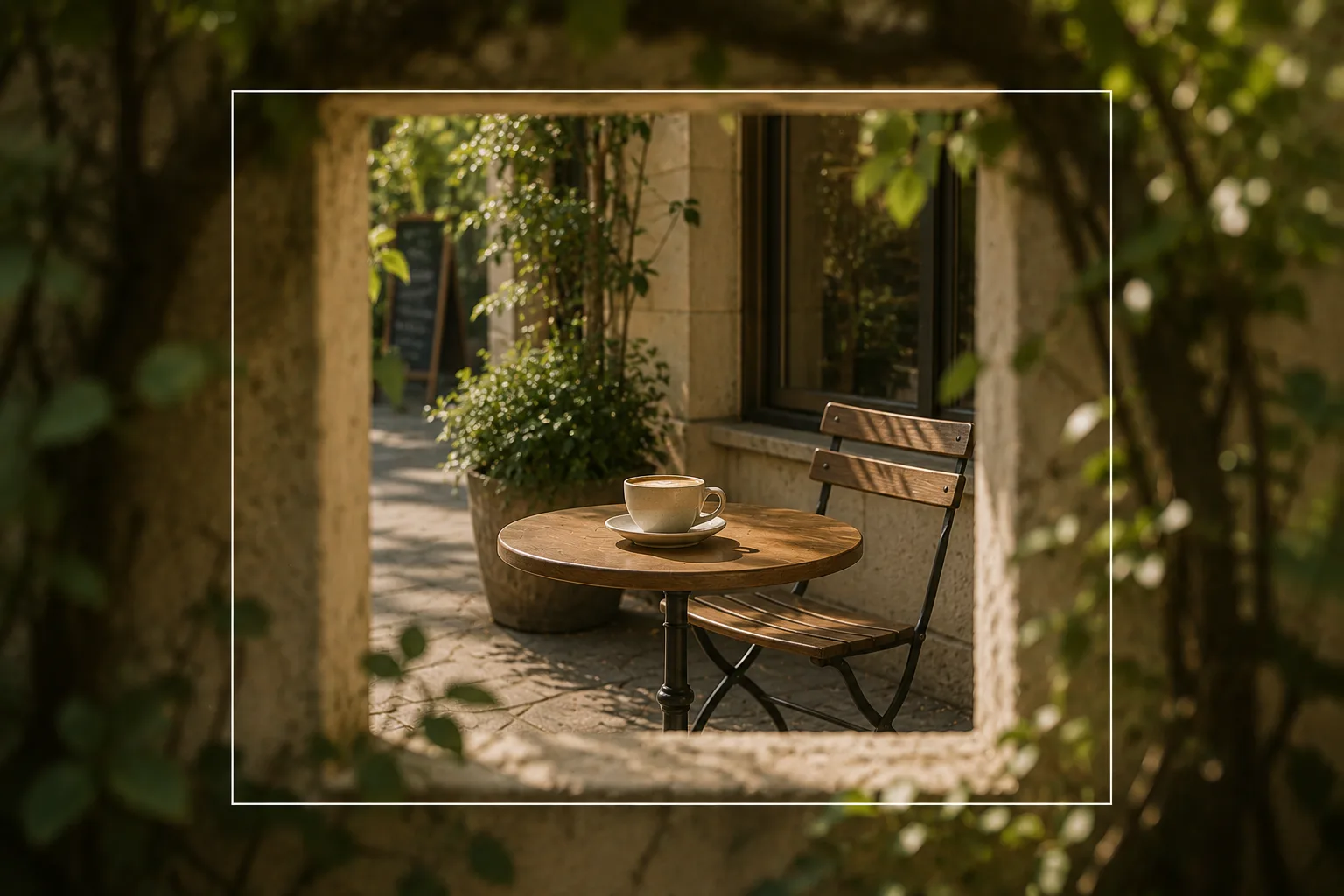 Composition guideFramingSee the full guide for this composition →

Start with just this
Tap the moon, swipe the sun icon down. Stop the zoom before it goes grainy, rest the phone on a railing and use the timer. On nights it won’t come out big, switch to a “landscape with the moon” using thirds and negative space. That alone mostly graduates you from the white dot.
FAQ
Why does the moon always come out as a white dot?
The night sky fills most of the frame with darkness, so the camera automatically brightens the whole scene — and the already-bright moon blows out to white. Tap the moon, then swipe the sun icon down to lower the brightness, and the surface detail appears.
Can I capture the moon's craters?
With the standard camera alone, honestly, it's difficult. Phone telephoto lenses have limited magnification, and digital zoom gets grainier the further you push it. Phones with high-magnification zoom, or pairing with binoculars or a telescope, get you closer.
Should I use Night mode for the moon?
For the moon alone it tends to backfire. Night mode brightens dark scenes, so the bright moon blows out even more. Shoot the moon itself with lowered brightness, and consider Night mode only when a dark landscape shares the frame.
Related reading
Compositions used
Related subject guides
Shooting Night Views and Illuminations Crisp — Why They Blur, and Night Mode
Shooting Fireworks Big and Crisp — Fixing Blur and Timing
Shooting Landscapes With Depth — Why They Look Flat and How to Level
Shooting the New Year's First Sunrise — Fixing the Blown-Out Sun and Tiny Sun
Shooting Sunsets — Why Sky-Only Shots Fall Flat and How to Catch the Magic Hour
Photographing a Moon-Viewing Display — Why the Dumplings Blow Out