How Far Can You Zoom on a Phone? Where Optical Ends and Digital Begins
Published Aug 27, 2026
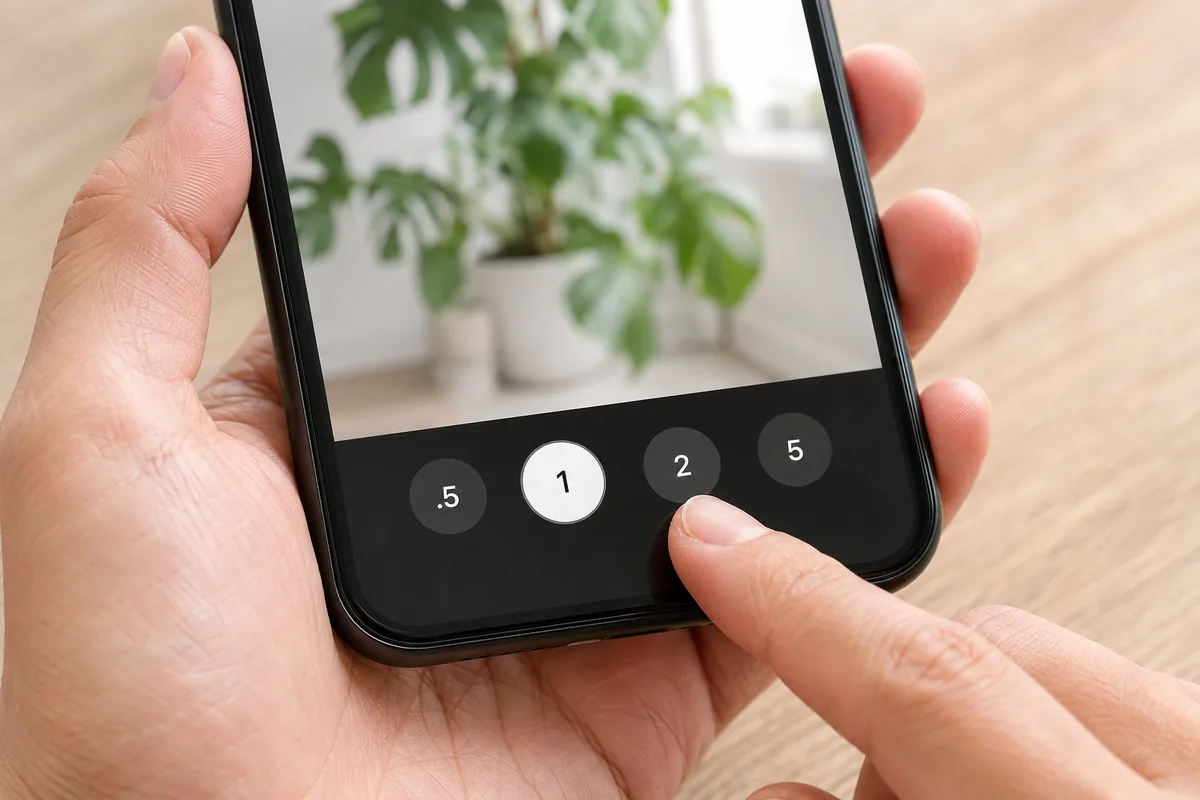
Once composition starts to click, the next question is usually “how far can I zoom before it goes bad?” New phone announcements throw around “100x zoom” and “super-resolution zoom,” but what a beginner actually needs to know is refreshingly simple.
The zoom buttons mark how far you can close in cleanly
Along the bottom of the camera screen you’ll see buttons like .5, 1, 2, 5. Those numbers mark how far you can move in while holding the quality.
.5: ultra-wide — fits a lot in1: main — the most natural rendering2,3,5: the telephoto end — pulls distant things closer
How a phone gets there varies. Some buttons switch to a telephoto lens — that’s optical zoom — while others crop into the center of a high-resolution sensor. Either way the quality holds up, so anything up to the numbers on the buttons is safe to use.
The line is the largest button number
Past that, things change. Pinch outward and the number keeps climbing — 10x, 30x. From here the phone is simply enlarging the image, which is digital zoom. The more it enlarges, the softer and grainier the fine detail gets.
So the largest number on your zoom buttons is a useful marker for quality. If your phone stops at 2, that’s around 2x; if there’s a 5, around 5x. The “100x” in the headlines is almost entirely digital.
One caveat: on phones that advertise very high magnification, even the largest button may already involve some digital processing. You don’t need to track the details — the bigger the number, the more enlargement is involved is all you need to remember.
You don’t need a telephoto lens
Plenty of phones pair a main and an ultra-wide camera with no telephoto at all. You can still get close-up shots.
- Take a step closer. The cleanest and most reliable option.
- Crop afterward. Cropping to roughly half the original frame’s long edge is barely noticeable on a phone or on social media (→ Fixing composition by cropping).
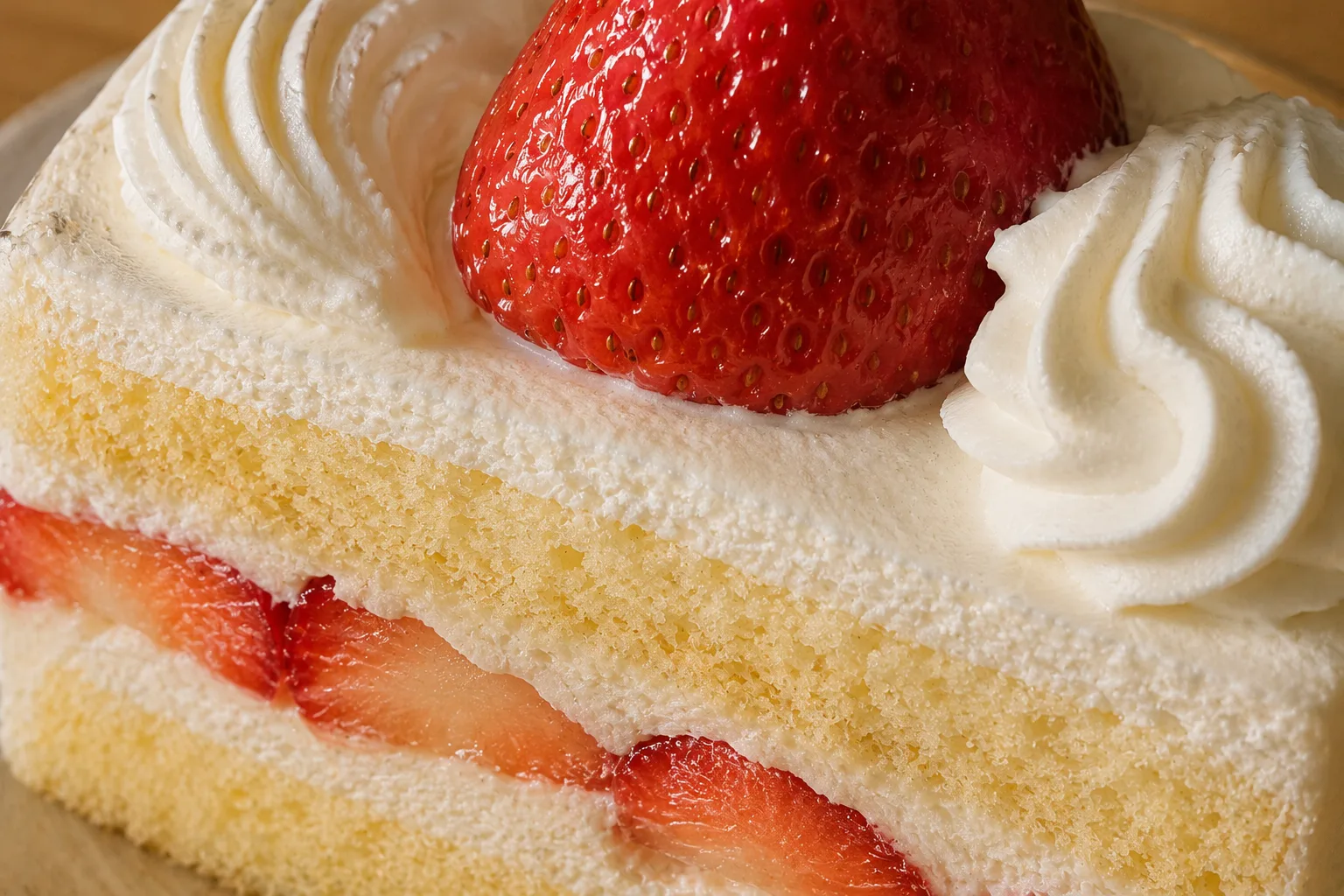
Moving in doesn’t just preserve quality — it clears distractions out of the frame so the subject reads. Get right in and texture becomes the subject (→ Filling the frame).
When zooming is the better call
“Closer is better” has exceptions.
- Subjects you can’t approach: through aquarium glass, past a zoo fence, up on a stage (→ Aquariums and zoos / Live concerts)
- Sports days and recitals: following a child from a distance (→ Sports day photos)
- Faces of people and pets: too close and whatever is nearest the lens — usually the nose and forehead — gets enlarged. Back off and shoot around
2for a more natural look, with the background softening a little as a bonus (→ Using portrait mode / How to photograph pets) - The moon: worth the reach if your phone has a telephoto (→ How to photograph the moon)
Zoom magnifies camera shake as well. Tuck your elbows in, rest the phone on a railing or wall, or use the timer to steady things (→ Using the self-timer).
.5 — the move in the other direction
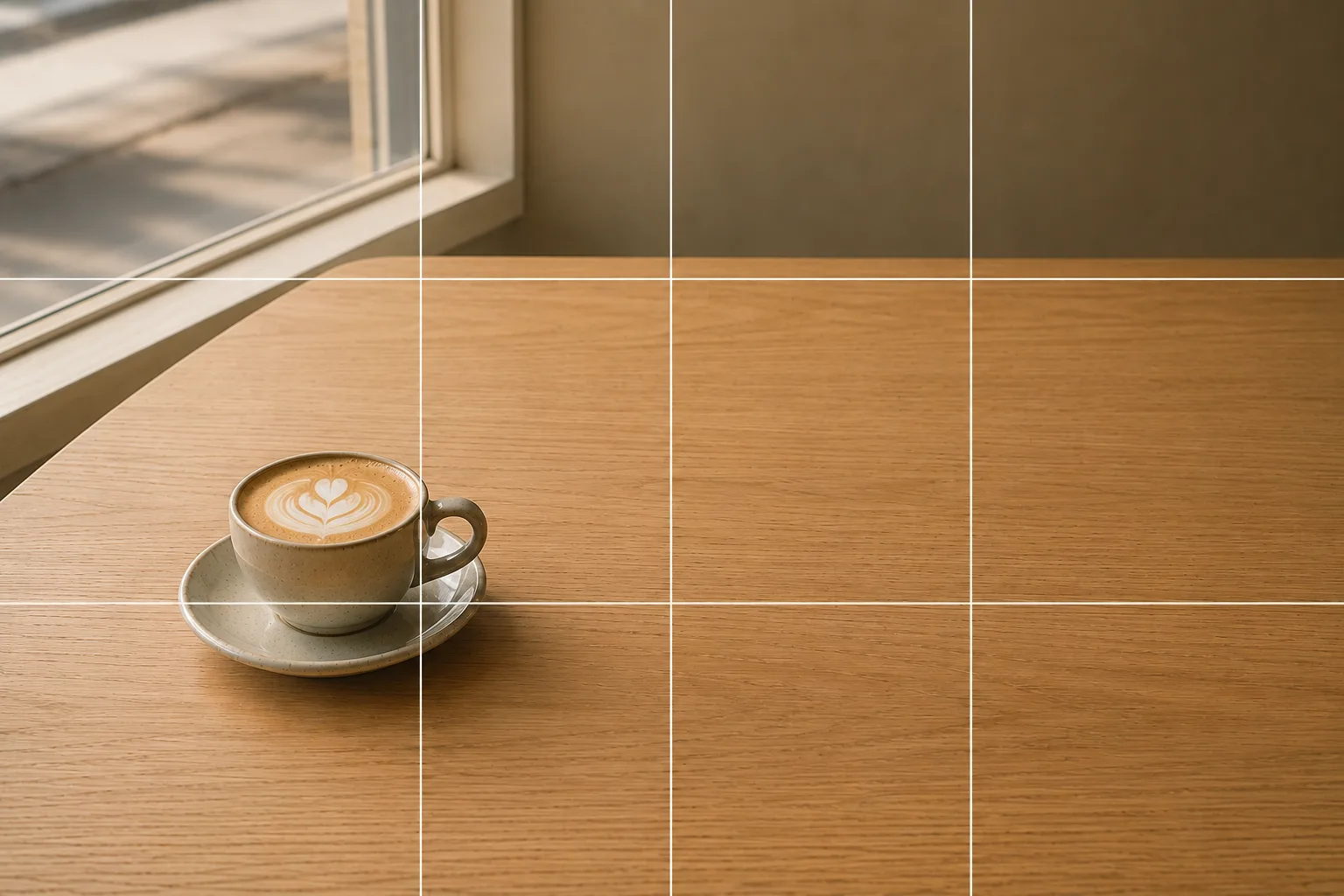
The opposite of not being able to get close: when you want to pull back and show more, .5 earns its place. Give a landscape a sense of scale (→ How to photograph landscapes), or leave generous space around your subject for a quieter frame (→ Negative space). Shapes stretch toward the edges, though, so keep faces and products away from the corners. And when you want to get right up close to something small, on many phones the ultra-wide lens doubles as the macro (→ Small items and accessories).
Just this to start
Use the button numbers freely. Go past them if you like, but don’t expect much. When you can move, move. Those three keep you from being swept along by zoom claims in phone announcements. If the wider picture of camera specs starts to interest you, this is the next stop (→ Understanding camera specs).
FAQ
How much optical zoom does my phone have?
The numbers on the zoom buttons in the camera screen (.5, 1, 2, 5 and so on) mark how far you can move in while holding the quality. Pinch past them and the phone is enlarging the image — digital zoom.
Can I still shoot distant things on a phone with no telephoto lens?
Yes. Stepping closer and cropping afterward cover almost every situation. Cropping to about half the original frame's long edge still looks fine on a phone or on social media.
Why is stepping closer better than zooming?
Besides keeping the quality, moving in clears clutter out of the background so the subject stands out. One exception — with people and pets, getting too close enlarges whatever is nearest the lens, usually the nose and forehead, so backing off and zooming a little looks more natural.
Related reading
Compositions used
Related subject guides
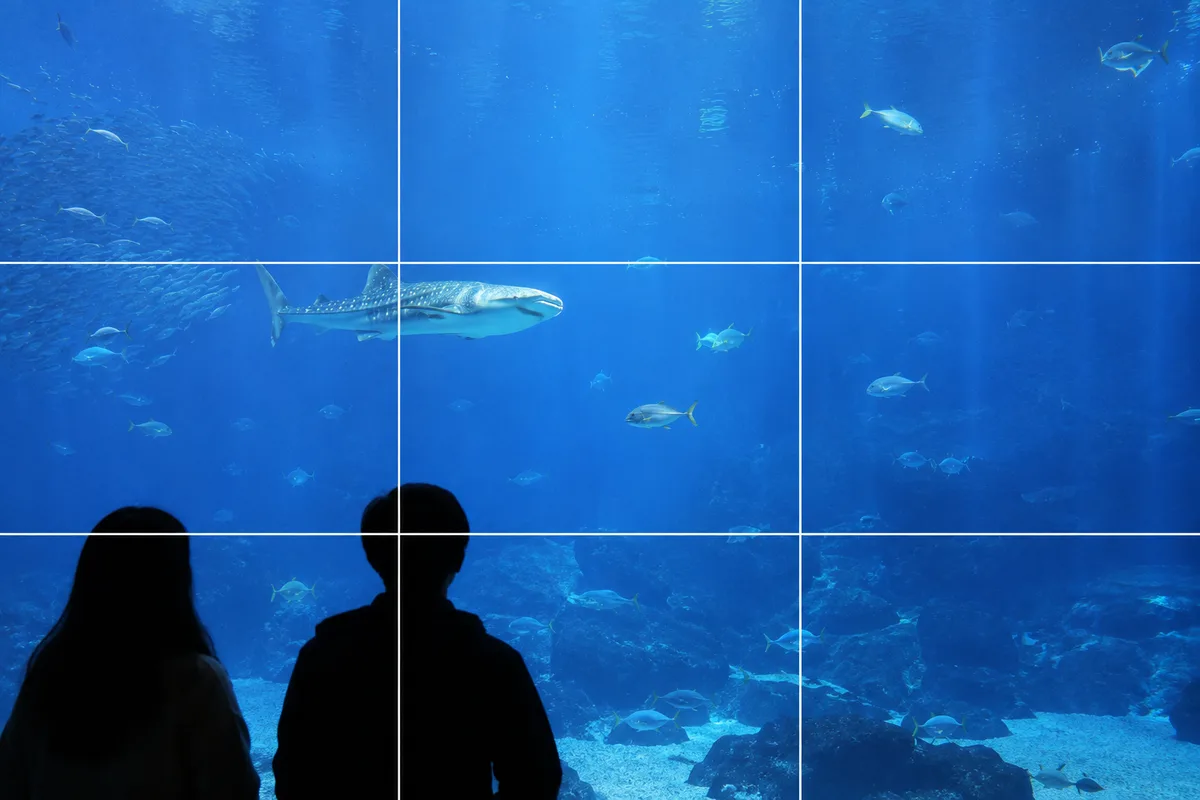
Shooting at Aquariums and Zoos — Fixing Glass Reflections and the Dark Indoors
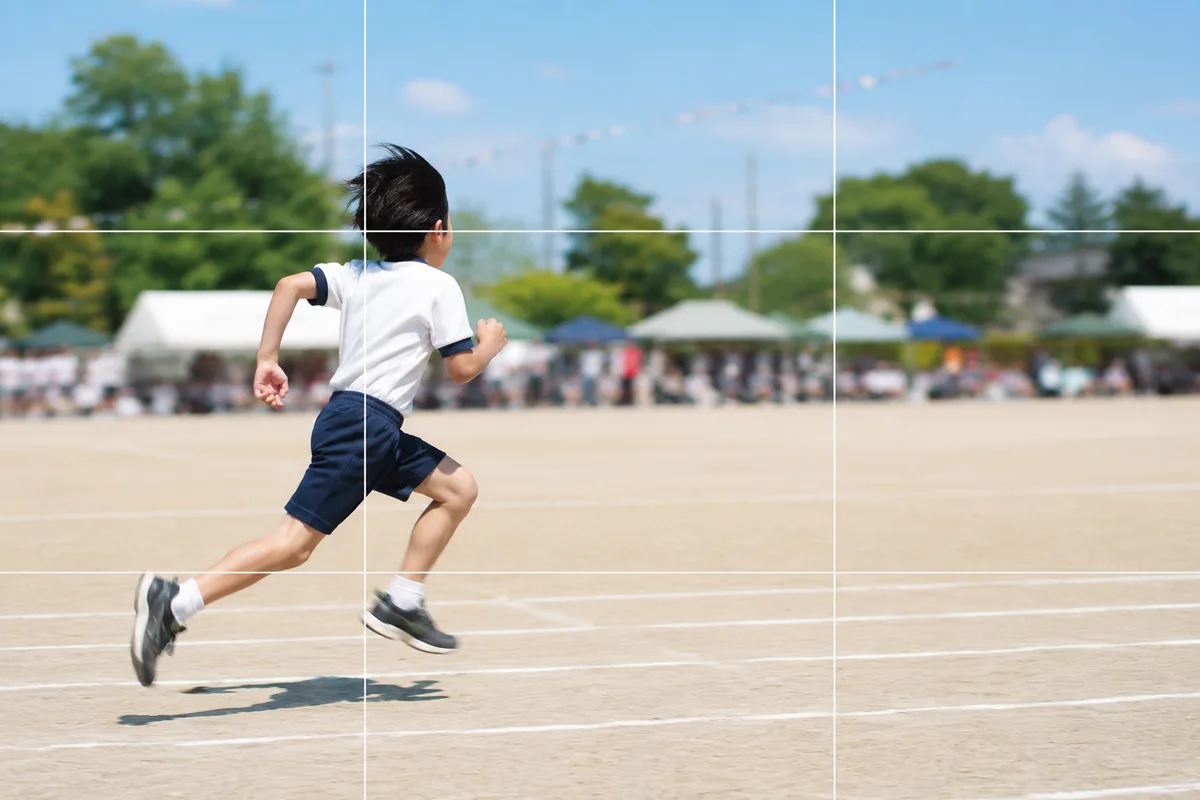
Shooting Kids Sharp at Sports Day — Fixing Blur, Distance and Backlight
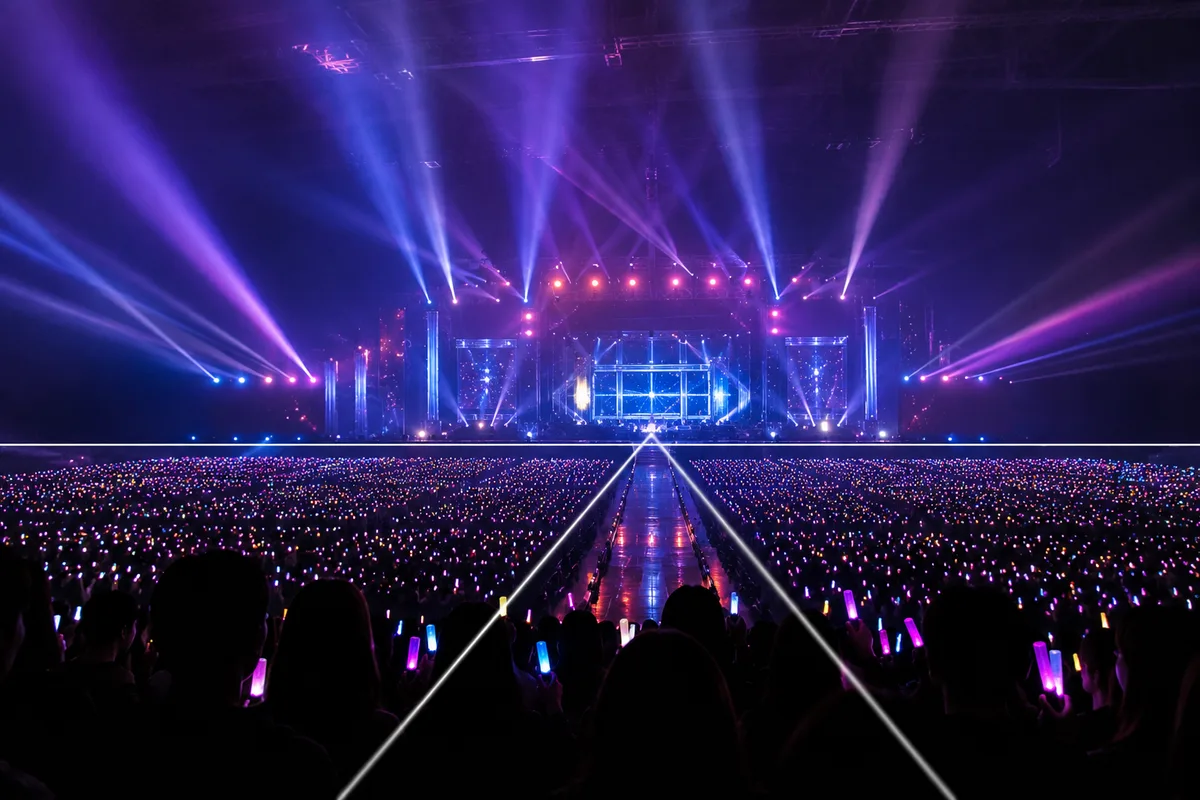
Shooting at Photo-OK Concerts — Fixing Black Frames, Blur, and the Tiny Stage
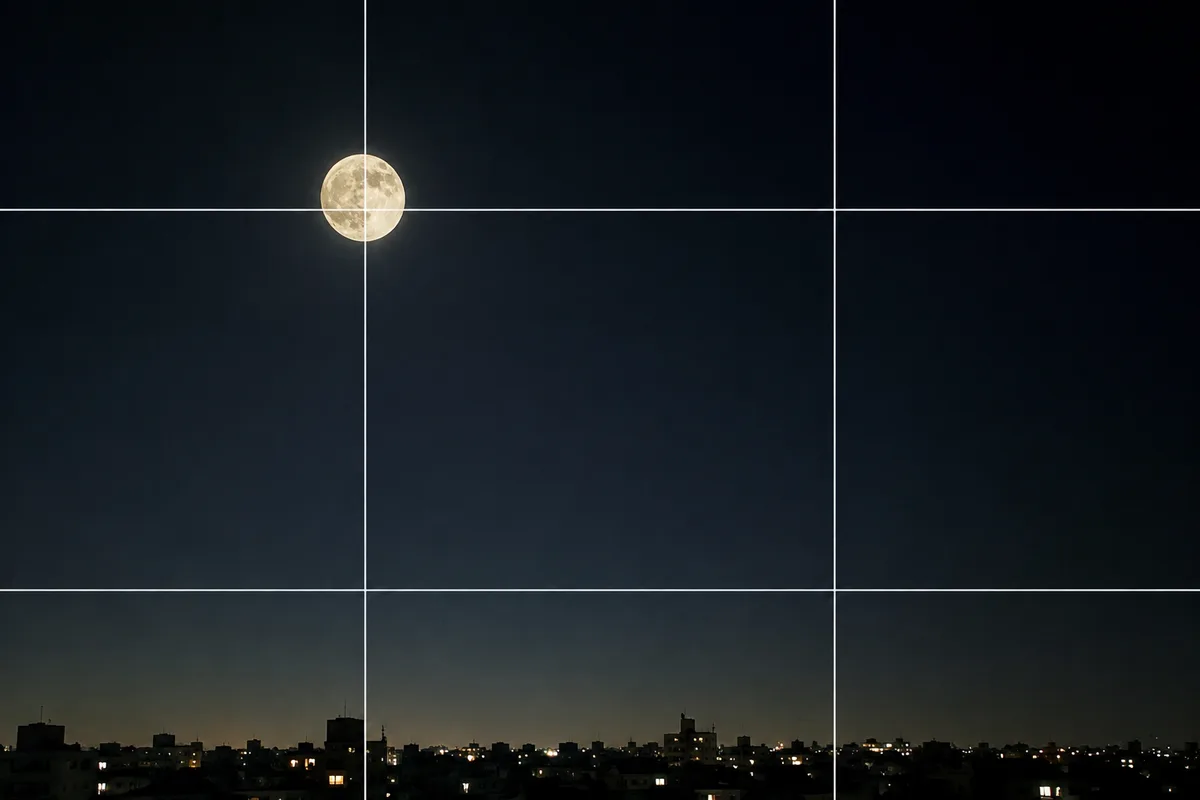
Shooting the Moon Clearly — Why It Becomes a White Dot, and What a Phone Can Do
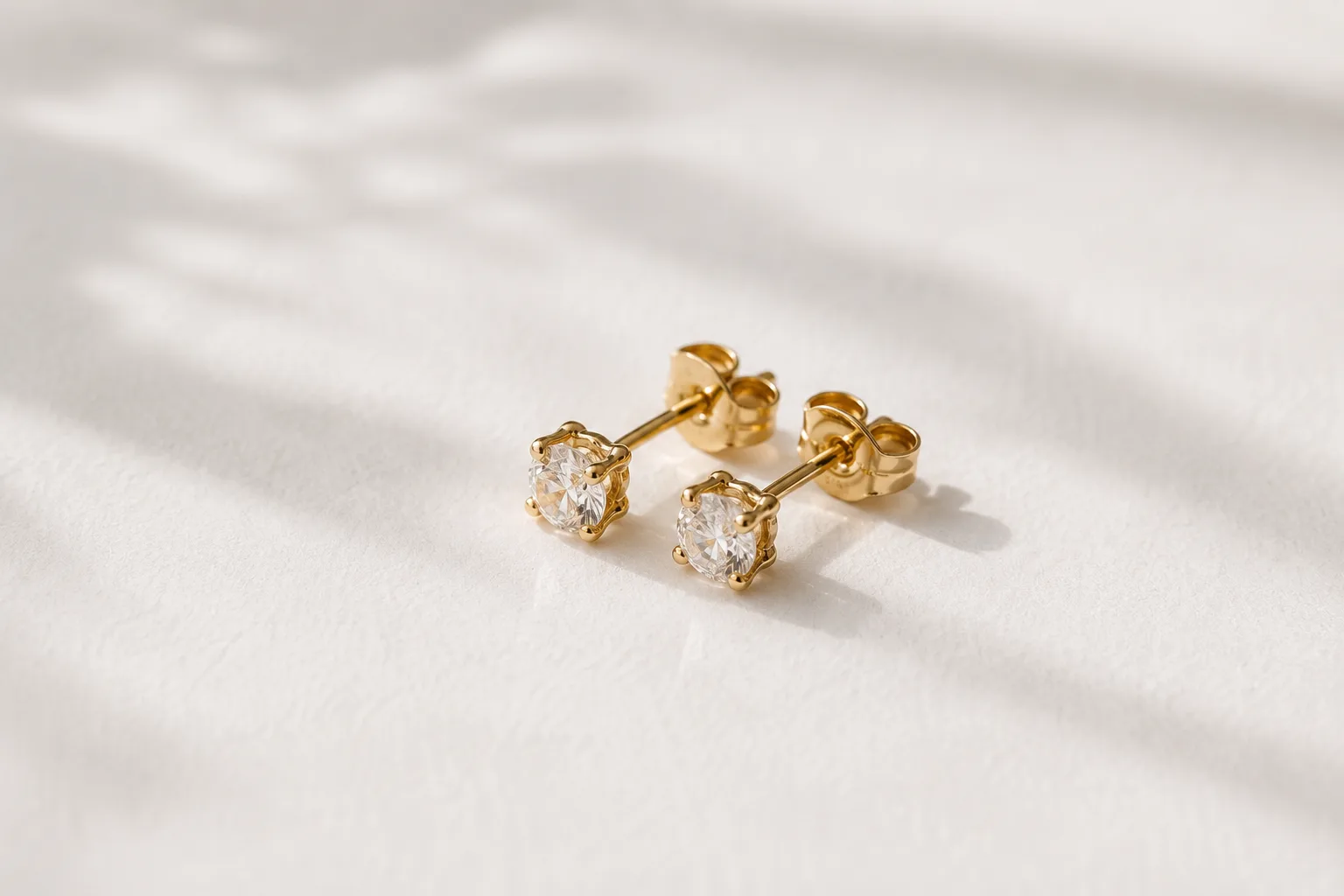
Composing Small Items and Accessories — Why They Look Dull and How to Fix It

Capturing Dogs' and Cats' Expressions — Fixing Motion, Darkness and Blur

Shooting Landscapes With Depth — Why They Look Flat and How to Level