Don't Miss the Moving Moment — Burst Mode for Pets and Kids
Published Jun 27, 2026
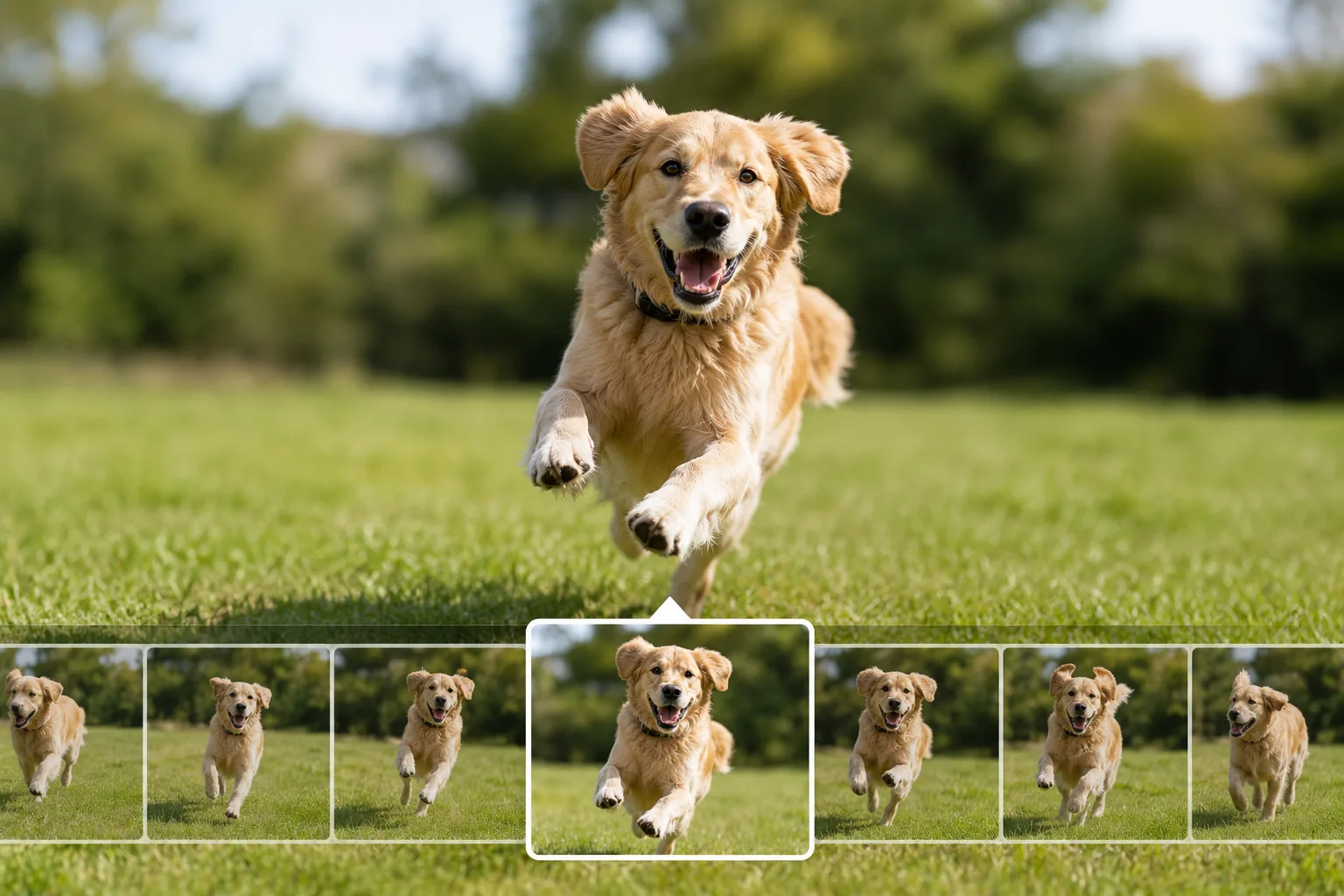
Burst shooting takes many frames in a row while you hold the shutter. It’s the most reliable way to not miss “the best moment” with a fast-moving subject.
When it helps
It suits fleeting motion — a running pet, a kid moving around, a jump or a splash. Aiming for a single frame tends to miss on timing or blur, but with a burst you can pick the keeper afterward (→ Photographing pets / Photographing babies and kids).
How to shoot it (iPhone / Android)
On iPhone, slide the shutter button to the left and hold to shoot a burst (slide down when holding the phone in landscape; there’s also a setting to burst by holding the volume-up button). On Android, many models burst when you press and hold the shutter. Lift your finger to stop. The trick is to start pressing a little before the motion begins.
Choosing and tidying up
Afterward, pick the best one or two from the burst group — the ones with the best expression, focus and least blur. Delete the rest to save space. Brighter places give bursts with less blur, so choose a spot with light when you can.
Start with just this
Hold the shutter from before the motion starts, and pick the best frame afterward. A bright place raises your hit rate further. That sharply cuts down on “I missed the moving moment.”
FAQ
How do I shoot a burst?
On iPhone, slide the shutter button to the left and hold to shoot a burst. On Android, many models burst when you press and hold the shutter. Lift your finger to stop. The exact action varies by model.
Won't bursts pile up too many photos?
They will. Afterward, pick the best one or two and delete the rest to save space. Some models have a feature to keep only your favorites from a burst group.
Related reading
Related subject guides

Capturing Dogs' and Cats' Expressions — Fixing Motion, Darkness and Blur

Capturing Kids' Natural Expressions — Fixing Blur and Darkness

Fitting Everyone in a Group Photo — Fixing Tilt, Darkness and Framing
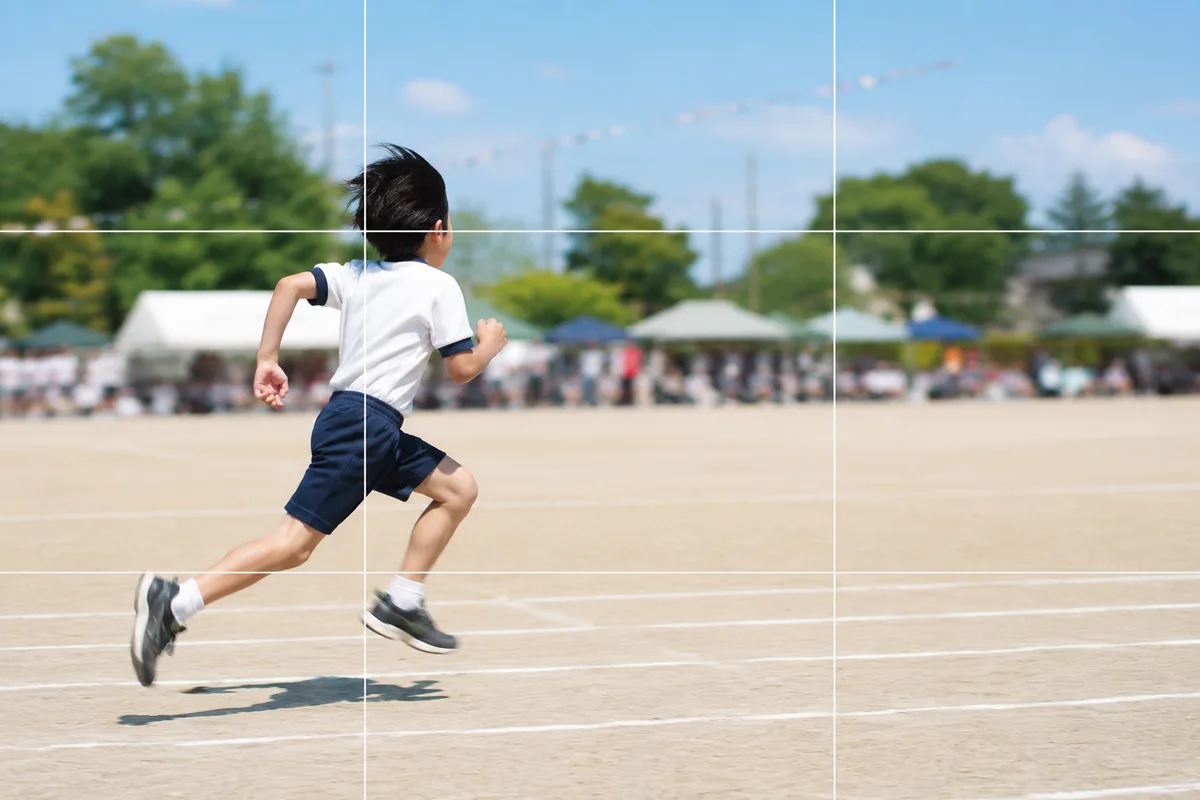
Shooting Kids Sharp at Sports Day — Fixing Blur, Distance and Backlight
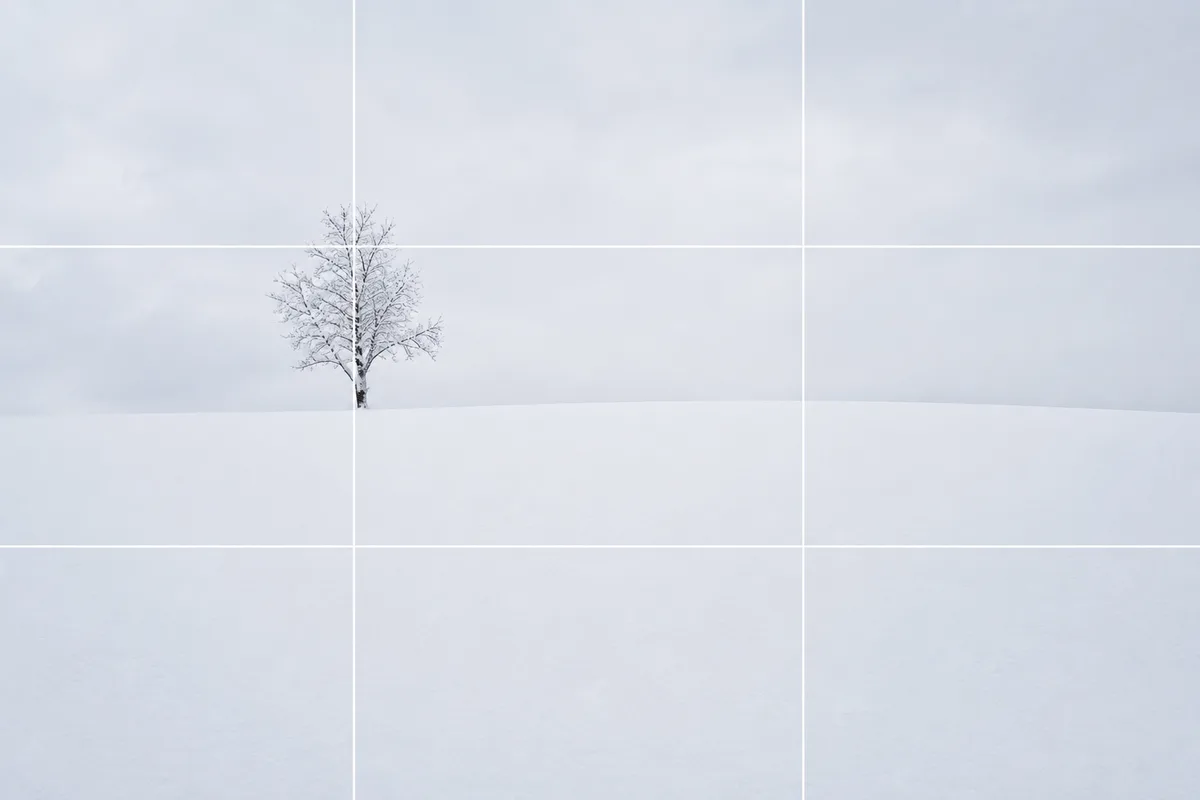
Shooting Snow Truly White — Why It Turns Gray, and the Fix
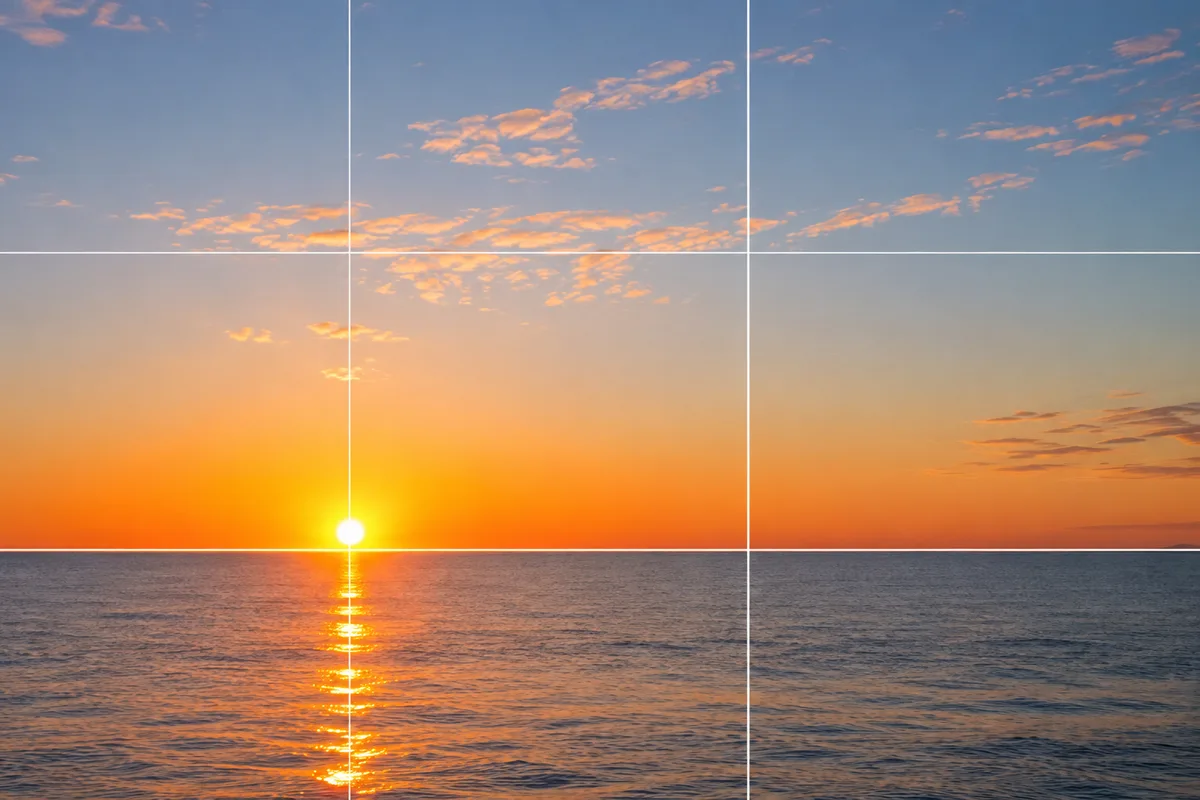
Shooting the New Year's First Sunrise — Fixing the Blown-Out Sun and Tiny Sun
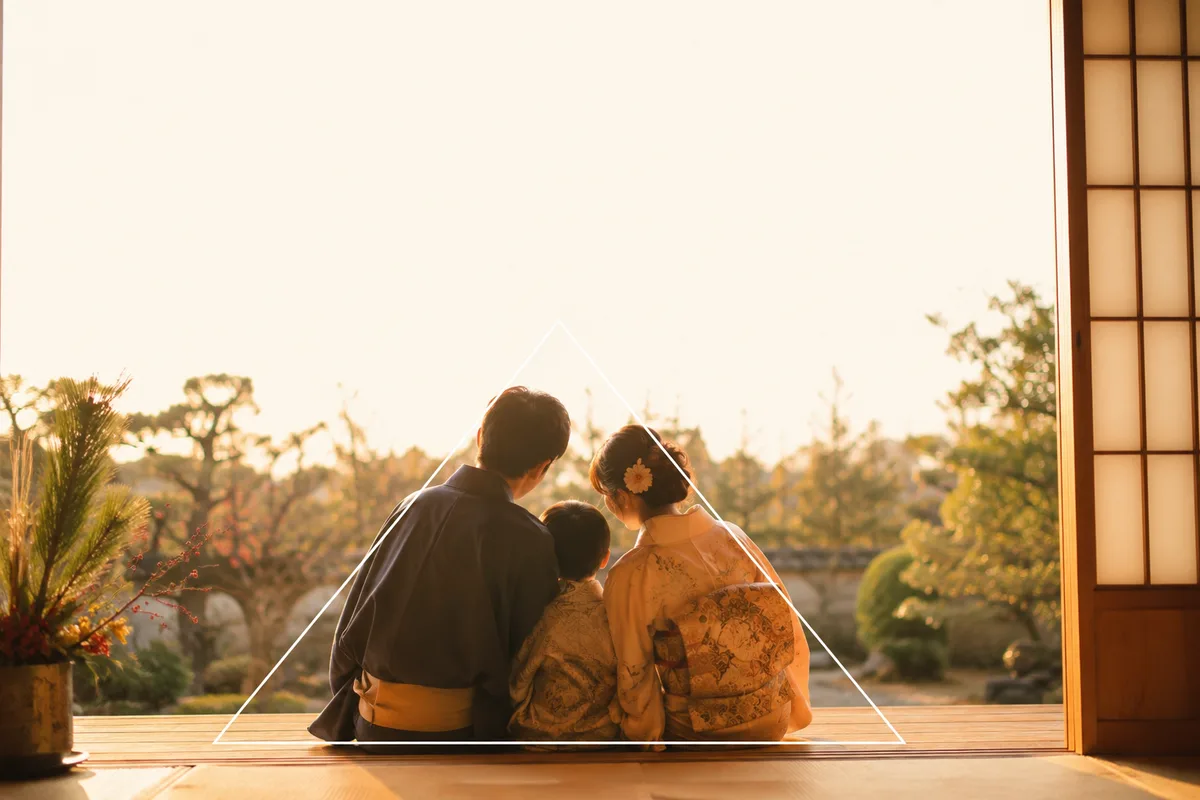
A Family Photo for New Year's Cards — Everyone In, Bright, with Room for Text
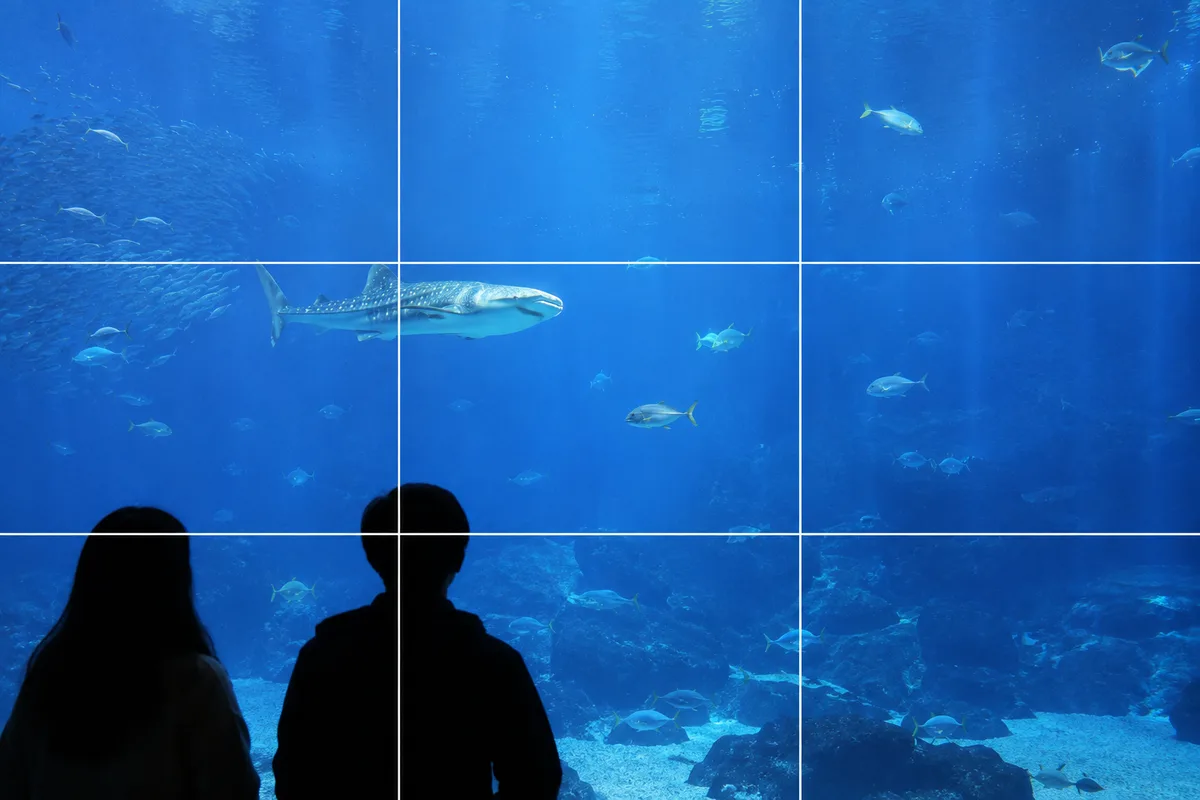
Shooting at Aquariums and Zoos — Fixing Glass Reflections and the Dark Indoors

Shooting at Photo-OK Concerts — Fixing Black Frames, Blur, and the Tiny Stage