Photographing Plushies With Seasonal Flowers — When the Plush Gets Buried
Published Jun 27, 2026
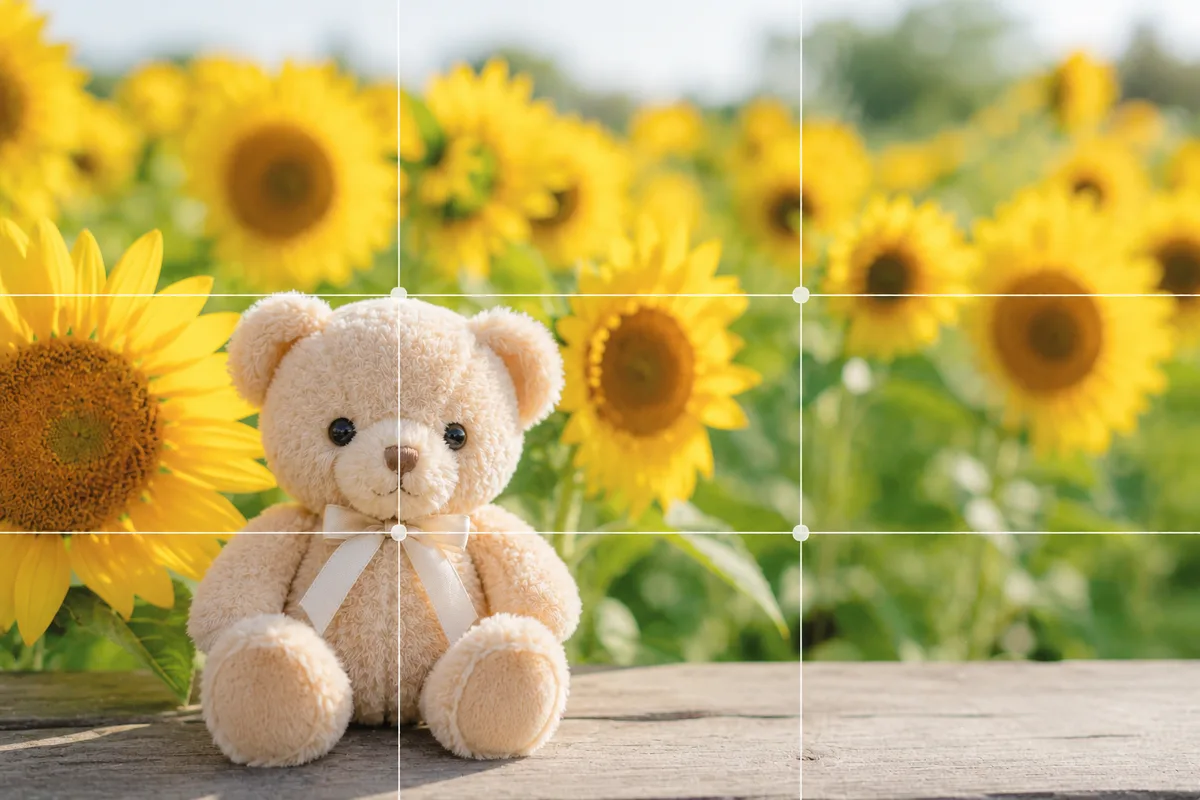
Shoot cherry blossoms, hydrangeas or sunflowers with a plush and the plush gets buried in the flowers or blurs. The causes: the flowers carry a lot of information while the plush sinks, and focus lands on the flowers instead. Place the plush in front, lock focus, and blur the flowers or use them as a frame, so the season and the plush coexist.
Focus on the plush in front and blur the flowers
When flowers fill the scene, the camera focuses on them and the plush tends to blur. Place the plush a little in front of the flowers, tap its face to set focus, and press and hold to lock it (AE/AF Lock) (→ How to use AE/AF Lock). The flowers behind blur softly and the plush stands out. For a stronger background blur, Portrait mode is handy (→ How to use Portrait mode).
Put it on an intersection and take seasonal space
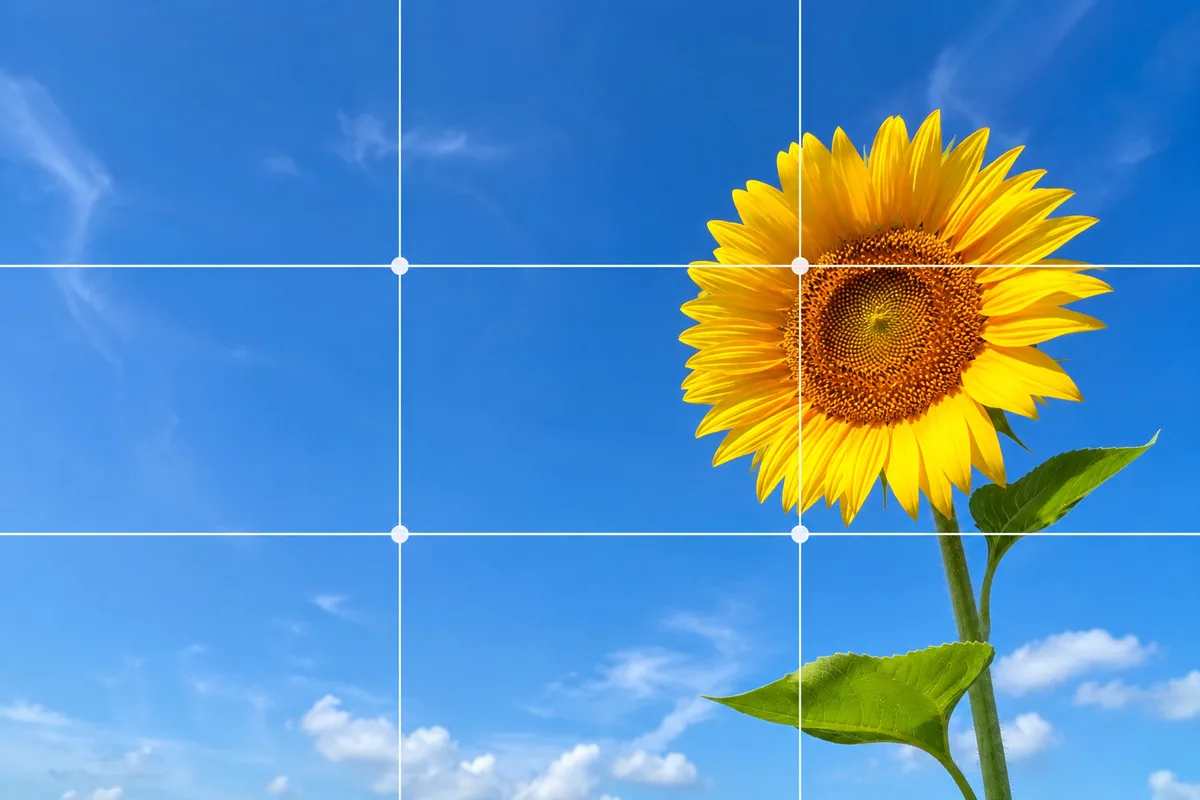
Place the plush on a rule-of-thirds intersection and leave flower or sky space ahead of its gaze, so the plush and the season blend (→ Rule of thirds). In full-bloom cherry blossoms or a sunflower field, filling the frame with flowers and placing the plush within brings out volume and color (→ Fill the frame).
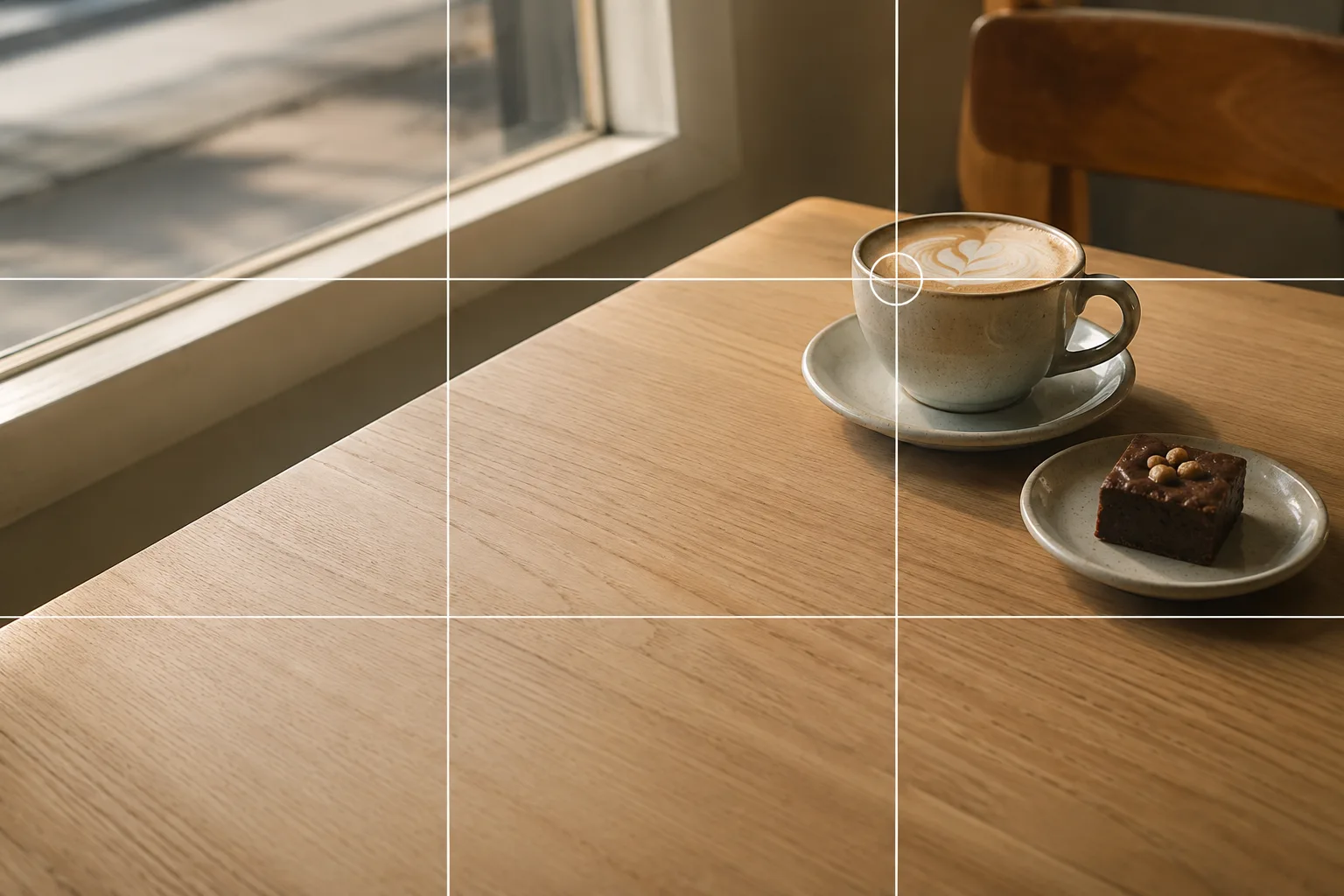 Composition guideRule of thirdsSee the full guide for this composition →
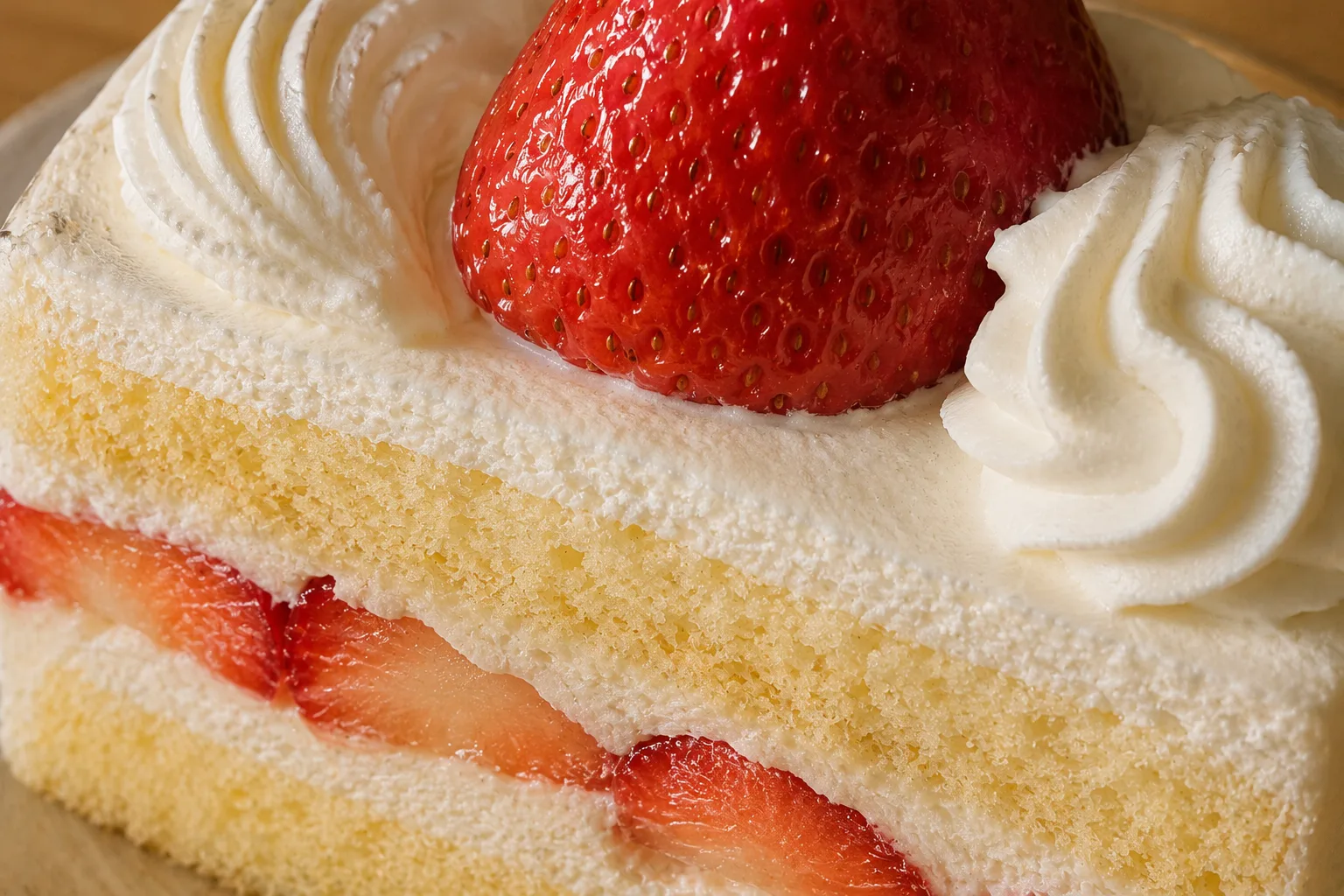 Composition guideFill the frameSee the full guide for this composition →
Use flowers or branches as a frame
Deliberately blurring foreground branches or flowers at the edges of the frame and peeking the plush through the gap frames it like a picture and amps up the seasonal feel (→ Framing). For shooting the flowers themselves, see Photographing flowers; for season-by-season tips, cherry blossoms, hydrangeas and sunflowers help too.
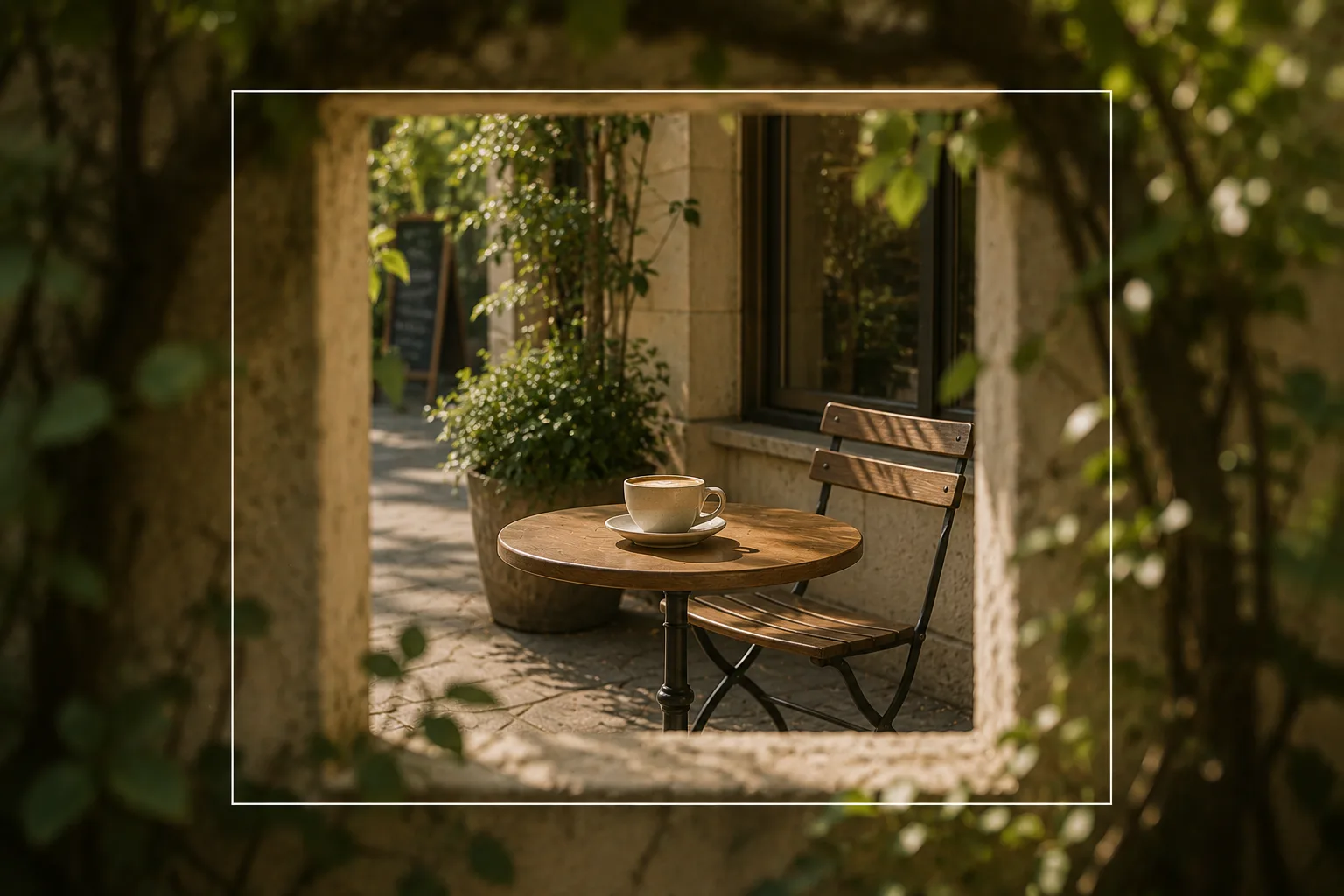 Composition guideFramingSee the full guide for this composition →
Start with just this
Place the plush a little in front of the flowers, lock focus on its face, and blur the flowers. Put it on an intersection and take seasonal space. Those two make the plush stand out clearly in seasonal-flower photos. For the basics, see Plushie photography basics too.
FAQ
My plushie gets buried in the flowers and doesn't stand out.
Place the plush a little in front of the flowers and focus on its face, so the flowers behind blur softly and the plush stands out. Portrait mode blurs the background even more.
The flowers come into focus and the plush blurs.
Tap the face of the plush in front to set focus and press and hold to lock it (AE/AF Lock). Leaving a little distance between the plush and the flowers makes "plush sharp, flowers blurred" easier to pull off.
Related reading
Compositions used
Related subject guides
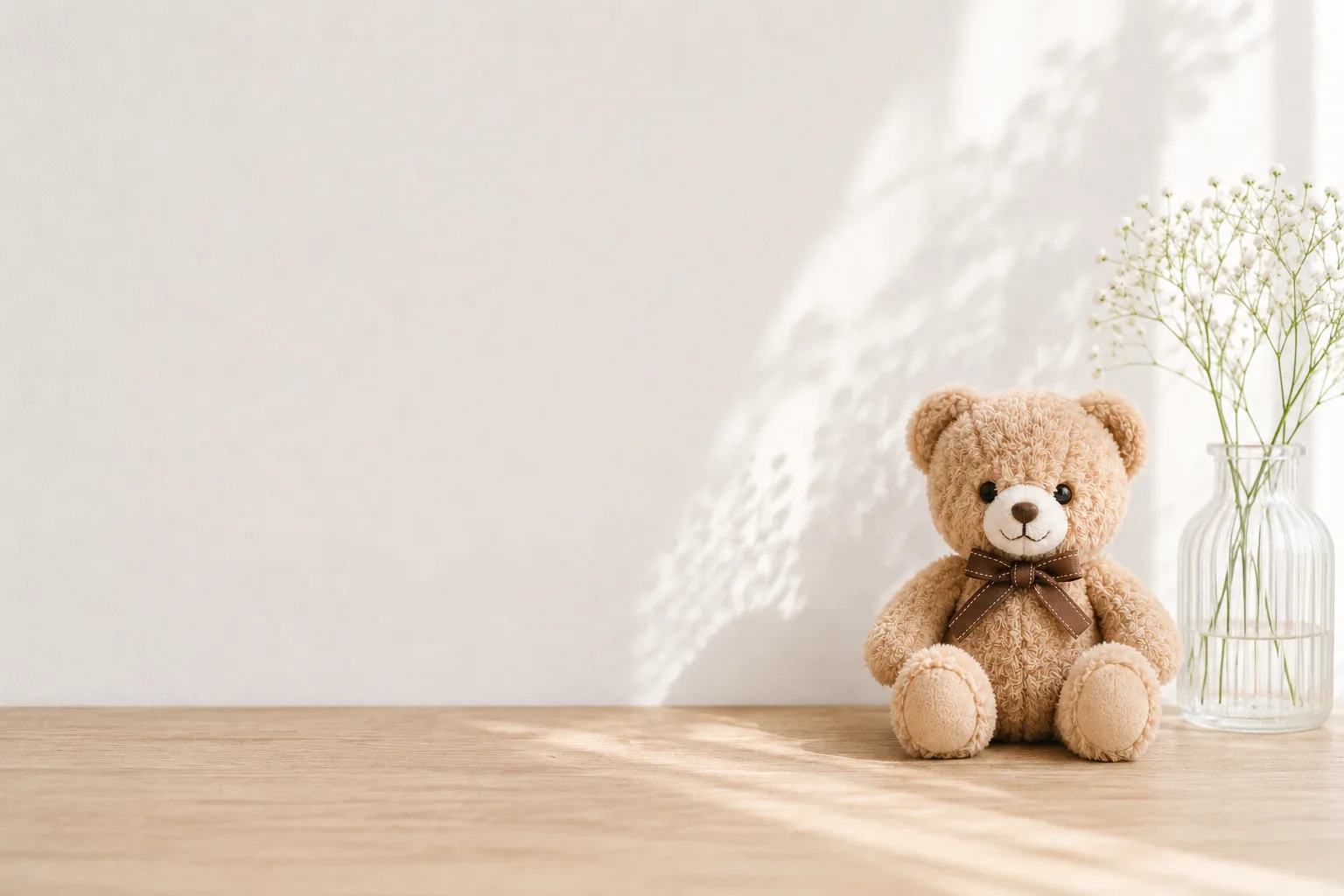
How to Photograph Plushies as the Star — Fixing Tiny, Blurry, Busy Shots
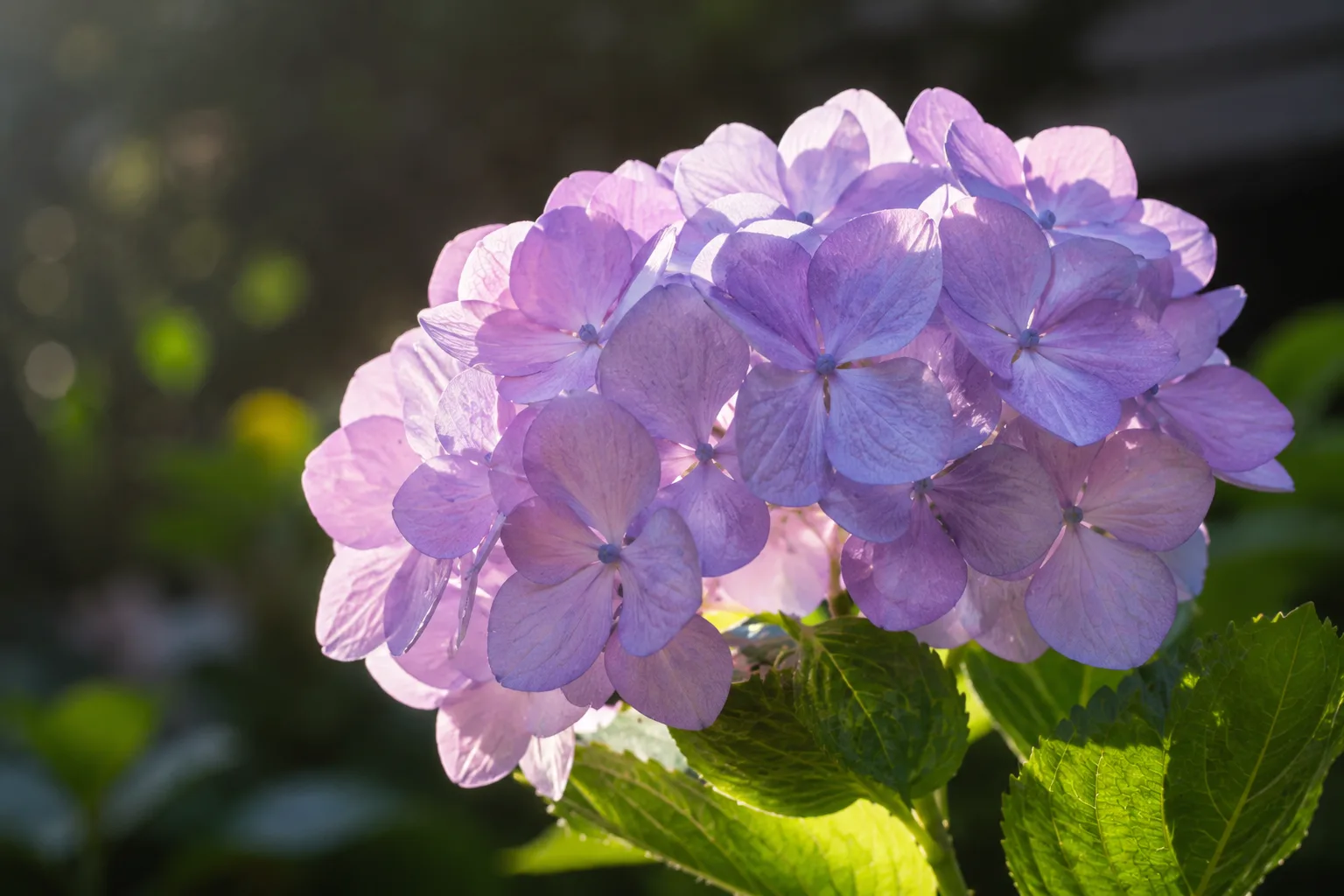
Composing Flowers That Stand Out — Closeness, Light and Background
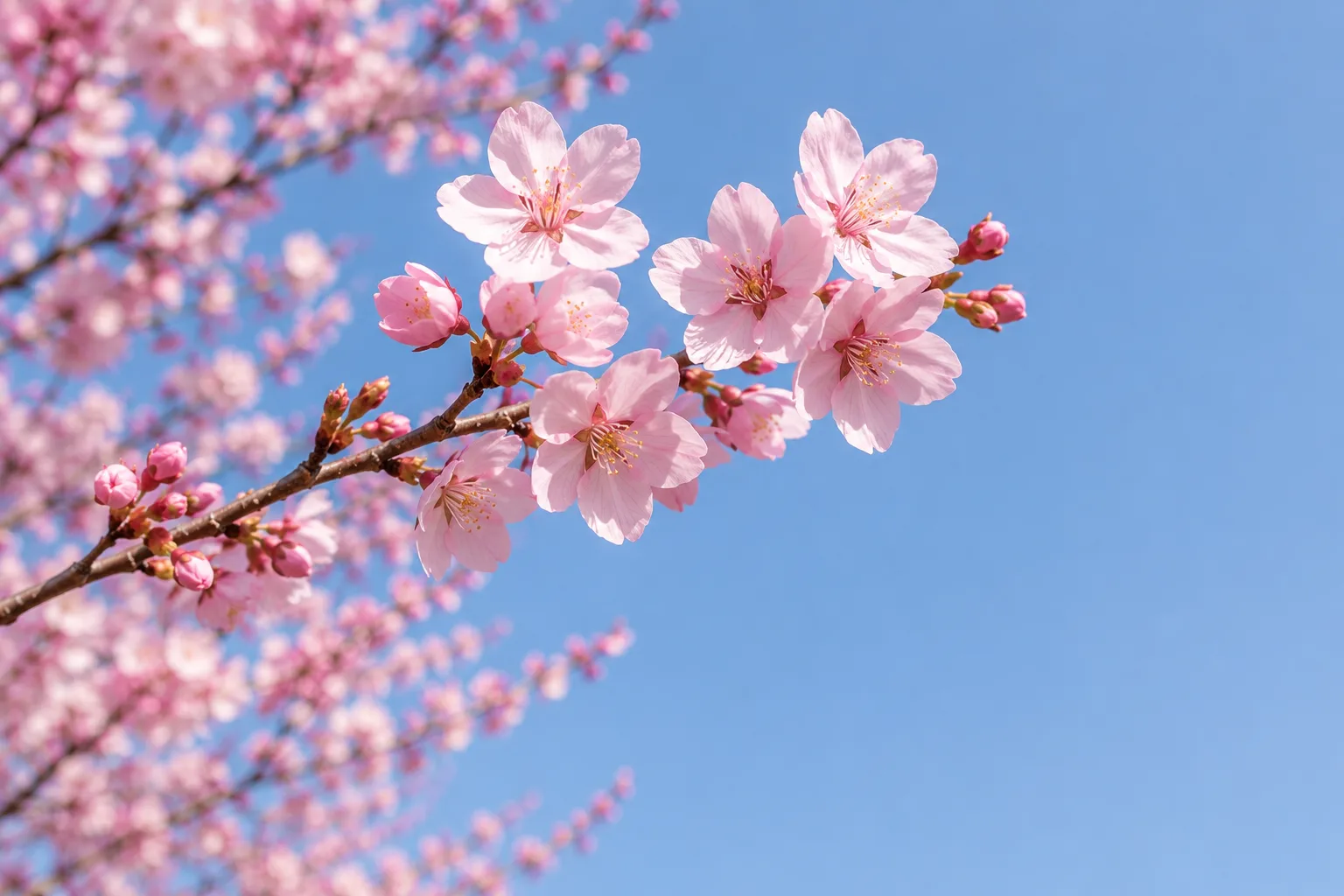
Shooting Cherry Blossoms Strikingly — Why They Wash Out, and Using Color and Sky
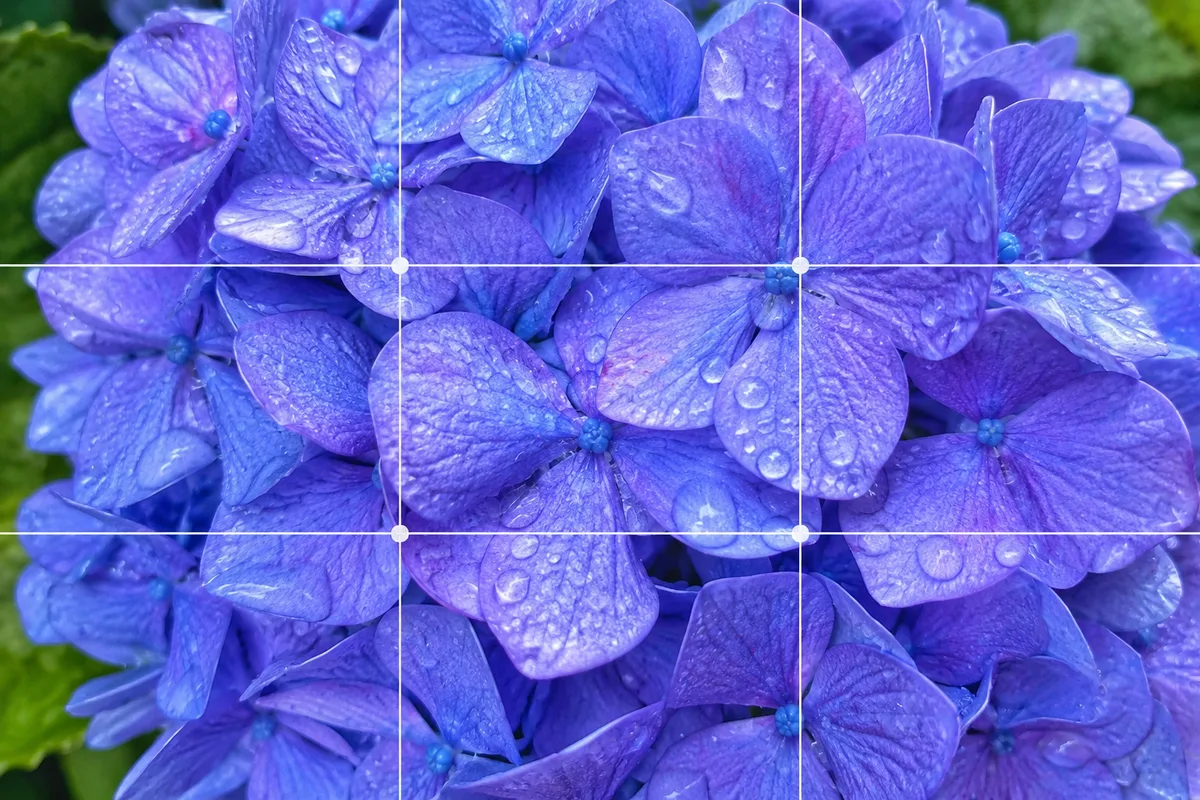
Shooting Fresh, Dewy Hydrangeas — Why They Look Hazy, and Bringing Out Color
Shooting Sunflowers Full of Energy — Why They Look Plain, and Using Blue Sky